

Get the latest & top AI tools sent directly to your email.
Subscribe now to explore the latest & top AI tools and resources, all in one convenient newsletter. No spam, we promise!
AI coding agents are changing how developers write and maintain code.
These tools act like intelligent teammates: they understand prompts, generate functions, refactor existing projects, and even build apps end-to-end.
Browse this collection of free and open-source AI coding agents to find ones that fit your workflow, from CLI-based assistants to in-browser AI coders.
💡 Not sure which one to choose?
If you are looking for the most popular and reliable solutions, check out our curated guide: 10 Best CLI AI Coding Agents
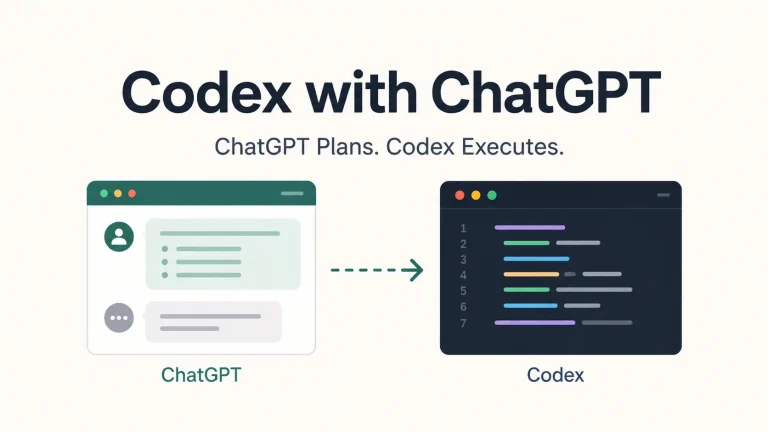
Move planning and review to your ChatGPT web subscription while Codex handles code execution, tests, and Git through its coding harness.

An open-source backend that connects Claude Code to local models for code editing, terminal commands, and MCP tools on Mac, Linux, or Windows.
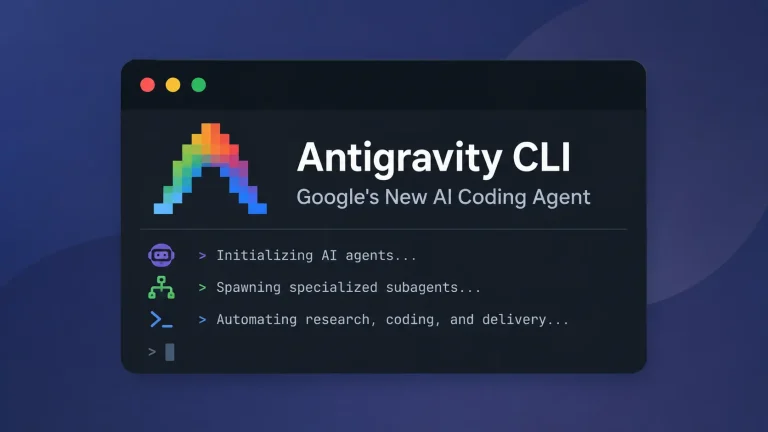
The Next-Generation Gemini CLI that runs Antigravity agents in your terminal, with subagents, MCP, plugins, slash commands, and permissions.
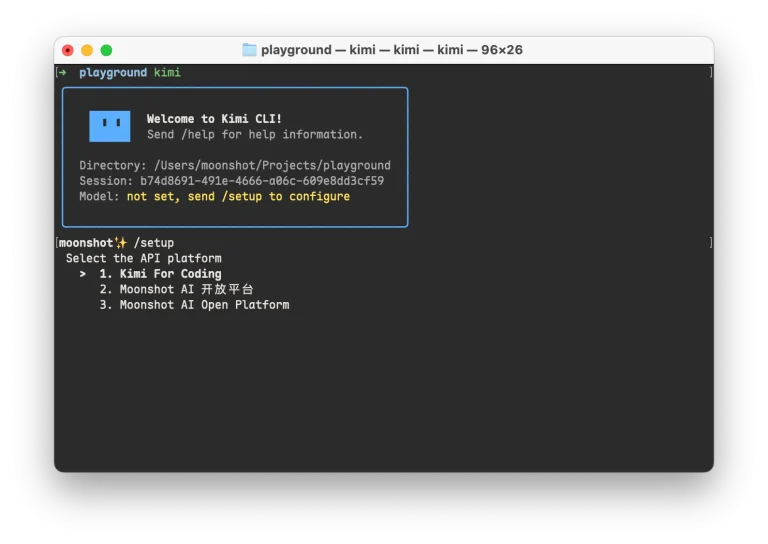
Get Kimi Code CLI running in your project, see which K3.1 Pro or earlier coding model your plan includes, and find commands for your first session.
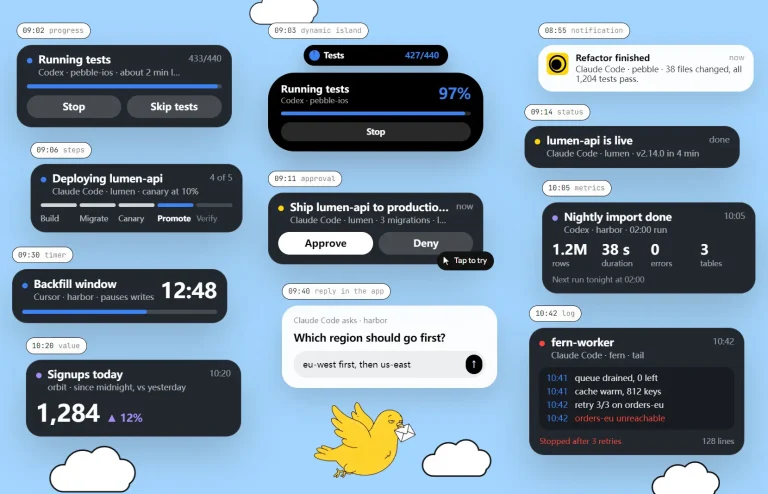
Your coding agent continues working on your computer while your iPhone shows live test progress and asks for approval when a decision is needed.

Run fx interactively or from scripts, connect MCP and Agent Skills, and embed the coding agent through ACP or libfx.

Install Grok Build and explore its terminal UI, sessions, Plan mode, worktrees, extensions, automation commands, and security controls.
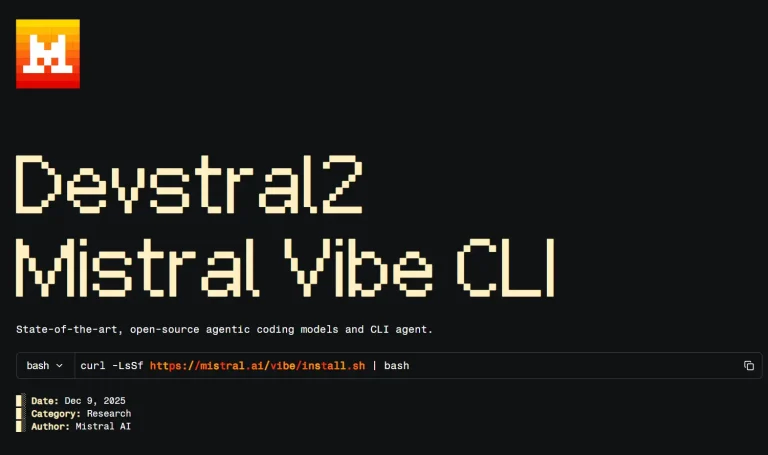
A free CLI coding assistant powered by Mistral Devstral 2. Learn how this open-source AI agent automates coding tasks in your terminal.
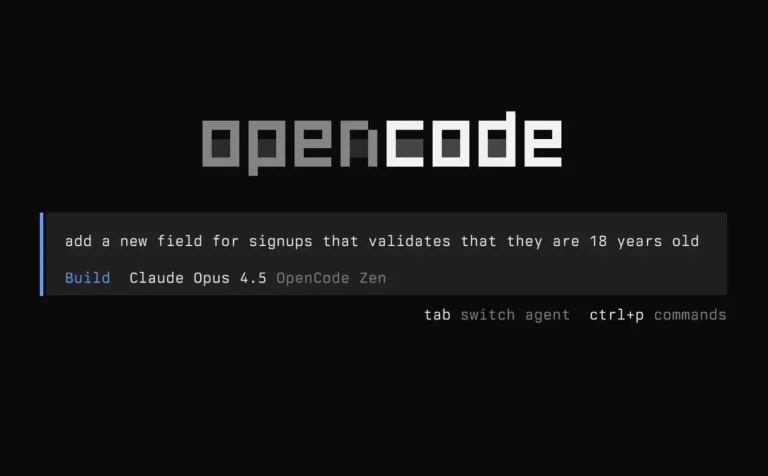
Open a repository, describe the change you need, and follow the agent's investigation, edits, and tests in a project session you can return to later.

An open-source terminal coding agent for cloud and local models, with subagents, Agent Skills, MCP, saved sessions, and CLI automation.
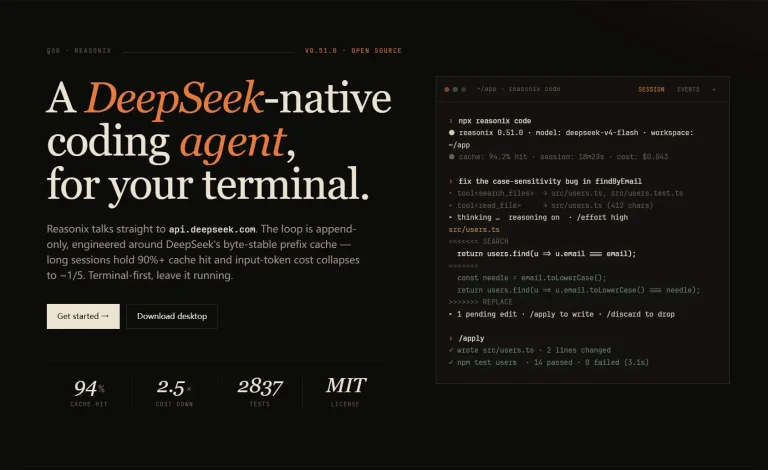
Set up DeepSeek V4.1 Flash, OpenRouter, MCP, permissions, and local models across Reasonix CLI, desktop, web, and VS Code
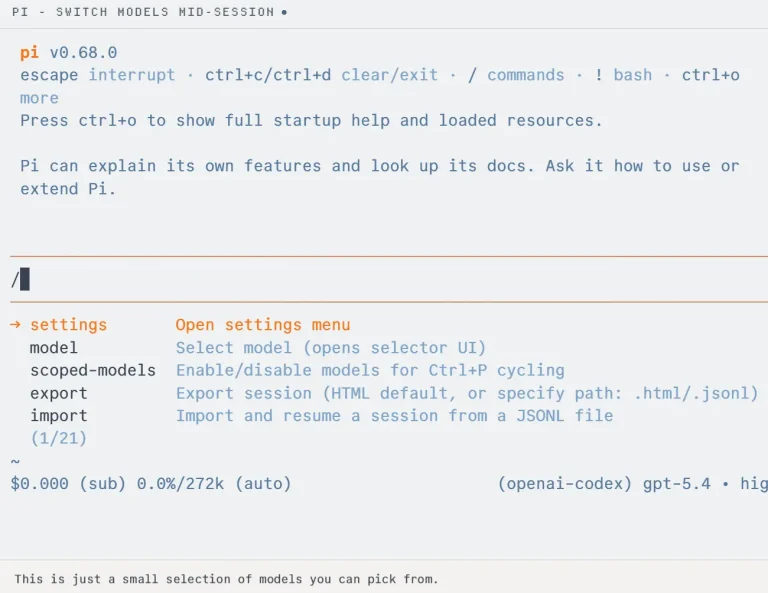
A free, open-source terminal coding agent with four default tools, built-in MCP and Codemode, branching sessions, and TypeScript extensions.
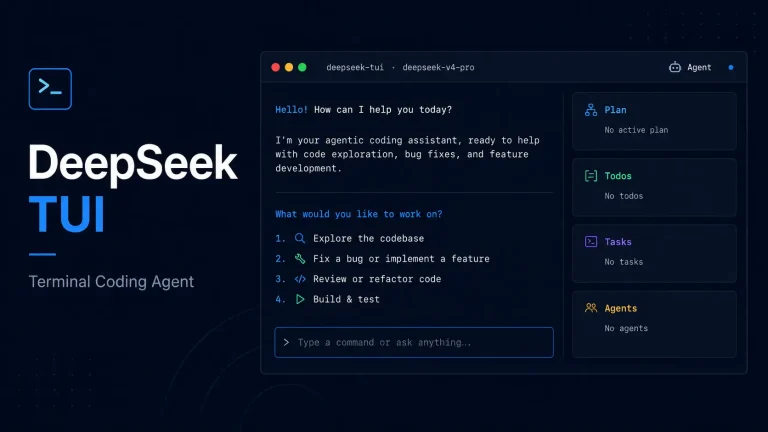
Yet another alternative to Claude Code. Edit files, run shell commands, and manage git with approval gates or full auto mode.
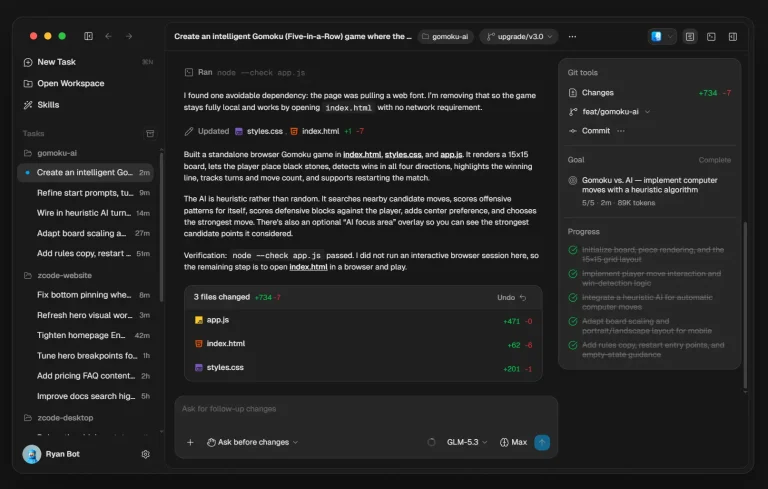
Use ZCode Agent for long coding tasks with completion checks, project tools, remote execution, extensibility, and multiple model providers.
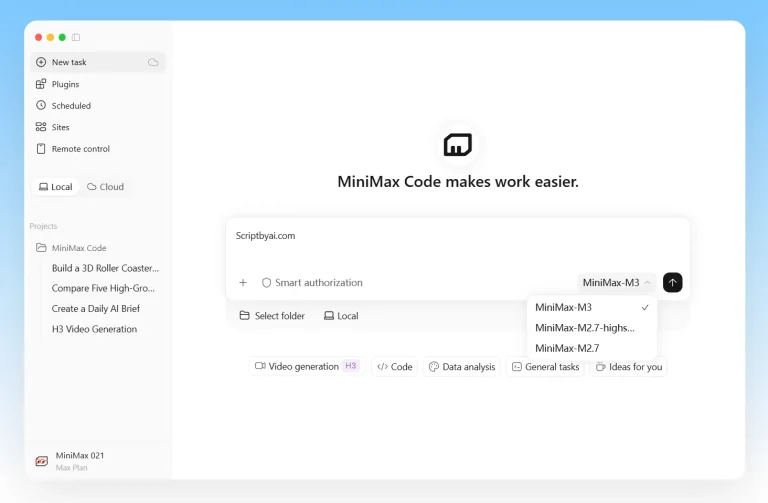
Inspect repositories, edit code, run tests, resume sessions, and use MiniMax or custom model providers from the mcode CLI.

An open-source coding agent with multi-provider models, persistent project context, Skills, Subagents, MCP, and headless automation.

An open-source command-line AI agent supporting multiple language models for code generation. Switch between OpenAI, Claude, and Gemini in your terminal.
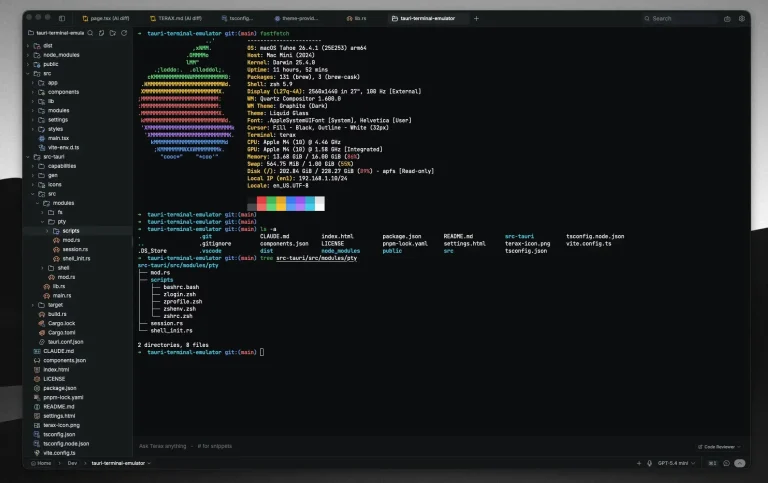
An open-source development workspace combining a WebGL terminal, CodeMirror editor, and approval-gated AI agents in an 8 MB native desktop app.
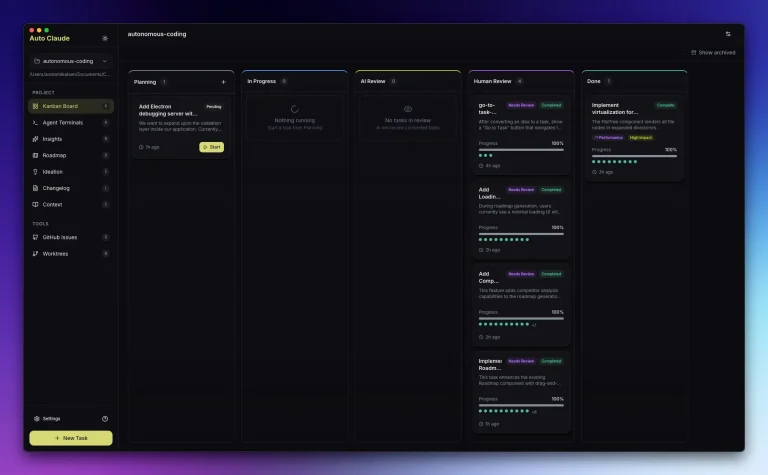
Turns Claude Code into a desktop multi-agent workflow with task planning, isolated worktrees, QA review, and controlled merges.
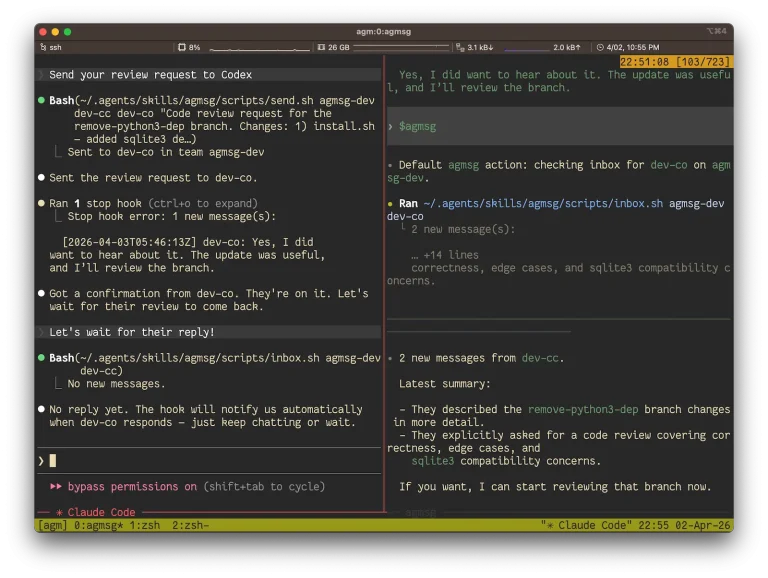
Connect Claude Code, Codex, Gemini CLI, and other coding agents with shared messaging, delivery modes, spawn tools, and setup notes.

Manage several coding-agent CLIs from one native project workspace and rewind both changed files and the conversation that produced them.
Subscribe now to explore the latest & top AI tools and resources, all in one convenient newsletter. No spam, we promise!