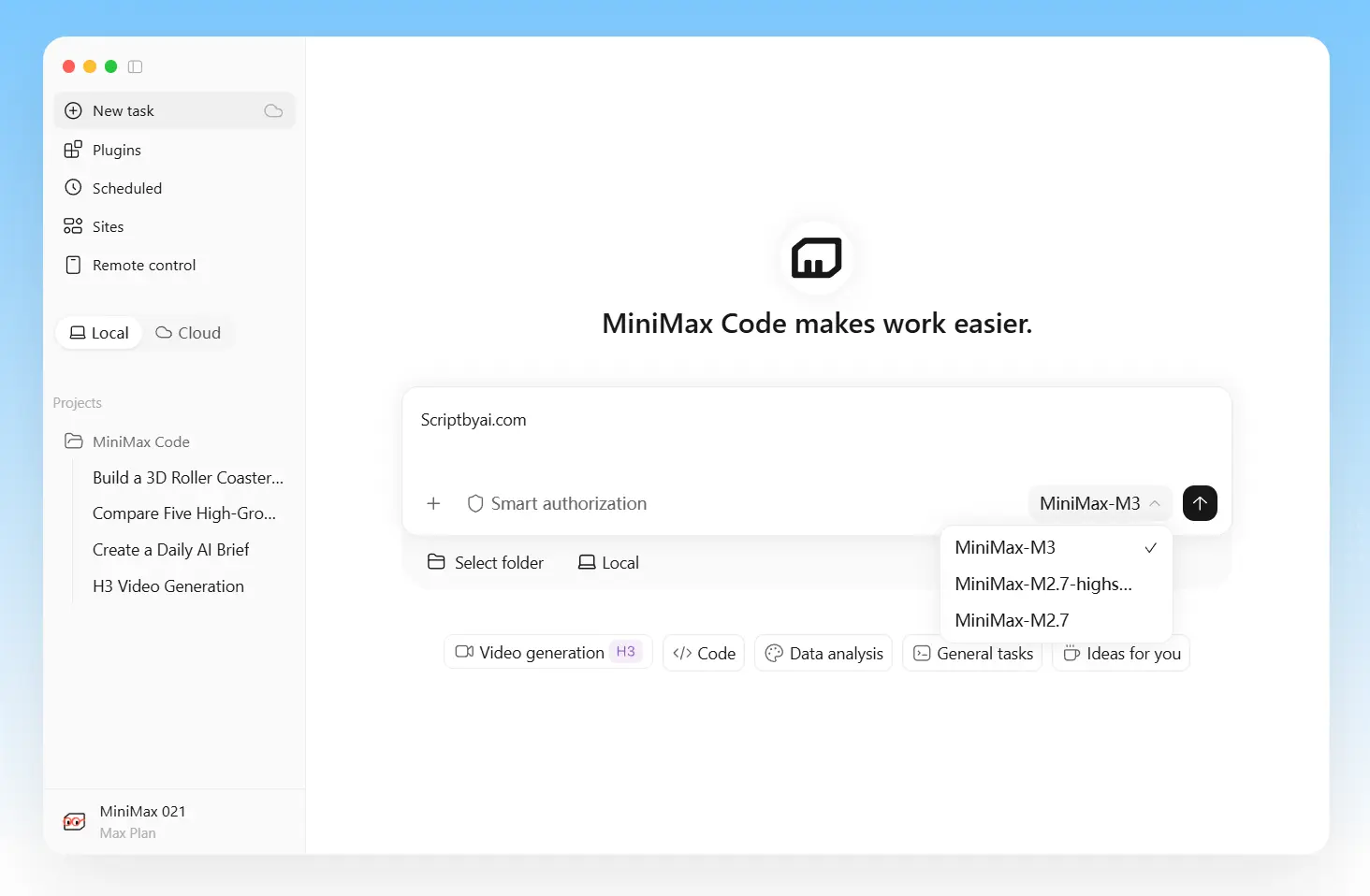
MiniMax Code is an open-source coding agent that works from your terminal. Open it inside a repository, describe the change you want, and it can inspect the codebase, edit files, run commands and tests, review the diff, and keep the task in a session you can return to later.
You can use MiniMax models or connect a compatible third-party or self-hosted model endpoint. Beyond the interactive TUI, MiniMax Code can run headlessly, connect to ACP-compatible editors, load Skills and plugins, call MCP servers, search the web, and accept image or video input.
Key Features
- Reads and edits repository files, runs commands and tests, and reviews diffs.
- Works with MiniMax models, third-party APIs, and compatible self-hosted endpoints.
- Resumes, forks, rewinds, compacts, exports, and copies coding sessions.
- Keeps long tasks active with Goals and optional token budgets.
- Opens temporary side conversations alongside the main task.
- Runs non-interactive tasks through
mcode execfor scripts and CI. - Connects to compatible editors and clients through ACP.
- Uses Skills, plugins, web search, media input, and project MCP servers.
- Controls agent actions through planning and permission modes.
Repository Work Across Longer Sessions
A bug report or requested change is enough to begin a MiniMax Code task. The agent can inspect the relevant files, trace related code, run the existing tests, make the edit, and check the result from one terminal session.
For an established repository, mcode init . can create or update AGENTS.md with project instructions such as coding conventions, protected files, and verification commands. Plan Mode lets you inspect the intended work before execution, and permission modes control how freely the agent can use shell commands and other tools.
cd /path/to/your/project
mcode "Find the failing test, fix the implementation, and run the relevant tests."
mcode init .
Goals, forks, rewinds, and side questions
Longer tasks can branch and evolve across a session. You can resume previous work, fork from an earlier point, rewind unwanted changes, compact a large history, or export the session. Goals keep one objective active across multiple turns and can carry a token budget.
The /btw command opens a temporary side conversation from the current session context. Use it to inspect a decision or ask a short question about the current work. The main session keeps its original task.
/goal Complete the migration and run the relevant tests
/goal budget=50K
/btw Why did you choose this implementation?
MiniMax Models or Your Own Models
MiniMax Code can use MiniMax account access, third-party services, relays, or self-hosted model servers. Custom providers connect through compatible OpenAI- and Anthropic-style endpoints.
A session or automated run can use its own model selection. The global default stays unchanged. Local and unknown models need their real context and output limits configured explicitly because MiniMax Code cannot infer those values from the model name.
export MCODE_PROVIDER_API_KEY="your-key"
mcode provider add \
  --name my-provider \
  --base-url https://example.com/v1 \
  --api-format openai-completions \
  --model my-model \
  --api-key-env MCODE_PROVIDER_API_KEY \
  --use
Terminal, CI, and ACP Editors
The interactive TUI handles exploratory coding and longer conversations. Automation can use headless execution, and ACP-compatible editors can connect through the built-in ACP server.
| Mode | Command | Useful for |
|---|---|---|
| Interactive TUI | mcode [prompt] | Repository exploration, coding, debugging, review, and long sessions |
| Headless | mcode exec [prompt] | CI, scripts, batch jobs, evaluations, and structured output |
| ACP | mcode acp | Compatible editors and other agent clients |
Search, Media, Skills, Plugins, and MCP
Repository files are one source of context. MiniMax Code can also use web search, accept image or video input, load reusable Skills, and connect to project tools through MCP. Plugins can package additional capabilities for recurring development tasks.
Remote project MCP servers deserve a security check before use. A server receives the workspace root when the connection is established, before the later tool permission prompt. For a sensitive repository, check whether exposing the workspace path to that service is acceptable.
How to Install MiniMax Code
macOS, Linux, and WSL
curl -fsSL https://filecdn.minimax.chat/public/install.sh | bashWindows PowerShell
irm https://filecdn.minimax.chat/public/install.ps1 | iexnpm
npm install -g @minimax-ai/code@latest \
  --registry=https://registry.npmjs.org/ \
  --ignore-scripts=false \
  --include=optional \
  --allow-scripts=@minimax-ai/code,better-sqlite3
Cost, Open Source, and Telemetry
The terminal TUI, headless CLI, ACP implementation, and related first-party code are published under an MIT-first licensing model. Model inference has its own cost. MiniMax-hosted usage depends on the relevant account plan or credits, and a custom provider uses that provider’s own pricing and limits.
Automatic TUI usage telemetry, runtime metrics, and automatic error diagnostics are disabled by default and use independent opt-in settings. These controls apply to telemetry only. Model calls, login, update checks, user-submitted feedback, MCP connections, and other requested network actions use their own network paths.
Pros
- MiniMax, third-party, and local model options
- Interactive, headless, and ACP entry points
- Forkable and rewindable coding sessions
- Goals and side conversations for long tasks
- Skills, plugins, search, media, and MCP
- Automatic telemetry disabled by default
Cons
- BYOK credentials saved in profile configuration
- Native SQLite dependency for npm setup
- Interactive Ask mode unavailable in headless runs
- Plugin installer limited to official and local sources
FAQs
Can MiniMax Code run completely locally?
A compatible self-hosted model endpoint can keep model inference on infrastructure you control. A fully local setup also depends on what else you enable. Web search, hosted models, remote MCP servers, managed services, plugin downloads, and update checks can create network traffic.
Can I use a different model for one project or one automated run?
Yes. Model selection can be attached to a session or supplied to mcode exec for one run. The configured global default stays unchanged.
Is MiniMax Code Desktop part of the open-source CLI project?
No. The public repository contains the terminal TUI, headless CLI, ACP implementation, and related first-party source. MiniMax Code Desktop is a different application, and its source is outside that repository.
Alternatives & Related Resources
- 10 Best CLI AI Coding Agents: Open-Source & Commercial
- Qwen Code: Open-Source AI Coding Agent for CLI, IDE & Desktop
- Kimi Code CLI: Open-Source AI Coding Agent with Skills & MCP Support
- Pi Coding Agent: Extensible AI Terminal Agent for Developers
- Mistral Vibe: Open-Source CLI Coding Agent and Claude Code Alternative
- AGENTS.md Guide: Format, Examples & Coding Agent Support