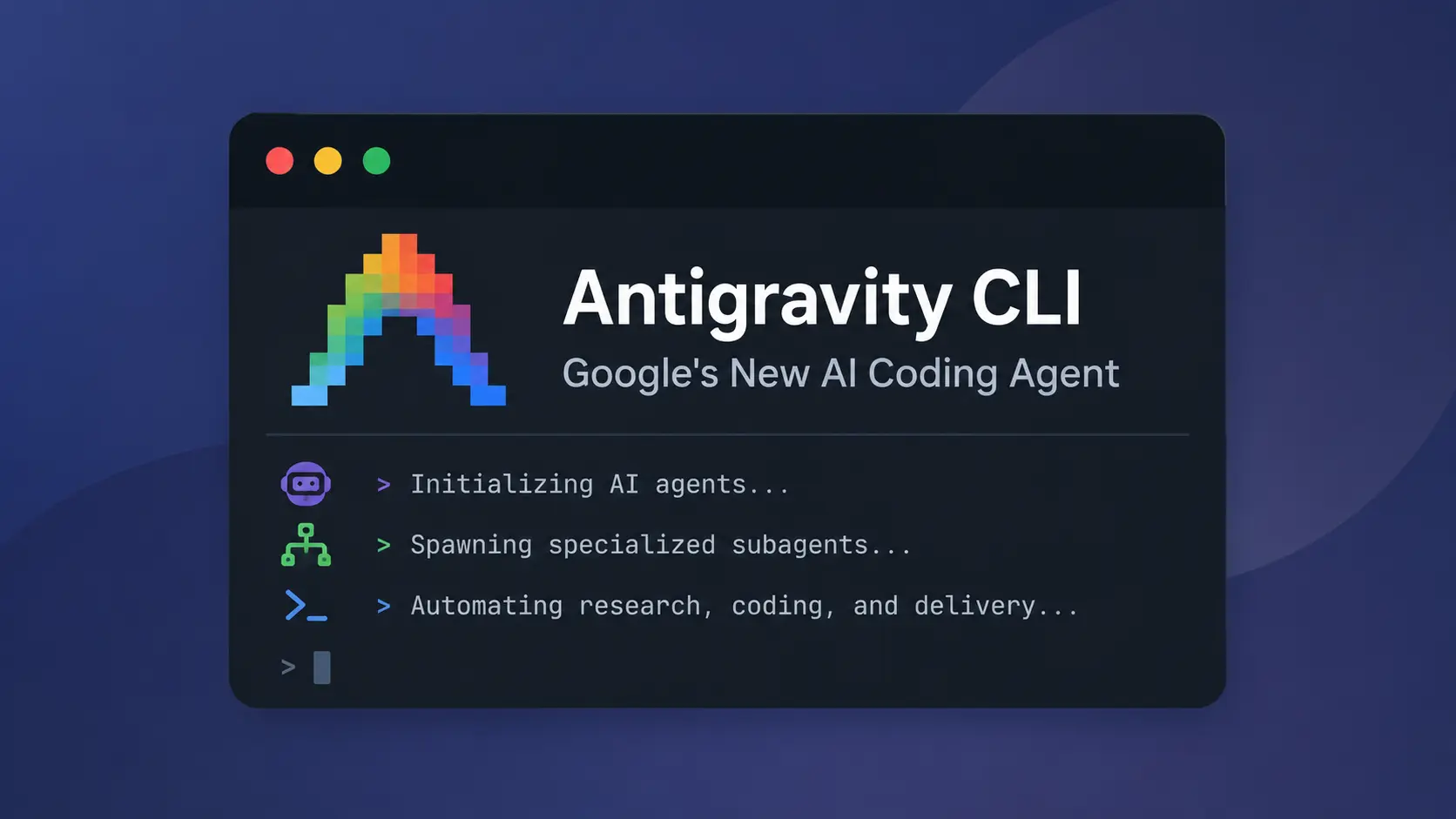
Antigravity CLI is Google’s command-line AI coding agent that runs inside your terminal and works directly with the repository you have open. Start agy in a project folder, describe the task in plain language, and the agent reads the codebase before it begins working through the relevant files, commands, and edits.
Default mode presents each edit as a line-level diff before it touches the files. You can approve it, reject it, or leave a comment. Bigger jobs can continue through nested subagents or background tasks. For scripts and CI jobs, -p runs the prompt non-interactively and returns text or structured JSON.
Features
- Search workspace code with regex, literal text, and file globs.
- Review file writes as line-level diffs.
- Switch among default, accept-edits, and plan modes.
- Run nested subagents and track background work below the prompt.
- Load skills, rules, hooks, plugins, custom agents, and MCP servers.
- Resume saved SQLite conversations from
/resume. - Keep subagent sessions out of the main
/resumelist. - Browse Git, Mercurial, and Jujutsu history.
- Open artifacts and edit confirmations in a full-screen viewer.
- Return text, JSON, or stream-JSON from print mode.
- Keep one scripted conversation open for newline-delimited prompts.
- Read clipboard images and files on Windows, macOS, X11, Wayland, and tmux.
- Edit prompts and review comments in optional Vim mode.
- Manage stdio and HTTP MCP servers from the CLI.
- Run the CLI as a Remote Control service for browser access to a development machine.
Use cases
- Understand an unfamiliar repository before changing code.
- Locate symbols, error strings, and patterns across a large workspace.
- Draft a fix and inspect every changed line.
- Divide a large investigation among several subagents.
- Run repeatable coding tasks from scripts or CI jobs.
How to install Antigravity CLI
Antigravity CLI has Windows, macOS, and Linux packages for x64 and ARM64 hardware. Choose the command for your terminal.
macOS or Linux:
curl -fsSL https://antigravity.google/cli/install.sh | bashWindows PowerShell:
irm https://antigravity.google/cli/install.ps1 | iexWindows Command Prompt:
curl -fsSL https://antigravity.google/cli/install.cmd -o install.cmd && install.cmd && del install.cmdRun agy after installation. A local session opens your browser for Google sign-in. Remote and SSH sessions print an authorization URL that you can open on another device. Enterprise access is configured with a Google Cloud project during onboarding.
To connect directly to the Gemini API, add "modelProvider": "gemini" to the CLI settings and set the GEMINI_API_KEY environment variable before starting agy. Set GOOGLE_GEMINI_BASE_URL only for a custom endpoint. The CLI reads its credential from the environment in this configuration.
How to use Antigravity CLI
Open a terminal in the repository and set any Gemini API credentials before launch. Then start an interactive session:
agy- Complete the Google or Google Cloud authentication flow if it appears.
- Describe the task and name any files, commands, or limits that matter.
- Press Shift+Tab to select default, accept-edits, or plan mode.
- Review each proposed diff and terminal permission request.
- Open
/tasksor/agentswhen the job starts background work. - Use
/resumeto continue a saved conversation.
Run Antigravity CLI with Remote Control
Antigravity CLI can run as a background Remote Control service on your development machine. Start the service with agy remote-control start, check it with agy remote-control status, and stop it with agy remote-control stop. Use --name <label> to assign a machine label or --session to limit the service to the active login session.
agy remote-control start
agy remote-control status
agy remote-control stop
Example prompts
- “Explain this repository’s architecture and identify the main entry points.”
- “Find the failing tests, propose a fix, and wait for approval before editing files.”
- “Create a migration plan for this project. Do not edit any files.”
- “Ask separate subagents to inspect the API, database, and test suite.”
Antigravity CLI commands and settings
For the full command, flag, keyboard shortcut, permissions, settings, and MCP reference, see the Antigravity CLI Cheatsheet.
| Command or setting | Purpose |
|---|---|
agy | Starts an interactive CLI session. |
-p, --print | Runs a prompt in non-interactive print mode. |
--input-format stream-json | Reads newline-delimited JSON prompts from standard input and runs one turn per message in one conversation. |
--output-format | Chooses text, json, or stream-json output for scripts and CI. |
--json-schema | Applies a custom JSON schema to structured output. |
-c, --continue | Resumes the most recent conversation for the current workspace. |
--conversation <id> | Resumes a specific conversation by ID. |
--agent, agent, agents | Selects a custom agent or lists available agents. |
--mode | Starts the CLI in default, accept-edits, or plan mode. |
--model, models | Selects a model or lists available models. |
--effort, /effort | Selects or changes the model’s reasoning-effort level. |
--project | Opens a specified project. |
--new-project | Creates a project during launch. |
agy remote-control start/status/stop | Registers, checks, or stops the Remote Control background service. |
--sandbox | Applies the terminal sandbox to interactive or print mode. |
/codesearch, /cs, /search | Searches workspace code. Regex is the default; -F or --literal selects exact text. f: and file: globs limit paths. |
agy mcp add/remove/list/enable/disable | Manages MCP servers in the user-level configuration. Server options include type, environment values, and headers. |
/agents, /tasks | Opens subagent and background task panels. |
/resume, /rewind | Continues a saved session or returns to an earlier point. |
/permissions, /settings, /config | Edits permission rules and persistent CLI settings. |
/model, /mcp, /skills, /hooks | Manages models and customization sources. |
/open, /add-dir | Opens a path or adds another workspace directory. |
/diff, /artifact | Opens code changes or artifact review. |
/goal, /btw | Runs a persistent goal or a side question. |
/keybindings, /help, /changelog, /feedback, /logout | Opens customization, reference, release, feedback, and account controls. |
AGY_CLI_CMD_OUTPUT_PERCENTAGE | Sets the maximum command output height as a terminal percentage. |
AGY_CLI_DISABLE_LATEX | Turns off terminal LaTeX rendering. |
stack_with_default | Stacks a custom status line above or below the default line. |
Configuration files
| File or directory | Purpose |
|---|---|
~/.gemini/antigravity-cli/settings.json | Stores CLI settings, permission rules, and the Gemini API provider setting. |
~/.gemini/config/projects/ | Stores project settings with higher permission priority. |
~/.gemini/config/hooks.json | Stores hooks shared across Antigravity sessions. |
<workspace>/.agents/hooks.json | Stores hooks for one workspace. |
mcp_config.json | Stores MCP commands, URLs, launch timeouts, and server settings. |
keybindings.json | Stores custom key mappings after /keybindings runs. |
~/.gemini/antigravity-cli/cache/ | Stores project mappings and conversation metadata caches. |
Permissions, sandboxing, and headless use
Request-review is the default mode. Before a file write, the CLI displays the proposed line changes and waits for your decision. New files receive an addition-only preview. The full-screen diff viewer also accepts line comments.
Permission rules can come from the project, shared Antigravity settings, or the CLI settings file. Writes outside the active workspace always require a separate permission decision. Prefer exact command rules. Regex rules need an explicit regex: prefix.
Print mode reads the saved policies for permissions, file access, sandboxing, auto-execution, and artifact review. If an action would open a confirmation panel, the CLI denies it and prints the required allow rule to standard error. Confirmation requests from nested subagents are relayed to the root conversation. If --print-timeout expires during a turn, the CLI returns available partial output and writes a warning to standard error.
MCP connections, tool discovery, and tool calls have timeouts. Custom launch timeouts accept -1 when a server needs an unlimited startup window. The agy mcp commands add, remove, list, enable, or disable user-level servers.
Antigravity CLI vs. Claude Code
Both CLIs inspect repositories, edit files, run commands, load reusable instructions, and connect MCP servers. Antigravity CLI accepts Google account, Google Cloud, and Gemini API key credentials. Its subagents can start deeper subagents. Claude Code connects through Anthropic and supported enterprise cloud providers.
| Antigravity CLI | Claude Code | |
|---|---|---|
| Agent service | Google’s Antigravity agent system, with Google sign-in, Google Cloud, or Gemini API key credentials. | Claude through a Claude account, Anthropic Console, or an enterprise cloud provider. |
| Model access | Availability and quotas vary across Individual, Google AI Pro, Google AI Ultra, Google Cloud, and direct Gemini API access. | Claude models through Anthropic, Amazon Bedrock, Google Cloud, or Microsoft Foundry. |
| Platform support | Windows, macOS, and Linux packages for x64 and ARM64. | Windows, macOS, and Linux packages for x64 and ARM64. Alpine Linux is also supported. |
| File review | Default mode pauses before each file write and displays a line-level diff. | Default permissions request approval for protected actions. Accept Edits and Plan modes change file access behavior. |
| Sandbox | The --sandbox flag applies to interactive and print sessions, including native Windows builds. | Sandboxing runs on macOS, Linux, and WSL 2. Native Windows sessions do not use the sandbox. |
| Automation | -p returns text, JSON, or stream-JSON and accepts stream-JSON input. Protected actions need matching allow rules. | -p returns text, JSON, or streaming JSON, with turn and tool limits. |
| Subagents | Nested subagents with permission requests relayed from deeper levels. | Foreground or background subagents. A subagent cannot start another subagent. |
| Team coordination | Nested subagents and background tasks inside the Antigravity task system. | Experimental Agent Teams with independent teammates and direct messaging. |
| Extensions | Plugins, skills, rules, hooks, custom agents, and MCP servers. | Plugins, skills, hooks, custom subagents, and MCP servers. |
| Other interfaces | The agent system and settings are shared with Antigravity 2.0. | Claude desktop, web sessions, and agent view. |
| Access cost | The Individual plan starts at $0 per month with basic weekly rate limits. | Pro, Max, Team, Enterprise, Console billing, or a supported cloud provider. |
Pros
- Line-level edit review.
- Nested subagent trees.
- Native Windows sandboxing.
- JSON and stream-JSON output.
- Direct Gemini API access.
- Built-in MCP management.
Cons
- Account-based quota limits.
- Complex permission setup.
- Headless actions need allow rules.
Alternatives and related tools
- 10 Best CLI AI Coding Agents
- Antigravity CLI Cheatsheet: Commands, Setup, Shortcuts, and Workflows
- Automate Anything: 10 Best & Open-source AI Agents
- Google Antigravity 2: Agent-First Dev Platform
FAQs
Q: Is Antigravity CLI free?
A: The Individual plan costs $0 per month and has basic weekly rate limits. Google AI Pro, Google AI Ultra, Google Cloud, and direct Gemini API access use separate quotas and billing terms.
Q: Which Antigravity CLI mode is safest for a new project?
A: Default mode is the safest starting point. It pauses before file writes and displays a line-level diff. Plan mode is better when you want analysis with no immediate edits. Accept-edits reduces review interruptions and needs tighter permission rules.
Q: Can Antigravity CLI run in CI?
A: Print mode runs scripted prompts through -p or --print and returns text, JSON, or stream-JSON. A long-running driver can send multiple newline-delimited prompts through --input-format stream-json. Protected actions fail until the saved policy contains a matching allow rule.
Q: Why does Antigravity CLI keep asking me to sign in on Linux?
A: Headless hosts and containers may lack the D-Bus session required by the OS keyring. The CLI bypasses the keyring in that environment. Direct Gemini API access is also available through GEMINI_API_KEY.
Q: Can a stuck MCP server freeze the agent?
A: No. MCP connections, tool discovery, and individual tool calls all have timeouts. Check the MCP panel and server logs when a call reaches its limit.
Last Updated: September 15, 2026