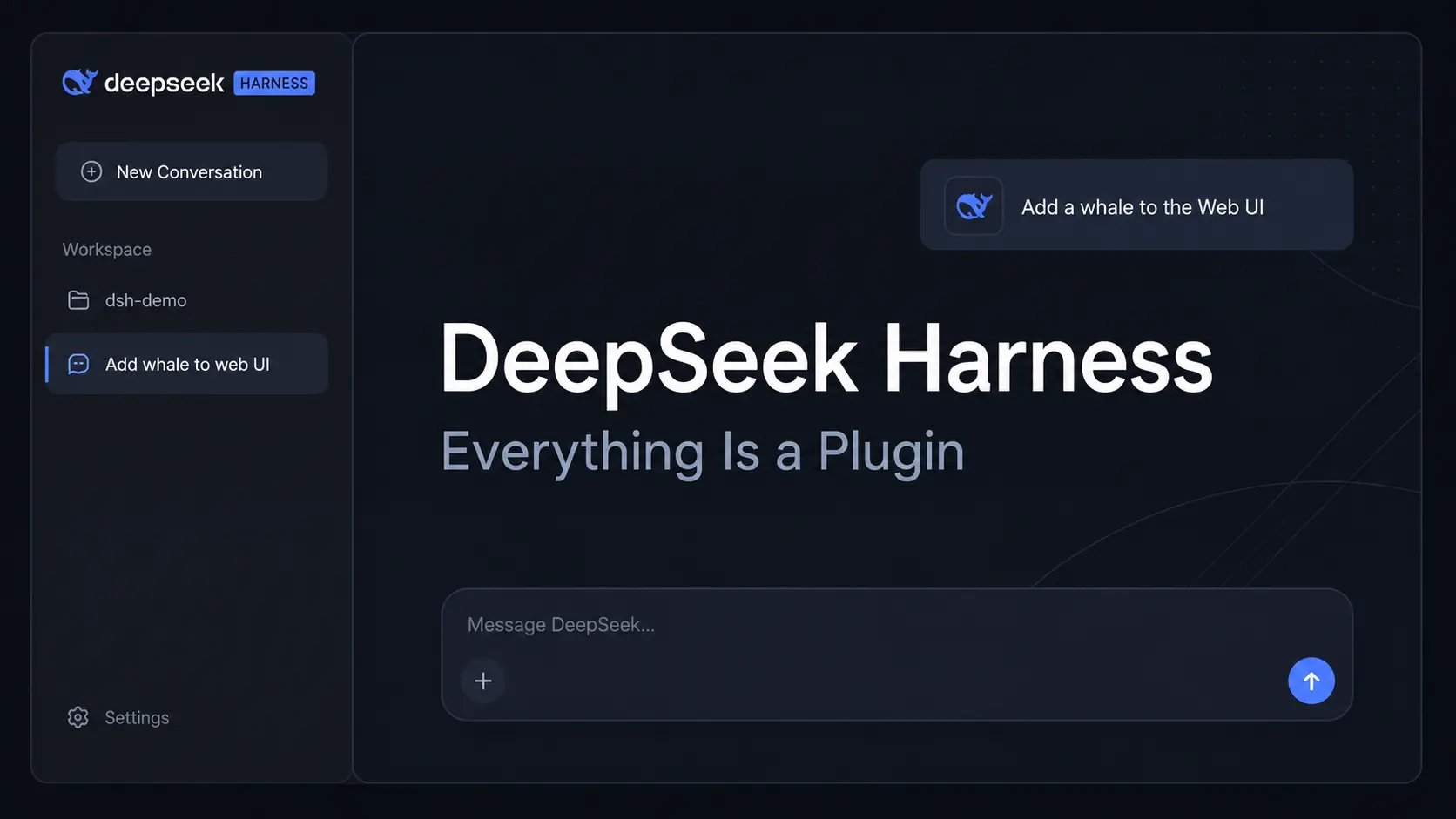
DeepSeek Harness (dsh) is an open-source AI agent harness from DeepSeek AI built around an everything-is-a-plugin architecture.
Models, tools, skills, sessions, sandboxes, storage, agent loops, scheduling, and the Web UI run as plugins on the Cordis kernel.
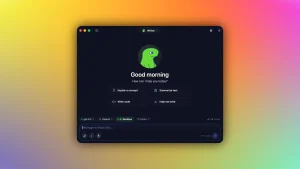
You can launch the Web UI, connect a model, choose a workspace, and use the agent to inspect files, run commands, edit code, delegate tasks, and keep a traceable session history.
Everything Is a Plugin
Cordis mounts plugins, resolves their dependencies, and connects the services and events they expose. DeepSeek Harness uses Cordis for the major parts of an agent. Configuration determines which pieces enter a profile and how they work together.
Best DeepSeek Harness Plugins: Find community plugins for memory, terminals, visual tools, search, browser control, and agent extensions.
| Role in DeepSeek Harness | |
|---|---|
| Models | Connect DeepSeek, catalog providers, or custom model endpoints. |
| Tools | Expose file editing, shell commands, search, MCP tools, and other callable actions. |
| Skills | Load reusable instructions and task-specific behavior. |
| Sessions | Store conversation state and the event history used for resume, fork, search, and replay. |
| Sandboxes & storage | Define execution boundaries and persistent runtime data. |
| Agent loops & scheduling | Control task execution, delegation, and scheduled jobs. |
| UI | Supplies the application layer used to operate the configured agent. |
Start with the Web UI
Installation
Install Node.js, open a terminal in the project directory you want DSH to work with, and launch the Web UI:
npx @deepseek-ai/dsh webA local launch opens the default browser automatically and serves the Web UI at http://127.0.0.1:3080 by default.
Add --no-open when you want the server to start without opening a browser. An SSH launch prints the host URL and leaves local forwarding to the SSH client or editor.
Connect a Model
Open Settings → Models. The DeepSeek card accepts a DeepSeek API key. Add provider loads an installed catalog provider such as Anthropic or OpenAI. Add a custom provider accepts a company gateway, self-hosted server, or another compatible endpoint.
Choose the Workspace
Click Choose workspace, register the project directory, and select it. The session composer becomes available after a workspace is selected. The directory that launched dsh is the default filesystem location.
Run the First Task
Start with a read-oriented request that confirms the correct repository is open before asking the agent to change files:
Summarize this repository and identify its main packages.The Web UI can preview Markdown, code, HTML, PDF, and image files in a right-side Sidebar with tabs, split views, and fullscreen viewing. Workspace files can also be opened in an installed editor, IDE, terminal, or file manager from the top bar.
Run It from Source
The repository can also run from a local checkout:
git clone https://github.com/deepseek-ai/deepseek-harness.git
cd deepseek-harness
pnpm install
pnpm run build
pnpm dsh web
Use Files and Images in Agent Tasks
The Web UI accepts general file uploads as well as images. Files and images share one preview area, uploads can continue in the background with progress and cancellation controls, and upload status persists when you switch conversations. The agent can read saved uploads through the available file tools.
DeepSeek V4.1 Flash is available through the official DeepSeek adapter as deepseek-flash. It accepts text and image input and can update the system prompt inside conversation history.
The DeepSeek adapter can upload images through the Files API, reuse uploaded files, and preprocess images before a request. Custom providers need an explicit image declaration when their model metadata does not define one. A manually configured vision model can declare input: [text, image] in $DSH_HOME/settings.yaml, and the endpoint must accept that input type.
Every Run Is Traceable
DeepSeek Harness records what the model sees in an append-only session log: system prompts, reasoning, tool calls and results, subagent scheduling, and injected context. The Trajectory view exposes those records by source. Resume, fork, search, and replay operate on this event stream.
The saved event stream contains the run behind the visible chat transcript. You can return to ongoing work, continue an existing session, or branch from an earlier point.
DeepSeek Harness v0.1.5-rc.1 upgrades session data to format V3. Eligible older logs are migrated into new files while the originals are preserved. Custom session-log readers need V3 compatibility, and sessions upgraded to V3 cannot be read by older Harness versions after a downgrade.
Profiles Turn Plugins into Reusable Agent Setups
A profile tells dsh which plugin bundles to load. Its directory contains a package.json with the ordered bundle list and out-of-tree dependencies, plus a cordis.patch.yml for profile-specific configuration. Home-level and command-line patches can modify the final composition.
DSH ships profiles for Web, headless, SDK, minimal SDK, and ACP use. Custom profiles can package a repository agent or a selected collection of plugin bundles and configuration.
Claude Code, Codex, and Continuable Subagents
Claude Code and Codex are available as install-on-demand Profile Bundles and can run as subagent backends. Continuable subagents can receive queued follow-up messages, and queued messages can be edited, deleted, steered, or stopped before or during delivery. Their tasks appear alongside other delegated Harness jobs.
DeepSeek Harness also ships experimental Agent Teams packages. They are installable but are not enabled by default, and a profile must explicitly include them.
The main launcher commands:
| Command | Purpose |
|---|---|
dsh web | Starts the Web UI profile. |
dsh --profile <name> | Starts the specified profile. |
dsh --profile headless "job" | Runs one fresh persisted session, prints the final response, and exits. |
dsh plugin --profile <name> <pnpm args> | Manages plugin dependencies inside the selected profile. |
Choose an Agent Preset
DSH includes four built-in agent presets. Each preset changes the tool presentation and runtime behavior inside a session.
| Preset | What It Contains |
|---|---|
| Standard | File editing, shell, file and web search, skills, planning, goals, subagents, and workflows. |
| PTC | Full coding-agent capabilities except the workflow tool. Other tools are exposed through the PTC mode SDK for multi-step orchestration in TypeScript. |
| Minimal | A persistent shell only. str_replace_editor must be enabled explicitly. Windows uses persistent PowerShell sessions. |
| Creator | Standard capabilities plus runtime inspection, in-memory plugin experiments, and preset authoring. |
Connect DeepSeek or Another Model Provider
DSH uses DeepSeek as the default AI model provider. In the v0.1.5-rc.1 release candidate, the official adapter uses DeepSeek V4.1 Flash (DeepSeek-V41-Flash, model ID deepseek-flash) for new sessions unless the active configuration selects another model.
You can also configure providers such as Anthropic and OpenAI, provider catalogs, or custom OpenAI-compatible endpoints.
API keys entered through the Models page are write-only. DeepSeek credentials are stored in $DSH_HOME/.credentials.yaml, while settings keep a credential reference. A custom provider ID is permanent after creation.
Configured models will appear in the model picker. Selecting one sets the default for new sessions. A session that has already sent a request keeps the model recorded in its own log.
Custom Gateway Compatibility
Some OpenAI-compatible gateways use a request shape that differs from OpenAI’s. A custom provider that rejects the developer role or expects max_tokens can set these compatibility values in $DSH_HOME/settings.yaml:
llm-pi-ai:
  providers:
    my-gateway:
      compat:
        supportsDeveloperRole: false
        maxTokensField: max_tokens
Use DeepSeek Harness from Python
The Python SDK is the programmatic entry point to the agent runtime. It requires Python 3.10 or newer, Git, a compatible model endpoint, credentials, and an isolated workspace. Runtime packages are available for Linux x64, Linux arm64, macOS 14 or newer on Apple silicon, and Windows x64.
Install the published SDK with its bundled runtime:
python -m pip install deepseek-harness-sdkThe bundled runtime does not need a system Node.js installation for normal SDK execution. The default sdk-minimal profile provides a persistent shell and omits filesystem tools, Web tools, subagents, managed credentials, telemetry, and compaction unless the profile is extended.
A Python program creates a DeepSeekHarness instance with its provider, model, workspace, Harness home, and profile, then calls run() with a task. Reusing the harness, home, and session ID continues the durable conversation and its session-owned resources.
Developer Preview and Safety
DeepSeek Harness is experimental developer-preview software and has not undergone a security audit. The project can run model-generated commands and code, load third-party plugins, and access the files, processes, network connections, and credentials available to its runtime.
Sandboxing, approval prompts, and permission controls reduce risk but do not guarantee isolation. Run the project with limited privileges, keep backups, and review plugins and proposed commands before execution. Use a disposable virtual machine, container, or dedicated environment for higher-risk testing.
Pros
- One plugin model across the agent stack
- Community plugin discovery through
dsh-plugin - Text and image input with DeepSeek V4.1 Flash
- Claude Code and Codex subagents through Profile Bundles
- Web UI, headless CLI, PTC orchestration, and Python SDK
- Traceable session history with resume, fork, search, and replay
Cons
- Plugin and profile composition takes time to learn
- Developer preview releases can include compatibility-breaking changes
Alternatives & Related Resources
- DSH Desktop: Run DeepSeek Harness as an Open-source Desktop App
- CodeWhale (DeepSeek TUI): Free, Open-source Claude Code Alternative
- Reasonix: Free DeepSeek Coding Agent with Cache-First Cost Control
- Pi Coding Agent: Extensible AI Terminal Agent for Developers
- Kimi Code CLI: Open-Source AI Coding Agent with Skills & MCP Support
- Automate Anything: 10 Best & Open-source AI Agents
- DeepSeek Timeline: Model Release Dates and Key Milestones
- Vercel fx: Open-Source Native AI Coding Agent in Zig
FAQs
Is PTC mode the same as the old Code mode?
Yes. Code mode was renamed PTC mode. In the current preset, most tools are exposed through the PTC mode SDK, and the model can orchestrate multi-step tool calls in TypeScript. The workflow tool is omitted from PTC mode.
What model does DeepSeek Harness use by default?
New sessions use DeepSeek-V41-Flash through the deepseek-flash model entry unless the active configuration selects another model.
Does every model support image input?
No. Image input depends on the selected model and provider configuration. DeepSeek V4.1 Flash accepts text and image input. Manually configured vision models need an image capability such as input: [text, image] when that information is not already supplied by the provider catalog.
Does DeepSeek Harness work on Windows?
Yes. The CLI runs on Windows, and the Python SDK includes a Windows x64 runtime. The Minimal preset uses a persistent PowerShell session on Windows.
Do I need Node.js to use DeepSeek Harness?
Running the Web UI from npm uses Node.js. The Python SDK ships with its own runtime and does not need a system Node.js installation.
Are community plugins reviewed by DeepSeek?
Community plugins are independently maintained third-party projects. The dsh-plugin topic is a discovery mechanism. Review the repository, package permissions, and compatibility before installing an extension.
Last Updated: Sep 10, 2026