Open-source AI agents are useful when you need more than a chatbot. The right agent can run on your machine or server, connect to tools, remember work across sessions, operate a browser, edit files, write code, or keep a long task moving with less manual prompting.
This guide focuses on AI agents with public GitHub repositories that you can run, inspect, modify, or self-host where the project supports it. The list includes personal assistant runtimes, coding agents, browser agents, private AI workspaces, and lightweight agent cores.
The ranking follows GitHub star count checked on May 19, 2026, but stars are only the starting point. A personal assistant runtime, a browser-control library, a coding agent, and a document workspace solve different problems.
The sections below explain what each agent is, what it can do, when to use it, and what to check before giving it access to files, accounts, tools, or production systems.
Last Updated: May 19, 2026
How this list was selected
- Each project has a public GitHub repository and is ordered by GitHub stars.
- The focus is on agents, agent runtimes, or agent-centered workspaces that can run locally, be self-hosted, be modified, or be inspected where the project supports it.
- Closed SaaS-only products, pure prompt collections, and libraries without a practical agent workflow were left out.
- The final comparison looks beyond stars and checks task type, interface, tool access, memory, model flexibility, deployment path, and safety controls.
Quick comparison
| Agent | Best For | Github Stars |
|---|---|---|
| OpenClaw | Personal AI assistant and local-first agent runtime | 373,211 |
| AutoGPT | Visual agent building and continuous workflow automation | 184,429 |
| Hermes Agent | Self-improving personal agent with memory and skills | 157,728 |
| Gemini CLI | Terminal agent for code, files, search, and scripts | 104,314 |
| browser-use | Browser automation agents for web tasks | 94,646 |
| OpenHands | Software engineering agents and local coding workflows | 74,147 |
| DeerFlow | Long-horizon research, coding, and multi-agent work | 68,677 |
| AnythingLLM | Private AI workspace with documents and built-in agents | 60,300 |
| Goose | Native desktop, CLI, and API agent for local work | 45,537 |
| nanobot | Lightweight personal agent for chats, tools, and workflows | 42,781 |
Start here by use case
- OpenClaw: general personal assistant layer with a gateway, channels, tools, sessions, and optional apps.
- AutoGPT: visual agent builder for continuous workflows and deployed agents.
- Hermes Agent: persistent personal agent with memory, skill creation, model flexibility, and cloud or server deployment paths.
- Gemini CLI: terminal-first agent work with Gemini, files, shell commands, search, and scripts.
- browser-use: browser automation, web QA, form filling, web research, and tasks that lack clean APIs.
- OpenHands: software engineering work inside code repositories.
- DeerFlow: long-running research, coding, content, and multi-agent work with sandboxes and skills.
- AnythingLLM: private AI workspace that combines documents, agents, models, vector databases, and team use.
- Goose: native local agent with desktop, CLI, API, model-provider flexibility, and MCP extensions.
- nanobot: small personal agent core with chat channels, WebUI, memory, MCP, and practical deployment paths.
10 Best & Open-source AI Agents
1. OpenClaw
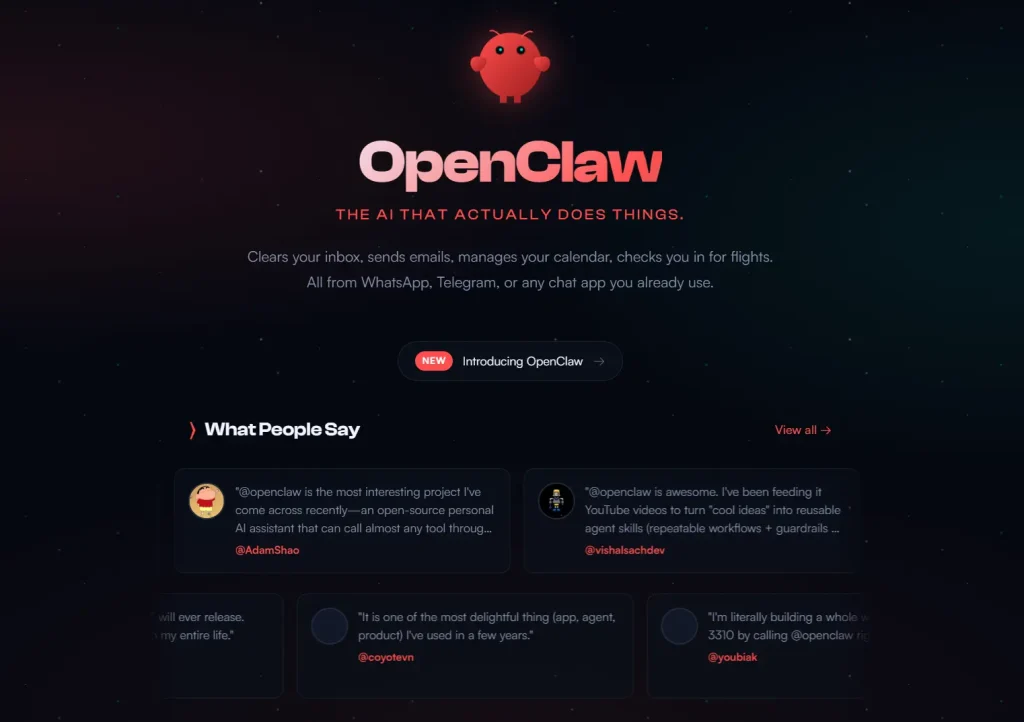
OpenClaw is a personal AI assistant and agent runtime built around a local-first gateway. It is designed for a single assistant layer that can connect sessions, tools, channels, automation, and optional apps instead of running a separate agent for every workflow.
The agent works well when you want an always-on agent that can receive messages from different channels and route them into isolated workspaces or sessions. It is more than a prompt wrapper. The gateway acts as the control plane for agents, tools, channels, events, and session state.
Read More: 7 Best OpenClaw Alternatives for Safe & Local AI Agents
Features
- Local-first gateway for sessions, channels, tools, and events.
- Multi-agent routing across inbound channels, accounts, and peers.
- Per-agent workspaces and per-agent sessions.
- Messaging channel support for platforms such as Slack, Discord, Telegram, WhatsApp, Google Chat, Signal, Matrix, Microsoft Teams, LINE, WeChat, QQ, and others.
- Host tools for browser work, canvas work, node actions, cron jobs, sessions, and chat platform actions.
- Onboarding wizard for setup and managed skills.
- Live Canvas for agent-driven visual workspace use on supported platforms.
- DM pairing and allowlist controls for safer channel access.
- Sandbox options for non-main sessions, with Docker as the default backend.
- Optional macOS, iOS, and Android nodes for additional surfaces.
- Configurable workspace root and agent defaults.
- Operator tools for session listing, session history, and session handoff.
Use cases
- Personal assistant layer for chat channels, local tools, scheduled tasks, and long-lived sessions.
- Agent gateway for routing messages, sessions, tools, and events through one local-first system.
- Multi-channel assistant workflows that need Slack, Discord, Telegram, WhatsApp, or other messaging surfaces.
What to watch
OpenClaw can touch sensitive workflows if you connect it broadly. Treat permissions, sandboxes, channel access, and model keys as part of the setup, not as an afterthought.
Github: https://github.com/openclaw/openclaw
2. AutoGPT
AutoGPT is one of the original autonomous agent projects, but the current project is no longer only the classic command-line experiment many developers remember. It now centers on a platform for building, deploying, and managing continuous AI agents.
Its appeal is the agent-building workflow. Instead of writing every agent loop from scratch, you can create workflows with blocks, deploy agents, monitor runs, and use ready-made agents or templates as a starting point.
Features
- Visual agent builder for designing and configuring agents.
- Workflow management through connected action blocks.
- Deployment controls for testing and production use.
- Ready-to-use agents and marketplace-style discovery.
- Frontend for creating, running, and interacting with agents.
- Server component where deployed agents run continuously.
- External triggers for running agents from outside sources.
- Monitoring and analytics for agent performance.
- Classic AutoGPT agent remains available in the repository.
- Forge toolkit for building custom agent applications.
- Agent benchmark tooling for evaluating agent performance.
- CLI commands for creating, starting, and stopping agents.
- Agent Protocol support for compatibility with frontends and benchmarks.
Use cases
- Visual agent workflows that need blocks, triggers, deployment controls, and monitoring.
- Continuous task agents that should run beyond a single prompt-and-response session.
- Teams comparing modern agent platforms against the original autonomous-agent lineage.
What to watch
AutoGPT has multiple pieces, including platform code, classic agent code, Forge, benchmark tooling, and UI components. Check the license and folder you plan to use before commercial deployment, because not every part of the repository uses the same license terms.
Github: https://github.com/Significant-Gravitas/AutoGPT
3. Hermes Agent
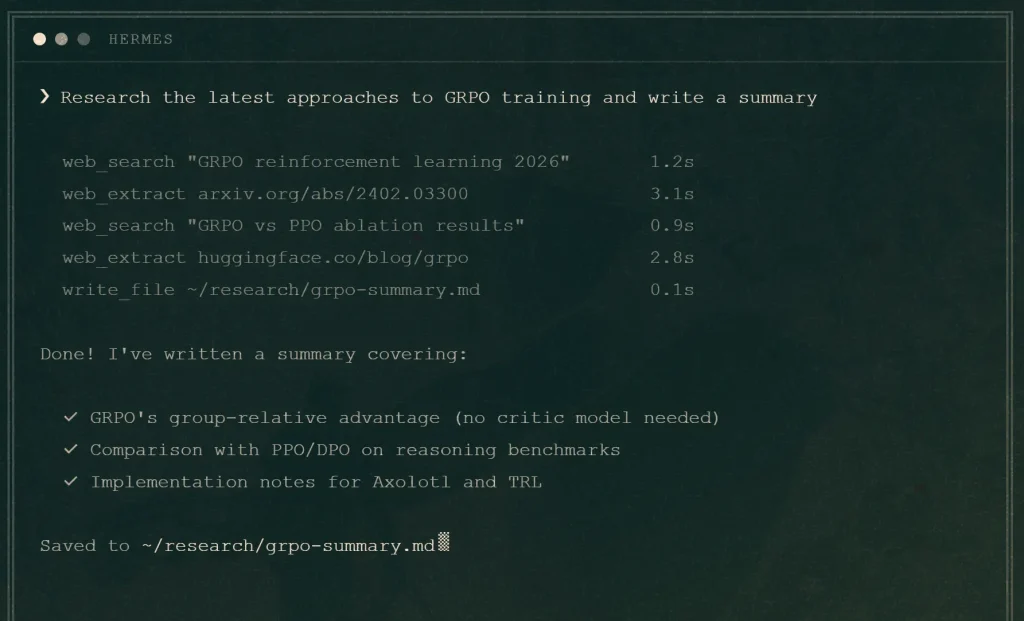
Hermes Agent is a self-improving AI agent from NousResearch. Its core idea is that an agent should learn from previous work instead of starting over every session. It combines memory, skills, model flexibility, terminal workflows, messaging access, and remote execution options.
Hermes is built for a persistent personal agent that can run beyond a laptop. It can operate from a terminal, cloud VM, serverless environment, or chat channel, depending on how you configure it.
Features
- Built-in learning loop for skill creation and skill improvement.
- Agent-curated memory with periodic nudges to persist knowledge.
- Full-text search over past sessions with LLM summarization.
- User modeling through Honcho integration.
- Terminal UI with multiline editing, slash command autocomplete, conversation history, and streaming tool output.
- Support for many model providers, including Nous Portal, OpenRouter, NovitaAI, NVIDIA NIM, Hugging Face, OpenAI-compatible endpoints, and custom endpoints.
- Model switching without code changes through CLI configuration.
- Subagent delegation for parallel workstreams.
- Python scripts that call tools through RPC.
- Multiple terminal backends, including local, Docker, SSH, Singularity, Modal, Daytona, and Vercel Sandbox.
- Messaging gateway support for Telegram, Discord, Slack, WhatsApp, Signal, and Home Assistant.
- Toolset system with 40+ tools.
- MCP integration for connecting external tool servers.
- Cron scheduling for recurring tasks.
- Context files that shape conversations for a project or workspace.
- Windows native support in early beta, with WSL2 as the more established Windows path.
Use cases
- Persistent personal agents that need memory, skill creation, and past-session search.
- Remote agents that run from a cloud VM, serverless environment, SSH backend, or chat channel.
- Model-flexible workflows where OpenAI-compatible endpoints, OpenRouter, Hugging Face, or custom providers matter.
What to watch
Hermes is powerful because it remembers, delegates, and uses tools. That also means configuration matters. Review tool permissions, memory behavior, provider costs, and deployment surface before leaving it to run unattended.
Github: https://github.com/NousResearch/hermes-agent
4. Gemini CLI
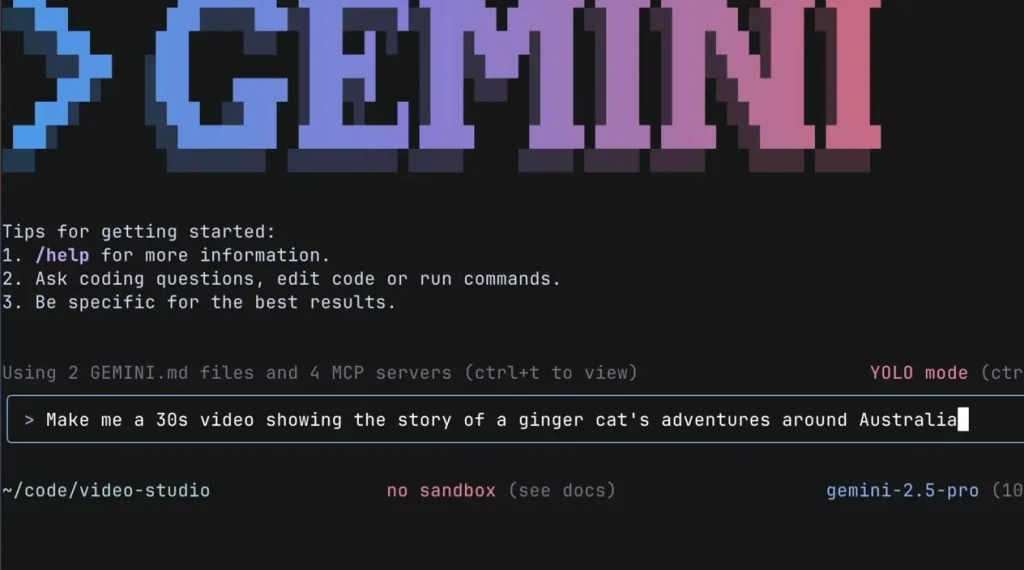
Gemini CLI is Google’s open-source terminal agent for bringing Gemini into code and command-line workflows. It is not a general agent platform with a visual workspace. It is a developer tool for working inside a terminal, repository, or scripted workflow.
Its clearest use case is local development work: understanding code, editing files, using shell commands, calling web search, and running non-interactive tasks from scripts.
Read More: 7 Best CLI AI Coding Agents
Features
- Open-source command-line agent powered by Gemini.
- Code understanding and code generation for large codebases.
- File operations for reading, editing, and creating project files.
- Shell command execution for terminal workflows.
- Google Search grounding and web fetch tools.
- Multimodal project generation from PDFs, images, or sketches.
- MCP server support for adding custom tools.
- Non-interactive mode for scripts and workflow automation.
- JSON output option for structured command-line usage.
- GitHub workflow integration, including pull request review and issue triage.
- Custom scheduled and on-demand workflows through GitHub integration.
- Authentication through Google sign-in, Gemini API key, or Vertex AI.
- Install options through npx, npm, Homebrew, MacPorts, or Anaconda.
- Preview, stable, and nightly release channels.
Use cases
- Terminal-based code work that needs file edits, shell commands, and repository context.
- Gemini-backed development tasks such as code explanation, code generation, and scripted automation.
- GitHub workflows for pull request review, issue triage, and custom command-line routines.
What to watch
Gemini CLI assumes comfort with command-line tools and Google model access. It is not meant to replace a no-code automation product or a multi-user agent control plane.
Github: https://github.com/google-gemini/gemini-cli
5. browser-use
browser-use is an open-source library for giving AI agents browser control. It focuses on the web interface layer: navigating pages, reading state, clicking elements, typing into forms, taking screenshots, and completing browser tasks.
That focus makes browser-use different from general agent frameworks. It is useful when the browser itself is the workspace, such as QA, research, form filling, shopping workflows, account workflows, or web operations that do not have a clean API.
Features
- Python library for browser-operating AI agents.
- Agent API that connects an LLM, task, and browser instance.
- Local browser control with optional cloud browser support.
- Custom tools that extend what the agent can do.
- CLI for opening pages, checking browser state, clicking elements, typing text, screenshots, and closing the browser.
- Persistent browser session behavior through the CLI for faster iteration.
- Templates for starting new browser-agent scripts.
- Examples for form filling, grocery shopping, PC-part selection, and other browser tasks.
- Support for real browser profiles and saved logins in examples.
- Open-source benchmark covering real-world browser tasks.
- Claude Code skill integration for AI-assisted browser automation.
- Open-source library plus optional hosted cloud agent.
- Cloud options for stealth browser infrastructure, proxy rotation, scaling, persistent filesystem, memory, and integrations.
- Support for multiple LLM providers, including OpenAI, Google, Anthropic, Browser Use models, and local models through Ollama.
Use cases
- Browser automation for websites that do not offer a clean API.
- Web QA, form filling, account workflows, shopping flows, and browser-based research.
- Agent scripts that need page state, clicking, typing, screenshots, and persistent browser sessions.
What to watch
Browser workflows are brittle by nature. Sites change layouts, block automation, add CAPTCHAs, or require login state. For production browser automation, plan for browser infrastructure, retries, monitoring, and legal or terms-of-service constraints.
Github: https://github.com/browser-use/browser-use
6. OpenHands
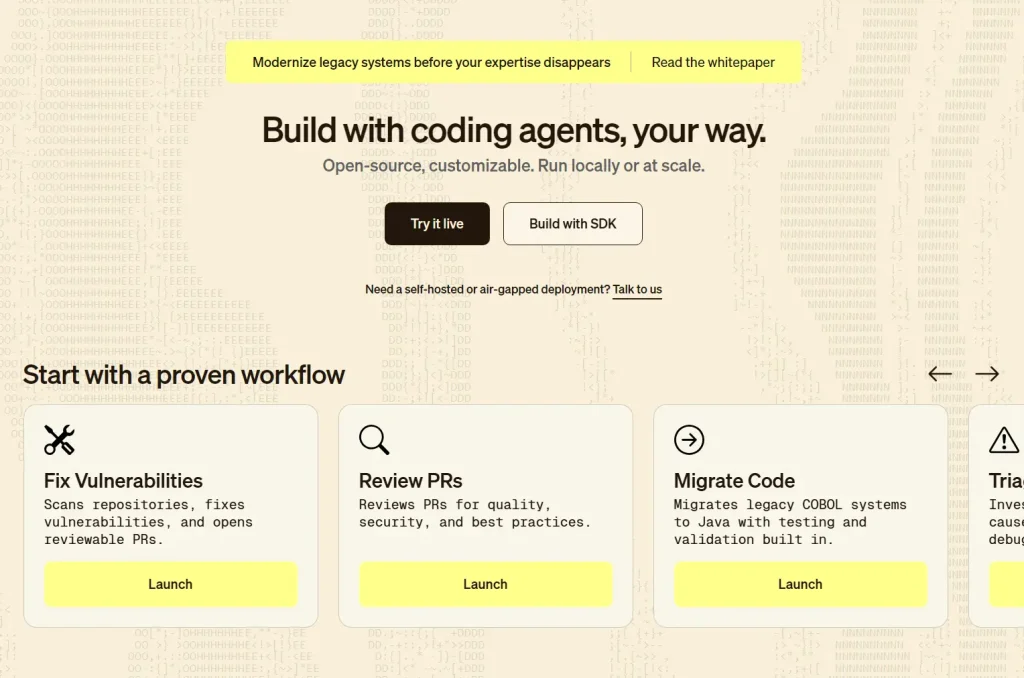
OpenHands is an AI software engineering agent project. It is built for agents that work inside codebases, not for general chat or marketing automation. The project includes an SDK, CLI, local GUI, and hosted or enterprise options around the same software-agent direction.
OpenHands is most relevant when the work involves code changes, repository exploration, debugging, command execution, and developer workflows. It gives teams a way to run agents locally or scale them through other deployment surfaces.
Features
- Software Agent SDK as a composable Python library.
- Code-defined agents that can run locally or scale to many agents in cloud environments.
- CLI for terminal-based agent usage.
- Local GUI for running agents on a laptop.
- REST API included with the Local GUI.
- Single-page React application for local interaction.
- Core
openhandsandagent-serverDocker images under MIT license. - Cloud version with collaboration features such as conversation sharing.
- Enterprise option for self-hosting OpenHands Cloud in a VPC through Kubernetes.
- Source-available enterprise code in the repository’s enterprise directory.
- Designed around software engineering tasks rather than generic office automation.
Use cases
- Software engineering tasks that require repository inspection and source-file reasoning.
- Local coding workflows where an agent can run commands, edit files, and work inside a project.
- Team or enterprise setups that need a software-agent SDK, CLI, local GUI, or self-hosted deployment path.
What to watch
Any coding agent needs review. Use tests, small permissions, sandboxed environments, and human approval before letting an agent change important repositories or deployment paths.
Github: https://github.com/OpenHands/OpenHands
7. DeerFlow
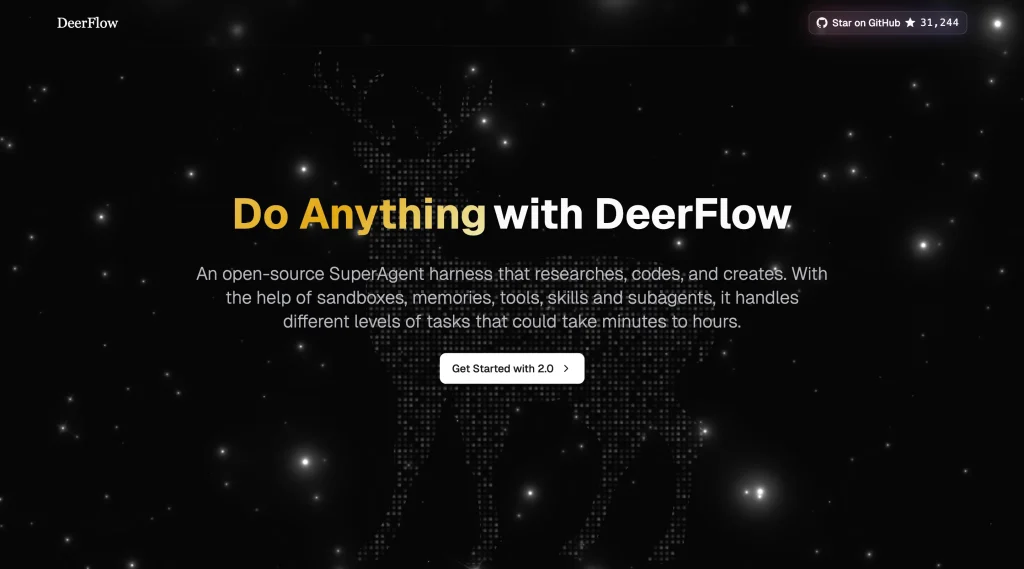
DeerFlow is an open-source super agent harness from ByteDance. It started from deep research work but has expanded into a larger runtime for long-running tasks, sub-agents, memory, skills, sandboxes, and execution environments.
DeerFlow is more than a research chatbot. It gives agents the infrastructure they need to work: file systems, tool use, memory, sub-agent dispatch, sandbox-aware execution, and skill-driven workflows.
Features
- Super agent harness built on LangGraph and LangChain.
- Sub-agents with isolated context, scoped tools, and termination conditions.
- Parallel sub-agent execution with structured result reporting.
- Long-term memory that can store user profile, preferences, technical stack, and recurring workflows.
- Agent skills for research, report generation, slide creation, web pages, image generation, video generation, and more.
- Custom skills through structured Markdown capability modules.
- Core tools for web search, web fetch, file operations, and bash execution.
- MCP server support for adding external tools.
- Sandbox and filesystem support for per-task workspaces, uploads, and outputs.
- Docker execution, local execution, and Kubernetes-backed sandbox execution options.
- Gateway API and LangGraph-compatible API surfaces.
- IM channel support for Telegram, Slack, Feishu/Lark, WeChat iLink, WeCom, and DingTalk.
- LangSmith and Langfuse tracing integrations.
- Embedded Python client for using DeerFlow without running the full HTTP services.
- Docker development and production deployment paths.
- Local development flow without Docker.
Use cases
- Long-horizon work such as deep research, report writing, content production, coding, slide generation, and data tasks.
- Multi-agent workflows that need sub-agents, memory, skills, sandboxes, and structured result reporting.
- Agent infrastructure projects that need more runtime surface than a small library can provide.
What to watch
DeerFlow has high-privilege capabilities such as command execution, file operations, and business logic invocation. Keep it in a trusted local environment unless you have strong network isolation, authentication, and security controls.
Github: https://github.com/bytedance/deer-flow
8. AnythingLLM
AnythingLLM is a local-first AI workspace that combines document chat, model connections, vector databases, multi-user support, and AI agents. It is closer to a private AI productivity environment than a low-level agent framework.
That makes AnythingLLM easier to evaluate when you need a usable app, not just agent primitives. You can connect documents, choose local or cloud models, run agent features inside workspaces, and self-host through several deployment paths.
Features
- Private AI workspace for chatting with documents.
- Built-in AI agents inside workspaces.
- No-code AI Agent builder.
- Custom AI agents.
- Full MCP compatibility.
- Intelligent skill selection to reduce tool-token overhead.
- Support for local and cloud LLM providers.
- Support for embedding models, speech models, and vector databases.
- Document ingestion and document pipelines.
- Multi-user support.
- Developer API for custom integrations.
- Chrome browser extension submodule.
- Docker deployment and local development paths.
- Self-hosting options for Docker, AWS, GCP, DigitalOcean, and Render.
- Telemetry opt-out through environment variable or in-app privacy settings.
- Integration with local model tools such as LocalAI and Docker Model Runner.
Use cases
- Private document workflows that need ingestion, chat, workspaces, and vector database support.
- Internal AI workspaces where teams need model choice, agents, APIs, and multi-user access in one app.
- No-code or low-code agent building inside a broader local-first productivity environment.
What to watch
AnythingLLM covers more than a pure agent runtime. If you only need a small agent loop for a custom app, it may be more application than framework. Also review telemetry settings if you require strict privacy controls.
Github: https://github.com/Mintplex-Labs/anything-llm
9. Goose
Goose is a native open-source AI agent for local work. It runs on your machine and is available as a desktop app, CLI, and API. It is designed for code, research, writing, automation, data analysis, and other tasks that benefit from a local action-taking agent.
Goose moved from Block to the Agentic AI Foundation at the Linux Foundation, which makes it one of the more notable foundation-backed agent projects in this list. Its practical appeal is that it can sit close to your local files, terminal, and tools without forcing a single model provider.
Features
- Native desktop app for macOS, Linux, and Windows.
- CLI for terminal workflows.
- API for embedding Goose into other systems.
- Rust implementation for performance and portability.
- General-purpose local agent behavior, not limited to code.
- Use cases include coding, research, writing, automation, and data analysis.
- Works with 15+ model providers.
- Provider support includes Anthropic, OpenAI, Google, Ollama, OpenRouter, Azure, Bedrock, and more.
- Can use API keys or existing Claude, ChatGPT, or Gemini subscriptions through ACP.
- Connects to 70+ extensions through the Model Context Protocol.
- Supports custom distributions with preconfigured providers, extensions, and branding.
- Part of the Agentic AI Foundation at the Linux Foundation.
Use cases
- Local agent work from a desktop app, CLI, or API.
- Mixed workflows that combine coding, research, writing, automation, and data analysis.
- MCP-heavy setups that need many extensions and flexible model-provider support.
What to watch
Local action is useful but sensitive. Review which directories, extensions, providers, and command capabilities Goose can access before using it for private or business-critical work.
Github: https://github.com/aaif-goose/goose
10. nanobot
nanobot is an ultra-lightweight open-source AI agent with a small, readable core. It borrows ideas from personal agents such as OpenClaw, Claude Code, and Codex, but keeps the core loop compact enough to study, modify, and extend.
The project is aimed at practical personal-agent use: chat apps, memory, MCP, WebUI, local model options, scheduled work, providers, and deployment paths. It works best when a full agent platform feels heavier than the job requires.
Features
- Small and readable core agent loop.
- Long-running personal agent behavior.
- Chat channel support, including Telegram, Discord, WeChat, Feishu, Slack, QQ, WeCom, Matrix, DingTalk, and others through recent releases and docs.
- WebUI shipped inside the published wheel.
- WebSocket channel for browser-based chat.
- Memory system designed for visible conversation history and long-term context.
/goalsupport for sustained objectives across turns.- Image generation and multimodal improvements in recent releases.
- Provider support for services such as OpenRouter, DeepSeek, VolcEngine, Moonshot/Kimi, Hugging Face, AWS Bedrock, local providers, and OpenAI-compatible endpoints.
- Fallback model configuration.
- Local model options through Ollama, vLLM, Atomic Chat, and other local providers.
- MCP support, including MCP resources and prompts exposed as tools.
- OpenAI-compatible API.
- Python SDK facade.
- Natural language scheduling and cron reminders.
- Docker and Linux service deployment paths.
- Office document reading and file handling improvements.
- LAN access for the WebUI through documented configuration.
- Roadmap items around multimodal input, long-term memory, reasoning, integrations, and self-improvement.
Use cases
- Small personal-agent projects where a readable core matters more than a large platform.
- Chat-based workflows across Telegram, Discord, WeChat, Feishu, Slack, and related channels.
- Lightweight local experiments with memory, MCP tools, WebUI, scheduling, and local model options.
What to watch
Because nanobot moves quickly, use the stable install path if you need predictable day-to-day behavior. Install from source when you want the newest features and are comfortable handling changes.
Github: https://github.com/HKUDS/nanobot
What are AI agents?
An AI agent is an LLM-powered tool that can take a goal, choose a next step, call external tools, read the result, and continue until the task is done or human approval is needed. The difference from a normal chatbot is action. A chatbot usually returns an answer. An agent can use a browser, shell, file system, API, database, calendar, message channel, or MCP server to do work outside the chat window.
For open-source AI agents, the practical question is not whether a project uses the word agent. The practical question is where it can act, what tools it can reach, how it handles memory, how permissions are controlled, and whether you can run it in your own environment. Those details decide whether the project is useful for coding, browser automation, research, private documents, chat operations, or long-running personal workflows.
How to compare open-source AI agents
Do not choose only by GitHub stars. Start with the workflow you need, then check how the project handles tools, memory, permissions, deployment, observability, and model choice.
- Execution environment: Does the agent run in a terminal, browser, desktop app, server, container, or cloud sandbox?
- Tool access: Can it read files, run shell commands, browse websites, call APIs, connect through MCP, or use custom tools?
- Memory: Does it remember across sessions, search past conversations, or keep project context?
- Safety controls: Does it support approval steps, sandboxing, allowlists, isolated workspaces, or scoped permissions?
- Model flexibility: Can you use OpenAI, Anthropic, Google, local models, OpenRouter, Ollama, vLLM, or a custom endpoint?
- Deployment path: Can you run it locally, use Docker, deploy to a server, or run it as a service?
- Interface: Does it work through CLI, WebUI, desktop app, chat apps, API, or all of them?
- Maintenance: Is the project active, documented, and clear about releases, security, and breaking changes?
Do open-source AI agents cost money to run?
The repositories are open source, but useful agent runs often depend on paid or resource-intensive pieces. You may still need an LLM API, a local model, GPU or CPU resources, a vector database, browser infrastructure, cloud hosting, proxies, or third-party service accounts.
For lower costs, look for local model support through Ollama, vLLM, LocalAI, or OpenAI-compatible endpoints. For stronger reasoning and tool use, many deployments still rely on hosted models from OpenAI, Anthropic, Google, OpenRouter, or cloud platforms.
FAQs
Q: Which open-source AI agent should you review first in 2026?
A: OpenClaw ranks first in this list by GitHub stars among the selected projects. Review it first if you want a general personal agent runtime with channels, tools, sessions, and local-first control. The right choice still depends on your workflow.
Q: Which open-source AI agent should developers use for coding?
A: OpenHands is the clearest coding-agent pick for software engineering work. Goose and Gemini CLI are also strong choices if you want a local desktop or terminal agent. DeerFlow can help with coding as part of longer multi-step workflows.
Q: Which open-source AI agent should you use for browser automation?
A: browser-use is the most focused choice for browser automation. It is built around agents that can control websites, inspect page state, click elements, type into forms, and complete web tasks.
Q: Which open-source AI agent should you use for private documents?
A: AnythingLLM is the clearest choice in this list for private document workflows. It combines document ingestion, local or cloud model support, vector databases, workspace features, and built-in agents.
Q: Can open-source AI agents run locally?
A: Many can run locally, but the setup varies. Gemini CLI and Goose are natural local tools. AnythingLLM, OpenClaw, DeerFlow, AutoGPT, Hermes Agent, browser-use, OpenHands, and nanobot all provide local or self-hosted paths, but each has different requirements for models, dependencies, browser runtimes, Docker, or services.
Q: Are open-source AI agents safe to use?
A: They can be safe when configured carefully, but agents are riskier than normal chatbots because they can take actions. Use sandboxes, minimal permissions, test environments, command approval, API key scoping, and human review for important files or accounts.
Q: Can open-source AI agents be used commercially?
A: Commercial use depends on the project license and the terms of any model or service connected to the agent. Check the repository license, subdirectory license notes, model provider terms, and deployment terms before using an agent in a client project or product.
More resources
- 7 Best CLI AI Coding Agents
- Best & Open-source MCP Servers To Use
- 7 Best & Open-source Claude Cowork Alternatives