Ever spent hours on a piece of digital art, only to get vague feedback like, “It’s nice!” or “I like the colors”? We’ve all been there. Generic feedback isn’t helpful. It doesn’t push you to improve.
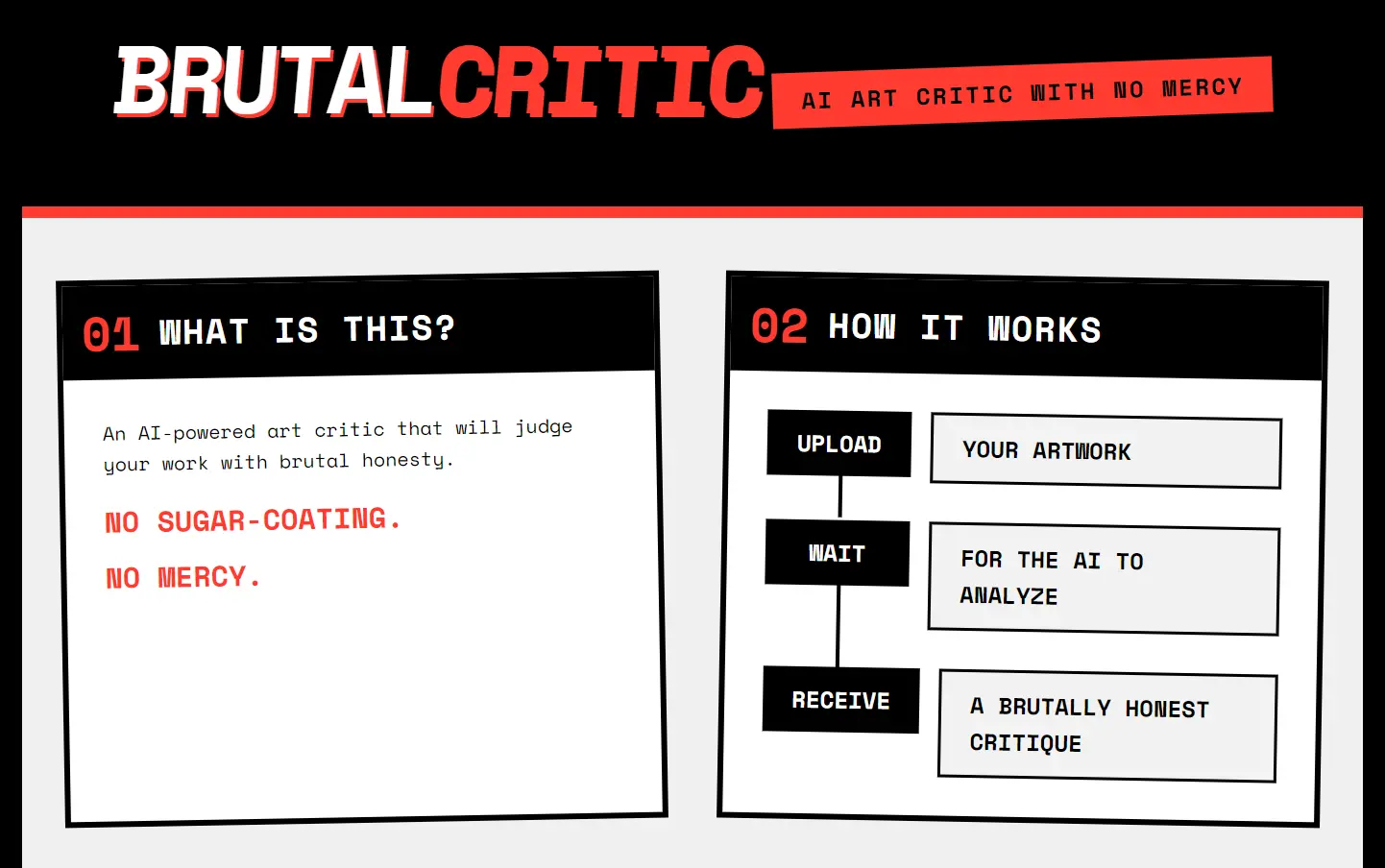
Enter BRUTAL CRITIC – a free AI art critic that your work’s technical merits, social media viability, and even generates hilariously savage titles for your piece. If you’re looking for validation or gentle encouragement, you might want to look elsewhere. This tool lives up to its name – it’s harsh, direct, and sometimes downright savage in its assessments.
Features:
- Numerical Rating: Get an overall score that quantifies your artwork’s quality.
- Strengths Analysis: Identifies what’s working well in your piece.
- Weaknesses Breakdown: Highlights areas needing improvement – bluntly.
- Instagram Potential: Estimates how well your art might perform on Instagram.
- Title Suggestions: Generates five potential titles for your artwork.
Use Cases:
- Portfolio Refinement: A designer preparing a portfolio can use BrutalCritic to identify which pieces are strongest and which need more work.
- Skill Development: An aspiring digital artist can regularly submit work to track progress and pinpoint recurring weaknesses.
- Social Media Strategy: Someone unsure about what to post on Instagram can get a quick assessment of a piece’s potential appeal.
- Concept Testing: Before investing significant time in a complex project, an artist can get preliminary feedback on a rough sketch or concept.
- Client presentations preparation: Check your Art quality score before presenting it to clients.
My Experience Using BRUTAL CRITIC
I’ve run dozens of images through this tool, ranging from digital art to traditional paintings and photography. My most memorable test was with an abstract digital piece that used bold colors and brush strokes – the kind of work that typically gets generic positive comments online.
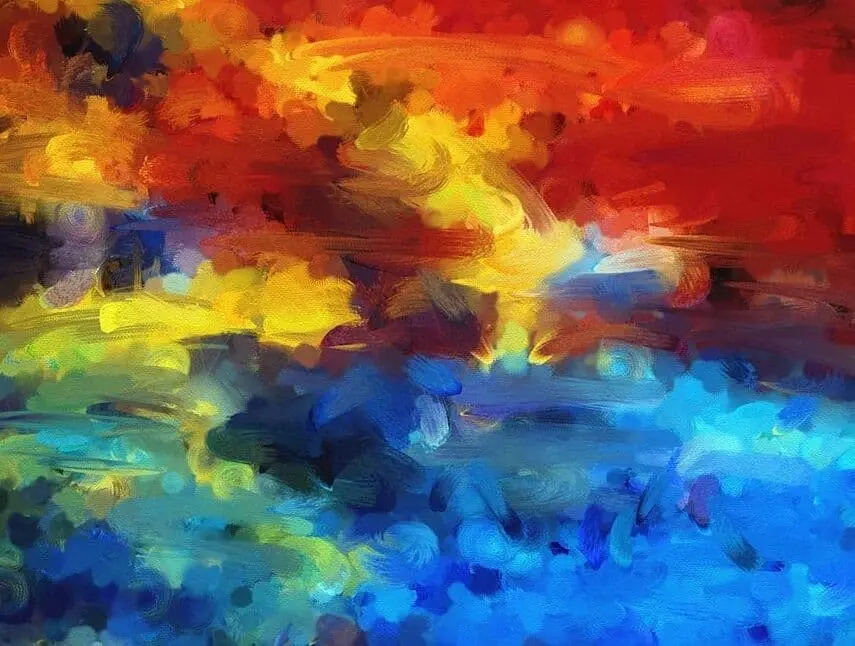
BRUTAL CRITIC gave it a 3.4/10 rating with the title “Color Vomit Extravaganza.” Ouch.
The breakdown was surprisingly specific. It acknowledged the “bold use of primary colors” and “energetic brushstrokes” as strengths, but didn’t hold back on weaknesses: “lacks any discernible theme or structure,” “overwhelming and chaotic,” and “feels like a digital default background.”

Its Instagram assessment was equally blunt, giving it a 4/10 potential. The suggested hashtags included gems like “#ColorChaos,” “#IGArtFail,” “#DigitalMess,” and the particularly stinging “#SwipeLeft.” It described my target audience as “those who think loud colors equate to artistic merit.”

The title suggestions were hilariously accurate: “When Your Palette Explodes, but It’s Fine,” “Abstract? More Like a Color Spill,” “Sunset Vomit on Canvas,” “When You Can’t Decide, So Use All Colors,” and “Oops, All Paint!”
While initially stinging, the critique identified issues that had been bothering me about the piece but that I couldn’t articulate.
How to Use It
- Upload Your Artwork: Begin by submitting your piece to the BRUTAL CRITIC.
- Wait for the Analysis: The tool processes the image and generates an overall numerical score along with detailed feedback.
- Review the Critique: Examine the strengths and weaknesses outlined in the feedback.
- Check Instagram Potential: Consider the social media score to assess how the art might perform online.
- Explore Title Suggestions: Review the five generated titles to see if any spark new creative ideas.
- Iterate Based on Feedback: Use the insights to make adjustments and re-test your artwork if necessary.
Pros
- Brutally Honest: No politeness filter means you get raw, unfiltered feedback
- Specific Technical Analysis: Points out concrete issues rather than vague criticisms
- Fast Results: Get detailed feedback in under a minute
- No Human Judgment: Eliminates social awkwardness of asking for honest critiques
- Instagram-Specific Guidance: Practical advice for artists using social media
- Entertainment Value: The harsh, often witty critiques can be genuinely funny
Cons
- Sometimes Too Harsh: The brutality can occasionally cross from constructive to discouraging
- Limited Artistic Contexts: May not understand cultural or conceptual art references
- Bias Toward Certain Styles: Tends to favor technical precision over experimental approaches
- No Dialogue: Unlike human critics, you can’t ask follow-up questions for clarification
- Potential Accuracy Issues: As with all AI tools, it sometimes misinterprets elements of artwork
Try BRUTAL CRITIC Yourself
If you’re brave enough to face unfiltered critique of your artwork, give BRUTAL CRITIC a try. The initial sting of harsh feedback might hurt, but the specific technical guidance can genuinely help improve your work.
Drop your art into the system and see if you can take the heat. After all, developing a thick skin is part of growing as an artist – and this AI critic provides plenty of opportunity for that.
What’s the harshest critique you’ve ever received on your artwork? Share your experience in the comments below.
Frequently Asked Questions
Q: Does it work for all art styles?
A: In my testing, it handles traditional painting, digital art, and photography well. Abstract and conceptual art receive more variable results. The tool seems to have stronger analysis capabilities for figurative and representative work.
Q: Can it analyze animations or video?
A: Currently, BRUTAL CRITIC only analyzes still images. You’d need to submit key frames separately for animated work.