Google’s Gemini Notebook (formerly NotebookLM) turns PDFs, websites, videos, and other sources into a research notebook. You can ask questions grounded in those materials, check citations, and generate audio discussions or study content.
In this post, We’ve picked 7 open-source NotebookLM alternatives for working with your own research materials. They include research notebooks that generate podcasts, desktop apps for cited notes, document-chat workspaces, PDF analysis, and guided study.
The selection has both desktop and self-hosted options, with local AI model support for processing sensitive files on your own hardware.
Last updated: October 11, 2026.
Quick Comparison
| Product | NotebookLM-style task | App type |
|---|---|---|
| Open Notebook | Cited research and multi-speaker podcasts | Self-hosted web app |
| SurfSense | Cited answers, podcasts, reports, and slides | Desktop app |
| Deta Surf | Web research and cited notes | Desktop app |
| AnythingLLM | Chat with document collections | Desktop or self-hosted |
| KnowNote | Research notes, cited passages, and Anki cards | Desktop app |
| kotaemon | Cited PDF questions and passage previews | Self-hosted web app |
| DeepTutor | Source-based reading, quizzes, and tutoring | Self-hosted web app |
1. Open Notebook

Open Notebook is a direct replacement for a research notebook built around imported sources. Each notebook holds source material, saved notes, conversations, and generated insights. You can collect PDFs, Office documents, web pages, audio, and video, then search or question that material from the same workspace.
Read More: Open Notebook: Private, Self-Hosted Gemini Notebook (NotebookLM) Alternative
Answers in Open Notebook link to the imported sources, saved notes, or generated insights used to produce them. You can choose which source material enters a conversation, save summaries through reusable transformations, and search the collection by keywords or semantic similarity. The notebooks keep those research outputs close to their original material.
Podcast generation extends the workflow beyond text. Episode profiles control the format, and generated episodes can use one to four speakers with configurable voices. This is a substantial reason to consider Open Notebook if listening to research is part of your routine.
The MIT-licensed application runs through Docker on your computer or server. You connect cloud providers or local models through services such as Ollama and LM Studio. Local storage does not prevent a configured cloud provider from receiving research context. You also manage backups, upgrades, and access protection
Official website | GitHub repository
2. SurfSense

SurfSense is an open-source desktop research app that can answer questions about local files and create finished materials from them. Install it on Windows, Apple Silicon Macs, or Linux, import your documents, and ask questions with citations to the sources.
Studio can turn selected files into summaries, flashcards, quizzes, mind maps, editable slide decks, reports, and two-speaker podcasts. It also creates documents, spreadsheets, and formatted PDFs for work that needs a file you can continue editing or sharing. The podcast voice runs locally, and the research answers cite the indexed source material.
Document parsing, embeddings, and source indexes run on the local computer. Choose a local language model for offline generation or configure a remote OpenAI-compatible model. Local models require a one-time download and sufficient memory and processing power. If you choose a remote provider, the application sends the selected request context to that provider.
Official website | GitHub repository
3. Deta Surf

Deta Surf combines a browser-style research environment with personal AI notebooks. You save web pages, PDFs, YouTube videos, and local files to a library, then organize related material into notebooks. Tabs and split views keep the material you are reading beside the notes you are writing.
Read More: Open-Source Local AI Notebook for Research (NotebookLM Alternative) – Deta Surf
Smart Notes are the center of its NotebookLM-like workflow. A note can use a specific resource, an entire notebook, or context you select through mentions. You can ask for a synthesis of collected material, edit the result, and continue writing in the same rich-text document. Other notes can also become context for the next piece of research.
Citations link generated text to a PDF page, a YouTube timestamp, or a website section. Selecting a citation opens the relevant material beside the note. For research built from multiple websites, papers, and videos, you can check the exact passage or moment directly from the draft.
Official website | GitHub repository
4. AnythingLLM
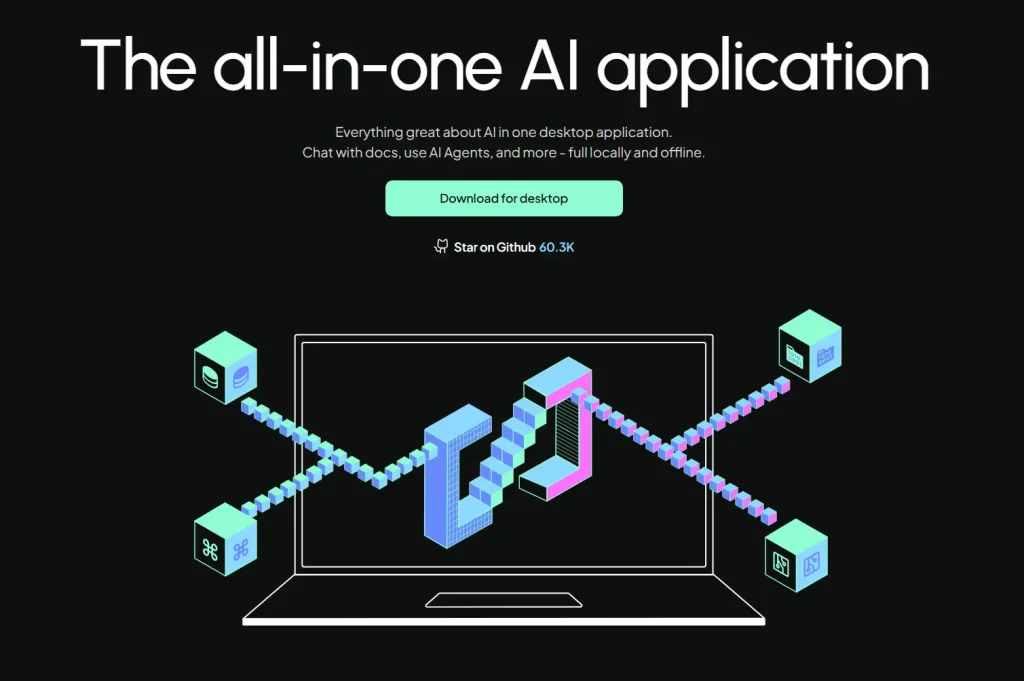
AnythingLLM organizes document conversations into workspaces. You upload material such as PDFs, Word files, and text documents, add it to a workspace, and ask questions against the indexed content. Source citations in the chat help you inspect the material behind an answer.
The desktop edition runs on Windows, macOS, and Linux. A self-hosted Docker deployment adds multi-user accounts and permissions. That version is the appropriate starting point for a shared document service, while the desktop application suits an individual collection.
AnythingLLM includes agents and automation, although document chat is its closest match to Gemini Notebook. The MIT-licensed app has extensive model support, with more settings to manage than a single-purpose notebook.
Official website | GitHub repository
5. KnowNote

KnowNote is a desktop research workspace with a three-column layout for the knowledge library, AI questions, and note output. You import PDF, Word, PowerPoint, and web sources, ask questions about the material, and save conclusions beside the sources.
Document parsing, embeddings, and vector search run inside the app. Answers retain the source passages used as evidence, so you can inspect the text behind an answer and save your findings as notes. KnowNote also generates mind maps and Anki flashcards. Flashcard decks can be exported as .apkg files for Anki.
KnowNote does not bundle a chat model. You configure a local server such as Ollama or an OpenAI-, Anthropic-, or Google-compatible endpoint. The local retrieval system and notebook database stay on the computer, while a remote model receives the request context. A read-only MCP interface can also expose the existing notebook library to compatible local AI clients.
KnowNote is GPL-3.0 licensed, with releases for Windows and Apple Silicon Macs. Note that the project is early-stage, has no Linux build, and does not provide multi-user collaboration or synchronization. Audio transcription, automatic quizzes, and slide generation are on the roadmap.
Official website | GitHub repository
6. kotaemon

kotaemon is a document-questioning application with particular attention to citations and original-text inspection. You upload documents, select the material to query, and read answers beside the retrieved evidence.
The citation viewer is its defining feature. Detailed references connect an answer to relevant passages, and the integrated PDF preview can show highlighted text. Retrieval scores and low-relevance warnings provide additional context for checking whether the answer actually has useful support.
The app supports local models through Ollama or llama-cpp-python, as well as cloud providers. Its document pipeline supports multiple parsing options. File-format support depends on the installed components: the larger Docker image includes extra document-processing dependencies, while the lighter image supports a narrower set. Optional OCR and parsing integrations also affect what stays local.
kotaemon is Apache-2.0 licensed and can run through Docker or a source installation.
Official documentation | GitHub repository
7. DeepTutor

DeepTutor is a learning workspace for studying your own books, course documents, and research materials. You build knowledge bases from imported sources, ask questions with traceable references, and move into tutoring or practice around the same subject.
Read More: DeepTutor: Open-Source, Multi-agent AI Learning Assistant
Immersive Reading places a document beside the conversation with page-based citations. The learning tools extend that source reading into explanations, generated quizzes, question banks, and guided practice. EPUB reading and annotations support book-based study, while video learning can use transcripts and timestamp-grounded tutoring. These functions suit a student who wants to study a chapter and then test understanding of it.
DeepTutor also has an Audio Overview mode for listening to learning material and a learning journal for revisiting progress. Research, note writing, reading, and practice take place within the wider learning workspace. Reading and practice stay connected to the source material throughout a study project.
DeepTutor is Apache-2.0 licensed and can be installed through Docker, a Python package, or source code. It supports local model endpoints such as Ollama and LM Studio as well as cloud providers. It is the best choice when you plan to keep studying the material through exercises, not only retrieve an answer from a document.
Official website | GitHub repository
Which Open-Source NotebookLM Alternative Should You Choose?
Open Notebook and SurfSense are the closest options if you want to keep the research notebook experience, including cited answers and generated podcasts. Open Notebook suits a self-hosted setup, while SurfSense provides a desktop app with a wider selection of study and research outputs.
For more focused work, the other applications have their own strengths in PDF analysis, document conversations, web research, and guided learning. Before moving your research library, try a few of your own documents and check the accuracy of citations, available output formats, and model requirements.
Note that none of these apps recreates every Gemini Notebook feature, and the best choice depends on the research tasks you use most.
FAQs
Can I import an existing Gemini Notebook (NotebookLM) notebook?
You can import the original PDFs, documents, and web sources into a new collection. The seven apps use their own data formats, and reimporting the sources does not reproduce Google’s conversations, notebook settings, or generated Studio materials. Save important notes and outputs separately before moving a research project.
Which open-source alternatives can make audio overviews or podcasts?
Open Notebook generates configurable podcasts with one to four speakers. SurfSense creates two-speaker podcasts from selected sources, including an offline speech option. DeepTutor has an Audio Overview mode for learning materials. The narration style, available controls, and output quality differ from Gemini Notebook’s Audio Overviews.
Are these alternatives free and fully offline?
The listed applications have open-source code that you can download and use under their respective licenses. Local installation does not automatically mean offline AI processing. A fully local setup needs local language and embedding models, plus local speech or parsing services where used. Cloud APIs and server hosting can create additional costs.
Does a citation prove that an AI answer is correct?
No. A citation points to material you should inspect. Check whether the cited passage supports the claim and whether the app extracted scanned pages, tables, or figures accurately. Retrieval can also miss relevant evidence. Important conclusions deserve a check against the original document.
Do I need a GPU to run a local NotebookLM alternative?
Not necessarily. Compatible small language models can run on a CPU, although responses and podcast generation can take longer. Memory and storage requirements vary with your language model, embeddings, document parser, and speech features. A cloud model reduces local inference requirements but sends selected request context to that provider.
Related resources
- 10 Best Free AI Tools for Academic Research
- Automate Anything: 10 Best & Open-source AI Agents
- 10 Best AI Lecture Note Takers for Students
- 10 Best Free AI Tools to Chat With PDFs