Grok Bot lets you delegate research, file work, and recurring tasks to AI teammates that retain their context between conversations. Its bots use a browser, files, and a shared cloud computer to collaborate on assignments. That computer continues working after you close the app.
You can now run open-source, Grok Bot-like AI bots on your own device or server, connect them to models and coding agents you already use, and control their access to files and apps. You can also modify the source code to build custom integrations and automate tasks specific to your work.
The ten projects below include desktop bot workspaces, self-hosted teams, and agents you can reach through Slack or Telegram. See what each can do, what it needs to run, and which ones are worth trying for your research, coding, or recurring tasks.
Best Open-Source Grok Bot Alternatives
| Project | Key Features |
|---|---|
| Rakazo | Self-hosted bot teams with shared or private computers |
| OpenMausBot | Desktop bot rooms using existing coding agents |
| Codync | Remote access to agents on your own computer |
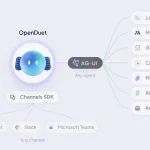
| Open Duet | Lead-and-specialist teams with approval controls |
| OpenTeam | Always-on bot team using a shared Linux computer |
| OpenBot (CopilotKit) | Policy-controlled actions and recorded decisions |
| Octop | Multi-user experts and coordinated teams |
| OpenClaw | Persistent agents in messaging apps |
| Hermes Agent | Remembered procedures and scheduled assistant work |
| NanoClaw | Messaging agents in isolated Linux containers |
1. Rakazo
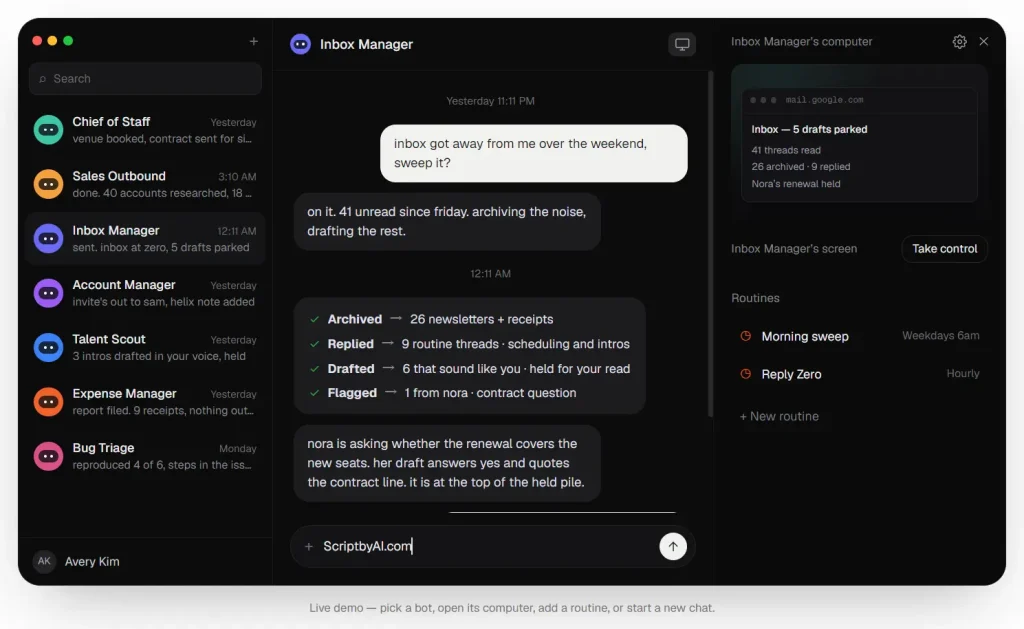
Rakazo runs teams of persistent AI bots on a server you control. Each bot keeps its role, conversation history, memory, and routines. You can monitor assignments from a browser, desktop app, or phone.
Key Features
- Delegate assignments to other bots or create temporary subagents for focused tasks.
- Team Computers share files and browser sessions across bots. Private computers give a bot its own work environment.
- Run browser, terminal, file, and graphical desktop tools through Docker computers or external providers.
- Connect apps through Composio, Pipedream Connect, MCP servers, and OpenAPI tools.
A research bot can collect sources and ask a fact-checking bot to review them before saving a report. Hosting Rakazo requires Docker Engine, Compose, curl, OpenSSL, and a model connection. Screenshot-based tasks need an image-capable model.
Rakazo is in beta. Its Ask approval mode lets you review proposed changes before bots execute them.
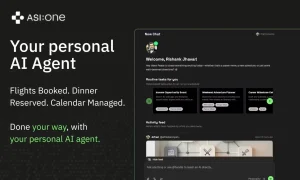
Rakazo: Open-Source Grok Bot Alternative With Persistent AI Bots
2. OpenMausBot
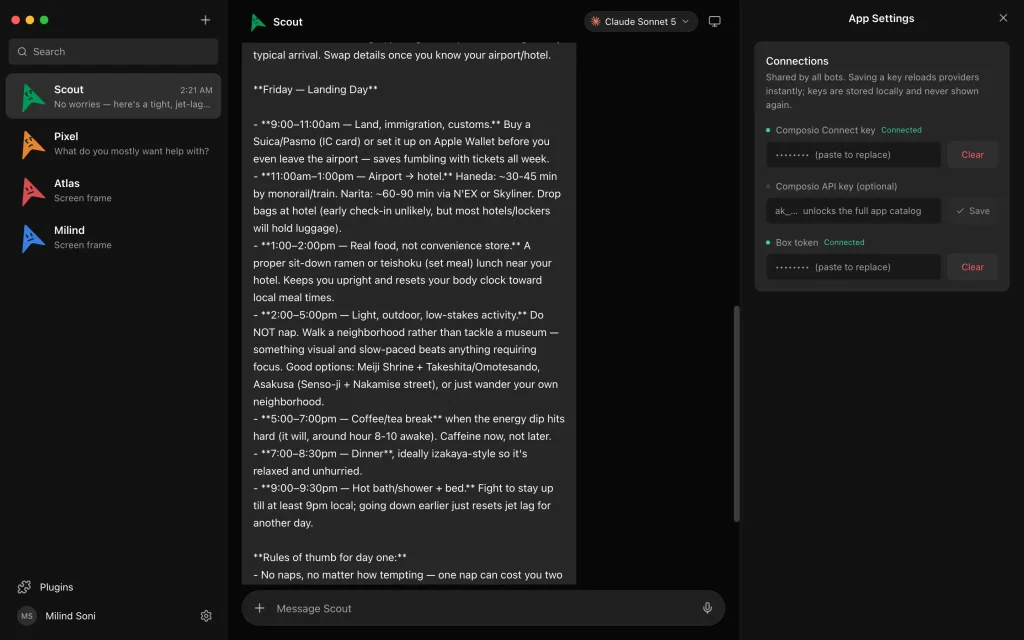
OpenMausBot, also called MausBot, turns Claude Code, Codex, and other agent engines into persistent bots in a desktop chat app. Each bot has a role, conversation, and model connection. You can reuse agent logins already configured on your computer.
Key Features
- Rooms let bots exchange assignments under shared instructions and a project folder.
- Routines repeat jobs on a schedule.
- An MCP server lets external clients coordinate the bot workspace.
- Computer options include a cloud Linux desktop, a local VM, and host desktop control.
- Composio and custom MCP servers connect external apps and tools.
The app runs on macOS, Windows, and Ubuntu. Background routines need a running computer, a server deployment, or the optional Cloud service. The main code is Apache-2.0.
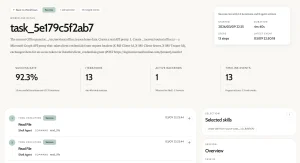
OpenMausBot: Claude, Codex as Persistent AI Bots (Grok Bot Alternative)
3. Codync
Codync makes Claude Code, Codex, and other agents on your computer reachable from your phone. A bot can change code in a project folder, pass its work to a reviewer, and send you a completion notice. The agents themselves run on your Mac, Windows PC, or Linux host.

Key Features
- Give bots their own working folders, memory, and approval settings.
- Pass one bot’s work to another bot for review.
- Receive completion notifications and respond to permission requests remotely.
- Trigger routines on a schedule, interval, webhook, or event.
- Enable desktop control for tasks that need mouse or keyboard actions.
Desktop control requires operating-system permissions and allows one bot to operate the computer at a time.
Codync also runs on headless Linux servers. Recurring jobs stop when the host sleeps, and model usage follows your connected agent account.
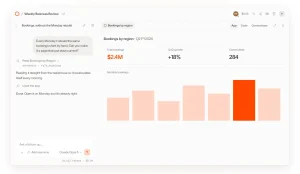
Codync: Run Claude Code, Codex & More as Persistent Bots
4. Open Duet (Anil-matcha)
Open Duet by Anil-matcha organizes AI agents into teams led by a coordinator. The lead assigns work to specialists and assembles their results.
Key Features
- Run team delegation through Claude and Codex engines.
- Use Rooms for team conversations and shared work.
- Review proposed writes and commands through approval controls.
- Launch routines on a schedule or from a webhook.
- Add Docker computers for isolated execution.
The desktop source setup requires Node.js 22 or newer, uv, and an agent engine. Computer tools and self-hosting are experimental, with the server designed for one owner.
5. OpenTeam
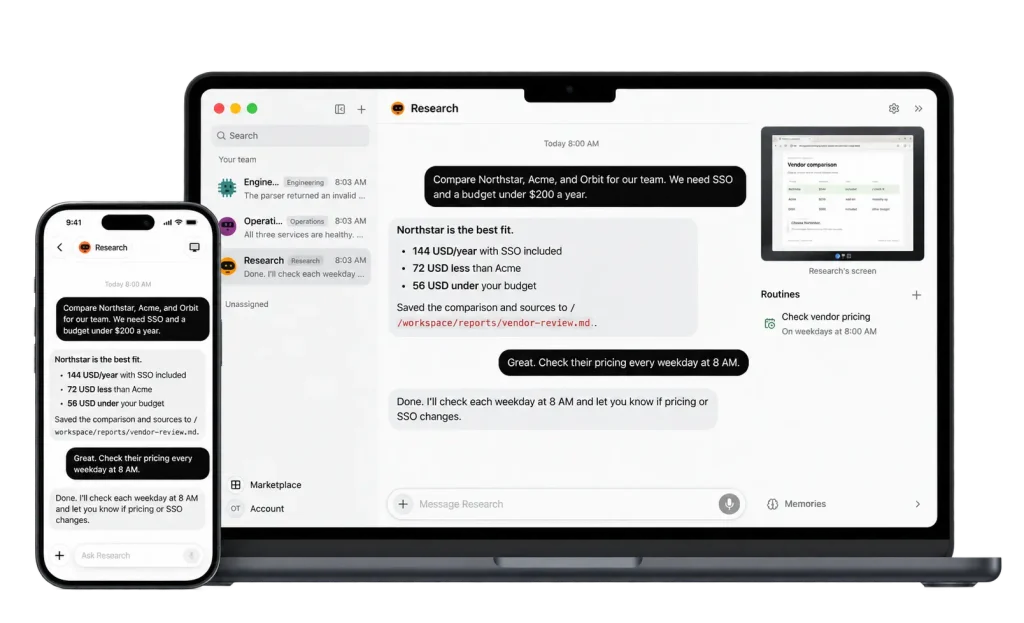
OpenTeam keeps AI bots working on a Docker server with a shared Linux computer for files, browser sessions, and desktop actions. Bots can gather research, discuss it in group chats, and complete scheduled work after your laptop closes.
Key Features
- Each bot has its own conversation, memory, browser screen, and role.
- All bots on the server use one configured model.
- Connect ChatGPT or Claude account sign-ins, API keys, or compatible model servers.
- Run recurring jobs through routines.
- Use desktop clients on Apple silicon Macs and Linux, with an iPhone beta.
The bots share files and browser logins on the Linux computer, which also permits passwordless sudo. Installation requires Docker Engine and Compose 2.20 or newer.
6. OpenBot (CopilotKit)
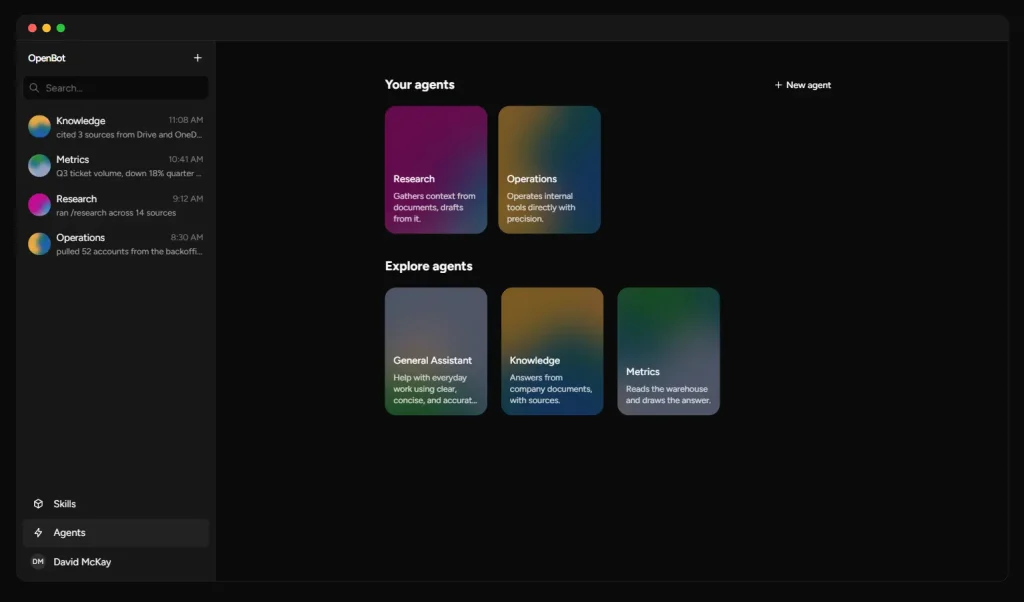
CopilotKit OpenBot gives AI coworkers browser and file tools behind a policy gateway. Each requested action passes through a rule check, and the decision is logged. Administrators can define what a reporting bot can read, change, or send.
Key Features
- Connect AG-UI agents from LangGraph, Mastra, CrewAI, or custom backends.
- Apply policies to browser, file, and MCP tool actions.
- Execute recurring jobs through a routine worker.
- Store persistent conversation threads through CopilotKit Intelligence.
The OpenBot app uses the MIT license and requires model access plus CopilotKit Intelligence. Intelligence can be evaluated locally on a Mac under the Developer plan. Production self-hosting requires a Team self-hosted plan or a custom Enterprise plan.
OpenBot: Self-Hosted AI Coworkers with Governed Computer Access
7. Octop
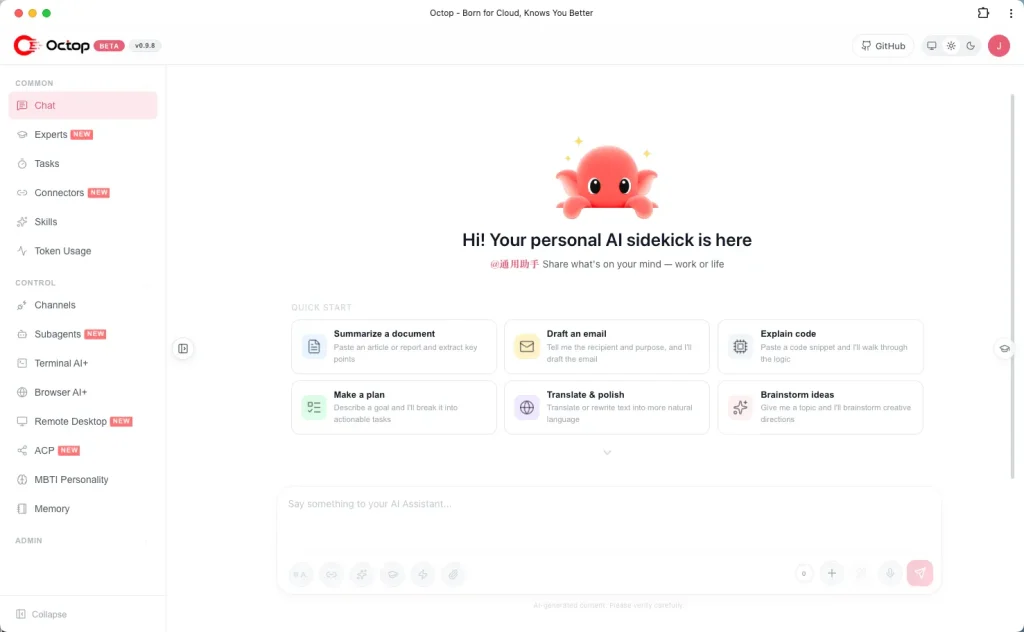
Octop from Tencent Cloud hosts AI experts for multiple users. Experts can maintain project files, remember past work, and send scheduled reports through the web dashboard, desktop clients, or messaging channels.
Key Features
- AgentTeams, currently in beta, lets a coordinator assign work to member experts.
- Use cron schedules for recurring tasks.
- Reach experts through Telegram, Discord, Feishu, and WeCom.
- Connect external data sources through MCP connectors.
- Use browser automation, remote desktop access, and optional Docker sandboxes.
Install Octop through platform scripts, a Python package, or Docker, then connect a model provider. It also accepts OpenAI-compatible endpoints and Ollama.
8. OpenClaw
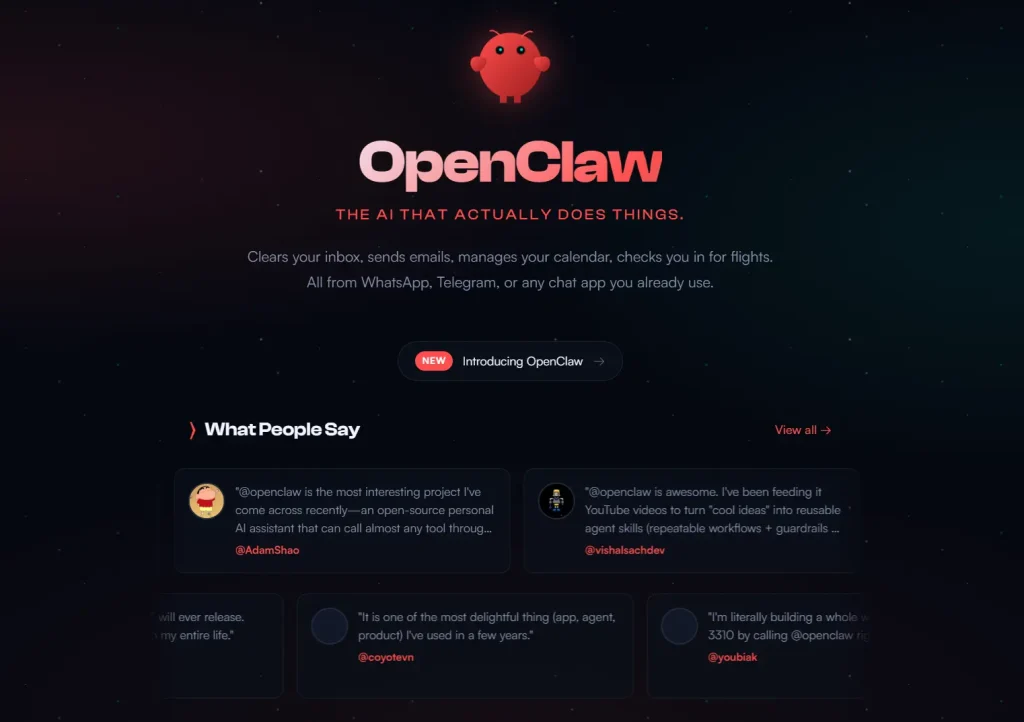
OpenClaw runs AI agents through Slack, Telegram, Discord, WhatsApp, and other chat services using a Gateway. An agent can gather updates from files and connected tools, prepare a daily report, and post it to a channel on schedule.
Key Features
- Store scheduled jobs and run history in the Gateway.
- Assign agents their own instructions, sessions, credentials, and workspaces.
- Automate browser tasks through managed profiles or a signed-in browser connection.
- Connect hosted or local models and configure shell tools.
The Gateway runs on a machine or server you manage and must stay online for scheduled work. You configure which agents can use browser sessions, credentials, and shell commands.
OpenClaw is MIT-licensed. You maintain the Gateway and the tools that execute each task.
9. Hermes Agent
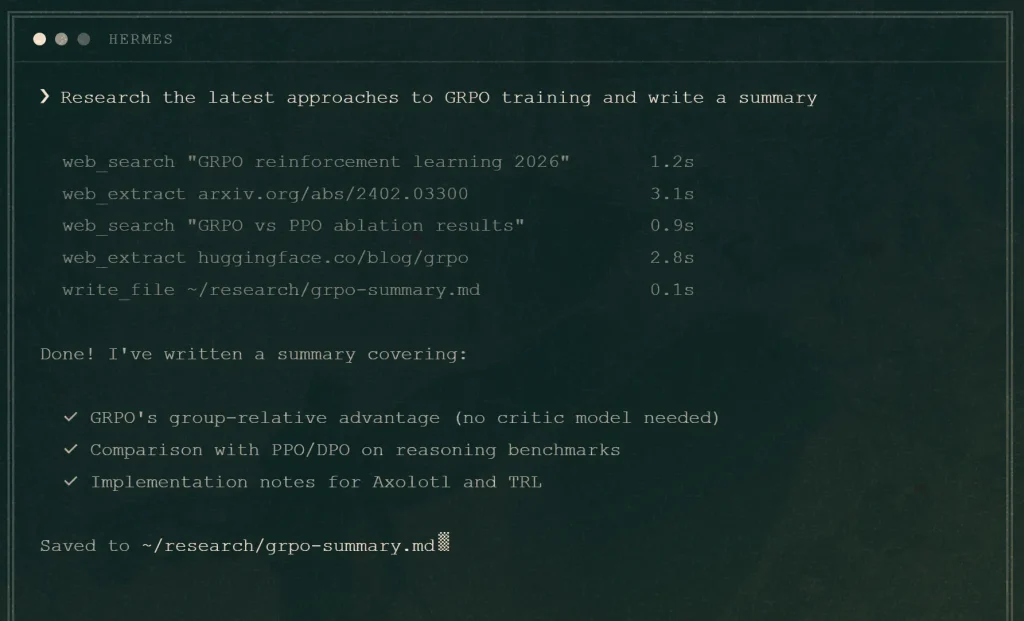
Hermes Agent from Nous Research is a personal assistant that remembers preferences and learns procedures for recurring tasks. It runs in a desktop app, terminal, or messaging channel, and can search earlier conversations for context.
Key Features
- Save procedures as skills and rerun them through scheduled jobs.
- Delegate research tasks to parallel subagents and combine their findings.
- Run commands through a local terminal, Docker, SSH, or cloud sandboxes.
- Connect Nous Portal, other model providers, or compatible endpoints.
For a weekly project audit, Hermes can apply a saved reporting procedure to new files and send the result to a messaging channel. Browser and graphical desktop tasks use additional tools or services. Scheduled jobs need a running execution backend.
Hermes Agent: Free Self-Improving AI Agent with Memory & Bot Mode
10. NanoClaw
NanoClaw runs messaging agents inside Docker containers, with memory and files organized by agent group. You can connect Slack, Telegram, and other channels to agents and decide which conversations share context.
Key Features
- Route channels to different agents, or share an agent’s memory across channels.
- Limit each agent group to the project folders mounted in its container.
- Run scheduled tasks in new sessions and deliver results to a configured chat destination.
- Add Codex, local models, and messaging channels through installation skills.
- Customize agent behavior and integrations in your own codebase with Claude Code.
NanoClaw’s setup uses Anthropic’s Claude Agent SDK by default. It runs with Docker on macOS, Linux, or Windows through WSL2.
NanoClaw: Lightweight OpenClaw Alternative for Safer Local AI Agents
Frequently Asked Questions
Is Grok Bot Itself Open Source?
No. Grok Bot is a proprietary, hosted service. The alternatives here have own application code under open-source licenses.
Are Open-Source Grok Bot Alternatives Free to Run?
Model APIs, servers, hosted computers, and paid connectors can add costs. OpenMausBot and Codync can use existing Claude Code or Codex logins.
Can These Bots Keep Working When Your Computer Is Off?
Yes, if the bot service and scheduler run on a server or hosted computer that stays online. Rakazo, OpenTeam, and Octop can run on a server. Codync’s scheduled jobs stop when the computer running its agents sleeps.
Can You Move Existing Grok Bot Setups to Another App?
OpenMausBot has a Move from Grok Bot flow for importing a bot setup file. Codync accepts bot export files. These imports help recreate bots and their instructions.
Does Self-Hosting Keep All Agent Data on Your Device?
A self-hosted bot can send prompts and results to remote model APIs, messaging apps, and connectors. For local-only processing, use local models and tools and restrict outbound connections. Bots working on one computer can access shared files and browser sign-ins.