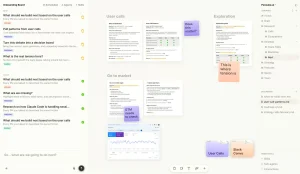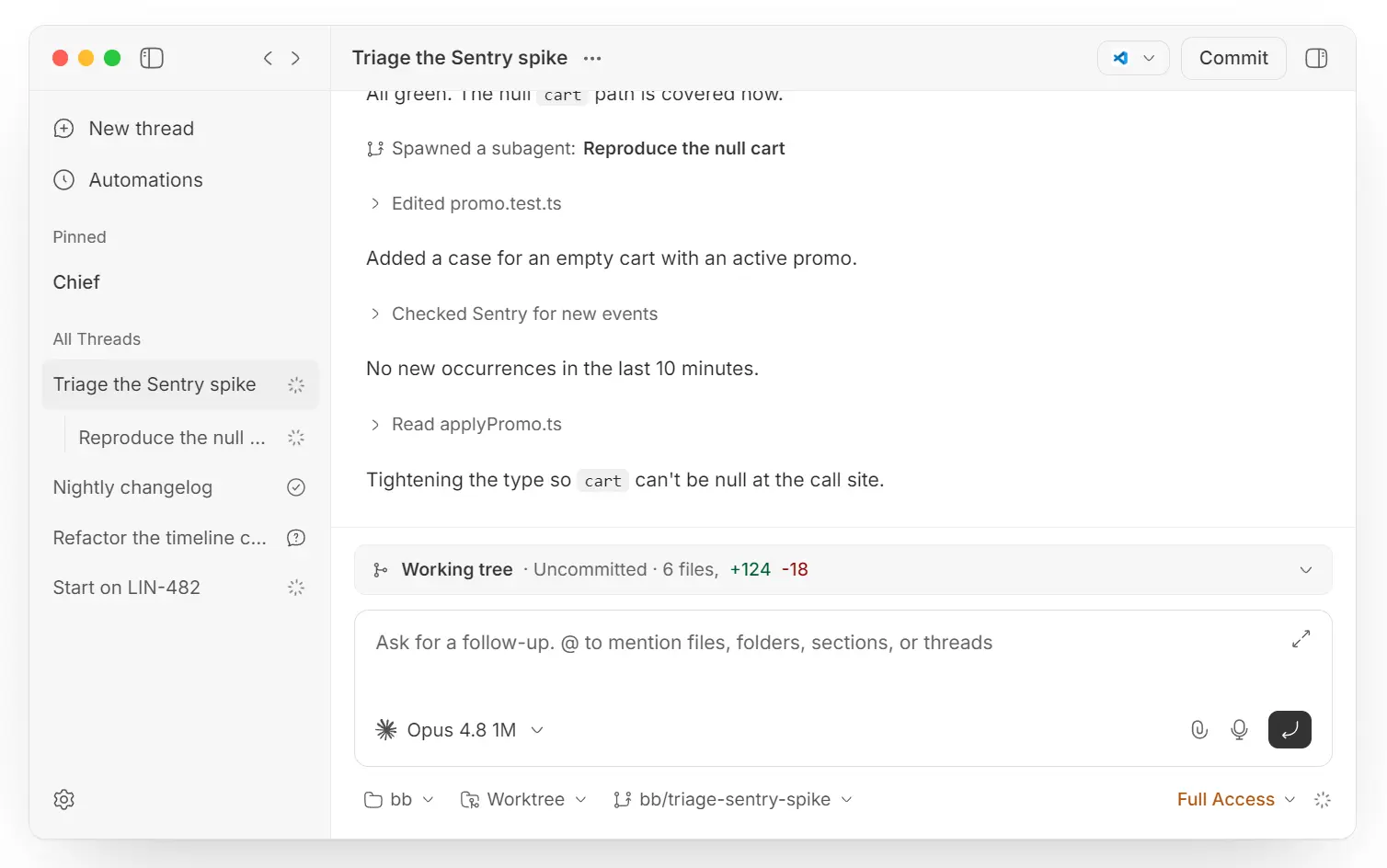
bb is a free, open-source agentic IDE for coordinating coding agents across projects, threads, worktrees, and machines. Works with Claude Code, Codex, Cursor, Pi, OpenCode, Grok Build, omp, Hermes Agent, and custom ACP-compatible agents.
The project does not replace the AI coding agents you already use. It wraps them in a shared, thread-based workspace. Every task an agent runs becomes a thread with its own worktree, sidebar entry, and live output stream. Live viewing, mid-run steering, and handoff between agents all work on the same thread without losing context.
What bb Does
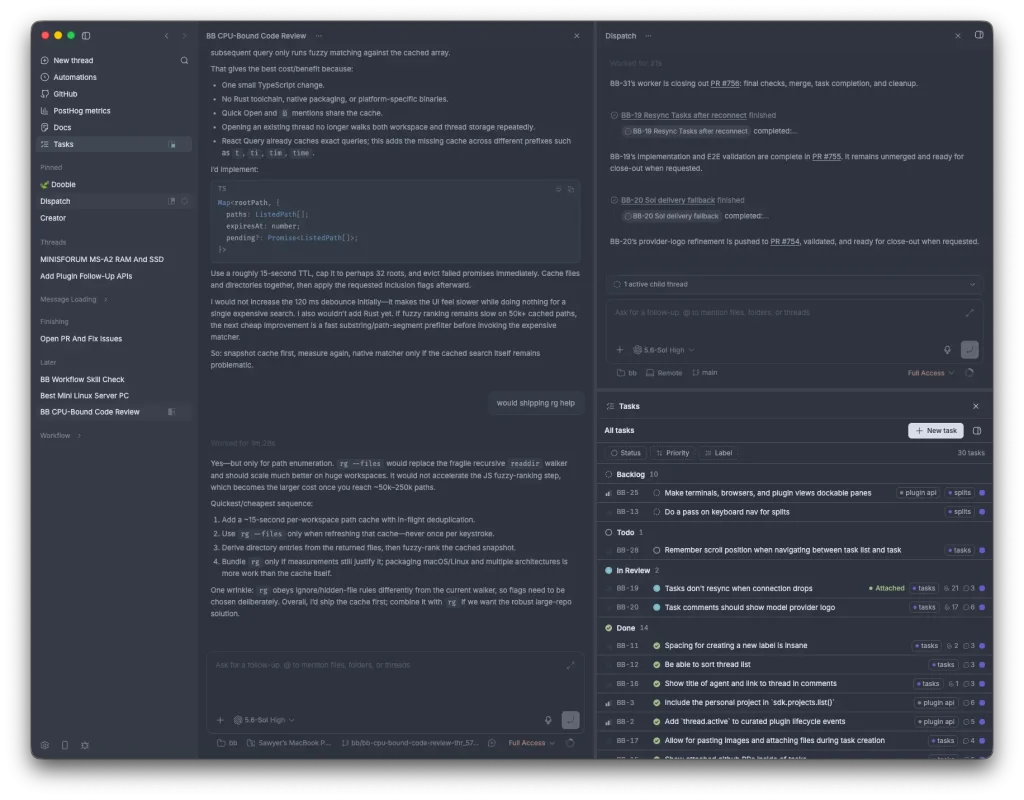
Most AI coding agents focus on one agent working inside one repository session. bb adds a workspace around those agents and organizes their work into projects, execution environments, and live threads.
A project holds multiple threads with different providers. You can assign a refactor to Codex and a test review to Claude Code, then inspect both from the same interface. Managed worktrees separate parallel repository changes, while active threads expose their progress for steering and follow-up instructions.
bb also provides desktop and web UI alongside a CLI, HTTP API, and Node SDK. Shell scripts, scheduled jobs, plugins, and external programs can start threads through the same underlying workspace.
Key Features
- Organizes coding work into projects and live agent threads.
- Supports parallel repository work through managed worktree environments.
- Supports thread steering, queuing, archiving, forks, and agent handoffs.
- Extends the workspace with plugins for tools, skills, UI panels, CLI commands, services, automations, and storage.
- Dispatches project work to enrolled execution machines.
- Reads provider-native skills and shared skill folders across supported agents.
How to Use bb
1. Install and authenticate at least one supported coding agent, such as Claude Code, Codex, or Cursor Agent.
2. Download the desktop app to get started (Apple Silicon Macs only).
3. Or start the stable bb package and open the local web ui (http://localhost:38886)
npx bb-app@latest4. Add an existing repository or create a project from a local folder.
5. Start a thread, select the coding agent, and send a concrete repository task:
Inspect the failing tests in this repository, identify the root cause, and prepare a focused fix with the relevant tests.6. Start another thread for independent work when the project has parallel tasks. Select separate worktree environments when both agents need to modify the repository concurrently.
The packaged CLI controls an already-running bb server:
npx --package bb-app bb --helpPros
- Free MIT-licensed core
- Multi-provider agent orchestration
- Parallel worktree execution
- Prompt-built plugin extensions
- Local-first server architecture
- Desktop, web, CLI, and SDK access
Cons
- Desktop app is Apple Silicon only
- Windows requires Ubuntu WSL2
- Provider access costs extra
- Production telemetry defaults on
Alternatives & Related Resources
- 10 Best CLI AI Coding Agents: Open-Source & Commercial
- Aperant (Auto Claude): Open-Source AI Coding Agent Harness
- OpenClaude: Open-Source Coding Agent for Cloud and Local Models
- QM: Y Combinator’s Open-Source Agent Harness for Startups
- Waku: Run Claude Code, Codex & More in One Native App
FAQs
Q: Does bb charge separately for each coding agent it connects?
A: No. Every connected agent authenticates through its own provider CLI and bills through that provider’s existing plan.
Q: Can a team share one bb server across several people and machines?
A: Yes, through bb connect for remote browser access and enrolled execution machines for remote work dispatch.
Q: Can bb run a custom coding agent?
A: Yes. bb supports custom ACP agents through customAcpAgents in ~/.bb/config.json. The configuration accepts custom provider metadata along with optional model, reasoning, icon, and skill-root settings.
Q: Do I need my own API key?
A: Yes. bb relies on an external AI provider CLI that you must authenticate separately. The IDE does not bundle a model or manage tokens.
Q: What happens if an agent gets stuck?
A: You can pause the thread, inject new instructions, or hand the task off to a fresh agent.
Q: What causes the “Could not locate the bindings file” startup error?
A: The npm package depends on native add-ons such as better-sqlite3. Missing native binaries produce this error. Reinstalling the package or rebuilding the native dependency fixes the affected installation. When ignore-scripts=true caused the missing binary, run:
npm_config_ignore_scripts=false npx bb-app@latest