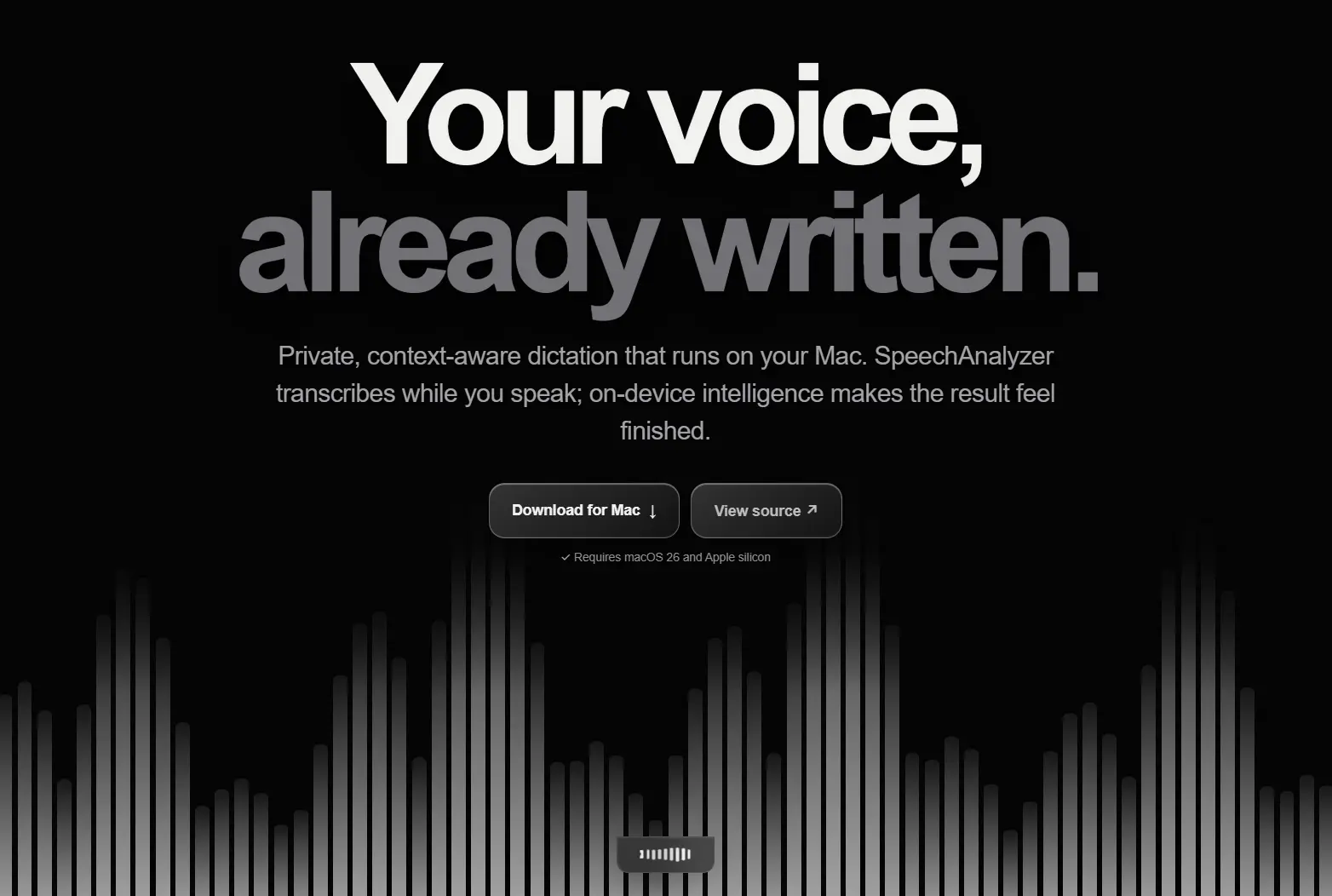
Megaphone is a free, open-source dictation app for Apple Silicon Macs running macOS 26 or later.
Hold Fn, speak, and release the key. Megaphone transcribes your speech on the Mac, cleans the transcript, and types the result into the active app.
The app uses Apple’s SpeechAnalyzer to handle live speech-to-text. Smart Cleanup and Inline AI use Apple’s on-device Foundation Model.
Features
- On-device transcription: SpeechAnalyzer processes audio while you speak.
- Smart Cleanup: Removes fillers, resolves corrections, and improves punctuation.
- Basic and Exact modes: Use deterministic cleanup or preserve a more literal transcript.
- Inline AI: Start with “Hey Megaphone” to generate or rewrite text.
- App-aware context: Adapts text for mail, chat, documents, terminals, and code editors.
- Personal Dictionary: Saves names, acronyms, technical terms, and exact corrections.
- Dictionary learning: Learns recurring vocabulary from successful dictations.
- Multiple languages: Uses languages available through Apple’s on-device speech model.
- Flexible controls: Supports hold-to-talk, toggle recording, custom shortcuts, and mouse buttons.
How Megaphone Works
Megaphone begins processing audio when dictation starts. SpeechAnalyzer manages the speech session, and SpeechTranscriber converts incoming speech into text.
The resulting transcript then passes through the cleanup mode you selected.
Smart, Basic, and Exact Cleanup
Smart Cleanup sends the transcript to Apple’s on-device Foundation Model. It handles language-dependent corrections such as filler removal, punctuation, abandoned phrases, and explicit self-corrections.
A phrase such as “ship Thursday, no, Wednesday” can become “ship Wednesday.” Megaphone also supplies local writing context and Dictionary terms to help preserve technical syntax, names, and specialized vocabulary.
Basic Cleanup does not use a language model. It applies conservative rules for filler words, stutters, repeated words, and spacing. Megaphone automatically falls back to Basic Cleanup when Apple Intelligence is unavailable, the system model is not ready, or Smart Cleanup fails.
Exact mode keeps the result closer to the original speech transcription. A Revert Last Cleanup command can restore the transcription when Smart Cleanup changes text you wanted to keep.
Inline AI
Begin a normal dictation with “Hey Megaphone” to send an instruction to Apple’s on-device Foundation Model. You can ask a question, generate text at the cursor, or modify a recent dictation with commands such as “make that formal” or “format that as bullets.”
Megaphone can use recent text from the active app and window as context for these follow-up commands. It can also read visible window text locally. Accessibility data is checked first. Vision OCR can provide additional screen context when Screen Recording permission has already been granted.
Dictionary and App Context
The personal Dictionary stores names, project names, acronyms, technical terminology, and explicit heard-to-written corrections. These entries can guide speech recognition and text cleanup.
Automatic Learning tracks unusual terms that appear successfully in dictation. A term can become active after three successful observations, while suggestions can be accepted, dismissed, disabled, or removed.
Dictionary entries can be starred and ranked according to usage. Import and export use a JSON file, which provides a manual way to transfer Dictionary data between Macs.
Megaphone also reads local information about the active app and window. This context can adjust writing style and formatting for email, work chat, personal chat, documents, terminals, and code editors. Markdown-aware apps can receive structured lists, while technical contexts can preserve command-line flags and specialized terminology.
How to Install Megaphone
- Download the current
Megaphone.dmgfrom GitHub Releases. - Open the DMG and move Megaphone to Applications.
- Launch the app and complete microphone and Accessibility setup.
- Select a transcription language and download its speech model when required.
- Hold
Fn, speak, and release the key to dictate.
Build From Source
A source build requires Xcode 26 and the macOS 26 SDK:
git clone https://github.com/Kuberwastaken/megaphone
cd megaphone
make
make run
Pros
- On-device transcription and AI cleanup
- No account or external AI key
- Cross-app Mac dictation
- Personal Dictionary and exact corrections
- Deterministic cleanup fallback
Cons
- Requires macOS 26 or newer
- Apple silicon only
- Smart features require Apple Intelligence
Alternatives & Related Resources
- Yap: Private Mac Voice Dictation with Local Transcript History
- FreeFlow Dictation: Free Mac Voice-to-Text App with AI Context
- Private Voice Dictation & Meeting Transcription for macOS – Ghost Pepper
- Free AI Dictation for Mac with Local Processing – Snaply