Phonon is Gradium’s family of compact, open-weight text-to-speech models for computers, phones, browsers, and local servers.
You can run these models locally through xn-ptts, a Rust inference engine that streams audio as it generates speech. Your app or assistant can begin playback before synthesis finishes.
Save a WAV recording with one command, or stream speech into a reading app, game, website, or assistant. Once you’ve cached the model and voice files, speech generation works offline.
Key Features
- Generates 24 kHz mono speech locally with compact 31-million- and 40-million-parameter models.
- Streams audio in approximately 80 ms frames, allowing playback to begin during generation.
- Runs on CPUs, browser WebAssembly, and targeted accelerators including WebGPU, Apple Core ML, and Qualcomm QNN.
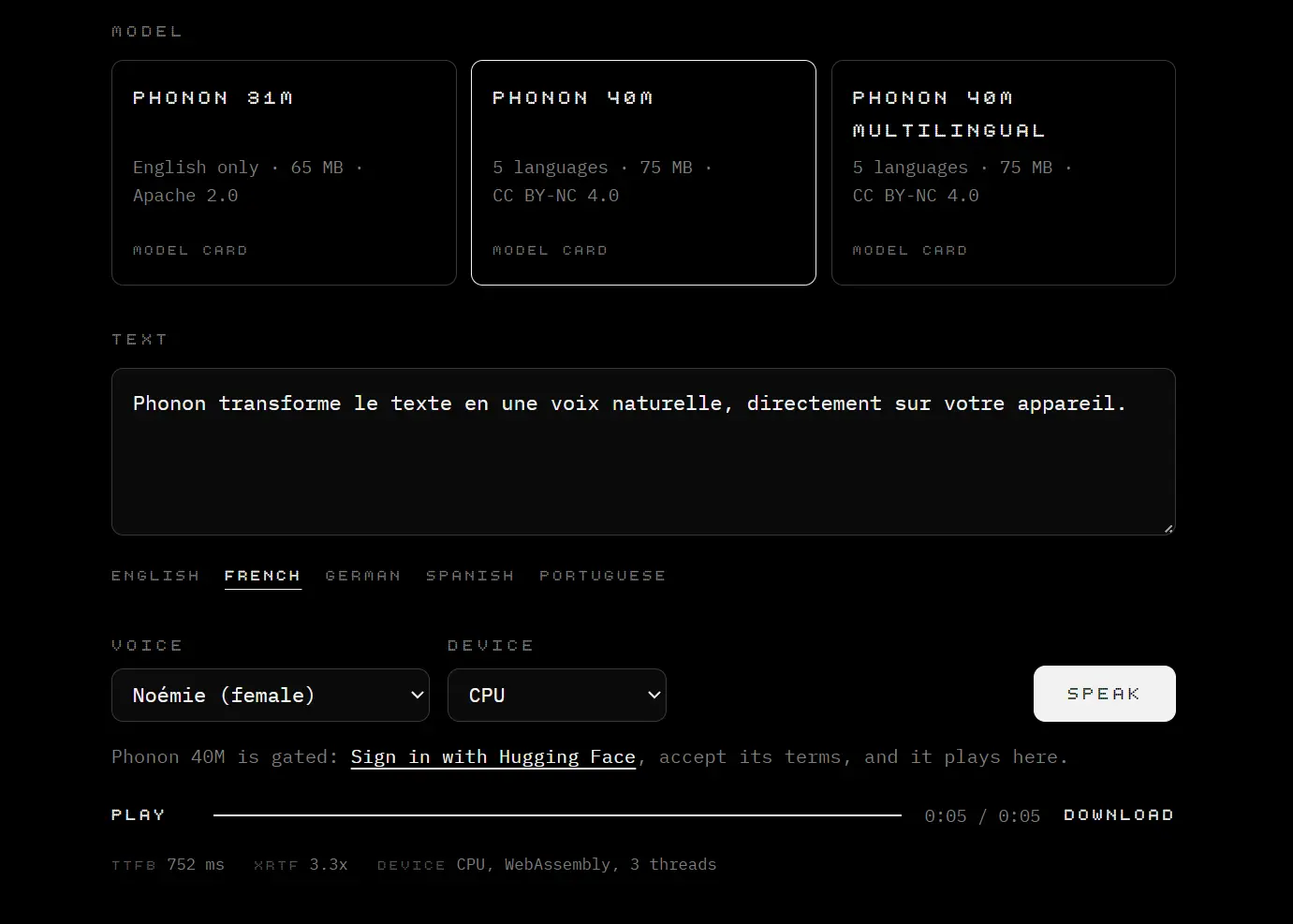
- Various English voices and multilingual models for French, German, Spanish, and Portuguese.
- Preset voices, custom voice files, speaking-rate adjustment, and voice switching.
- Normalizes numbers, dates, currency, and other structured text before speaking it.
- Exposes an OpenAI-compatible speech endpoint and a Wyoming connection for Home Assistant.
Use Cases
- Read articles, notifications, and on-screen text aloud in an accessibility app using cached local model files.
- Stream a local assistant’s spoken reply during text generation and cancel playback when the listener interrupts.
- Generate character dialogue for browser games.
- Announce exercise progress in an iPhone app.
- Speak Home Assistant responses through a local Wyoming-connected voice assistant.
Models, Languages, and Voices
| Model | Spoken languages | Model license |
|---|---|---|
| Phonon 31M · about 65 MB | English | Apache 2.0 |
| Phonon 40M · about 75 MB | English, French, German, Spanish, or Portuguese, using a separate model for each language | CC BY-NC 4.0 |
| Phonon 40M Multilingual · about 75 MB | All five languages in one model | CC BY-NC 4.0 |
Choose a Voice or Create Your Own
Gradium offers 100+ downloadable voice embeddings in its Phonon voice catalog, including 37 English voices. Listen to the samples and select Zoey, Juniper, Harper, Freya, Toby, or another available voice. The CLI and Python runtime download a selected voice file on first use.
For example, generate an English recording using Zoey:
uvx ptts --lang en --voice Zoey "Your appointment is confirmed for 9:30." -o appointment.wavTo create a different voice, use Gradium Studio to describe the voice in text or clone a consenting speaker from about 10 seconds of recorded audio. Export the generated .safetensors voice file and load it in Phonon for local synthesis.
Try Phonon and Generate Your First Speech File
You can try Phonon online in the Hugging Face Space. For a quick command-line result, install uv and generate an English WAV file:
uvx ptts --lang en "Hello from Phonon." -o speech.wavOn the first run, Phonon downloads the default model and caches it. The output is a playable WAV file named
speech.wavin the current directory.
For a standalone native executable, Gradium also provides desktop releases for macOS, Linux, and Windows.
On supported macOS and Linux installations, run the Homebrew command:
brew install gradium-ai/tap/pttsAdd Phonon to a Python App or Website
Generate and Stream Speech in Python
Install the ptts Python package for a local script, application, or backend:
python -m pip install pttsimport ptts
tts = ptts.TTS(lang="en")
tts.save("speech.wav", "Your report is ready.")Create the TTS object once and reuse it for subsequent requests. Use tts.synth(text) for a NumPy array of samples or tts.stream(text) to receive audio chunks during synthesis. Pass the streamed chunks to your audio player:
with tts.stream("Your next instruction is arriving now.") as audio:
    for pcm in audio:
        # Deliver float32 PCM samples to your audio player.
        print(pcm.shape)
Generate Speech Directly in a Browser
For a website or web application, install the JavaScript package:
npm install phonon-ttsimport { PhononTTS } from 'phonon-tts';
const tts = await PhononTTS.load({ lang: 'en' });
const wav = await tts.synthWav('Welcome back.');
const url = URL.createObjectURL(wav);
new Audio(url).play();In a browser, phonon-tts runs inference in a WebAssembly worker on the CPU by default. The first session downloads the public English 31M checkpoint from Hugging Face, and later sessions reuse model files from the browser’s Cache API.
Connect Local Assistants and Existing Speech Clients
To generate speech from an existing TTS client or local assistant, run Phonon’s HTTP server and send requests to /v1/audio/speech.
Run the server in Docker with the port bound to 127.0.0.1, since the HTTP endpoint does not authenticate requests:
docker run --rm -p 127.0.0.1:8880:8880 \
  -e PTTS_LANG=en -e PTTS_QUANT=q8 \
  ghcr.io/gradium-ai/ptts-openai-server
Send a speech request to the local endpoint and save the returned audio:
curl http://localhost:8880/v1/audio/speech \
  -H "Content-Type: application/json" \
  -d '{"model":"tts-1","input":"Your package has arrived.","voice":"default","response_format":"wav"}' \
  -o package.wav
The server exposes /v1/audio/voices for voice selection and accepts MP3, Opus, WAV, or PCM output. Set your client’s base URL to http://localhost:8880/v1. If the client sends OpenAI-specific voice names such as alloy, set PTTS_OPENAI_VOICES=default to map them to Phonon’s default voice.
By default, the API accepts only speed: 1.0. Setting PTTS_IGNORE_SPEED=true allows other values, though the speaking rate stays unchanged. Pass these settings to Docker with -e.
For Home Assistant, set PTTS_WYOMING_ADDR=0.0.0.0:10200, publish port 10200, and add the Wyoming Protocol integration. If you use Home Assistant OS, you can install the Phonon Home Assistant app.
For live conversations with incremental text input, use Phonon’s WebSocket server to stream audio over a continuous connection.
Run Phonon on Phones and Other Hardware
| Integration | Implementation |
|---|---|
| Swift | A Swift package for iOS 18+ and macOS 15+ on Apple silicon, using a Core ML model bundle and the Apple Neural Engine. |
| Android QNN | A Kotlin API with a buildable AAR for Android 12+ ARM64 devices with supported Snapdragon NPUs and a matching compiled model. |
| Android CPU | A Kotlin wrapper around a native C library, built from source with Rust and the Android NDK. |
| Rust | Direct checkpoint loading, synthesis, and streaming from the ptts crate. |
| C and C++ | A native ptts.h API and compiled library for calling Phonon from other environments. |
Pros
- Small models and streaming audio support responsive speech.
- The Rust inference engine can serve browser, desktop, mobile, and self-hosted applications from one model family.
- The 31M English model is available for commercial projects.
Cons
- The freely available 31M checkpoint only speaks English.
- Voice design and cloning require Gradium’s hosted service.
- Native iOS and Android deployments require model bundles or library builds.
Alternatives & Related Resources
- 7 Best Open-Source Text-to-Speech Models
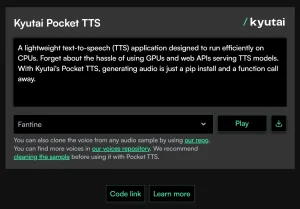
- Free CPU-Based Text-to-Speech Tool with Voice Cloning – Pocket TTS
- Free On-Device TTS With 31-Language Support – Supertonic v3
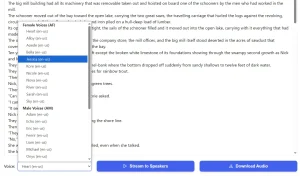
- Privacy-First TTS That Runs 100% in Your Browser – StreamingKokoroJS
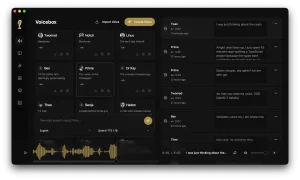
- Voicebox: Free Local Voice Cloning, TTS, Dictation Studio