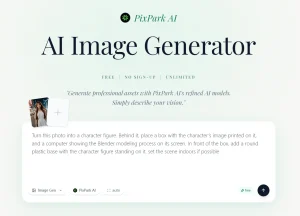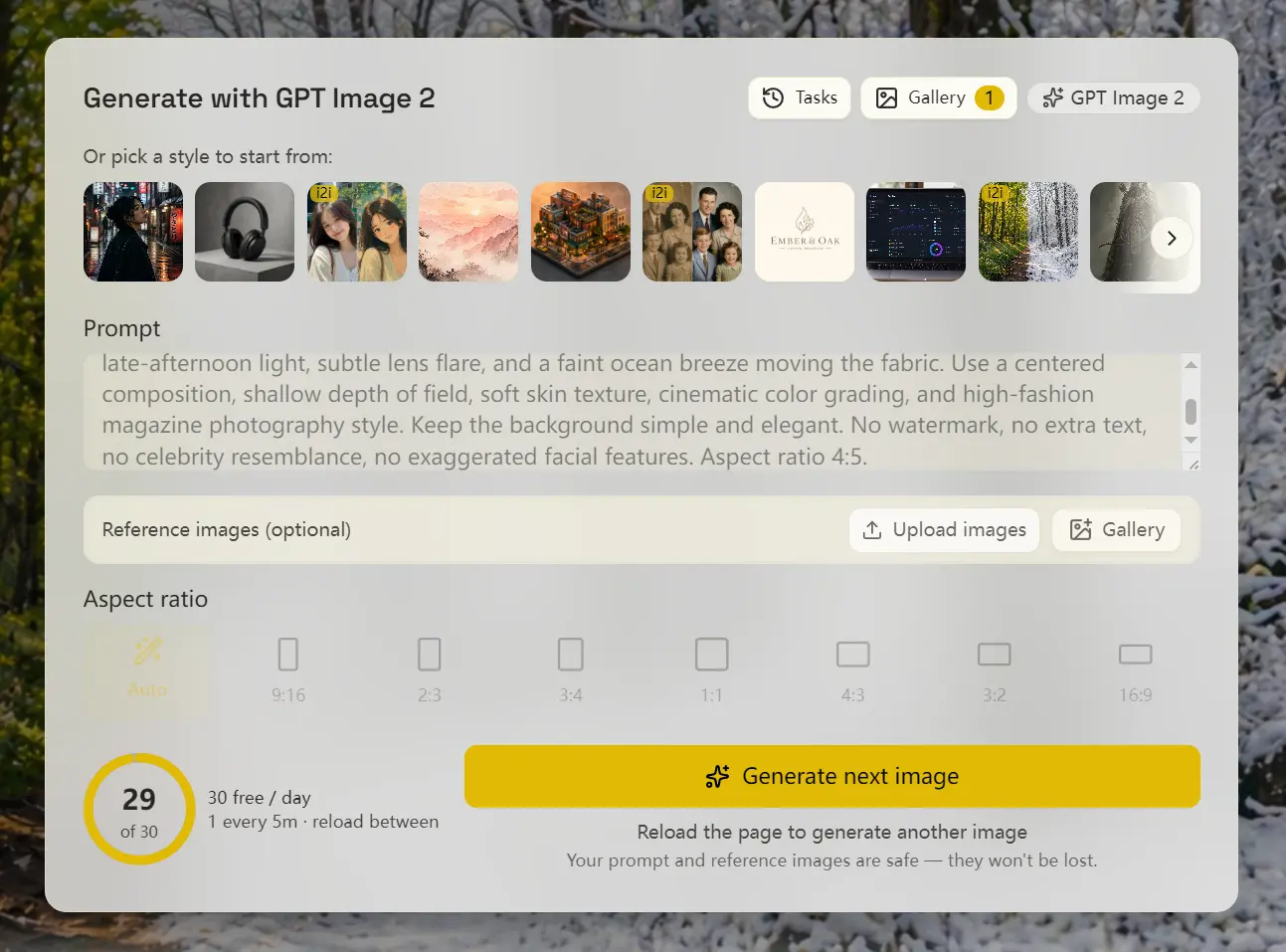
This is a 100% Free GPT Image 2 generator that creates AI images from text prompts and edits images from uploaded reference images. Based on the latest OpenAI’s GPT Image 2 model.
The tool uses an ad-funded model and applies a fair daily cap. Requires no ChatGPT account, OpenAI API key, email login, phone number, Google login, credit card, or subscription.
It works best for creators, marketers, bloggers, students, and designers who occasionally need to generate images, particularly those who, for various reasons, are unable to use ChatGPT or do not have a ChatGPT subscription account.
Features
- Generates images from plain text prompts.
- Edits existing images from uploaded reference images.
- Supports 13 prompt languages through automatic translation before generation.
- Includes style presets for photography, illustration, product shots, logos, UI mockups, characters, scenery, and typography.
- Saves results locally so you can download generated images from the browser.
Case Study
GPT Image 2 is currently the top-ranked model on the LMSYS Image Arena leaderboard for both text-to-image and image editing.
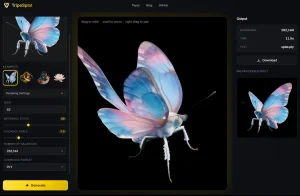
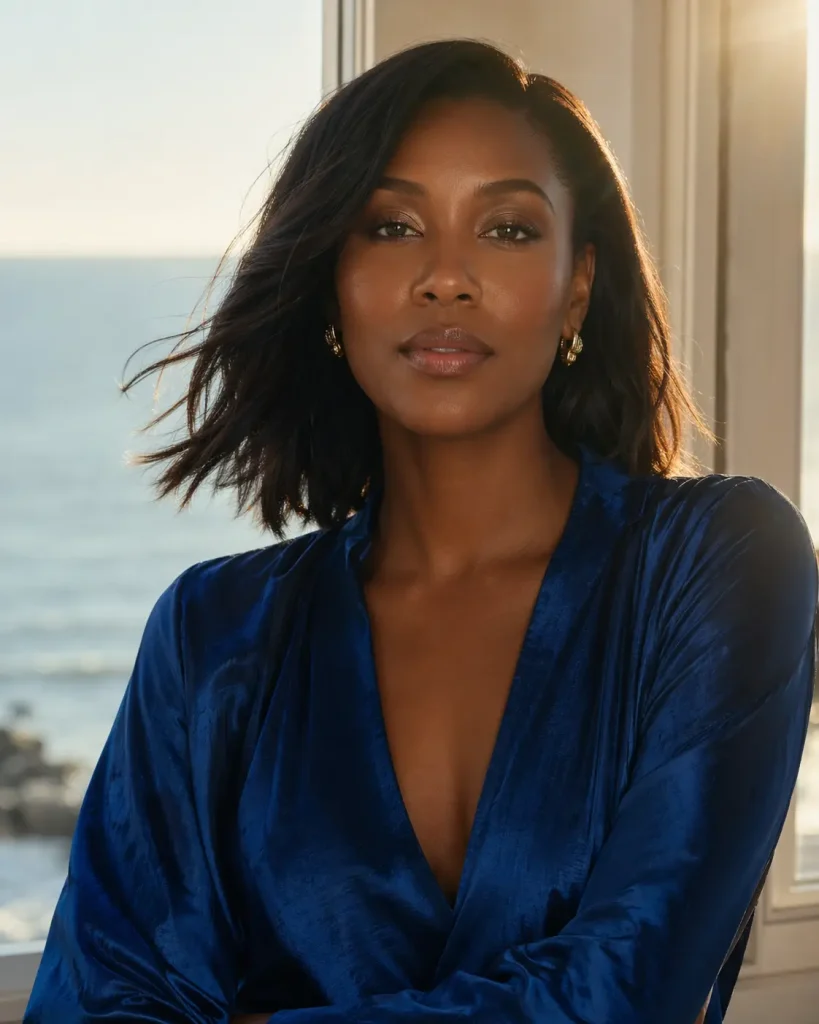
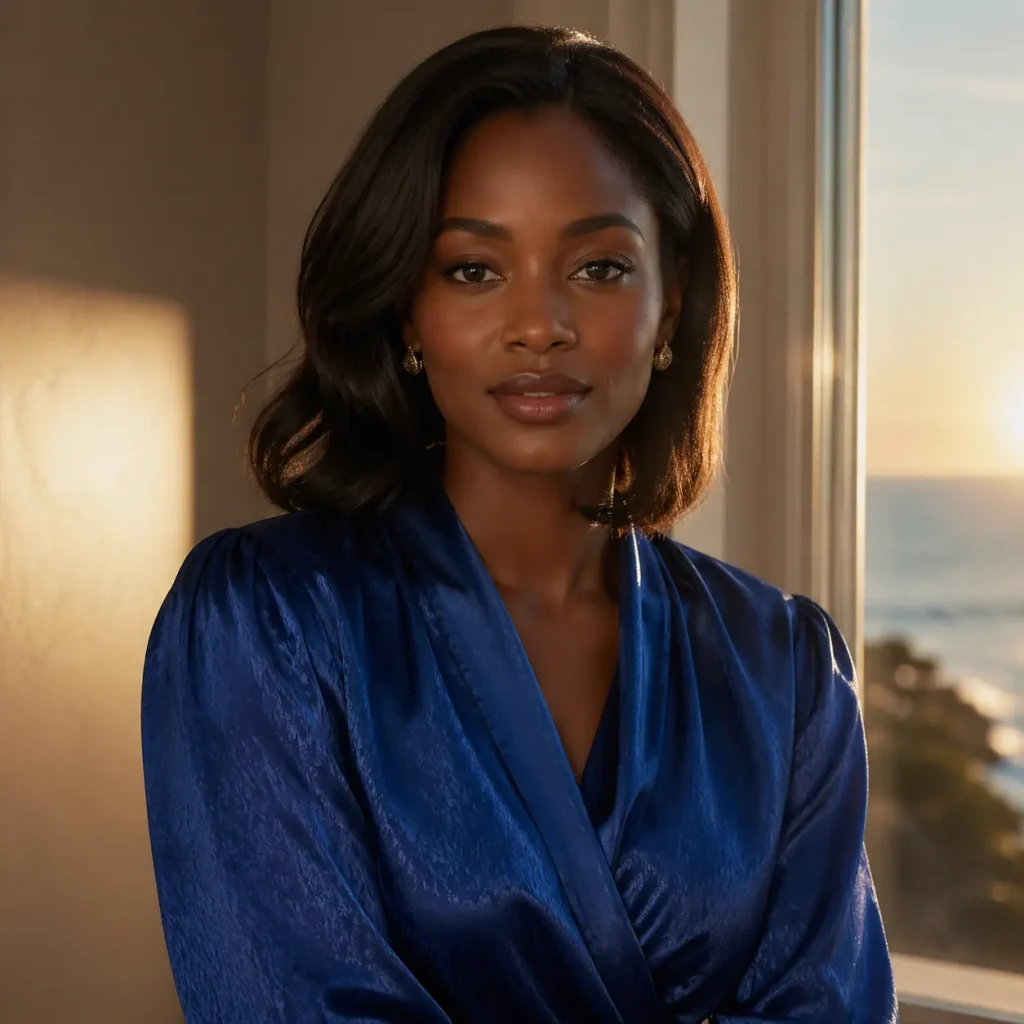
I ran an identical prompt through both platforms, and the resulting images are nearly indistinguishable. Same composition, detail, and typography handling.
This confirms the tool is indeed powering generations with the authentic GPT Image 2 model, not a cheaper alternative.
How to Use It
1. Visit the Free GPT Image 2 generator and type a description in the prompt field. Upload a reference image to use image-to-image mode.
2. Pass the Cloudflare verification.
3. The GPT-Image-2 model processes the request and returns the image in 10 to 60 seconds, depending on prompt complexity and server load.
4. The generated image saves automatically to the browser’s IndexedDB. Download it immediately or return to the same browser to find it later. Clearing browser data permanently removes all stored images.
5. Reload the page when you want another generation. Each page load grants one generation, and the daily cap allows up to 30 images per device.
Pros
- No OpenAI account or credit card needed.
- Images remain local. No uploads to external servers.
- Generous daily image generation cap.
Cons
- Requires reloading the page between each generation.
- The daily limits heavy production work.
Related Resources
- GPT Image 2: Official model overview covering capabilities, training approach, and API access details.
- OpenAI Usage Policies: Governs commercial and non-commercial use of GPT Image 2 outputs.
- LMSYS Chatbot Arena Image Leaderboard: Anonymous pairwise voting leaderboard where GPT Image 2 holds top rankings in text-to-image and image editing.
- GPT Image Generation Prompting Guide: Improve prompts for product visuals, design assets, text rendering, and controlled image outputs.
- Best GPT-Image-2 Prompts: Copy original GPT-Image-2 prompts for portraits, product ads, UI mockups, infographics, and more.
- 10 Best AI Image Generators: Free and Paid
FAQs
Q: Where do generated images go after they appear?
A: Images save automatically to the browser’s IndexedDB storage as binary files. They stay on the local device and never upload to the site’s servers.
Q: Can images generated here be used commercially?
A: Commercial use is subject to OpenAI’s image usage policy for GPT Image 2. FreeGPT.IM passes outputs to users as-is and does not grant permissions beyond what OpenAI’s policy allows.
Q: What model is running behind this site?
A: OpenAI’s GPT Image 2, released in 2026 as the direct successor to GPT Image 1 and DALL-E 3, with improved prompt adherence, in-image typography, and image editing capability.
Q: Are prompts stored or used for training?
A: Prompts are sent to the model provider for generation but FreeGPT.IM does not log or store them afterward.
Q: What can I create with this tool?
A: You can create product shots, portraits, blog images, social visuals, UI mockups, typography posters, character sheets, logos, scenery, illustrations, and edited versions of uploaded reference images.