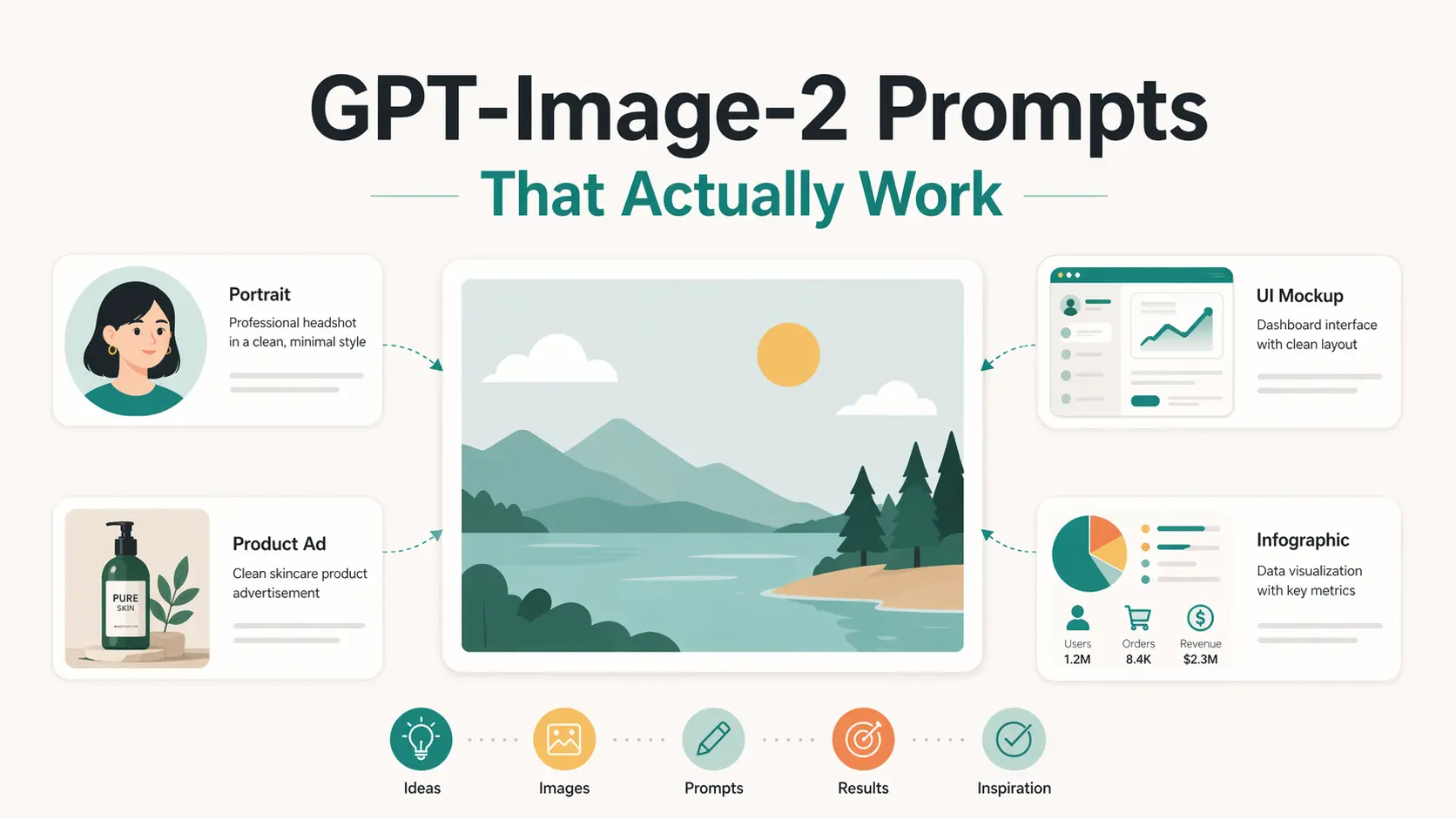
GPT-Image-2 is easier to control when the prompt settles the key decisions up front. If the subject, scene, composition, lighting, text, and style are left loose, the model has to invent them. The image may still look polished, but it can miss the brief.
This becomes obvious in image types that leave little room for drift. Product photos, infographics, UI mockups, editorial portraits, and other structured visuals can change fast when framing, text placement, or lighting moves off course.
The prompts below focus on those practical image goals. They cover portraits, product photos, ads, travel posters, YouTube thumbnails, UI mockups, design systems, infographics, character sheets, and storybook illustrations. Each one includes a copy-ready prompt and a short variation for a second pass.
10 Best GPT-Image-2 Prompts Worth Trying
Realistic Editorial Portrait
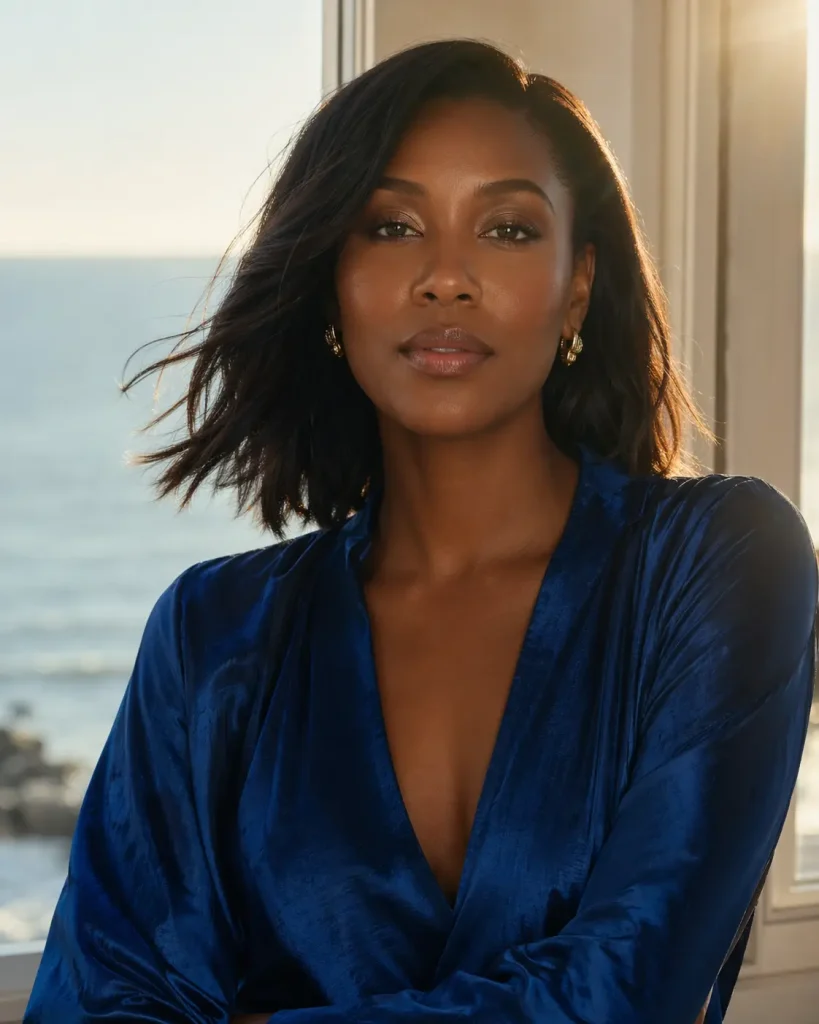
Prompt:
Create a realistic editorial beauty portrait of a fictional adult woman with deep brown skin, calm confidence, and refined styling. She has smooth shoulder-length hair, soft natural makeup, small gold earrings, and a textured sapphire blue satin blouse. Place her near a quiet coastal window with warm late-afternoon light, subtle lens flare, and a faint ocean breeze moving the fabric. Use a centered composition, shallow depth of field, soft skin texture, cinematic color grading, and high-fashion magazine photography style. Keep the background simple and elegant. No watermark, no extra text, no celebrity resemblance, no exaggerated facial features. Aspect ratio 4:5.
Try this variation:
Swap the coastal window for a minimalist studio backdrop with a single softbox light source, and change the blouse to a structured ivory blazer for a corporate editorial look.
Premium Food Product Photography
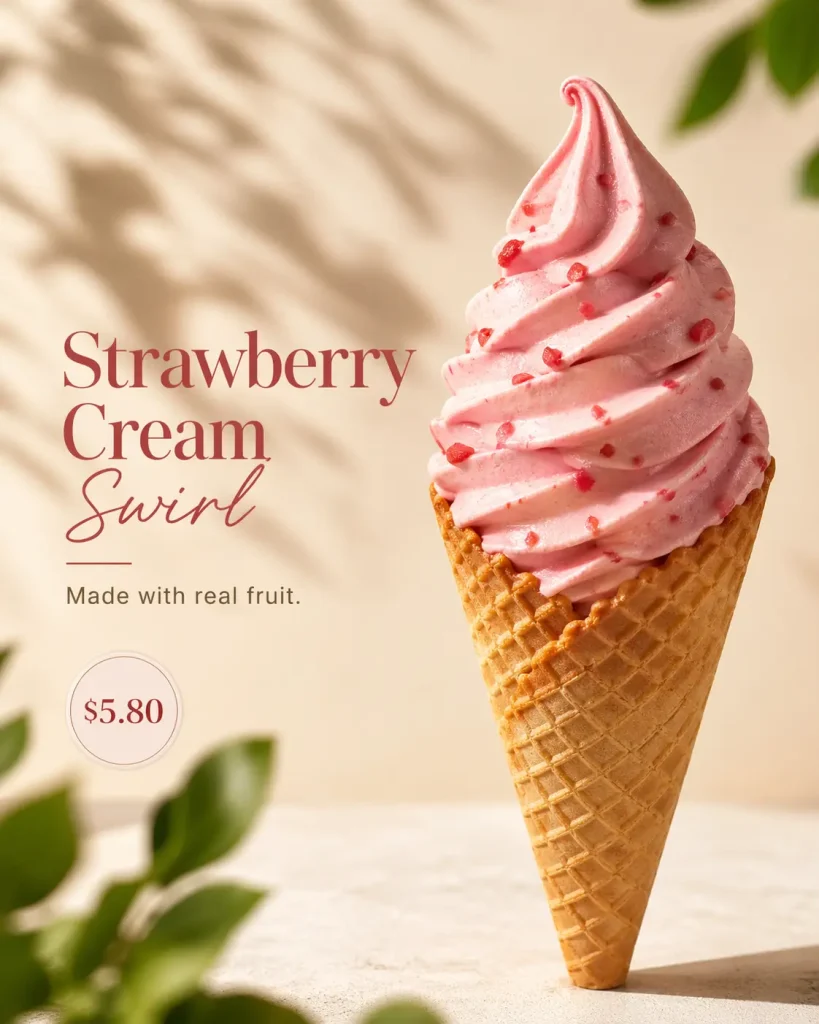
Prompt:
Create ultra-realistic commercial food photography of a strawberry soft-serve ice cream in a crisp waffle cone. The ice cream should look creamy, naturally pink, and freshly swirled, with tiny strawberry pieces on the surface. Use a warm cream background, soft daylight from the upper left, gentle leaf shadows, and a few blurred green leaves in the foreground for depth. Leave clean negative space on the left for product copy. Add elegant modern text that reads "Strawberry Cream Swirl" and a smaller line that reads "Made with real fruit." Add a small round price badge that reads "$5.80." Use premium dessert brand styling, shallow depth of field, realistic texture, and clean commercial composition. No random text, no watermark, no logo. Aspect ratio 4:5.
Try this variation:
Replace the ice cream with a cold brew coffee in a tall clear glass, update the text to "Cold Brew Reserve" and "$6.50," and change the background to matte charcoal for a darker, premium café aesthetic.
Product Ad Poster
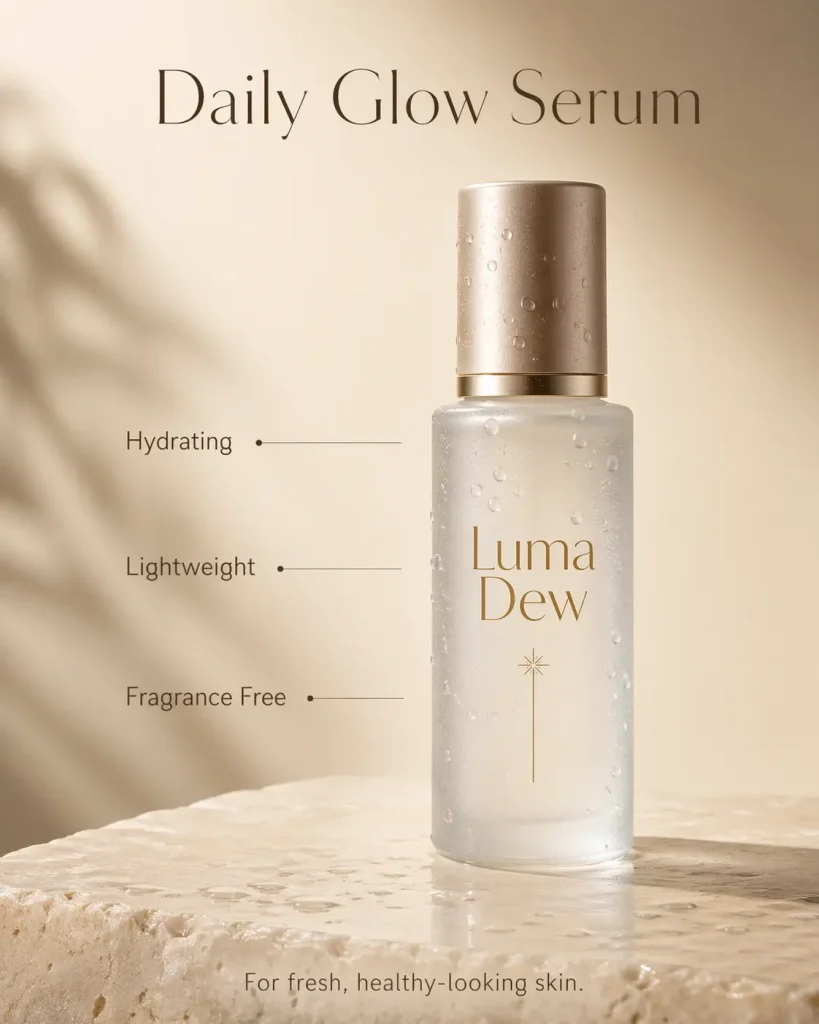
Prompt:
Create a polished product advertising poster for a fictional skincare serum called "Luma Dew." Show a frosted glass bottle standing on a pale stone surface with soft reflections, water droplets, and a clean beige background. Use warm natural light, gentle shadows, and a premium beauty brand layout. Place the headline at the top: "Daily Glow Serum." Add three short feature callouts near the bottle: "Hydrating," "Lightweight," and "Fragrance Free." Add a small bottom line: "For fresh, healthy-looking skin." Use refined typography, balanced spacing, and a modern editorial ad style. No real brand logos, no random text, no watermark. Aspect ratio 4:5.
Try this variation:
Replace the skincare bottle with a minimalist amber glass supplement jar, rename it "Renew Daily," change the callouts to "Plant-Based," "Sugar Free," and "Third-Party Tested," and shift the background to soft sage green.
Travel Poster
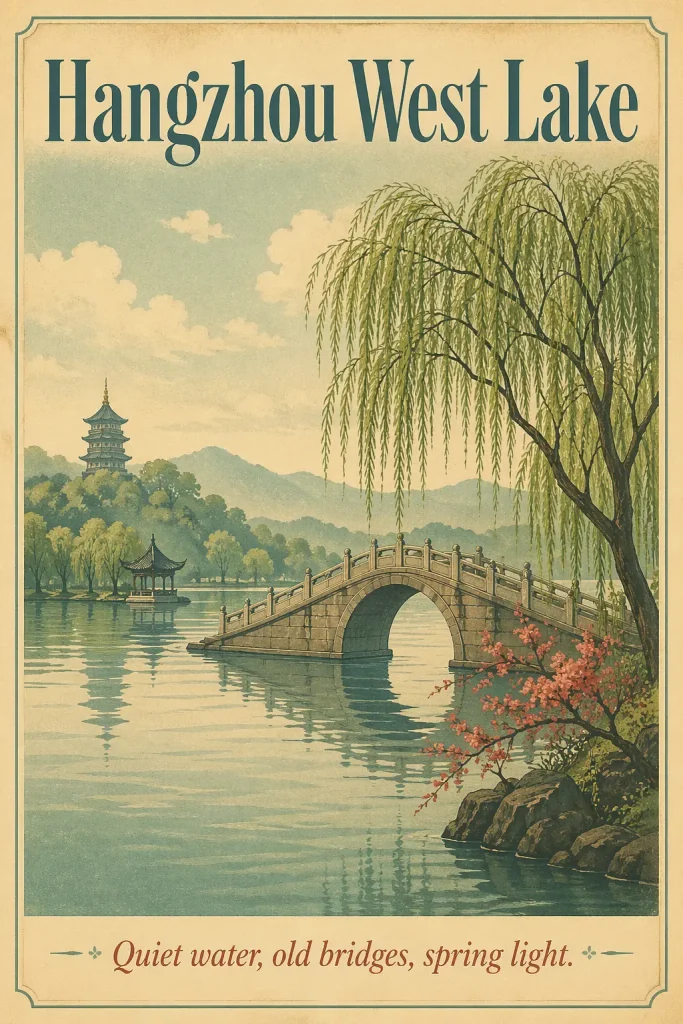
Prompt:
Create a vintage-inspired travel poster for Hangzhou West Lake. Show a calm lake, a stone bridge, willow trees, distant pagodas, and soft hills in the background. Use a refined retro print style with muted teal, warm cream, soft green, and faded red accents. Add subtle paper grain and screen-print texture. Place large readable title text at the top: "Hangzhou West Lake." Add a smaller line at the bottom: "Quiet water, old bridges, spring light." Use a clean vertical poster layout with strong depth, elegant negative space, and no clutter. No random text, no watermark, no modern buildings. Aspect ratio 2:3.
Try this variation:
Replace Hangzhou West Lake with Kyoto Philosopher's Path, change the color palette to dusty pink, ash gray, and moss green, and update the title and tagline to match.
YouTube Thumbnail
Prompt:
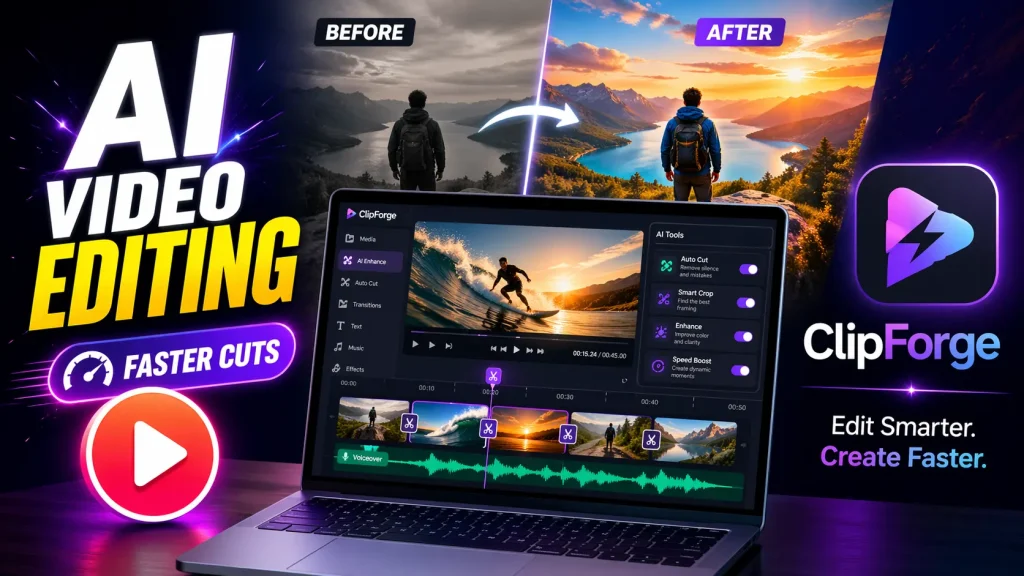
Create a high-click YouTube thumbnail for a video about editing short videos with AI. Show a laptop screen with a colorful video timeline, a large play button icon, and a bright before-and-after split image in the background. Add a fictional app logo area on the right that reads "ClipForge." Use bold readable text on the left: "AI Video Editing." Add a smaller text badge: "Faster Cuts." Use strong contrast, clean composition, expressive lighting, and a modern creator-tool style. Keep the text large enough to read on mobile. No real logos, no copied interface, no random letters, no watermark. Aspect ratio 16:9.
Try this variation:
Change the topic to AI photo editing, replace "ClipForge" with "PixLens," update the headline to "AI Photo Editing" and the badge to "One-Click Fix," and add a before-and-after face portrait to the background instead of a video timeline.
SaaS UI Mockup
Prompt:
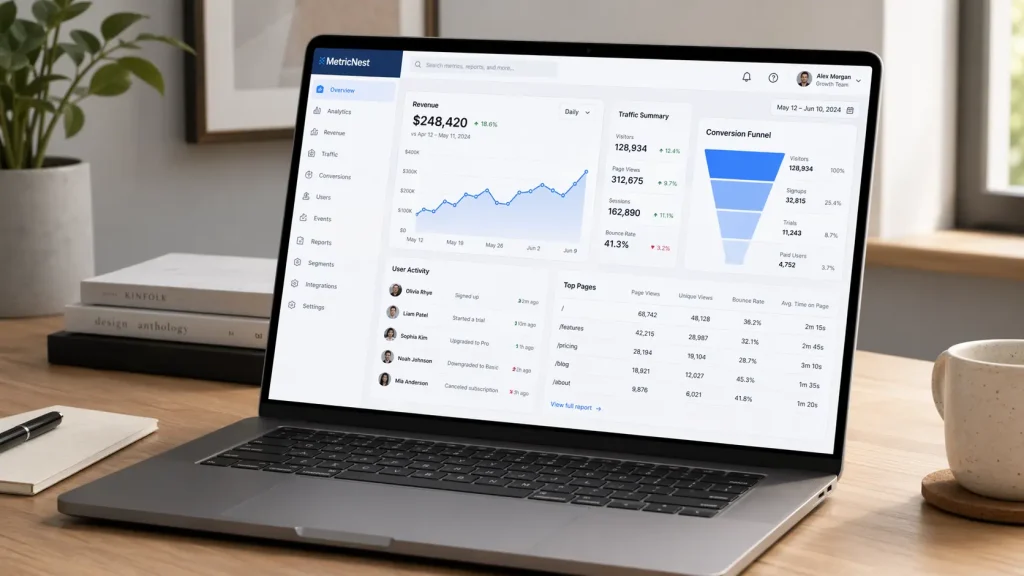
Create a photorealistic SaaS UI mockup displayed on a slim laptop on a minimal oak desk. The screen shows a fictional analytics dashboard for a product called "MetricNest." Include a left sidebar, top navigation, revenue chart, traffic card, conversion funnel, user activity panel, and clean data table. Use soft daylight, subtle screen reflections, realistic desk shadows, and a modern workspace setting. The UI should use crisp typography, calm blue and white colors, rounded cards, and clear spacing. Keep the dashboard readable but not crowded. No real brand logos, no random text, no watermark. Aspect ratio 16:9.
Try this variation:
Replace the oak desk with a white marble surface, change "MetricNest" to a fictional project management tool called "Taskwell," swap the analytics panels for a Kanban board, task list, and team chat thread, and use warm amber and white for the UI palette.
UI Design System Board
Prompt:
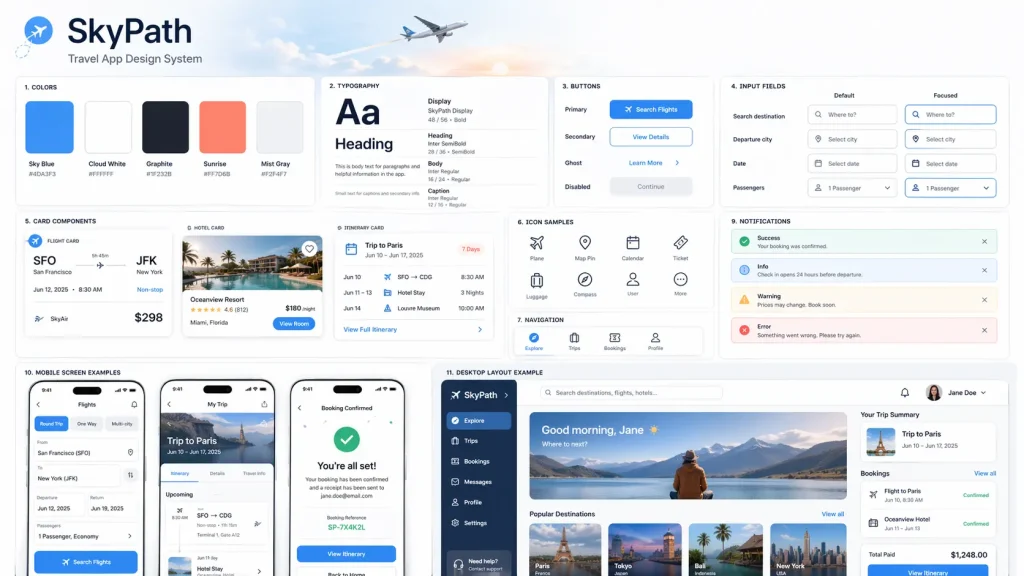
Create a clean UI design system board for a fictional travel planning app called "SkyPath." Show a complete visual system on a light background. Include color swatches, typography samples, buttons, input fields, cards, mobile screen examples, desktop layout examples, icon samples, navigation tabs, toggles, and notification components. Use an airy aviation-inspired style with soft sky blue, white, graphite, and warm sunrise accents. Organize everything in a structured grid with clear labels and consistent spacing. The board should look like a professional product design presentation. No real brand logos, no random text, no watermark. Aspect ratio 16:9.
Try this variation:
Change the app to a fictional wellness platform called "Rooted," replace the aviation palette with muted forest green, cream, and soft terracotta, and swap the aviation-inspired style for a grounded, nature-forward design language.
Encyclopedia Infographic
Prompt:
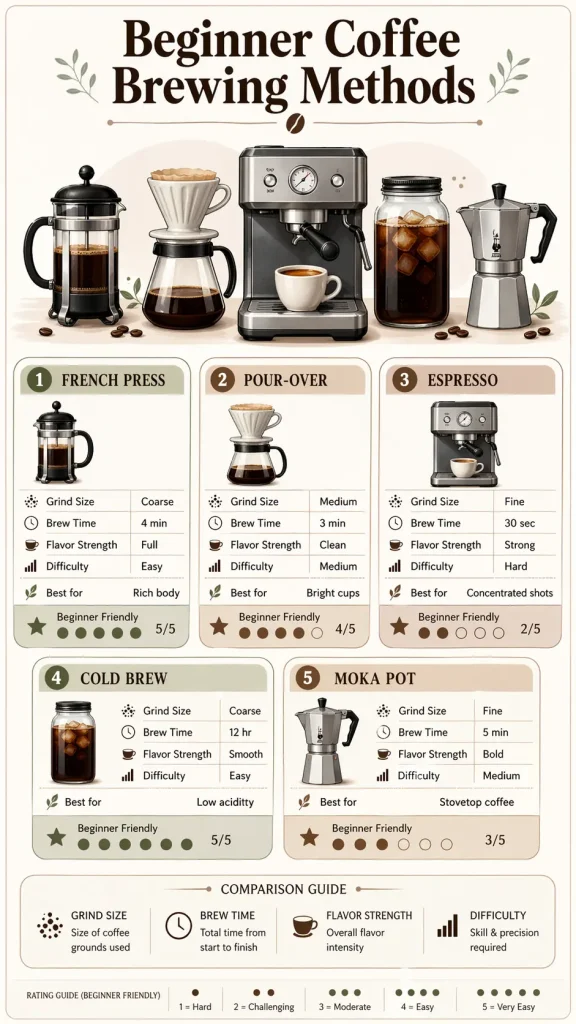
Create a vertical encyclopedia-style infographic about "Beginner Coffee Brewing Methods." Use a clean light background, soft neutral colors, rounded information panels, small icons, and a polished knowledge-card layout. Place a clear title at the top: "Beginner Coffee Brewing Methods." Include a central illustration of coffee equipment, then add modular sections for French press, pour-over, espresso, cold brew, and moka pot. Add small comparison labels for grind size, brew time, flavor strength, and difficulty. Include a simple "Best for" row and a compact rating card. Keep the information dense but readable. Use short text only. No random text, no watermark, no advertising style. Aspect ratio 9:16.
Try this variation:
Replace coffee with home fermentation basics, update the title to "Beginner Fermentation Guide," swap the brewing method sections for kombucha, kimchi, sourdough, kefir, and pickles, and update the comparison labels to fermentation time, difficulty, equipment needed, and flavor profile.
Character Sheet
Prompt:
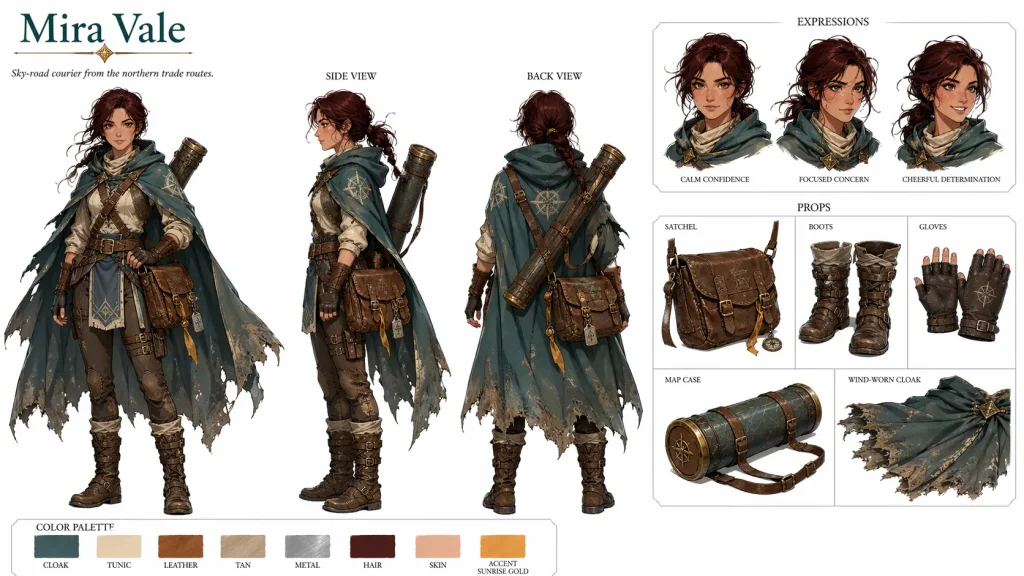
Create a professional character design sheet for a fictional fantasy courier named "Mira Vale." Show the character in front view, side view, and back view on a clean white background. Add three facial expression studies, close-up drawings of her satchel, boots, gloves, map case, and wind-worn cloak. Include a small color palette with labeled swatches and a short world note that reads "Sky-road courier from the northern trade routes." Use polished concept art style, clean linework, accurate proportions, and an organized layout that resembles official animation production art. No copyrighted characters, no existing franchise style, no random text, no watermark. Aspect ratio 16:9.
Try this variation:
Replace the fantasy courier with a near-future marine biologist named "Dara Solis," swap the satchel and cloak for a diving suit, sample case, and waterproof field tablet, and update the world note to "Deep ocean researcher, Pacific station, year 2087."
Storybook Illustration
Prompt:
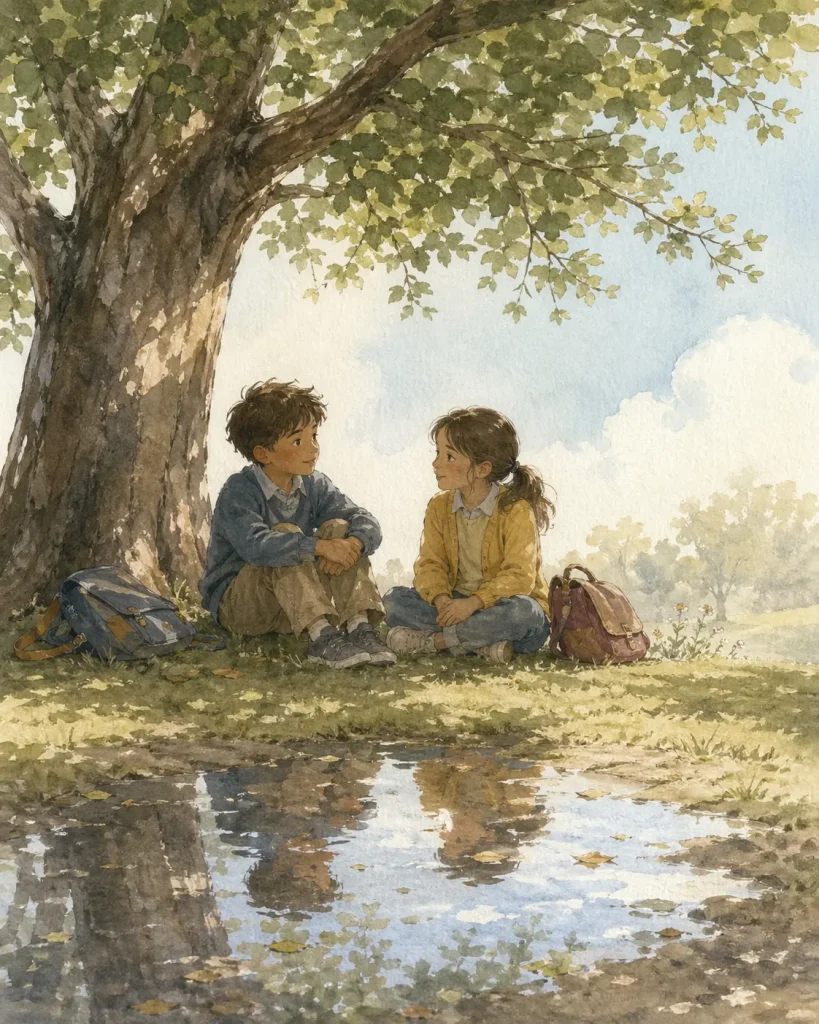
Create a soft children's book illustration of two fictional children sitting under a large tree after school, having a quiet conversation. Use watercolor and gouache texture, visible paper grain, gentle daylight, muted pastel colors, and a calm open composition with plenty of negative space. Show subtle visual metaphors through light, shadow, and reflection in a small puddle near them. The scene should feel thoughtful and warm, with natural body language and a hand-painted picture book style. Do not use anime style, cartoon exaggeration, 3D rendering, or glossy digital effects. No text, no watermark. Aspect ratio 4:5.
Try this variation:
Replace the two children with a single elderly woman and a cat sitting on a rain-wet bench at dusk, keep the watercolor and gouache texture, and update the composition to add a warm window glow in the background and a street lamp reflection in the puddle.
How to Use These GPT-Image-2 Prompts
- Replace bracketed variables. Any placeholder in square brackets, such as a product name or color, should be replaced with your specific detail before you generate.
- Keep the prompt structure stable on the first run. Generate with the full prompt as written before changing anything.
- Choose the aspect ratio before generation. Changing the ratio after the fact often requires a new generation. Decide upfront.
- Generate several versions. Run the same prompt two or three times. GPT-Image-2 produces variation across runs, and one version will often be clearly stronger.
- Revise one variable at a time. Change the lighting, or the background color, or the headline text.
- Keep image text short. When your prompt asks for readable words in the image, limit each text element to four or five words.
What Makes a Good GPT-Image-2 Prompt
The most reliable prompt structure follows this formula:
Subject + Scene + Composition + Lighting + Text/Layout + Style + Constraints + Aspect Ratio
| Prompt element | What to specify |
|---|---|
| Subject | Who or what is in the image; age, appearance, product, object |
| Scene | Location, surface, background color, setting context |
| Composition | Framing, depth of field, negative space, camera angle |
| Lighting | Direction, quality, warmth, lens effects, time of day |
| Text and layout | Exact words, placement, size, font style |
| Style | Photography style, art movement, illustration medium |
| Constraints | What to exclude: no watermark, no real logos, no extra text |
| Aspect ratio | 4:5 for portrait, 16:9 for landscape, 9:16 for vertical |
FAQs
Q: Can GPT-Image-2 create readable text in images?
A: Yes. GPT-Image-2 can create readable short text when the prompt includes the exact words and placement.
Q: Can I use these GPT-Image-2 prompts for commercial images?
A: These prompts use fictional brands, fictional products, and generic subjects. Use original brand names, product names, and visual assets for commercial projects. Check the output rights for the image tool you use, since platform terms can differ.
Q: How can I make GPT-Image-2 prompts more consistent?
A: Keep the prompt structure stable and revise one element per generation. Use Thinking Mode if available on your plan, since the model reasons about layout before generating and produces more accurate complex images on the first attempt. Save your working prompt structure as a template and carry the aspect ratio, style, and constraint instructions forward into each new version.
Q: What types of images is GPT-Image-2 best for?
A: GPT-Image-2 is useful for photorealistic portraits, product photography, ad posters, UI mockups, infographics, character sheets, thumbnails, and structured visuals that need layout control. It also handles text-heavy formats like diagrams and multi-panel compositions reliably.