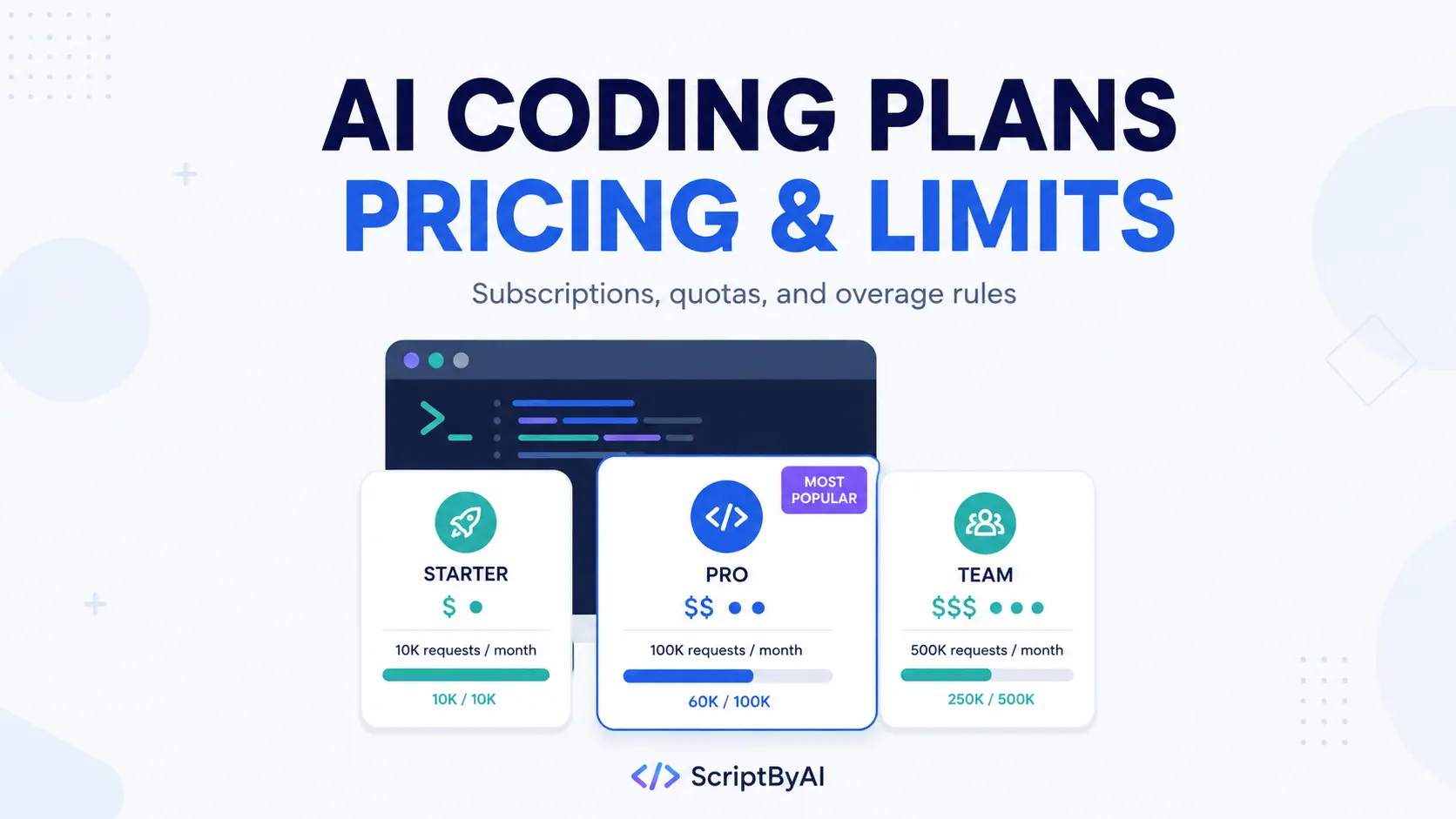
AI coding plans with similar monthly prices can include very different amounts of usable coding.
Some subscriptions share one allowance between chat and coding, dedicated plans count requests across fixed or rolling windows, and credit-based plans deduct usage according to the model and workload.
The monthly fee tells you where pricing starts. The quota rules determine how much coding that money actually buys.
Free access is worth checking before you subscribe. Codex, Antigravity, Grok Build, Vibe, Ollama, NVIDIA NIM, and OpenRouter all offer a $0 way to start.
When those free limits no longer cover your regular work, the paid choices fall into three useful groups: chat subscriptions that include coding access, dedicated coding plans for external coding agents, and multi-model plans that use a shared balance.
When you move beyond free access, compare the paid plans on four points: monthly cost, quota structure, model and agent access, and overage billing.
Start with the first comparison table to narrow the list by budget and workload. The pricing table after it puts current prices and usage limits side by side, followed by the plan details that affect day-to-day coding.
Last updated: September 22, 2026.
AI coding plans by budget and use case
| Need | Start with | Key reason |
|---|---|---|
| $0 first | Codex, Antigravity, Grok Build | Free entry |
| Native agent around $20 | ChatGPT Plus, Claude Pro | Codex or Claude Code |
| Browser control | Google AI Pro | Antigravity browser agent |
| Many coding agents | GLM, BytePlus | Dedicated endpoint |
| Multi-model credits | QwenCloud, Tencent | One balance, many models |
| Low-cost multi-model access | OpenCode Go | $10/month |
| Coding plus media | MiniMax | Shared multimodal quota |
| No 5h or weekly cap | Xiaomi MiMo | Monthly credits |
AI coding plan prices and usage limits
Prices exclude taxes. Regional pricing, promotions, and eligibility can differ. Annual prices require annual billing unless the provider states otherwise.
| Plan | Price | Usage limit |
|---|---|---|
| ChatGPT + Codex | $0 / $8 / $20 / $100 / $200 | Variable Codex limits |
| Claude + Claude Code | $20 / $100 / $200 | 5h + weekly shared limits |
| Google AI Pro | $19.99 | Baseline quota + credits |
| Grok Build | $0 / $30 / $100 | Unpublished task cap |
| Mistral Vibe | $0 / $14.99 | Fair-use limits |
| Kimi Code | ¥49 / ¥99 / ¥199 / ¥699 | Shared credits + 5h/week |
| GLM Coding Plan | $12.60 / $56 / $117.60 promo | 10K credits/week; 6x / 14x Lite |
| BytePlus ModelArk | $10 / $50 | 3x Claude Pro / 5x Lite |
| QwenCloud Token Plan | $6 / $18 / $68 promo | 2.5K / 10K / 40K credits per 7d |
| Tencent Token Plan | $7 / $17 / $51 / $103 | 1K / 2.6K / 7.9K / 15.9K credits/mo |
| MiniMax Token Plan | $20 / $50 / $120 | Monthly quota + 3–7 agents |
| Xiaomi MiMo | $6 / $16 / $50 / $100 | Monthly credits; no 5h/week cap |
| Ollama | $0 / $20 / $100 | $60 / $300 usage on paid plans |
| OpenCode Go | $10 | $12/5h; $30/week; $60/month |
Free AI coding access before you pay
| Free option | Access | Main limit |
|---|---|---|
| ChatGPT Free | Codex | Limited usage |
| Antigravity Free | Editor, terminal, browser | Lower quota |
| Grok Build Free | Grok coding agent | Unpublished cap |
| Mistral Free | Vibe + $10 API credits | Limited sessions |
| Ollama Free | Starter cloud models | Small included pool |
| NVIDIA NIM | Selected coding endpoints | Catalog changes |
| OpenRouter Free | 20+ free models | 50 req/day; 1K after $10 credits |
Chat subscriptions that include AI coding agents
These subscriptions bundle coding access with the provider’s consumer AI account. Chat and coding often draw from the account’s limits, credits, or billing rules.
ChatGPT with Codex
Official plans: Codex pricing and ChatGPT plan access
ChatGPT plans include Codex at every individual tier. Free has limited access, Go costs $8 per month, Plus costs $20, and Pro offers 5x or 20x the Plus allowance at $100 or $200. Free and Go can use GPT-6 Luna at Standard speed in the desktop app during the current rollout. Plus and Pro include GPT-6 Sol and GPT-6 Luna across Codex.
OpenAI’s current Codex table gives estimated local-message ranges for each model. On Plus, the five-hour estimates are 15–150 messages with GPT-6 Sol and 350–3,000 with GPT-6 Luna. Pro 5x and Pro 20x raise those ranges in line with their larger Codex allowances. Actual consumption changes with the model, repository size, context, tool calls, and local or cloud execution.
Use your ChatGPT login when you want work charged against the subscription allowance. An OpenAI API key uses token-billed API pricing and does not include subscription-only cloud features. Plus and Pro can also continue past included limits with purchased ChatGPT credits.
Read More: OpenAI Codex Commands Cheat Sheet
Claude Pro and Max with Claude Code
Official plans: Claude Pro and Max pricing
Claude Pro is the $20 entry plan for regular Claude Code use. Max raises session capacity to 5x Pro at $100 or 20x Pro at $200. Claude Code and Claude chat draw from the account allowance, with five-hour session limits and weekly limits across the subscription. Anthropic increased the five-hour usage limits for Pro, Max, Team, and seat-based Enterprise plans when Claude Opus 5.5 launched on September 22.
Claude Code now includes Opus 5.5 for complex coding work. Fast mode is available for Opus 5.5 in Claude Code, with up to 2.5x higher output speed at premium usage rates.
The shared allowance includes Claude activity outside coding. Usage credits can continue work after the included limit, and Anthropic now gives subscription users a rate-limit reset that can be saved and used when needed. Keep Claude Code signed in with your Claude account for subscription usage.
Read More: The Ultimate Claude Code Resource List: Agents, Skills, Plugins & More
Google AI Pro with Antigravity
Official plans: Google AI plans
Google AI Pro is the paid Antigravity option for coding tasks that use the editor, terminal, browser, and CLI. The US price is $19.99 per month. The subscription raises the baseline Antigravity allowance and also includes Google’s consumer AI and storage benefits.
Purchased AI credits can extend eligible Antigravity work after the baseline quota is exhausted. Google limits Antigravity access by country and account eligibility. Check availability before subscribing.
Read More: Antigravity CLI Cheatsheet: Commands, Setup, Shortcuts, and Workflows
SuperGrok with Grok Build
Official plans: Grok Free, SuperGrok, and SuperGrok Plus
Grok Build is available to try for free. SuperGrok costs $30 per month, and SuperGrok Plus costs $100 for higher usage. Paid tiers increase capacity, and the number of coding tasks continues to depend on the workload.
Build runs in a full-screen terminal, headless CLI, or Agent Client Protocol server and can work with diffs, worktrees, subagents, skills, plugins, hooks, and MCP servers.
Browser sign-in uses the Grok subscription allowance. An XAI_API_KEY moves requests to metered xAI API billing.
Read More: Grok Build: SpaceXAI’s Open-source Terminal AI Coding Agent
Mistral Pro with Vibe
Official plans: Mistral Free and Pro pricing
Mistral lets you test Vibe before committing to a paid month. Free includes limited coding sessions and $10 per month in API credits. Pro costs $14.99 and expands Vibe access for longer coding sessions under fair-use limits.
Vibe works in the CLI, IDE, and web. Pro also includes $30 per month in API credits. If the included Vibe allowance runs out, paid continuation can keep requests running at API rates.
Read More: Mistral Vibe: Open-Source CLI Coding Agent and Claude Code Alternative
Kimi membership with Kimi Code
Official plans: Kimi membership pricing
Kimi has four current membership tiers for Kimi Code. Andante costs ¥49 per month, Moderato ¥99, Allegretto ¥199, and Allegro ¥699. The reason to move up is model access and coding capacity. Kimi K2.7 Code is available to all members, K3 starts at Moderato, and Allegretto or higher unlocks up to 1M context for K3 plus HighSpeed access.
The advertised tier price does not map to a standalone Kimi Code quota. Kimi Code shares membership credits with Kimi Work, Kimi Claw, Deep Research, slides, and other Kimi features. Coding also has a five-hour rolling limit and a weekly quota across devices and Kimi Code API keys. Extra Usage can draw from paid balance after a membership limit is reached.
Read More: Kimi Code CLI: Open-Source AI Coding Agent with Skills & MCP Support
Dedicated AI coding plans for external coding agents
These plans use a subscription key and coding endpoint inside Claude Code, Codex, Cursor, OpenCode, Cline, or OpenClaw.
GLM Coding Plan
Official plan: GLM Coding Plan pricing and access
GLM focuses on Z.ai models across external coding agents. Lite is currently $12.60 per month during the promotion and includes 10,000 Credits per week. Pro is $56 with 6x the Lite usage, and Max is $117.60 with 14x the Lite usage plus higher-priority resources.
The GLM coding endpoint works with more than 20 coding agents, including Claude Code, OpenClaw, Cline, Kilo Code, Roo Code, and compatible IDE extensions. The personal subscription is limited to interactive coding by the subscriber. Automated services, resale, shared keys, and general API applications fall outside the plan.
BytePlus ModelArk Coding Plan
Official plan: ModelArk Coding Plan
BytePlus ModelArk is one of the lower-priced coding plans for using several model families in external coding agents. Lite costs $10 per month and is listed at 3x Claude Pro usage. Pro costs $50 with 5x the Lite capacity. The current model selection includes GLM, DeepSeek, Dola, Kimi, and GPT-OSS options.
The endpoint works with Claude Code, Cursor, Cline, Kilo Code, Roo Code, OpenCode, and other compatible agents. BytePlus stops plan usage when the quota is exhausted. Another package or account balance is not charged automatically.
QwenCloud Token Plan
Official plan: QwenCloud Token Plan Individual
If you are searching for the QwenCloud Coding Plan, the current individual subscription is the Token Plan. Lite is temporarily $6 per month, Standard $18, and Pro $68. Each tier uses a seven-day Credits window: 2,500 Credits for Lite, 10,000 for Standard, and 40,000 for Pro.
One Credits balance can be used across Qwen, GLM, DeepSeek, multimodal models, and Harness features in compatible coding and agent clients. When the seven-day quota is exhausted, service pauses until the window resets unless you use the quota-reset benefit or buy a Credit Pack. The personal plan is for interactive use on one device and does not permit shared keys, backend applications, or batch automation.
Tencent Cloud Token Plan
Official plan: Tencent Cloud Token Plan overview
Tencent Cloud uses a simpler monthly Credits structure. Lite costs $7 for 1,000 Credits, Standard $17 for 2,600, Pro $51 for 7,900, and Max $103 for 15,900. The model pool includes MiniMax, Kimi, GLM, and DeepSeek options.
The subscription works with Claude Code, OpenCode, Cline, Cursor, Kilo Code, Codex CLI, and more. Credits reset by subscription month. The personal plan is restricted to interactive use by the subscriber. Automation scripts, application backends, and shared accounts require another billing arrangement.
MiniMax Token Plan
Official plan: MiniMax Token Plan and purchase options
MiniMax uses one subscription quota for coding and media. Plus costs $20 per month, Max $50, and Ultra $120. All three tiers include MiniMax M3, multimodal understanding, image generation, and voice generation. Max and Ultra also include video generation.
Coding capacity rises with the tier as well. OpenClaw agent concurrency ranges from 3–4 on Plus to 4–5 on Max and 6–7 on Ultra. MiniMax also announces M2.7 reference allowances of roughly 4,500, 15,000, and 29,077 calls per five-hour window when M2.7 is used alone. Text, image, and speech share the plan quota.
Read More: Generate Text, Image, Video, Speech, and Music via CLI – MiniMax CLI
Xiaomi MiMo Token Plan
Official plan: Xiaomi MiMo Token Plan
Xiaomi MiMo starts at $6 per month for Lite, followed by Standard at $16, Pro at $50, and Max at $100. Annual billing reduces those effective monthly prices by 12 percent. Every tier includes the MiMo V2.5 model lineup, MiMo Claw, and agent access such as OpenClaw and Codex.
MiMo uses monthly credits and currently has no five-hour or weekly cap. Requests from 00:00 to 08:00 UTC+8 consume credits at 0.8x the normal rate. Usage is managed through the monthly credit pool.
Read More: MiMo Code: Free Open-Source AI Coding Agent with Persistent Memory
Multi-model AI coding subscriptions
Ollama and OpenCode Go both let one subscription pay for several model families. Both use dollar-value allowances. Request counts change with the price of the model you select.
Ollama Pro and Max
Official plans: Ollama Free, Pro, and Max pricing
Ollama Pro costs $20 per month and includes $60 of cloud-model usage. Max costs $100 and includes $300. The current pricing model has no five-hour or weekly cap. Usage draws from the monthly included pool at published per-token rates.
After the included amount is exhausted, work can continue at per-token rates. Ollama also has a small Free allowance for starter cloud models. You can use it to test the hosted service and coding-agent connection before subscribing.
OpenCode Go
Official plan: OpenCode Go pricing and limits
OpenCode Go costs $10 per month and uses one subscription balance across a changing multi-model catalog. Current options include GPT, GLM, Kimi, MiMo, MiniMax, Qwen, DeepSeek, Grok, and other model families.
The limit is measured by dollar value: $12 per five hours, $30 per week, and $60 per month. Request count varies by model price, with higher-priced models consuming the allowance faster. Free OpenCode models continue to work after a Go limit is reached. Zen balance fallback can continue paid usage if you enable it.
AI coding plan usage limits and overage billing
Subscription login vs API key
A coding agent can charge the wrong account when an old API key or environment variable overrides your subscription login. Codex should use your ChatGPT account for included ChatGPT usage, Claude Code should use your Claude account for Pro or Max, and Grok Build should use Grok account authentication. QwenCloud and MiniMax use their own subscription keys and plan endpoints.
After changing credentials, restart the coding agent and send one small request. Check the subscription usage page and the API billing page before starting a long session. The subscription meter should record the request if the intended plan is active.
What happens when the quota runs out?
Plans handle exhausted quotas in different ways. QwenCloud Token Plan can pause until the seven-day window resets or continue through a reset benefit or Credit Pack. BytePlus stops at the plan limit and does not pull from another package automatically. Claude, Codex, Ollama, Mistral, Kimi, Google, and OpenCode can continue through purchased credits, balance, or metered usage when the relevant paid fallback is active.
Check the fallback setting before the first heavy coding session. A hard-stop plan keeps monthly spending predictable. A credit-based fallback keeps the agent running and can raise the total beyond the subscription price.
Can I share an AI coding plan?
Many individual coding plans are licensed for one subscriber and interactive use. QwenCloud, GLM, Tencent Token Plan, Kimi Code, and similar personal subscriptions restrict shared access, and some also restrict automated or backend workloads. Your team should use a plan that explicitly includes team seats, organization billing, and shared administration.
How to choose an AI coding plan
Start with a free option when it has the model and coding agent you need.
Move to a paid plan after the free allowance becomes too small, then compare the paid tiers by the quota that actually limits your work: five-hour usage, weekly requests, monthly credits, or dollar-value consumption.
Keep optional paid fallback disabled during your first billing cycle and use your own usage history to decide whether a larger tier is worth the extra cost.
FAQs
Does changing coding agents reset the quota?
No. The allowance belongs to the subscription account or plan key. Moving a GLM, QwenCloud, MiniMax, Kimi, MiMo, or OpenCode Go credential to another compatible agent continues to use the existing quota.
Can one coding agent use several subscriptions?
Yes, when the agent can configure multiple providers. Keep each subscription key paired with its correct base URL and provider profile. Every plan continues to use its own limits and billing account.
Does OpenAI-compatible mean every plan works in every agent?
No. OpenAI-compatible describes the API request format. The agent must also accept a custom provider, use a model ID the plan recognizes, and connect to the correct subscription endpoint.
Does DeepSeek have a monthly Coding Plan?
DeepSeek does not currently offer a fixed monthly Coding Plan. Its first-party API uses per-token billing. Several subscriptions in this comparison include DeepSeek models, including OpenCode Go, BytePlus ModelArk, QwenCloud Token Plan, and Tencent Cloud Token Plan.
Read More: How to Use DeepSeek in Codex and Claude Code
Related resources
- Claude Code Pricing and Usage Limits: Free, Pro, Max, Team, and API
- AI LLM API Pricing: GPT, Gemini, Claude & More
- 10 Best CLI AI Coding Agents: Open-Source & Commercial
- Gemini API Free Tier Limits: Requests Per Day & Setup
- OpenAI API Rate Limits: RPM, TPM, Tiers, and 429 Errors