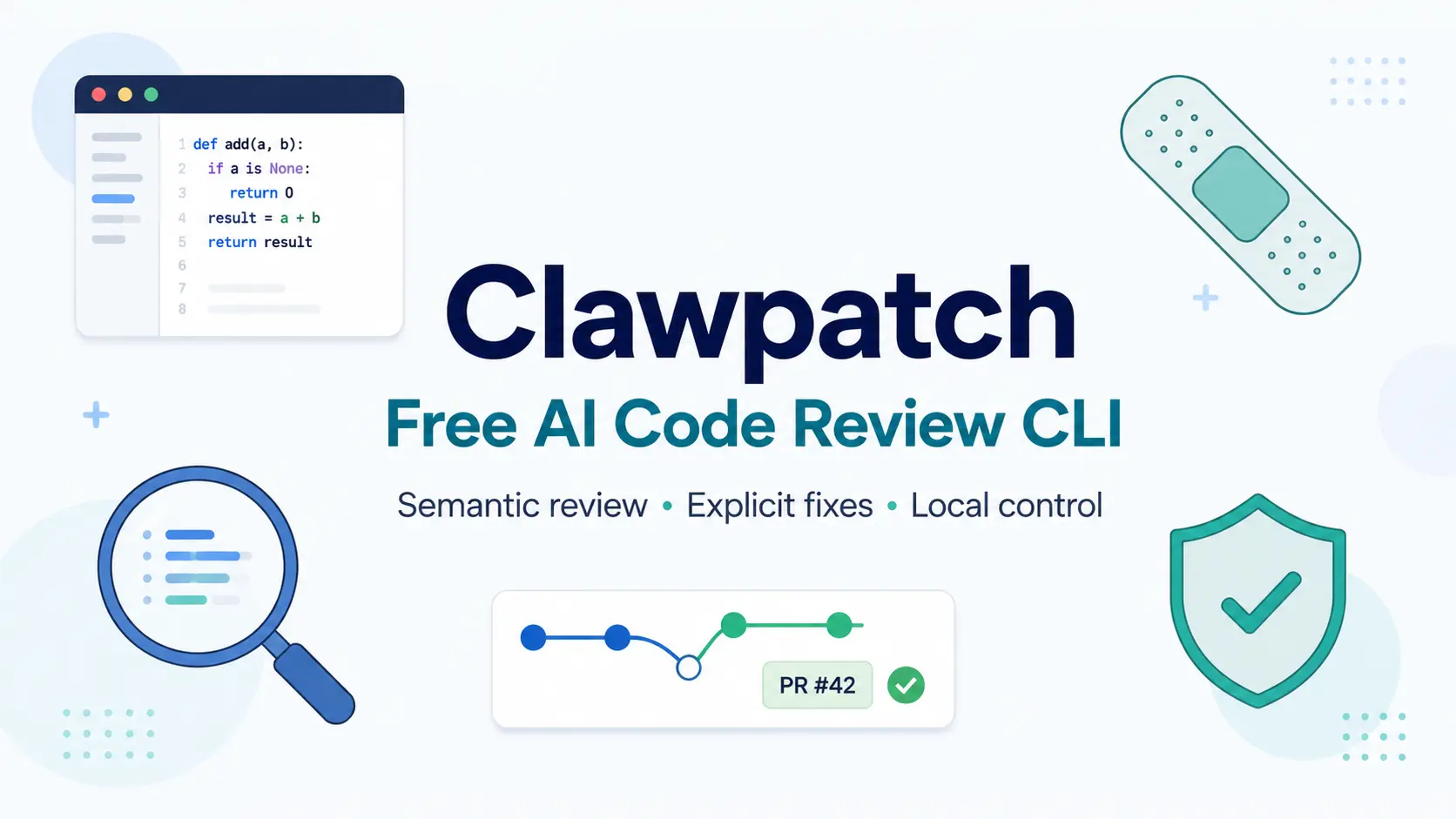
Clawpatch is an automated code review CLI from OpenClaw that maps a codebase into semantic feature slices and reviews each slice for bugs, security issues, performance problems, and code quality gaps.
Each finding carries a severity level, a confidence score, evidence references, and a concrete recommendation. A separate fix command applies a repair to your working directory for manual inspection before any commit.
Traditional linters check files. Clawpatch checks features.
It groups related files, entrypoints, tests, and trust boundaries into review units and then asks a local AI coding agent to look for problems in that bounded context.
For example, a Next.js route gets reviewed alongside its validation logic and its tests. A Go command package gets reviewed with its imports and configuration. Richer context per review pass catches bugs that file-level scanners miss.
Features
- Maps repositories into semantic feature records with entrypoints, owned files, context files, tests, and trust boundaries.
- Reviews features with supported local providers such as Codex CLI, Claude Code CLI, OpenCode CLI, Grok Build CLI, Pi, Cursor Agent CLI, and ACP-compatible agents.
- Stores findings with severity, confidence, evidence, category, status, timestamps, affected files, and suggested validation.
- Records patch attempts, changed files, validation commands, and command results.
- Refuses dirty worktrees by default before fix attempts.
- Generates Markdown reports and JSON output for local review, CI checks, and downstream tooling.
- Supports batch review, CI review, parallel review, and provider call control.
- Opens a GitHub pull request from a recorded patch attempt.
Use Cases
- Review changed features before a pull request reaches human review.
- Audit a large refactor by mapping affected routes, packages, commands, and tests into bounded review slices.
- Generate a Markdown report with severity, confidence, category, and evidence for engineering triage.
- Run a selected fix attempt for one finding and inspect the resulting worktree diff manually.
- Add AI review to GitHub Actions with a report file and step summary.
How to Use Clawpatch
Installation & Basic Usage
Install Clawpatch globally with pnpm.
pnpm add -g clawpatchInstall Clawpatch from source when you want the repository version.
pnpm install
pnpm build
pnpm link --global
Check that your provider path works.
codex --version
clawpatch doctor
Initialize a project.
clawpatch initMap the repository into feature records.
clawpatch mapReview a limited set of features.
clawpatch review --limit 3 --jobs 3Generate a report.
clawpatch reportInspect the next finding.
clawpatch next
clawpatch show --finding <id>
Mark a finding after review.
clawpatch triage --finding <id> --status false-positive --note "covered by tests"Run an explicit fix attempt for one finding.
clawpatch fix --finding <id>Revalidate the finding after a fix or manual change.
clawpatch revalidate --finding <id>Open a draft pull request from an applied patch attempt.
clawpatch open-pr --patch <patchAttemptId> --draftRun Clawpatch in CI against changes since the main branch.
clawpatch ci --since origin/main --output clawpatch-report.mdAvailable Commands
Install Commands
| Command | Purpose |
|---|---|
pnpm add -g clawpatch | Installs Clawpatch globally. |
pnpm install | Installs source dependencies. |
pnpm build | Builds the source package. |
pnpm link --global | Links the local build globally. |
codex --version | Checks the local Codex CLI. |
clawpatch doctor | Checks Clawpatch provider setup. |
Core Commands
| Command | Purpose |
|---|---|
clawpatch init | Creates .clawpatch/, detects project basics, and writes config. |
clawpatch map | Writes semantic feature records. |
clawpatch status | Shows project state, dirty state, feature counts, and finding counts. |
clawpatch review | Reviews pending or selected features. |
clawpatch review --mode deslopify | Reviews locally provable cleanup findings. |
clawpatch ci | Initializes, maps, reviews, writes a report, and appends a GitHub Actions step summary. |
clawpatch report | Prints or writes a Markdown findings report. |
clawpatch next | Prints the next actionable finding. |
clawpatch show --finding <id> | Shows one finding with evidence and suggested validation. |
clawpatch triage --finding <id> --status <status> | Marks a finding with an optional history note. |
clawpatch fix --finding <id> | Runs the explicit patch loop for one finding. |
clawpatch open-pr --patch <id> | Commits an applied patch attempt and opens a GitHub PR. |
clawpatch revalidate --finding <id> | Rechecks one finding. |
clawpatch revalidate --all | Rechecks open findings with report filters. |
clawpatch doctor | Checks provider availability. |
clawpatch clean-locks | Clears feature locks. |
Available AI Providers
| Provider | Use |
|---|---|
codex | Local Codex CLI. |
acpx | ACP-compatible coding agents through openclaw/acpx. |
claude | Local Claude Code CLI in print mode. |
cursor | Local Cursor Agent CLI with experimental status. |
grok | Local Grok Build CLI. |
opencode | Local OpenCode CLI. |
pi | Local Pi coding agent in print mode. |
mock | Deterministic test provider. |
mock-fail | Failure test provider. |
Useful Flags
| Flag | Purpose |
|---|---|
--root <path> | Sets the repository root. |
--state-dir <path> | Sets the Clawpatch state directory. |
--config <path> | Sets a config file path. |
--json | Prints structured JSON output. |
--plain | Prints stable line output. |
--limit <n> | Limits reviewed features or results. |
--jobs <n> | Controls parallel review jobs. |
--rate-limit-per-minute <n> | Caps provider calls per rolling minute. |
--source <heuristic | auto | agent> | Selects feature mapping source. |
--feature <id> | Targets a feature record. |
--project <name-or-root> | Targets a project. |
--finding <id> | Targets a finding. |
--status <status> | Filters or updates finding status. |
--severity <severity> | Filters by severity. |
--provider <name> | Selects a provider. |
--model <name> | Selects a model. |
--reasoning-effort <none | minimal | low | medium | high | xhigh> | Sets reasoning effort. |
--skip-git-repo-check | Allows supported commands outside normal Git checks. |
--output <path> | Writes output to a file. |
-o <path> | Short output path flag. |
--dry-run | Previews supported actions. |
--force | Overrides supported checks. |
Environment Variables
| Variable | Purpose |
|---|---|
CLAWPATCH_CODEX_SANDBOX | Overrides the Codex sandbox mode passed by Clawpatch. |
CLAWPATCH_CONFIG | Sets the config path. |
CLAWPATCH_STATE_DIR | Sets the state directory. |
CLAWPATCH_PROVIDER | Sets the provider. |
CLAWPATCH_MODEL | Sets the model. |
CLAWPATCH_REASONING_EFFORT | Sets reasoning effort. |
CLAWPATCH_RPM | Sets provider call rate limit. |
Report JSON Shape
clawpatch report --json returns this structure.
{
  "total": 12,
  "items": [
    "finding summaries"
  ],
  "results": [
    "alias for items"
  ],
  "findings": 12,
  "output": "/path/or/null"
}
total and items are the canonical keys. results remains an alias for items. findings is a count in JSON output, not the findings array.
State Directory
Clawpatch stores project state locally.
.clawpatch/
  config.json
  project.json
  features/*.json
  findings/*.json
  patches/*.json
  reports/*.md
  runs/*.json
What Clawpatch Maps
| Area | Mapping Coverage |
|---|---|
| Node and TypeScript | npm bins, package scripts, workspaces, monorepo app roots, extension packages, source groups, Next.js routes, React Router routes, React components. |
| Build systems | Nx project metadata, Turborepo task metadata, root and workspace validation commands. |
| Go | Package slices, command packages, tests, and same-repo imports. |
| Java and Kotlin | Gradle source groups, Maven source groups,JVM roles, Android UI entrypoints, ViewModels, data boundaries, external clients, and dependency injection. |
| .NET | .sln, .slnx, .csproj, .fsproj, .vbproj, ASP.NET Core controllers, minimal APIs, and test projects. |
| Ruby | Project metadata, executables, source groups, RSpec suites, and Minitest suites. |
| Elixir | Mix projects, Phoenix contexts, web slices, runtime config, Ecto migrations, project scripts, and ExUnit suites. |
| Rust | src/main.rs, src/bin/*.rs, src/lib.rs, crates/*, and tests/*.rs. |
| C and C++ | Standalone main() files, CMake targets, and autotools targets. |
| Python | Project metadata, console scripts, source groups, pytest suites, Flask routes, FastAPI routes, and Django routes. |
| Swift | SwiftPM Sources/* targets and Tests/* suites. |
| Laravel and PHP | Composer projects, Artisan commands, routes, controllers, form requests, jobs, services, models, migrations, seeders, scripts, and tests. |
| Common config | Project configuration files. |
Safety Rules
| Rule | Effect |
|---|---|
| Review does not edit files. | Review runs stay read-only. |
| Fix requires an explicit finding. | Code changes need clawpatch fix --finding <id>. |
| Dirty worktrees block fixes by default. | Local edits remain protected. |
| No destructive Git commands. | Clawpatch avoids reset, clean, and branch-switch operations. |
| No implicit commits or pushes. | Code stays in your working directory until you act. |
PR creation needs open-pr. | Pull requests require a separate explicit command. |
| Provider output uses strict schemas. | Malformed provider results fail or drop invalid findings. |
| Runs persist locally. | Review history, findings, patches, reports, and locks stay auditable. |
Alternatives and Related Resources
- 7 Best CLI AI Coding Agents
- Multi-Model AI Coding Agent CLI – OpenClaude
- Run Multiple AI Coding Agents in Parallel – Manaflow
- Free AI Code Review Tool for Git Commits – Roborev
- Clawpatch Official Website
Pros
- Free and open-source under the MIT license.
- Reviews by semantic feature.
- Findings persist across sessions with triage and status tracking.
- Supports 10+ languages and frameworks.
- Multiple local agent providers supported.
- No implicit commits, pushes, or PRs at any stage.
- Parallel review workers with optional rate limiting.
- CI integration with GitHub Actions step summary.
Cons
- Requires a local coding agent (Codex CLI by default).
- Fix command blocks on any uncommitted changes.
- GitHub CLI required for PR creation.
FAQs
Q: Does clawpatch require an API key or cloud account?
A: Clawpatch does not connect to cloud APIs directly. It shells out to a local coding agent. The Codex CLI is the default provider, and other supported providers like Claude Code CLI and Pi require their own authentication setup. Clawpatch never reads or logs provider API keys.
Q: What languages does clawpatch support?
A: Clawpatch maps features for Node.js, TypeScript, Next.js, Go, Rust, Python, Ruby, Java, Kotlin, C#, C/C++, Swift, PHP/Laravel, and Elixir. Config files and common project metadata are mapped across all project types.
Q: Does clawpatch commit changes automatically?
A: No. The fix command applies changes to your working directory but never commits, pushes, or opens a PR on its own. PR creation requires an explicit clawpatch open-pr command and a configured GitHub CLI.
Q: Is it safe to run on private or sensitive repositories?
A: Clawpatch sends code context to whichever local agent you configure. Review and revalidate run read-only. The fix command runs with workspace-write access. All prompts go to your local agent, not to any cloud endpoint, unless your agent is configured to forward requests to a cloud model. Confirm your agent’s data handling before pointing clawpatch at sensitive code.