AI flashcard generators can turn lecture PDFs, notes, slides, recordings, webpages, and YouTube lessons into study cards in minutes.
The best choice depends on your study material, the card formats you need, how much editing control you want, and where you plan to review the deck.
The 7 AI tools below include all-in-one study apps, source-grounded generators, Anki-focused options, and flashcard systems built for formulas, diagrams, and long-term review.
For each tool, you’ll see the source types it accepts, card controls, free access, review features, export options, and limitations that can affect regular study.
Last Updated Sep 09, 2026
Quick comparison
| Tool | Best for | Free use | Review / export |
|---|---|---|---|
| StudyFetch | Configurable AI cards | First set free | Spaced repetition |
| Knowt | Free all-in-one study | Limited AI, monthly reset | Spaced repetition; PDF export |
| Gemini Notebook | Multi-source study | 10/day + compute limits | Session review; CSV export |
| AnkiDecks | Direct Anki workflow | 4 generations/month | FSRS; native .apkg |
| RemNote | STEM notes and long-term review | 250 AI credits/mo | Spaced repetition; .apkg |
| Gizmo | Free mobile study | 20-min wait/import | Spaced repetition; no export |
| Quizlet | Existing Quizlet workflow | Manual sets free; AI limited | Learn/Test limits; text export |
Check your first deck before you commit
Use one representative lecture, chapter, or slide deck before moving an entire course into a new service. A useful first test should include the material you normally struggle with, such as definitions, one diagram, and one equation.
Check four things in the generated deck:
- Each card tests one clear fact, relationship, process, or concept.
- The answer stays faithful to the source material.
- The question is specific enough that you know what to recall.
- Equations, diagrams, labels, and images survive in a usable form.
Fast generation has little value when you spend most of your study session rewriting the cards. Editing controls, source context, and review quality deserve as much attention as generation speed.
The 7 best AI flashcard generators for students
StudyFetch: Best for configurable cards and built-in review
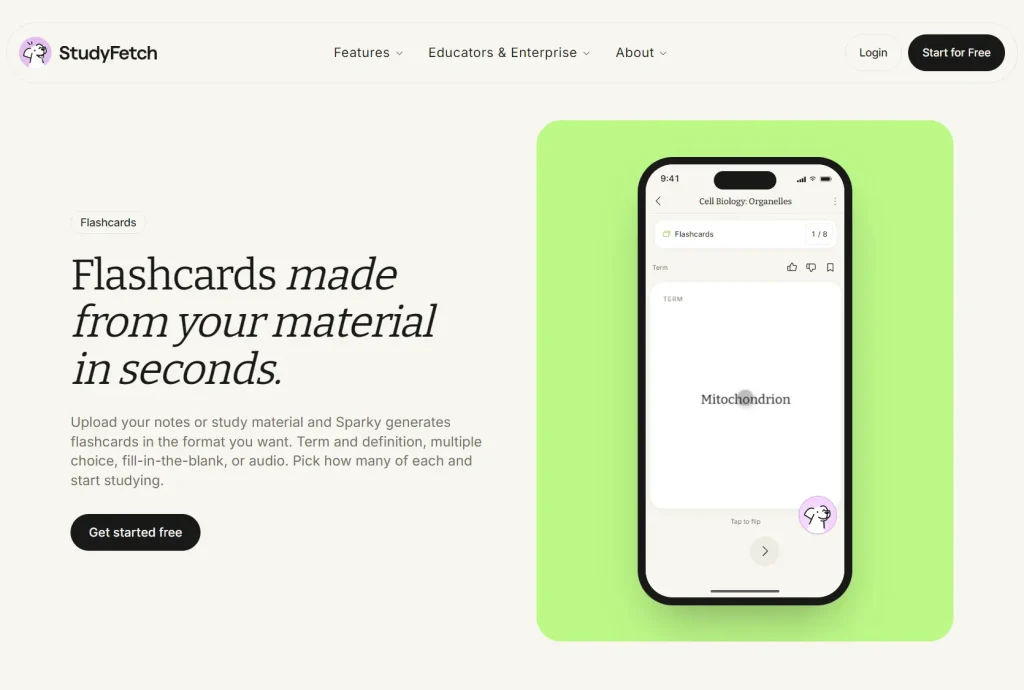
StudyFetch creates flashcards from PDFs, lecture notes, slides, handwritten notes, YouTube videos, and other course material. You can choose the number and mix of card types before generation, including term and definition, multiple choice, fill in the blank, cloze deletion, image occlusion, and audio cards.
The generated cards stay inside a Study Set where you can edit them, track progress, and review with spaced repetition. StudyFetch also links generated study material back to your uploaded sources, which helps when you want to check a question against the lecture or reading that produced it.
You can generate your first set for free. StudyFetch also includes notes, quizzes, practice tests, study plans, an AI tutor, and other study features. That larger workspace is useful when flashcards are only one part of your study routine, but it is heavier than a simple file-to-deck converter.
Pros
- Multiple card types with quantity controls.
- Source citations, editing, and spaced repetition in one study set.
Cons
- Free access works best as a short trial.
- The full study suite includes many features beyond flashcards.
Knowt: Best free-start all-in-one option
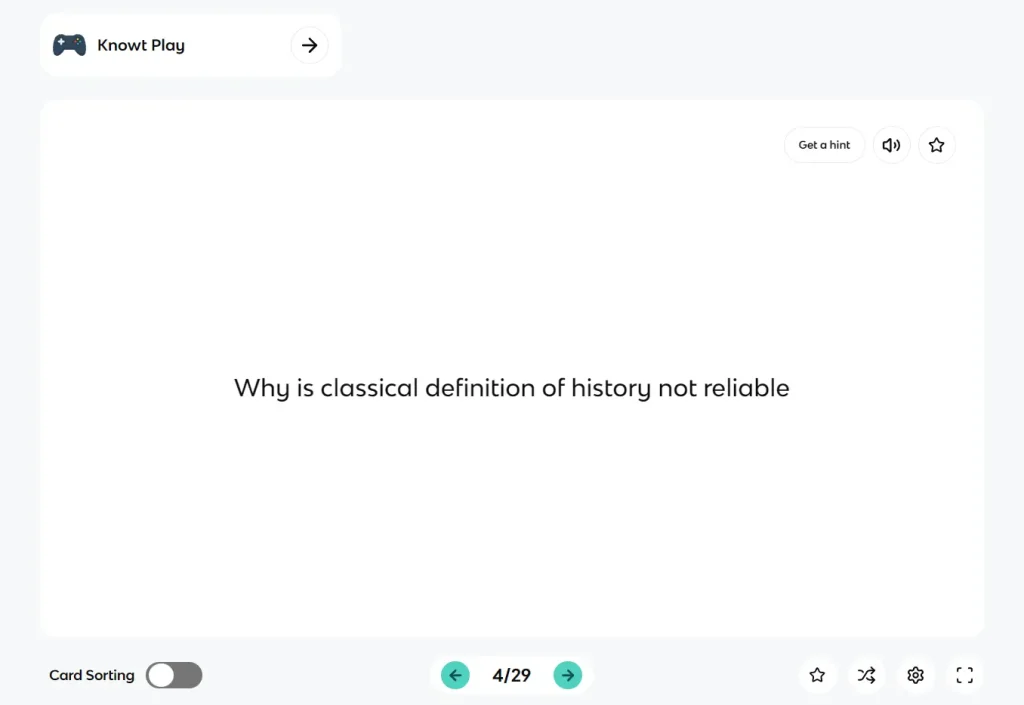
Knowt turns notes, PDFs, PowerPoints, webpages, YouTube videos, video files, and audio into flashcards. You can edit and rearrange the generated cards, then continue studying them there.
A free account includes unlimited manual flashcards and notes plus unlimited Flashcards, Learn, Test, Match, and Spaced Repetition modes. AI use is capped on the free plan and resets each month. This works well when you want to generate some cards with AI and continue studying without paying for the review features.
Knowt also lets you add images and math symbols in the card editor. Flashcard export is limited to PDF, which works for printing or archiving but does not create an editable deck for Anki or another flashcard app.
Pros
- Unlimited manual cards and free study modes after generation.
- PDFs, slides, webpages, video, and audio work in one account.
Cons
- Free AI use is capped each month.
- Flashcard export is limited to PDF.
Gemini Notebook: Best for source-grounded mixed-source study
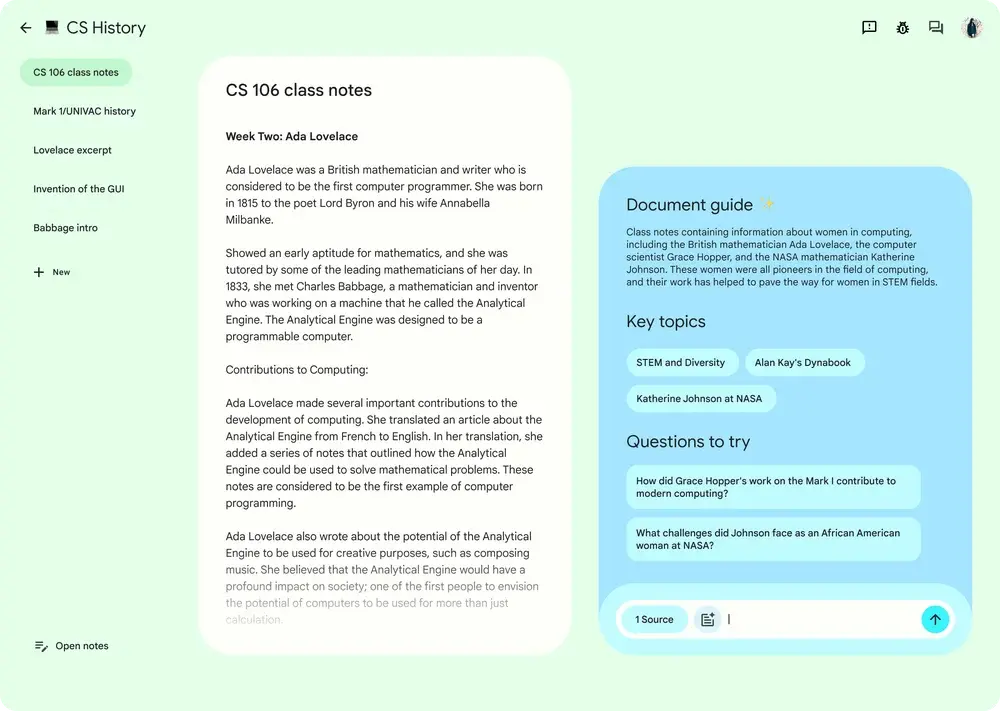
Gemini Notebook, formerly NotebookLM, works well when your class material is spread across several files and sources. A notebook can include PDFs, websites, copied text, audio, Google files, images, Office files, and public captioned YouTube videos.
Before generating flashcards, you can choose which sources to use, set the difficulty, select the card quantity, change the language, and enter custom instructions. The study view lets you mark cards as Got it or Missed it, retry missed concepts, delete cards, and open explanations tied to the notebook sources.
Standard access includes up to 10 flashcard generations per day. Gemini Notebook also uses compute-based AI limits that refresh during the day and eventually reach a weekly cap. Flashcards download as CSV.
Webpage imports use page text only, and YouTube imports use the video transcript. Images and embedded video from those sources do not become part of the imported source material. This matters for courses where diagrams, charts, or demonstrations carry important information.
Pros
- Build decks from selected sources with custom difficulty and quantity.
- Explanations stay tied to the source collection.
Cons
- Web and YouTube imports lose the original visuals.
- CSV export adds an extra import step for Anki.
AnkiDecks: Best for direct Anki export
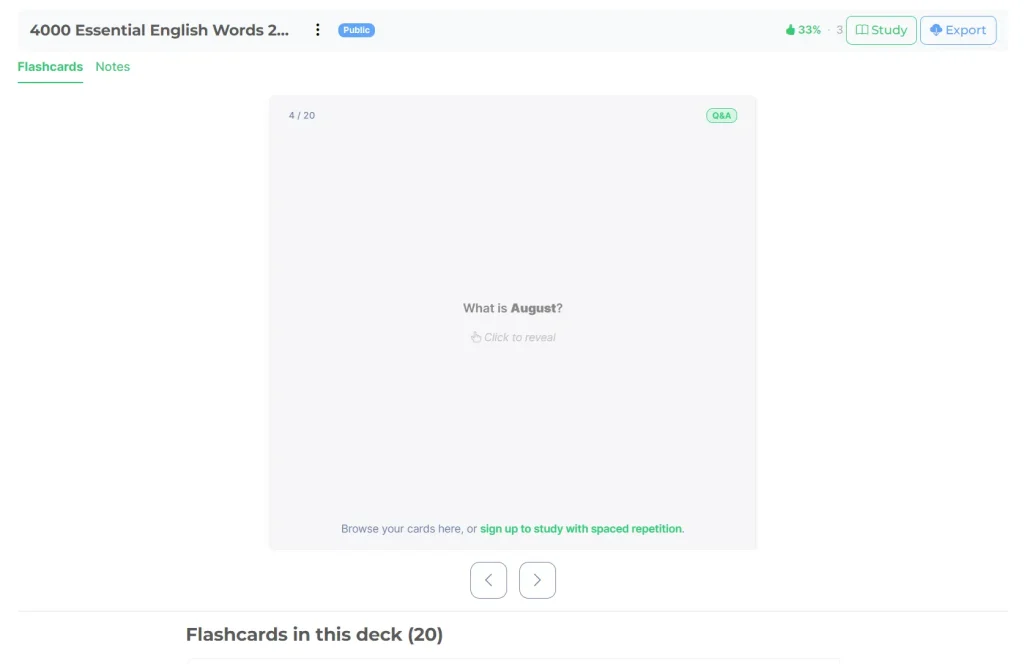
AnkiDecks is the easiest option here when the final deck belongs in Anki. It accepts PDFs, PowerPoints, Word files, Excel files, EPUBs, images, handwritten notes, audio, video, YouTube links, and text.
You can generate question-and-answer, cloze, multiple-choice, and image-occlusion cards. The free Basic plan includes four deck generations per month, up to 10 pages per document, five minutes per video, five AI image occlusions per month, and up to 10 extracted images per file.
Every plan can export a native .apkg file. You can also stay in AnkiDecks and review with its built-in FSRS spaced-repetition system. This removes the CSV mapping step and fits an existing Anki workflow well.
Pros
- Native
.apkgexport is available on the free plan. - Q&A, cloze, multiple-choice, and image occlusion match common Anki workflows.
Cons
- The free plan allows four AI generations per month.
- Free uploads stop at 10 document pages or five minutes of video.
RemNote: Best for notes, formulas, diagrams, and long-term review
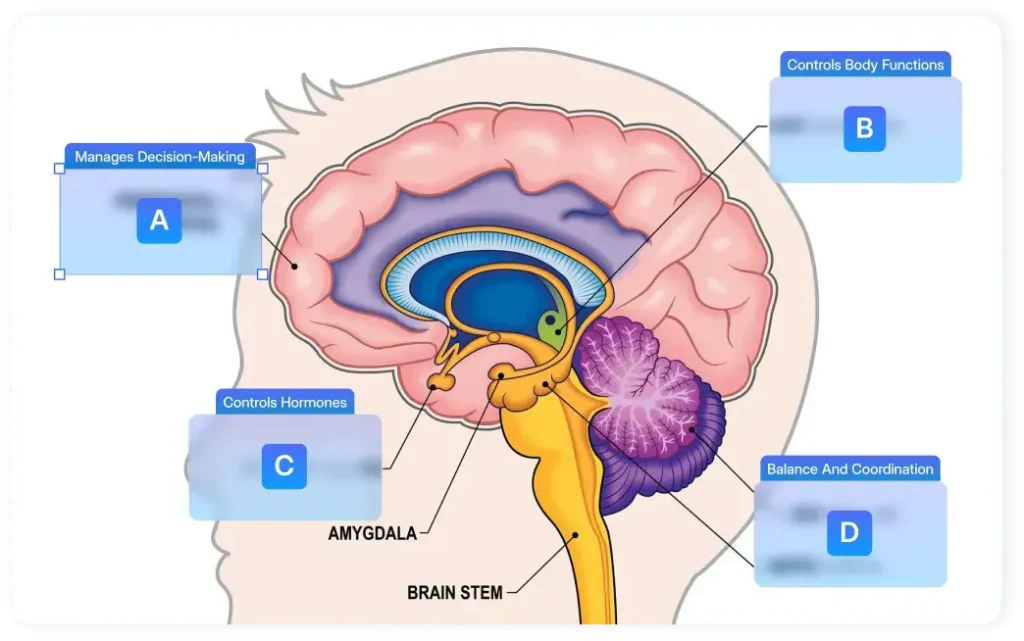
RemNote keeps your notes and flashcards in one knowledge base. You can create cards directly inside notes or generate them from text, PDFs, PowerPoints, and other study material. Cards created from PDFs can keep their source context available during review.
RemNote is especially useful for technical subjects. It handles LaTeX, cloze cards, image occlusion, typed answers, multiple card directions, and spaced repetition. Image occlusion works directly on PDFs and handwritten documents, which is useful for anatomy, chemistry, geography, and diagram-heavy courses.
The Free plan includes 250 AI credits per month, three annotated documents, image occlusion on five images, and an 8 MB file-size limit. You can export flashcards as .apkg files and review through the web, desktop, iOS, or Android apps.
RemNote makes the most sense when you want a semester-long note and memory system. It takes more setup than a single-purpose generator when you only need one quick deck.
Pros
- Notes, PDFs, formulas, diagrams, and flashcards stay connected.
- LaTeX, image occlusion, spaced repetition, and
.apkgexport.
Cons
- Free plan: 3 annotated documents, 5 image occlusion images, 8 MB files.
- More setup than a single-purpose generator.
Gizmo: Best for free mobile spaced repetition
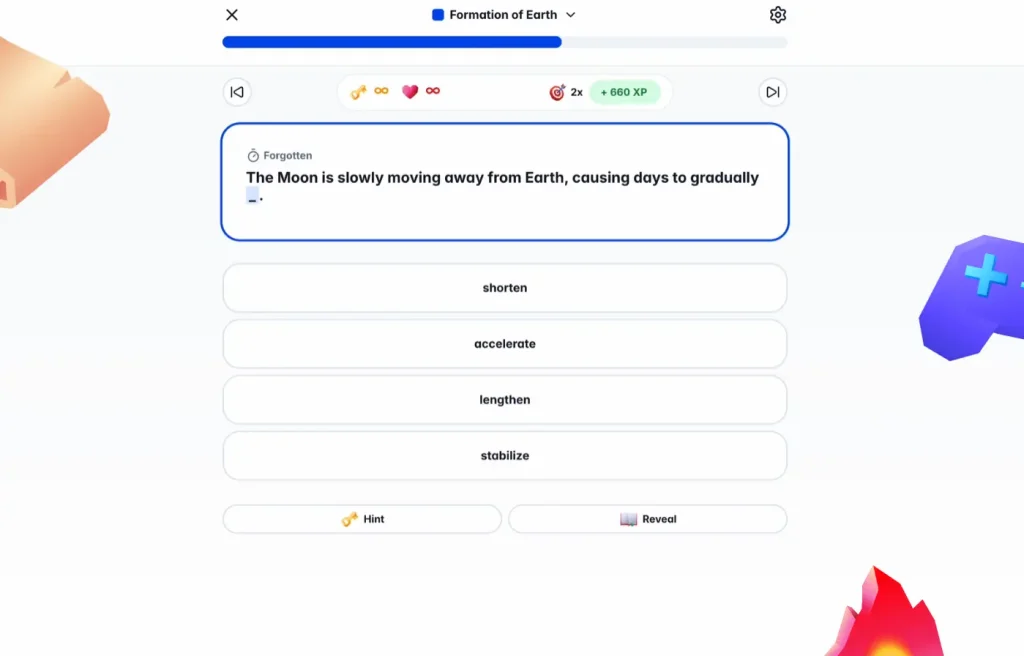
Gizmo uses Magic Import to create flashcards from PDFs, recordings, notes, photos, PowerPoints, Quizlet sets, Anki decks, spreadsheets, websites, and YouTube links. Free accounts can keep using Magic Import with a 20-min wait/import.
Gizmo offers Card Text, Multiple Choice, Matching, Ordering, and True/False cards. You can edit card text, add photos, change multiple-choice options, move cards between decks, and study through Memorise mode with spaced repetition.
The iOS and Android apps are free. Free accounts also use a short waiting period after losing all quiz lives. Gizmo currently cannot export cards or decks. Your study collection stays inside the service.
Pros
- Five card types and wide import support.
- Free mobile spaced repetition and deck creation.
Cons
- Free Magic Imports require a 20-minute wait.
- Cards and decks cannot be exported.
Quizlet: Best for an existing Quizlet workflow
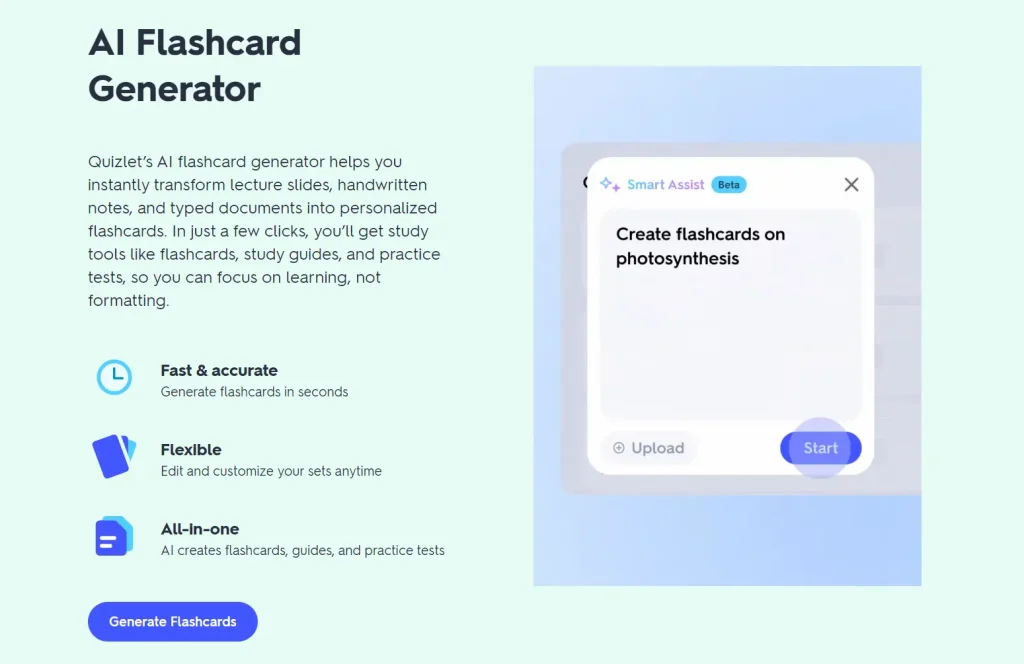
Quizlet is the easiest choice when your classes, shared sets, or existing study library already live in Quizlet. Smart Assist can turn pasted text, uploaded files, lecture slides, Google Drive material, and photos of handwritten notes into a draft flashcard set.
You can edit, delete, or add cards before publishing the set, and you can switch between Smart Assist and manual card creation while working on that set. The regular editor also handles Chemistry and Math/Symbols input, plus images on the definition side.
Free access to Learn and Test is limited. Quizlet lets you export terms and definitions from your own sets on the website, but the export is text-only and images do not transfer. Your own image uploads also require Quizlet Plus.
Pros
- Editable AI drafts before publishing.
- Handwritten notes, slides, PDFs, and Google Drive imports.
Cons
- Free Learn and Test sessions are limited.
- Export is text-only on the web, and images do not transfer.
Which AI flashcard generator should you choose?
- You already use Anki: Start with AnkiDecks. RemNote also exports
.apkg, while Quizgecko adds native Anki export on Pro. - You want several card types and built-in review: StudyFetch offers the most direct control over card formats and quantities in this group.
- Your course material lives across several sources: Gemini Notebook lets you select the exact sources used for a deck and keeps explanations tied to them.
- You want free study modes in one account: Knowt includes unlimited manual flashcards and free spaced-repetition study after generation.
- You study equations, anatomy, diagrams, or technical notes: RemNote has the strongest combination of LaTeX, image occlusion, source-linked documents, and scheduled review.
- You want a free mobile-first option: Gizmo handles many source types and keeps spaced repetition inside its mobile workflow.
- You already use Quizlet with classmates: Quizlet keeps AI-generated drafts inside the library and study modes you already know.
Start with one representative lecture
Test one file that resembles your normal workload before moving an entire class into a new service. A lecture PDF with definitions, one diagram, and one equation can reveal problems with generation, editing, media handling, and export in a single run.
Review every generated card against the course material. Fix vague questions, split cards that ask for several facts, remove details that are absent from the source, and check formulas or diagrams before you start memorizing the deck. Once the cards look right, confirm that the free limits and review system can handle the rest of your semester.
Related AI study resources
- Free AI Tutor and Study Tools in Acrobat – Adobe Student Spaces
- Turn Youtube Videos & PDFs into Study Materials – AI For Notes
- Free AI Flashcards & Quizzes: Learn Faster With Flashka
- DeepTutor: Open-Source, Multi-agent AI Learning Assistant
- 7 Best Free AI Quiz Generators from Notes and PDFs
- 10 Best AI Lecture Note Takers for Students