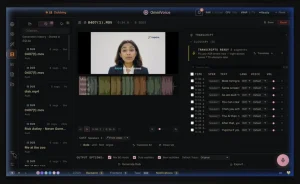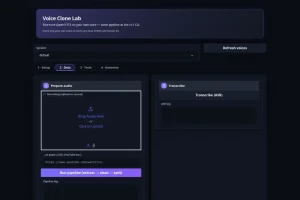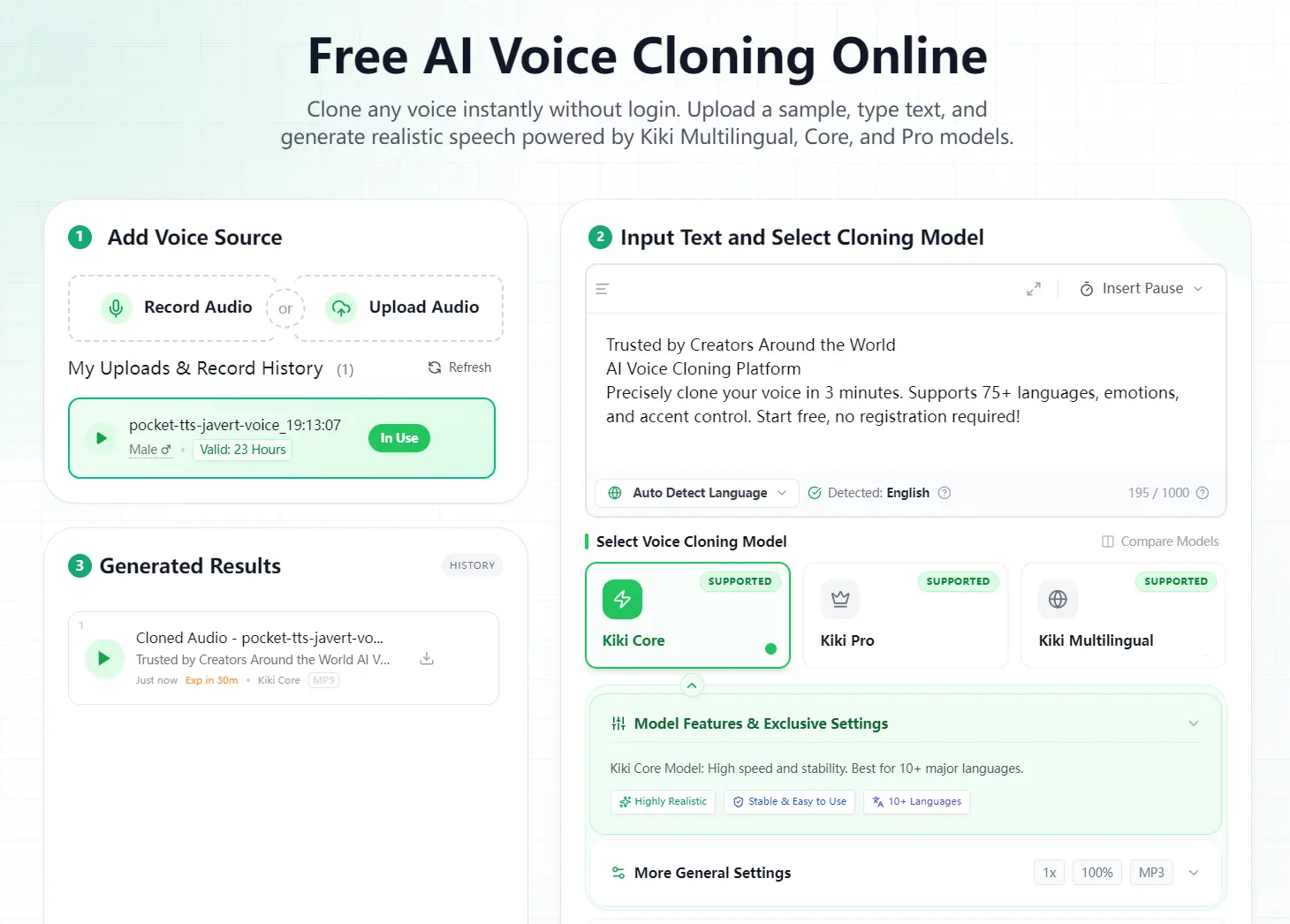
Kikivoice is a free AI voice cloning service. Upload 3–15 seconds of speech, enter the text you want to generate, select a cloning model, and download the result as MP3, WAV, OGG, AAC, or OPUS. The free experience requires no account or credit card and uses credits that reset each week.
Kiki Core handles everyday voiceovers and fast revisions. Kiki Pro adds 15+ emotion controls for expressive narration. Kiki Multilingual supports 75+ languages for localization and cross-lingual speech.
Each generation accepts 500–2,000 characters, based on the selected model. Credit use follows the script length and model multiplier. Kikivoice runs in the browser, processes recordings online, and has no public API.
Kikivoice at a Glance
- Access: The free experience requires no registration or credit card.
- Reference audio: Upload 3–15 seconds of clear speech. A clean 10–15-second sample provides the strongest reference.
- Models: Choose Kiki Core, Kiki Pro, or Kiki Multilingual for each task.
- Languages: Kiki Multilingual supports 75+ languages, while Kiki Core supports 10+ languages.
- Text limit: A single task accepts 500–2,000 characters, based on the model.
- Processing: Voice cloning finishes within three minutes. Script length, model choice, and server load determine the processing time.
- Uploads: The service accepts common audio and video formats up to 50MB.
- Downloads: Export generated speech as MP3, WAV, OGG, AAC, or OPUS in standard or high quality.
- Developer access: Kikivoice has no public API.
Kikivoice Voice Cloning Models
Kiki Core
Kiki Core focuses on stable output and fast generation. It supports 10+ languages and charges two credits per input character. Use it for routine narration, drafts, short social videos, and projects that require repeated revisions.
Kiki Pro
Kiki Pro provides 15+ emotion controls, emotional intensity settings, pitch adjustment, and stronger control over expressive delivery. It charges three credits per input character. It fits advertising, audiobook passages, character dialogue, and polished narration.
Kiki Multilingual
Kiki Multilingual supports 75+ languages and preserves the reference voice across supported languages. Fast mode charges one credit per input character, while high-quality mode charges two. It fits dubbing, localization, multilingual courses, and international content.
Key Features
- Creates a voice clone from 3–15 seconds of clear speech.
- Records audio inside the browser or accepts uploaded audio and video files.
- Provides three models for fast narration, expressive speech, and multilingual output.
- Supports cross-lingual speech in 75+ languages through Kiki Multilingual.
- Includes controls for language, speed, pitch, emotion, intensity, and audio quality.
- Adds custom pauses from 0 to 10 seconds through the editor.
- Exports generated audio in five common formats.
- Runs on modern desktop and mobile browsers.
Listen to a Kikivoice Voice Clone
Play the reference recording first, then play the generated result. Compare the voice timbre, pacing, pronunciation, and pauses.
How to Use Kikivoice
1. Record or upload the reference voice. Provide 3–15 seconds of clear, continuous speech. A quiet room, natural pacing, and a clean microphone signal produce a stronger reference. Kikivoice accepts WAV, MP3, M4A, AAC, OGG, OPUS, FLAC, WMA, ALAC, AIFF, and AMR files. It also accepts MP4, MOV, MKV, AVI, and WEBM video files up to 50MB.
2. Enter the target script. Keep the text within the selected model’s 500–2,000-character limit. The editor does not support SSML. Use the pause control to insert pauses from 0 to 10 seconds. The tag ((=1000)) inserts a one-second pause.
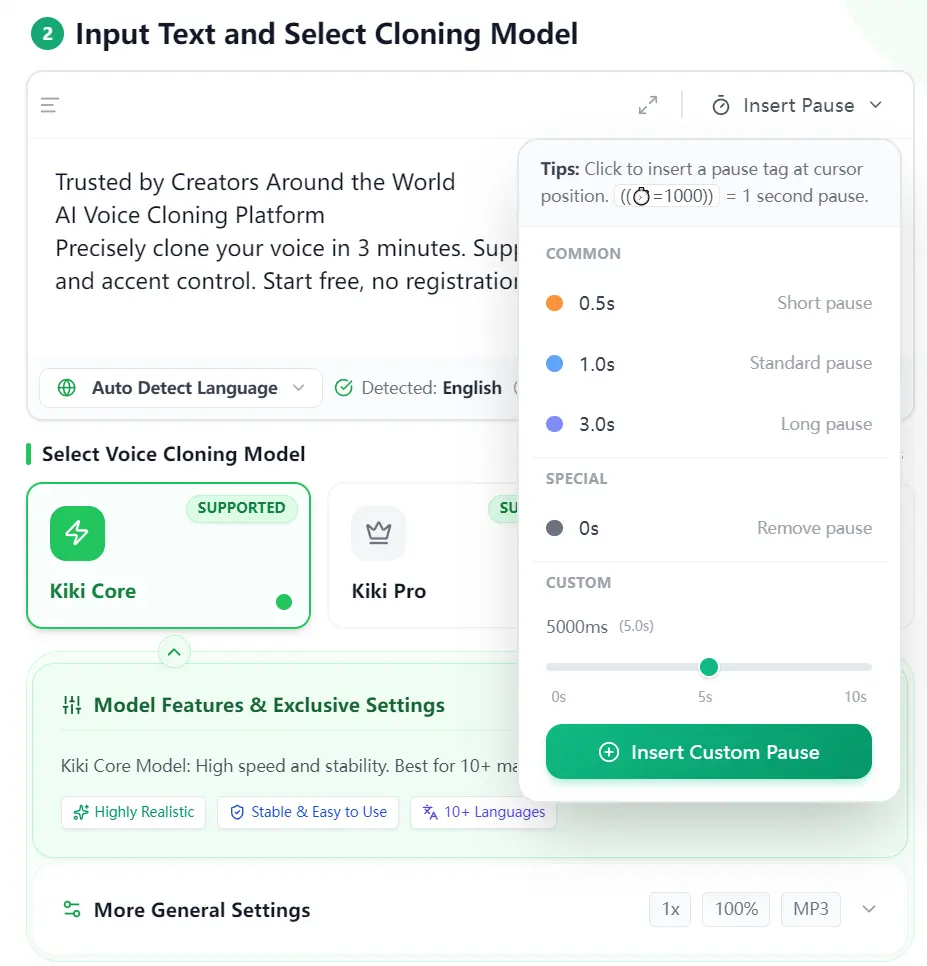
3. Select a model. Use Kiki Core for fast everyday output, Kiki Pro for detailed emotional delivery, or Kiki Multilingual for speech across 75+ languages.
4. Set the voice controls. Choose the language and adjust the controls provided by the selected model. These controls cover speed, pitch, emotion, intensity, accent, and audio quality.
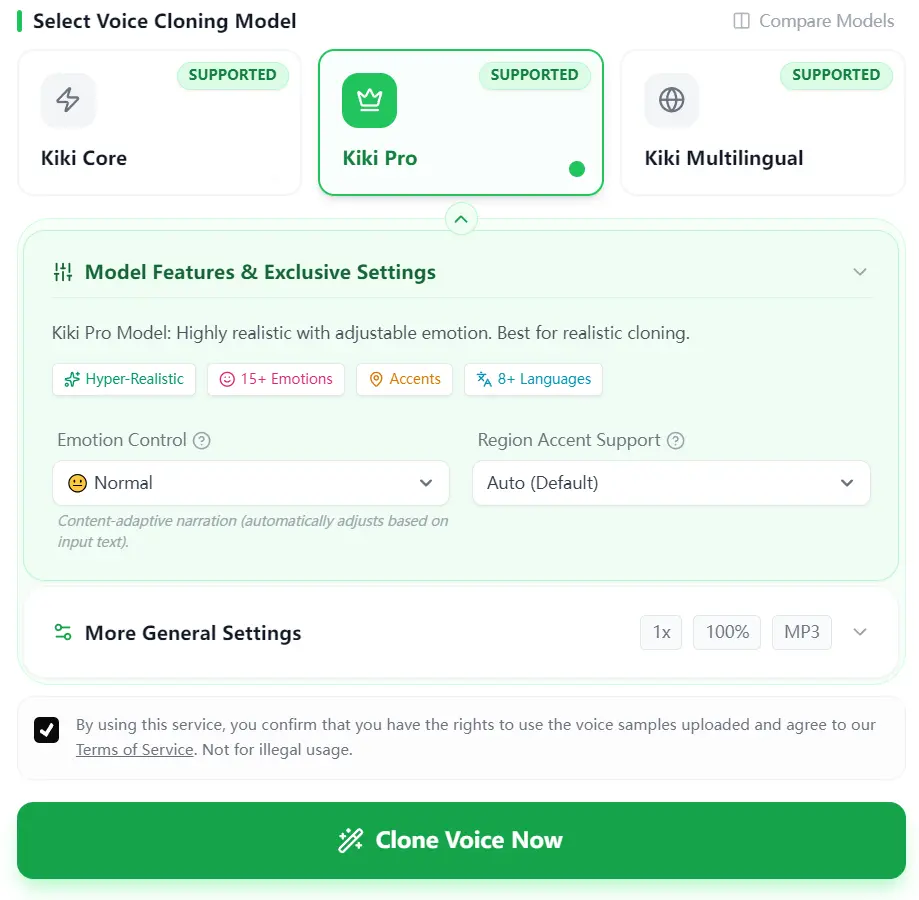
5. Generate and download the audio. Start the task, preview the result, revise the script or voice controls, and export the finished recording in a supported format.
Free Credits and Text Limits
The free tier provides credits that reset weekly and includes access to all three models. Kikivoice calculates each task from the number of input characters and the selected model multiplier:
- Kiki Core: 2 credits per character.
- Kiki Pro: 3 credits per character.
- Kiki Multilingual Fast: 1 credit per character.
- Kiki Multilingual High Quality: 2 credits per character.
A 500-character script uses 500 credits in Multilingual Fast, 1,000 credits in Core or Multilingual High Quality, and 1,500 credits in Pro. Free credits reset weekly, and the cloning interface shows the available balance before each task.
Each generation accepts 500–2,000 characters, based on the model. Split long scripts into sections before generation.
Privacy, Consent, and Commercial Use
Task uploads use encryption during processing. Uploaded audio expires within 24 hours, and generated audio records expire after 30 minutes. Account information remains while the account is active. Account holders can request deletion of their accounts and associated voice models.
Kikivoice processes content and voice models to deliver, secure, maintain, improve, and develop the service. Do not upload passwords, financial details, health information, identification numbers, confidential business material, or other sensitive data.
- Use your own voice or obtain explicit written consent from the speaker.
- Voice cloning is restricted to speakers who are at least 18 years old.
- Cloning a public or political figure requires explicit written consent and lawful use.
- Synthetic audio requires disclosure when laws, contracts, or platform rules require it.
- Deceptive impersonation, fraud, scams, harassment, and unauthorized deepfakes violate the service terms.
Kikivoice supports commercial use when you own the required rights to the reference audio, script, voice, and final distribution. Written consent must cover voice-model creation, synthetic speech generation, distribution, and commercial use when the recording belongs to another person.
Use Cases
- Publish multilingual versions of a creator’s narration with one reference voice.
- Replace short podcast lines and video sentences after the original recording session.
- Produce alternate emotional deliveries for advertising, character dialogue, and social video scripts.
- Maintain a consistent narrator across training modules, product explainers, and recurring content.
- Create audiobook samples, course narration, game dialogue, and localized promotional audio.
Limitations
- A single generation accepts 500–2,000 characters, based on the model.
- The service has no public API for automated or batch production.
- The editor has no SSML support.
- Recordings and generated voice models are processed through Kikivoice’s online infrastructure.
- Background noise, music, reverberation, clipped speech, and poor microphone quality reduce voice similarity.
Alternatives & Related Resources
- 7 Best Free AI Voice Cloning Tools in 2026
- Free AI Voice Cloning Tools
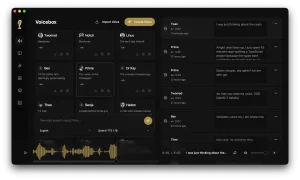
- Voicebox: Free Local Voice Cloning, TTS, Dictation Studio
- Free CPU-Based Text-to-Speech Tool with Voice Cloning – Pocket TTS
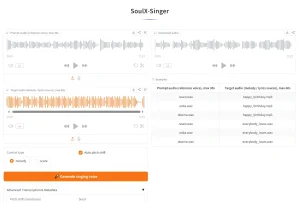
- Free AI Singing Voice Cloning Tool – SoulX-Singer
Is Kikivoice Worth Using?
Kikivoice suits short browser-based voiceovers, expressive narration, and multilingual localization. Kiki Multilingual gives the service its clearest advantage through 75+ language support and a one-credit fast mode. Kiki Pro covers projects that require detailed emotional control.
Use the related tools above for local processing, automated production, SSML workflows, or long scripts. Kikivoice provides a direct workflow for turning a short reference recording into downloadable speech from a desktop or mobile browser.
FAQs
Is Kikivoice free?
Yes. The free experience requires no registration or credit card. Credits reset weekly and provide access to all three cloning models.
How many free credits does Kikivoice provide?
Free credits reset each week. The cloning interface shows the current balance before generation.
Which Kikivoice model should I use?
Use Kiki Core for fast everyday narration, Kiki Pro for detailed emotional delivery, and Kiki Multilingual for localization across 75+ languages.
How much reference audio does Kikivoice need?
Kikivoice accepts 3–15 seconds of clear speech. Use a clean 10–15-second recording without music, background noise, reverberation, or overlapping voices.
Does Kikivoice have an API?
No. Kikivoice provides voice generation through its web interface and has no public API.
Does Kikivoice support commercial use?
Yes. Commercial use requires full rights to the reference audio, script, voice, and final distribution. Another person’s voice requires explicit written consent that covers voice-model creation and commercial output.
How does Kikivoice handle uploaded voice recordings?
Task uploads use encryption during processing. Uploaded audio expires within 24 hours, and generated audio records expire after 30 minutes. Account holders can request deletion of their accounts and associated voice models.
Why does a Kikivoice clone sound mechanical?
Background noise, music, reverberation, clipped speech, unnatural pacing, and poor microphone quality reduce the model’s reference quality. Record 10–15 seconds of natural speech in a quiet room and test a shorter script or a different model.
Last Updated: July 22, 2026