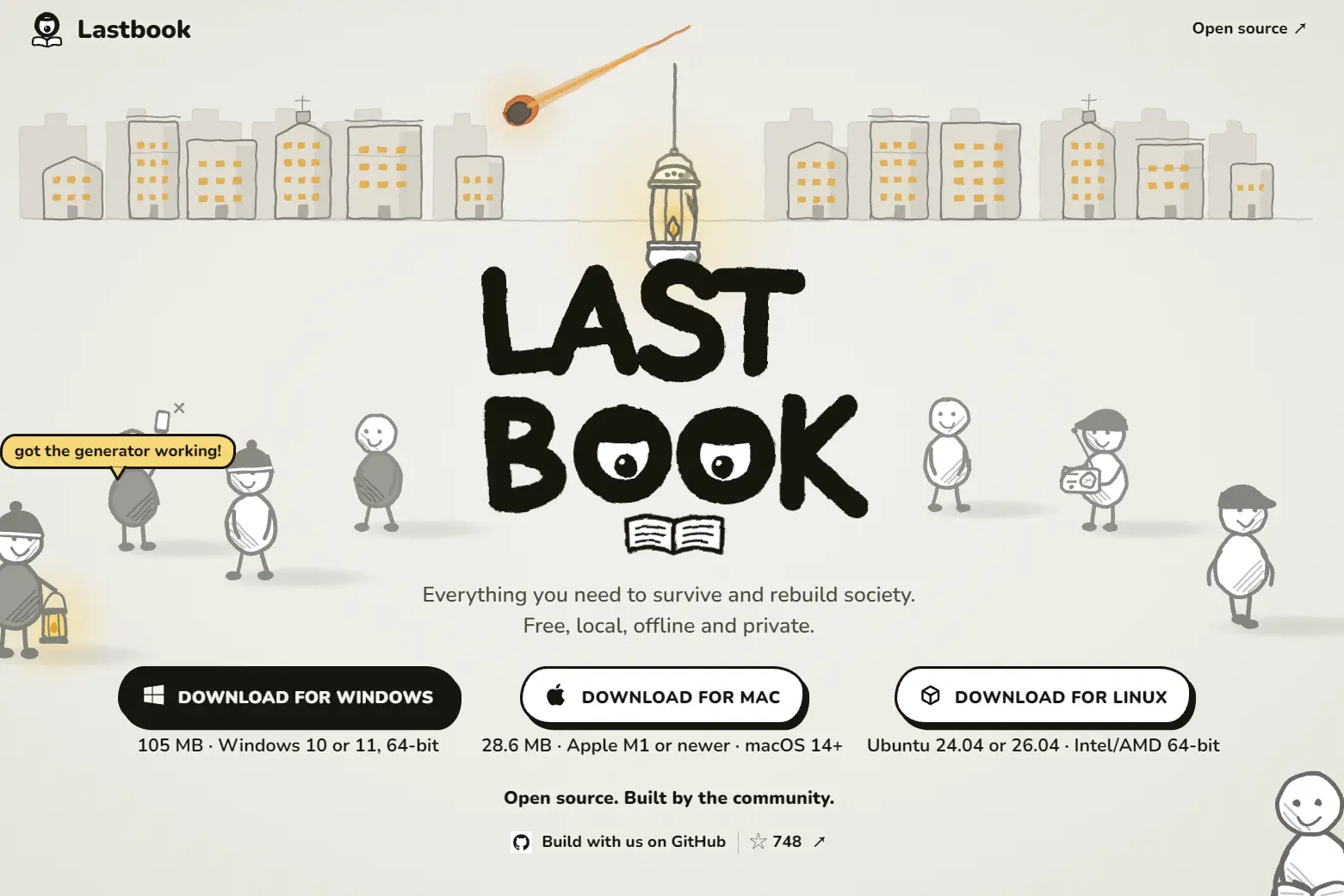
Lastbook is a free, open-source desktop app that downloads survival manuals, practical guides, instructional videos, encyclopedias, and maps to your computer.
Once the library is installed, you can look up first aid, water treatment, food storage, equipment repairs, and emergency preparedness even when your internet connection is down.
Lastbook’s Guides section connects common problems to specific pages in the downloaded references.
You can open the full documents, watch practical demonstrations, search local maps, or ask an optional on-device AI assistant to answer questions with links to the sources it used.
Lastbook is released under the MIT License. The manuals, videos, maps, encyclopedias, AI model, and other third-party materials retain their own licenses and attribution requirements.
Key Features
- Curated emergency guides.
- Search and read complete PDFs, saved web guides, and offline encyclopedias.
- Watch instructional videos on first aid, navigation, repairs, practical skills, and more.
- Explore a US base map and download detailed maps for a selected state.
- Find towns, ZIP codes, places, and available street addresses using offline map data.
- Ask questions through a local AI model and open the referenced source material.
- Search for matching library pages through Chat even when the AI model is absent.
Find Instructions in Guides, Manuals, and Videos
Open Guides and choose a problem, such as an injury, an unsafe water supply, or a long power outage. The guide provides concise direction and identifies relevant pages in the library.
The downloaded collection includes emergency materials from organizations such as FEMA, the American Red Cross, the World Health Organization, and Médecins Sans Frontières.
For a storm or power outage, you can consult preparedness checklists, generator manuals, and food-safety guidance. For a water interruption, the library contains instructions on treating drinking water and maintaining wells and tanks.
Lastbook also lets you search full documents and saved web guides directly. The offline encyclopedias include MDWiki for medical subjects and Appropedia for practical topics such as sanitation, water, energy, and construction.
Videos provide another way to learn a procedure. The library includes demonstrations of hands-only CPR, AED use, compass navigation, food preservation, and equipment maintenance.

Ask Questions With Local AI
In Chat, enter a question such as how to store drinking water during an outage. Lastbook searches the installed library, passes relevant passages to a local AI model, and generates an answer with links back to the source material.
The optional AI model is Gemma 4 26B A4B, delivered as an approximately 17 GB quantized GGUF download. Lastbook runs it locally through a llama.cpp-based runner.
Setup checks your computer’s resources and budgets roughly 18 GB of memory for the model and its context, plus additional headroom.

If your device cannot run the model, or you prefer a smaller installation, Chat can return matching pages from the library for manual reading.
Keyword search is available on the supported desktop platforms. Meaning-based search is currently available on Windows.
Explore Offline Maps and Local Resources
Open Map to examine the world overview, the US base map, and detailed geographic data for the state you chose during setup.
The base map includes major roads, towns, and water features. A detailed state download can add local streets, buildings, terrain, water features, and recorded medical, fire, shelter, and other resource points.
Search for a town, ZIP code, or place using the installed map. Street-address lookup is available for states with downloaded address indexes.

Choose a Library Size
Lastbook offers three content packs, and each one can be used offline after installation. The sizes below are library download sizes. Your selected state map, its address index, and the optional AI model need additional space.
- Small (7.7 GB): 148 PDFs, 45 saved web guides, 41 videos, and two offline encyclopedias. It includes core emergency and practical references plus the US base map.
- Medium (67.5 GB): 4,450 PDFs, 13 slide decks, 3,819 web guides, 573 videos, and three encyclopedias. It adds extensive technical and educational material, including Wikibooks, along with California map detail.
- All (about 388 GB): 4,451 PDFs, 13 slide decks, 3,819 web guides, 2,324 videos, and four encyclopedias, including text-only Wikipedia. It also has expanded US map data.
How to Download and Set Up Lastbook
Get the installer from the official download page for your operating system:
- macOS: Apple Silicon (M1 or newer) and macOS 14 Sonoma or later. Open the DMG and drag Lastbook into Applications.
- Windows: 64-bit Windows 10 or 11. Run the signed setup executable and open the installed app.
- Linux: Ubuntu on an Intel/AMD x86_64 computer.
After opening the app, complete the first-run setup:
- Choose Small, Medium, or All and select the US state for your detailed offline map.
- Add local AI if Lastbook offers it for your hardware and you want source-linked AI answers.
- Start the downloads and keep your computer online until the library and selected map are installed and checked.
- Open Guides, choose a topic such as safe drinking water, and follow a reference to its original document. Your installed material is now available offline.
Pros
- Organizes emergency guides, complete manuals, instructional videos, encyclopedias, and maps in one offline desktop library.
- Links local AI answers to reference material and keeps ordinary search available on devices that cannot run the model.
- Requires no account or subscription.
- Three library sizes, reusable downloaded packs, and repair controls.
Cons
- The Small pack needs 7.7 GB to download, and All approaches 388 GB before optional map and AI downloads.
- Local AI requires an additional 17 GB model download and substantial memory.
- Detailed mapping focuses on US states and contains no live emergency information.
- No mobile version.
Alternatives & Related Resources
- Survival LLM: Free Offline AI Assistant for Emergency and Survival Knowledge
- LM Studio: Run Local LLMs on Windows, Mac, and Linux
- Hob: Free Open-Source Local AI Assistant for Documents