QuillBro is no longer available. For AI writing help, grammar checks, quizzes, and flashcards, explore the alternatives below.
Alternatives
Adobe Student Spaces
Adobe Student Spaces turns uploaded course materials into flashcards, quizzes, study guides, mind maps, presentations, and podcasts. It is the closest replacement for QuillBro’s study-focused tools.
Flawlessly
Flawlessly checks grammar, spelling, tone, and clarity in pasted text. Use it as a replacement for QuillBro’s Grammar Checker.
Magic Spell
Magic Spell helps rewrite, expand, and refine text with an AI writing assistant. It is a suitable replacement for QuillBro’s Paraphraser and Essay Generator.
Figy AI
Figy AI creates question-and-answer flashcards from text, PDFs, Word documents, and other learning materials.
KwizAI
KwizAI generates interactive quizzes from text, files, URLs, and videos. Use it as a replacement for QuillBro’s Quiz Creator.
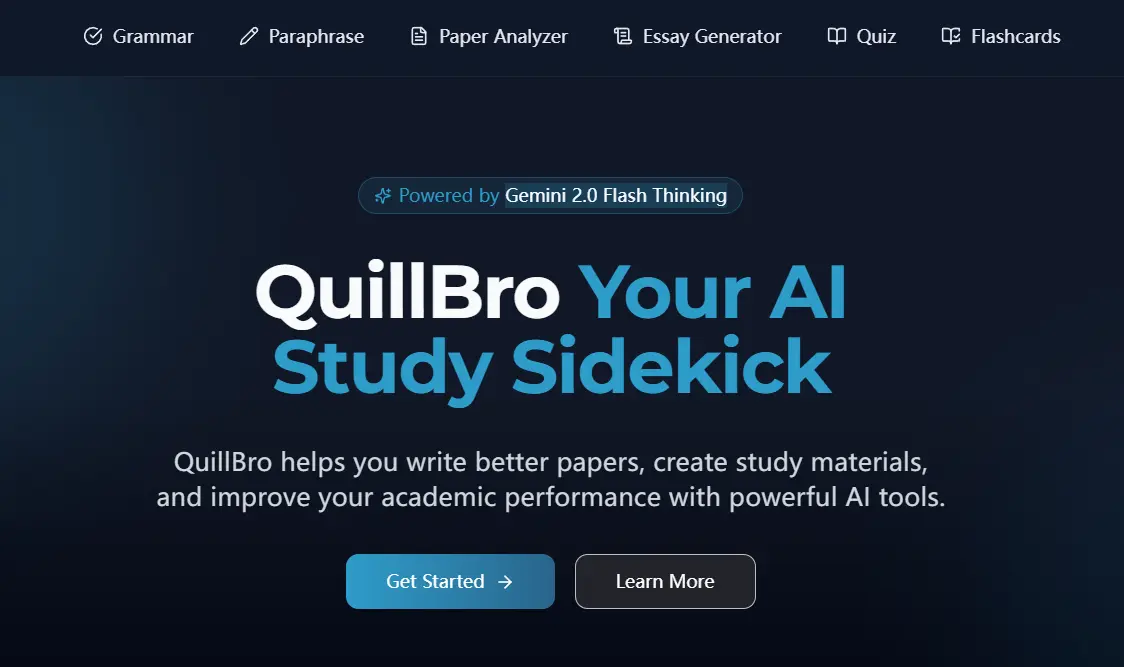
QuillBro is a free, AI-powered studying platform that assists you in enhancing your writing skills and studying more efficiently. Based on Google’s latest Gemini Flash Thinking model.
It comes with a suite of AI tools, including a Grammar Checker, Paraphraser, Paper Analyzer, Essay Generator, Quiz Creator, and Flashcards, all accessible without any subscription or payment.
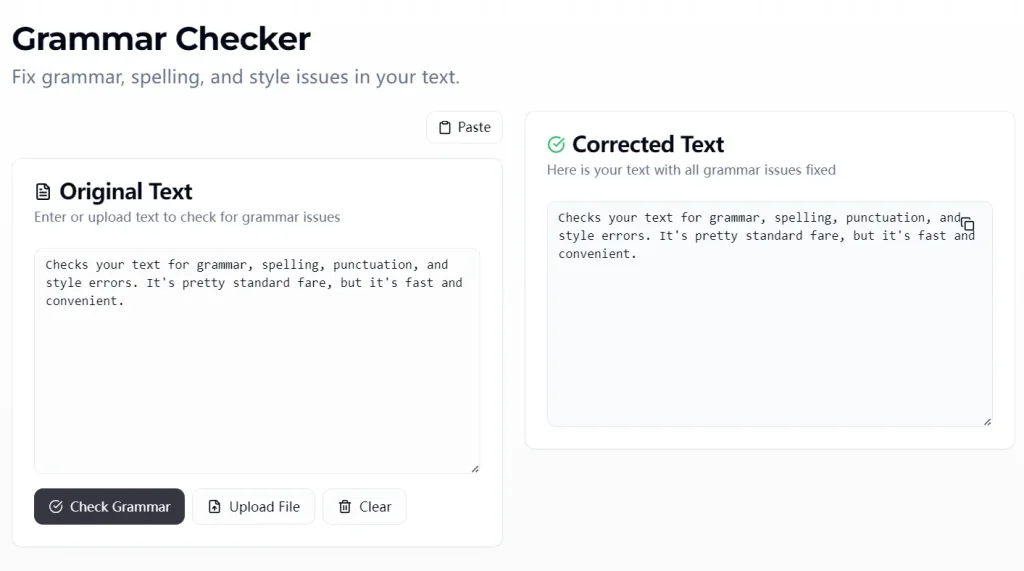
Grammar Checker
Checks your text for grammar, spelling, punctuation, and style errors. It’s pretty standard fare, but it’s fast and convenient. Try It Now
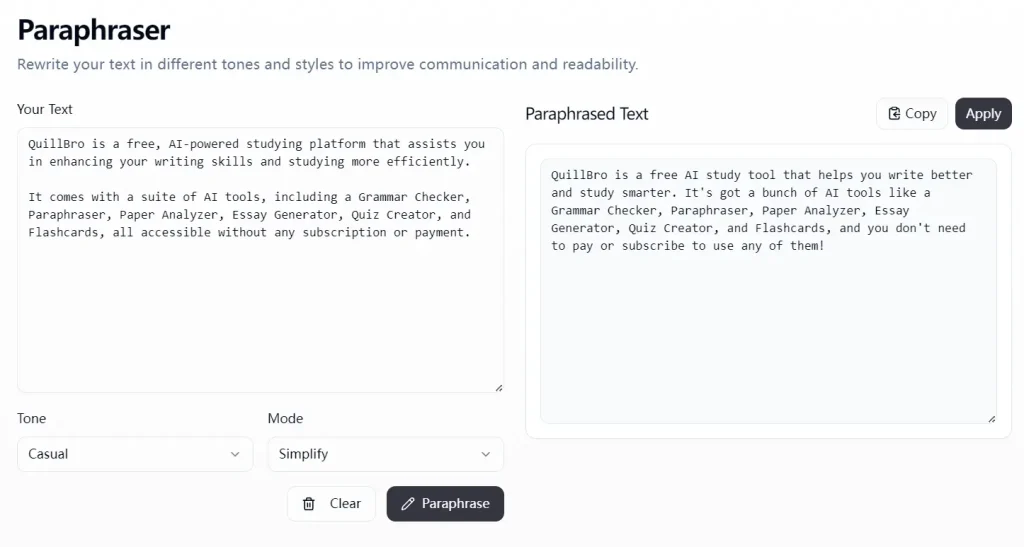
Paraphraser
Rewrites text in different tones and styles. Useful for avoiding plagiarism or just finding a different way to phrase something. Try It Now
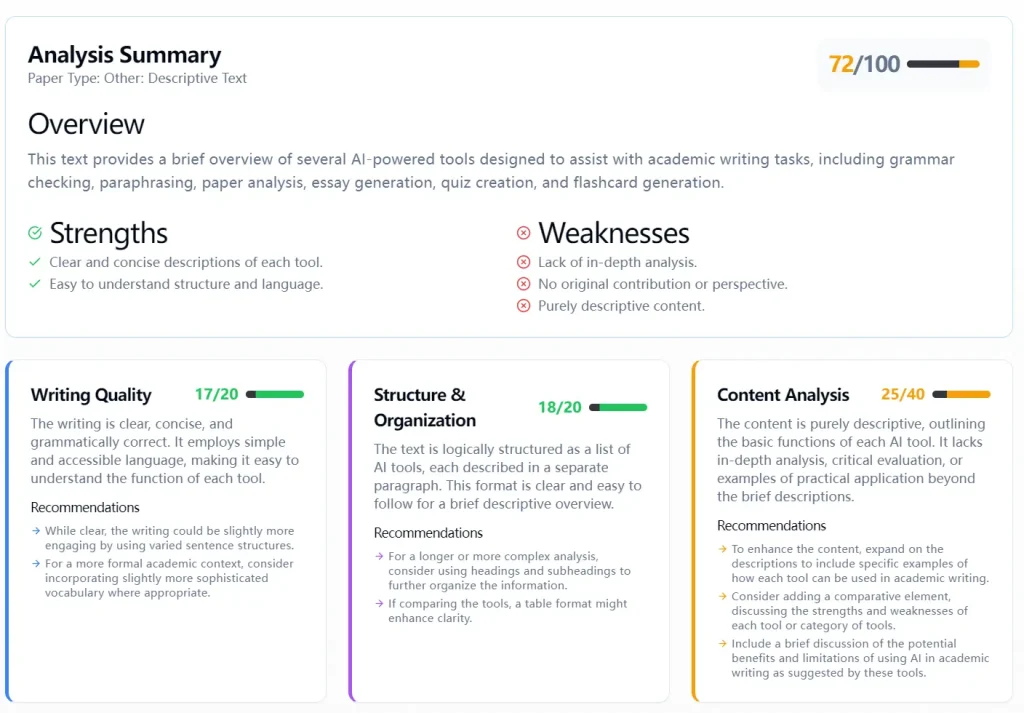
Paper Analyzer
Provides feedback and suggestions for improving your written work. This is more in-depth than the basic grammar checker. Try It Now
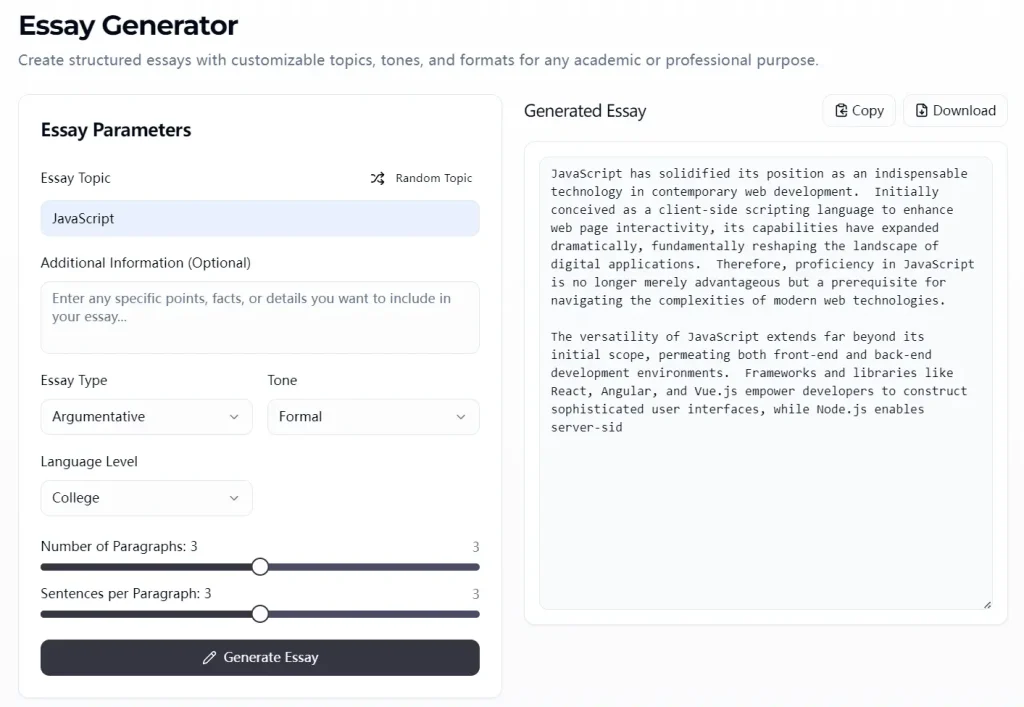
Essay Generator
Helps you create structured essays based on your topic, tone, and format requirements. A good starting point, but you’ll definitely want to customize it. Try It Now
Quiz Creator
Generates quiz questions from your study material. Try It Now

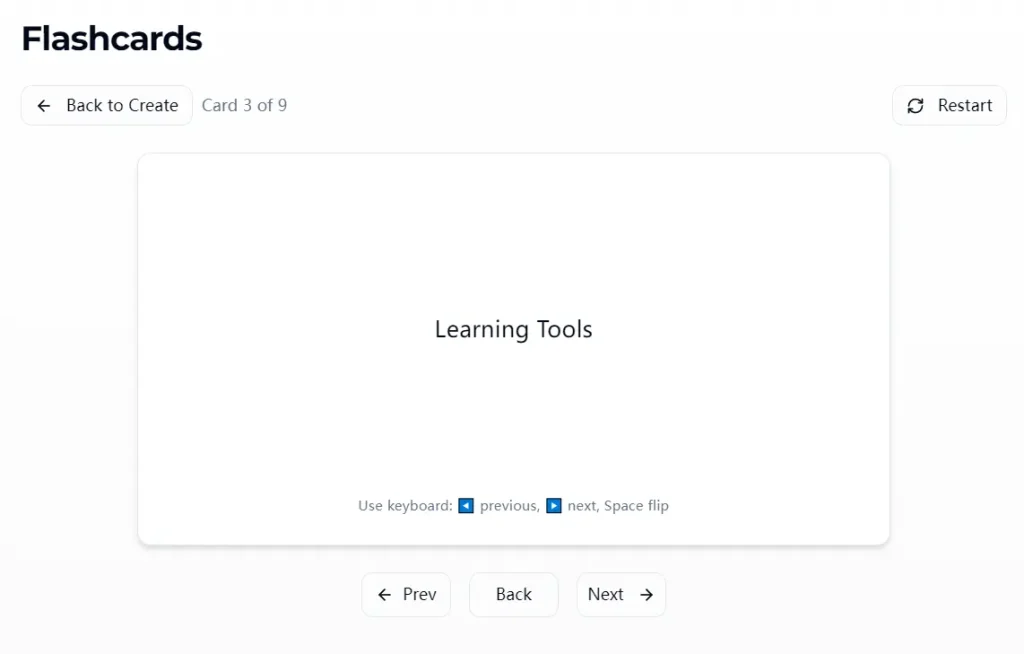
Flashcards
Creates digital flashcards from your notes or text. Important Note: Always double-check AI-generated flashcards for accuracy. Try It Now
Use Cases
- Quick Email Polishing: Before sending an important email, I’ll paste the text into the Grammar Checker for a quick once-over. It catches those little typos that I always seem to miss.
- Breaking Through Writer’s Block: If I’m stuck on how to start a document, the Essay Generator can help me create a basic outline to get the ball rolling. I consider the result a decent starting point.
- Improving Clarity: Sometimes I know what I want to say, but it doesn’t come across clearly. The Paraphraser helps me experiment with different wording options.
- Studying for a Certification: I’ve used the Quiz Creator and Flashcard features to help me review technical documentation. It’s not a replacement for real study, but it’s a good way to reinforce key concepts.
- Content Creation: The essay generator is my go-to when I need to create a blog entry, an email, or just an outline. I insert the key ideas, and the AI takes care of the heavy lifting.
Pros
- Completely free – No hidden premium features or subscription requirements
- Mobile-friendly interface – Works equally well on phones, tablets, and computers
- Comprehensive toolset – Covers both writing assistance and study tools in one place
- No account required – Access all features without registration or login
- Clean, distraction-free design – Focuses on functionality rather than advertisements
- Reasonable processing speed – Handles most documents quickly except during peak times
Cons
- Occasional accuracy issues – AI-generated content sometimes contains errors that require human verification
- Limited customization options – Fewer style and formatting choices compared to some paid alternatives
- Performance varies with document length – Works best with shorter to medium-length texts
- Peak time slowdowns – Processing speed can decrease during high-usage periods
- Basic interface – Lacks some of the polish and advanced features of premium tools
Frequently Asked Questions
Q: Is QuillBro really completely free?
A: Yes, as of my last use, QuillBro is entirely free to use. There are no premium features or subscription tiers.
Q: Can I use QuillBro offline?
A: No, QuillBro is a web-based application, so you’ll need an internet connection to use it.
Q: How accurate is the AI?
A: The AI is generally good for basic tasks like grammar checking and paraphrasing. However, for more complex tasks like essay generation or flashcard creation, you should always review and edit the output carefully.
Q: Can QuillBro detect plagiarism?
A: The current version does not include dedicated plagiarism detection. If this is a primary concern, you may need to supplement QuillBro with a specialized plagiarism checking tool.