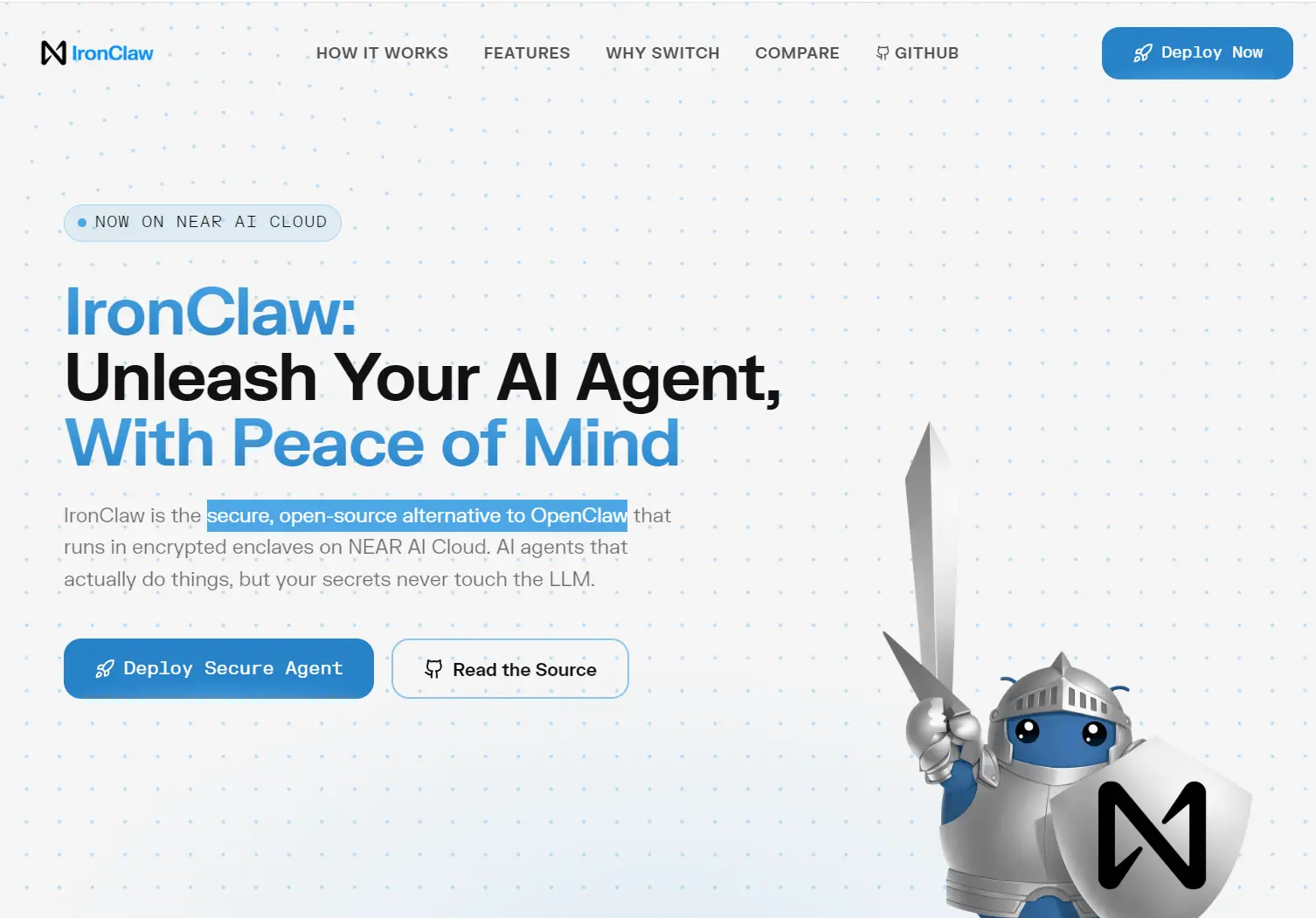
IronClaw is a free, open-source personal AI assistant from NEAR AI that runs on your own computer. It can chat with you, use connected services, remember workspace context, and carry out scheduled or event-triggered tasks.
Choose an LLM provider during onboarding, enter its API key through a hidden prompt, receive a private WebUI login link, and you can then work through the browser, terminal, Slack, or Telegram.
Untrusted WASM tools run with explicit permissions, while the host controls credentials, network destinations, and resource limits. These controls reduce the exposure of API keys and local data when the assistant acts on your behalf.
Features
- WebUI and terminal access: Use the web UI, interactive REPL, one-turn CLI command, HTTP webhooks, Slack, or Telegram.
- WASM tool isolation: Untrusted tools run in WebAssembly containers with explicit permissions for HTTP requests, secrets, and tool calls.
- Credential protection: Encrypts provider credentials and asks for secret values through hidden prompts. The host injects secrets only when an approved request needs them.
- Prompt injection controls: External content passes through pattern detection, sanitization, policy checks, and safe output wrapping before it enters model context.
- Network restrictions: WASM tools can send HTTP requests only to approved hosts and URL paths. Per-tool rate and resource limits restrict abusive or stuck operations.
- Docker sandbox: IronClaw can isolate jobs in containers with per-job tokens and an orchestrator-worker design.
- Local storage: The standard installation uses file-backed libSQL. PostgreSQL is an optional storage backend for deployments that need it.
- Model provider catalog: 26 AI providers, including NEAR AI, OpenAI, Anthropic, Gemini, Bedrock, Ollama, OpenRouter, Groq, DeepSeek, and OpenAI-compatible endpoints.
- Embedded extensions: 12 first-party extensions, including GitHub, Gmail, Google Calendar, Google Drive, Google Sheets, Notion, Slack, Telegram, and web access.
- Automations and background work: Scheduled and triggered automations can run alongside subagents, workspace memory, and trace capture.
- Persistent workspace: Keeps notes, logs, identity files, and context in local app storage. Hybrid full-text and vector search retrieves saved information.
OpenClaw vs. IronClaw
IronClaw is a Rust reimplementation inspired by OpenClaw. Both projects run personal AI agents that can use external capabilities and work across messaging or browser interfaces.
IronClaw uses a Rust binary, file-backed libSQL by default, an embedded WebUI, and capability-based WASM isolation for untrusted tools. PostgreSQL is optional. First-party extensions are packaged with the application, and provider credentials stay in an encrypted local secret store.
| Feature | OpenClaw | IronClaw |
|---|---|---|
| Primary language | TypeScript | Rust |
| Default local storage | SQLite | File-backed libSQL |
| Untrusted tool isolation | Docker-based execution | Capability-based WASM sandboxes |
| Distribution | Node.js application | Prebuilt native binaries and installers |
How to Use It
Prerequisites
A prebuilt installation needs a supported macOS, Linux, or Windows system and an API key for the LLM provider you select. Windows users can install the native MSI or use the PowerShell installer. The shell installer runs on macOS, Linux, and Windows through WSL.
Building from source requires Rust 1.96 or later, Node.js 22 or later, Corepack, and pnpm. PostgreSQL is optional and is not required for a standard local installation.
Installation
Windows MSI: Open the IronClaw Releases page, choose a published tag, download ironclaw-x86_64-pc-windows-msvc.msi, and run it.
Windows PowerShell:
$IronClawReleaseTag = "ironclaw-vX.Y.Z"
irm "https://github.com/nearai/ironclaw/releases/download/$IronClawReleaseTag/ironclaw-installer.ps1" | iex
macOS, Linux, or Windows through WSL:
IRONCLAW_RELEASE_TAG=ironclaw-vX.Y.Z
curl --proto '=https' --tlsv1.2 -LsSf \
  "https://github.com/nearai/ironclaw/releases/download/${IRONCLAW_RELEASE_TAG}/ironclaw-installer.sh" | sh
Build and install from source:
git clone https://github.com/nearai/ironclaw.git
cd ironclaw
corepack enable pnpm
cargo install --locked --path crates/app/ironclaw_cli
Complete Onboarding
Run the guided setup after installation:
ironclaw onboardSelect an LLM provider, enter its API key in the hidden prompt, and accept the default model or choose another one. IronClaw creates its local configuration, encrypted credential store, and WebUI login token. On macOS and Linux, onboarding also installs and starts a background service.
Run ironclaw status to check the service and print the WebUI login link. On Windows, start the WebUI in the foreground:
ironclaw serveChange the LLM Provider
You can change providers after onboarding. This example selects OpenAI and stores the API key through a hidden prompt:
ironclaw models set-provider openai --model gpt-5-mini
ironclaw config set openai.api_key
ironclaw service restart
Configuration changes do not restart the background service. Restart it after changing a setting used by the running service. You can inspect the active routes and settings with ironclaw models status and ironclaw config list.
Run the Agent
# Open an interactive terminal session
ironclaw repl
# Run one turn
ironclaw run --message "hello"
# Check the service and print the WebUI link
ironclaw status
CLI Command Reference
| Command | Purpose |
|---|---|
ironclaw onboard | Run guided setup |
ironclaw status | Check the service and print the WebUI link |
ironclaw serve | Run the WebUI in the foreground |
ironclaw repl | Start an interactive terminal session |
ironclaw run --message "hello" | Run one agent turn |
ironclaw models status | Inspect configured model routes |
ironclaw models set-provider openai --model gpt-5-mini | Select a provider and model |
ironclaw config list | List current configuration |
ironclaw config set openai.api_key | Store a secret through a hidden prompt |
ironclaw service restart | Restart the background service |
cargo fmt | Format source code |
cargo clippy --all --benches --tests --examples --all-features | Run the Rust linter |
cargo test | Run the test suite |
Pros
- Open-source Rust codebase.
- Local libSQL storage.
- Encrypted local credential storage.
- 26 built-in model providers.
- Capability-based WASM isolation.
Cons
- Windows onboarding skips service setup.
- Source builds need Rust and Node.js.
Alternatives and Related Tools
- Openclaw: Your 24/7 Personal AI Employee
- 7 Best OpenClaw Alternatives for Safe & Local AI Agents
- 350+ Most Popular Agent Skills on GitHub for Coding Agents
- Automate Anything: 10 Best & Open-source AI Agents
FAQs
Q: Does IronClaw require a NEAR AI account?
A: No. Onboarding asks you to choose an LLM provider and enter that provider’s API key. NEAR AI is one option in the built-in provider catalog.
Q: What happens to API keys?
A: IronClaw stores provider credentials in its encrypted local secret store. Secret configuration commands open a hidden prompt and do not accept the secret as a visible command-line argument.
Q: Can IronClaw use a local model?
A: Yes. Ollama appears in the built-in provider catalog. Select it during onboarding or manage the provider route later with the ironclaw models commands.
Q: What license does IronClaw use?
A: IronClaw is available under the MIT License or Apache License 2.0.
Changelog
- August 5, 2026: IronClaw v1.0.0 uses file-backed libSQL by default, provider-based onboarding, embedded extensions, and a new CLI command set.