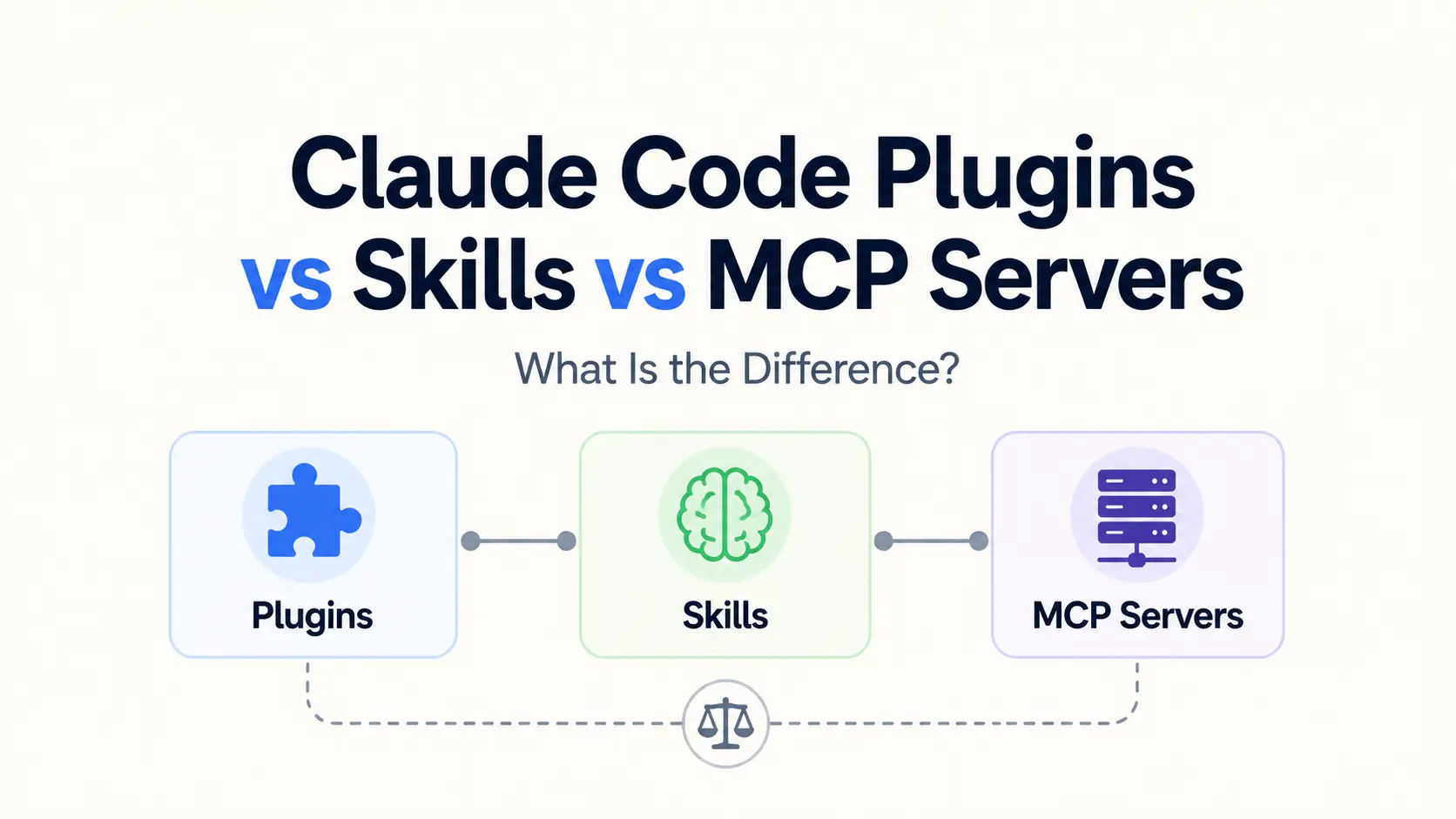
Plugins, Skills, and MCP servers all extend Claude Code at different points. A Skill stores the instructions and methods you want Claude to follow. An MCP server brings in external tools and live data. A Plugin packages those pieces, plus agents or Hooks, for installation and sharing.
Your task reveals the right choice: use a Skill for a repeatable method, an MCP server for live data or actions in another service, and a Plugin for a collection that other people need to install.
Quick comparison
| Extension | Primary job | What it adds to Claude Code |
|---|---|---|
| Plugin | Package and distribute extensions | One installable bundle with Skills, agents, Hooks, MCP servers, LSP servers, or other components |
| Skill | Define how Claude should handle a task | Instructions, checklists, reference material, scripts, and supporting files |
| MCP server | Connect Claude to another system | Callable tools, external resources, and server-provided prompts |
Related: The Ultimate Claude Code Resource List: Agents, Skills, Plugins & More
How the three extension layers work together
Take a team release process. The Skill holds your checklist and approval rules, MCP servers bring in Jira issues and create the GitHub release, and the Plugin puts everything in one installable package with a release agent and validation Hooks.
What is a Claude Code Plugin?
A Claude Code Plugin is a self-contained directory that holds Skills, custom agents, Hooks, MCP and LSP server configurations, themes, monitors, executable utilities, or selected default settings.
Keep a personal experiment under .claude/. Package it as a Plugin after the same feature set reaches several projects or teammates and needs one install and update path.
What goes inside a Plugin
- Skills for reusable instructions and workflows
- Agents for specialized tasks with their own context
- Hooks that react to Claude Code lifecycle events
- MCP server definitions for external tools
- LSP servers for language-aware code navigation and diagnostics
- Monitors, themes, output styles, and executable utilities
You will normally find the manifest at .claude-plugin/plugin.json. Component directories sit at the Plugin root. Skills go in skills/, and MCP server definitions go in .mcp.json.
Plugin Skills use namespaced commands such as /release-tools:prepare. Namespacing prevents a Skill from one Plugin from replacing another Plugin’s Skill with the same short name.
How Plugins are installed and shared
Load a local Plugin directory during development and testing, then install the finished Plugin from a marketplace for ongoing use. Claude Code includes Anthropic’s official marketplace. Organizations also run private marketplaces for internal tools.
Installation command
/plugin install plugin-name@marketplace-nameChoose the scope at install time. User scope installs the Plugin across your projects; project scope records shared configuration in the repository; local scope keeps it private to you and the current project. Managed scope gives an organization control through policy.
What is a Claude Code Skill?
Think of a Skill as reusable working instructions for Claude. Every Skill needs a SKILL.md file with YAML metadata and Markdown instructions. Supporting files in the same folder include scripts, templates, examples, and reference documents.
Claude uses the Skill’s name and description to discover it. The full body enters context only after you invoke the Skill or Claude selects it for a matching task. Long procedures do not occupy the active context before that point.
What belongs in a Skill
- Code review criteria for a specific stack
- A deployment or release checklist
- Editorial rules and publishing validation
- Database schema notes and approved query patterns
- File templates plus scripts that generate or check an artifact
- A repeatable debugging procedure
A minimal project Skill looks like this:
.claude/
  skills/
    review-api/
      SKILL.md
      references/
      scripts/
Skill scopes and portability
Put personal Skills in ~/.claude/skills/ for use across local projects, or commit them under .claude/skills/ to share them with a repository. Plugin Skills arrive with their Plugin, and managed Skills come from your organization.
Agent Skills use an open file standard supported by multiple AI tools. The basic folder moves between compatible clients. Claude Code-specific invocation controls, dynamic context injection, and tool names need a compatibility check before you reuse them elsewhere.
Browse Skills: Most Popular Agent Skills on GitHub for Coding Agents
What is an MCP server?
MCP stands for Model Context Protocol, an open protocol that connects AI applications to other systems. An MCP server gives Claude callable tools, resources with contextual data, and server-defined prompts.
Use MCP to reach GitHub, Slack, Sentry, Notion, PostgreSQL, an internal API, or a local command-line service. The server manages the protocol connection and supported authentication. Claude Code discovers the tools and sends each request as the client.
Local and remote MCP servers
Claude Code supports local and remote server configurations:
| Server type | Connection | Common use |
|---|---|---|
| Local | A process started through standard input and output | Local scripts, developer tools, filesystem-aware utilities |
| Remote | HTTP connection to a hosted service | SaaS products, shared APIs, cloud databases, team services |
Use remote HTTP for a hosted MCP service and local stdio for a script or tool on the same machine as Claude Code. Authentication comes from environment variables, request headers, OAuth, or the method chosen by the service.
Add a remote server with this command pattern:
claude mcp add --transport http service-name https://mcp.example.com/mcpLocal scope is the default for MCP and applies to you in the current project. Project scope writes shared server configuration to .mcp.json. User scope makes the server available across your projects.
Browse MCP Servers: 10 Best MCP Servers for Web Developers
Which one should you use?
| Your requirement | Best choice | Reason |
|---|---|---|
| Save a checklist, style guide, or repeatable task | Skill | Claude already has the tools and needs your method |
| Query a database or act in an external service | MCP server | The task needs live data, authentication, or a service API |
| Distribute several extensions through one install | Plugin | The package needs versioning, namespaced commands, and coordinated updates |
| Apply team rules to an external integration | Skill plus MCP server | The server supplies access; the Skill supplies procedure and domain rules |
| Ship the complete integration to other users | Plugin with a Skill and MCP configuration | One package installs the working set |
Context and maintenance
Invoked Skill bodies consume context. MCP results consume context after a tool call. A Plugin has no fixed context cost; the components you enable determine the total.
| Concern | Typical behavior | Main maintenance task |
|---|---|---|
| Skill | Description is discoverable; full body loads on invocation | Keep triggers, instructions, scripts, and references accurate |
| MCP server | Capabilities come from a running or remote server; results enter context after use | Maintain authentication, availability, tool schemas, and output size |
| Plugin | Packaged components load on enablement | Version, test, document, and update the complete bundle |
Security differences
Review each Skill, MCP server, and Plugin before it reaches a sensitive repository. The files and permissions worth checking differ by extension.
Skill risks
Skill directories support scripts, dynamic commands, and pre-approved tool declarations alongside the instructions. Read the complete directory, especially scripts and the allowed-tools field. Watch for instructions that direct Claude toward sensitive files, command execution, or external data transfer.
MCP server risks
An MCP server receives tool inputs and returns content from external systems. Treat external content as a prompt-injection risk. Give the server the narrowest credentials possible, especially for databases, source control, communication tools, and production services. Read the requested action before you approve it.
Plugin risks
A Plugin brings all of its packaged components into one trust decision. Treat Plugins and marketplaces as code that runs with your operating-system privileges. Check the Hooks, executable files, package dependencies, MCP connections, and update behavior before installation.
FAQs
Can you disable a Plugin’s MCP server without uninstalling the Plugin?
Yes. Toggle the server off in Claude Code’s /mcp panel. Claude Code keeps the configuration but stops connecting in that project. Other projects keep their own enabled or disabled state.
What happens when an MCP server disconnects?
Claude Code retries remote HTTP and SSE connections with backoff. After the retry limit, /mcp marks the server as failed. Retry it manually after fixing the connection or configuration. Local stdio servers do not restart automatically after their process exits.
When do Plugin changes take effect?
Claude Code displays a reload notice after changes that need one. Run /reload-plugins, or start a new session to load the installed version. Reloading preserves MCP connections with unchanged configuration.
Do Plugins, Skills, or MCP servers reduce Claude usage costs?
None of them creates a discounted Claude usage tier. Invoked Skill content and MCP results consume context. External services set their own hosting, API, or subscription prices.
Final recommendation
For most people, a Skill is the simplest first step. It stores repeated instructions in a readable, editable folder. Add an MCP server for live data or actions outside Claude Code. Use a Plugin to share a tested collection of Skills, tools, agents, or Hooks across several people or projects.
Related Resources
- Claude Code MCP Setup: Add Local and Remote MCP Servers
- Claude Code Timeline: Release Date and Major Updates
- Claude Code Pricing and Usage Limits: Free, Pro, Max, Team, and API
- A directory of curated & open-source Model Context Protocol servers