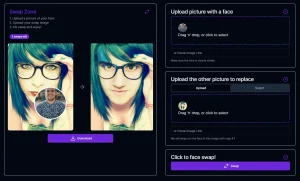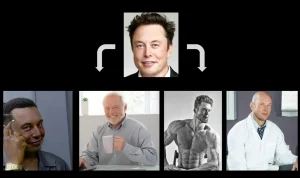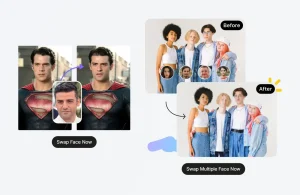
If you want to swap faces in a photo or video for free, several browser-based AI tools can do it.
Depending on the service, free use can mean unlimited photo swaps, a daily quota, weekly credits, or a small video allowance.
I tested the AI tools in this guide to see whether they worked, how easy they were to use, and what restrictions appeared during free use.
The 10 options below can all be used for free today, including tools for quick photos, group images, short videos, GIFs, and mobile browsers.
Let’s get started.
Last Updated: Sep 12, 2026
Quick Comparison: Top 10 Free AI Face Swap Tools
| Tool | Free Access | Formats | Watermark |
|---|---|---|---|
| AI Face Swap | 100 photo swaps/day as a guest; unlimited after signup | Photo, multi-face, video, GIF | No |
| VidMage | 15 photos/day, 20s video/day, 2 GIFs/day | Photo, video, GIF, multi-face | No |
| Face Swapper Online | Unlimited photo swaps, no signup | Photo, multi-face | No |
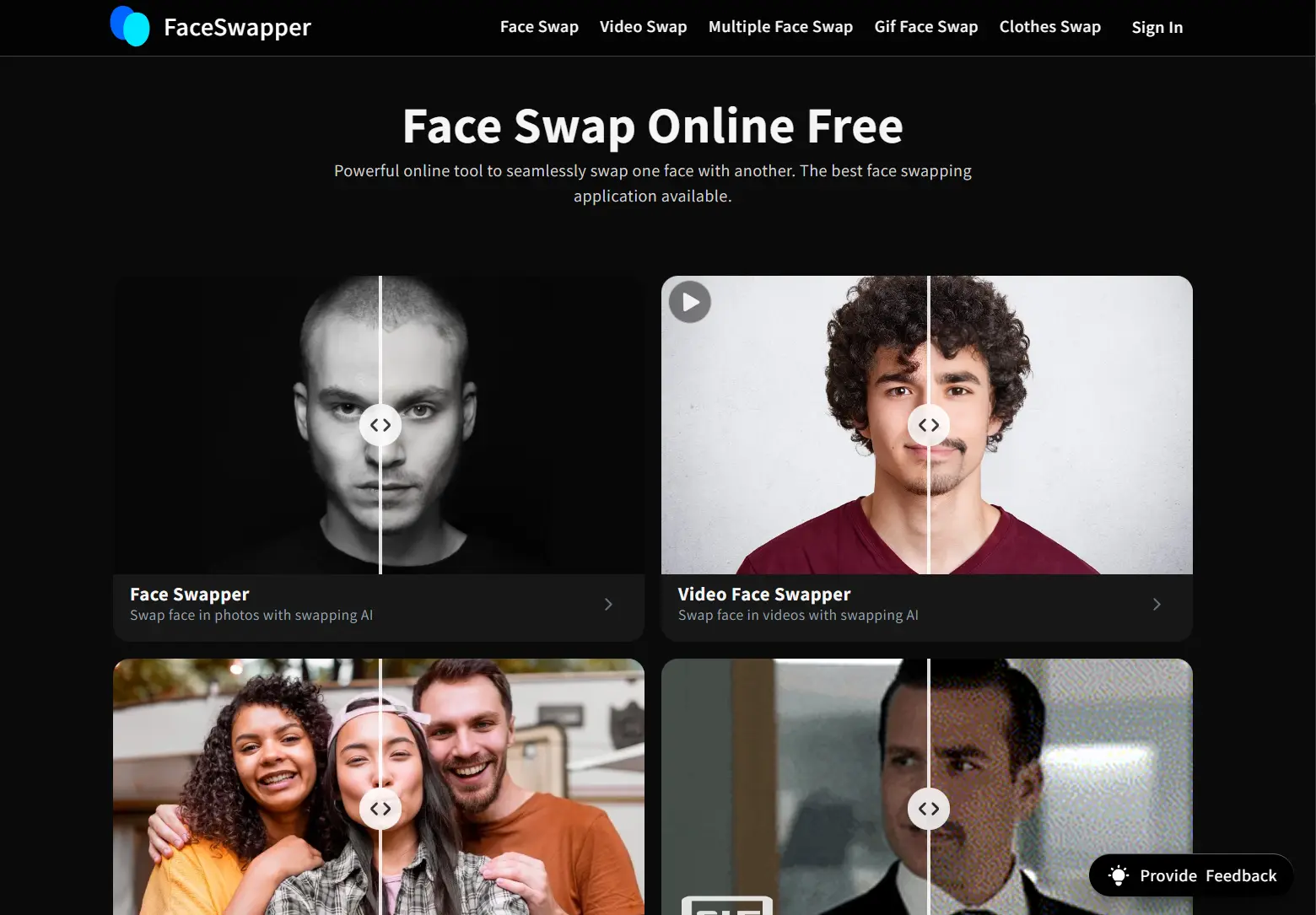
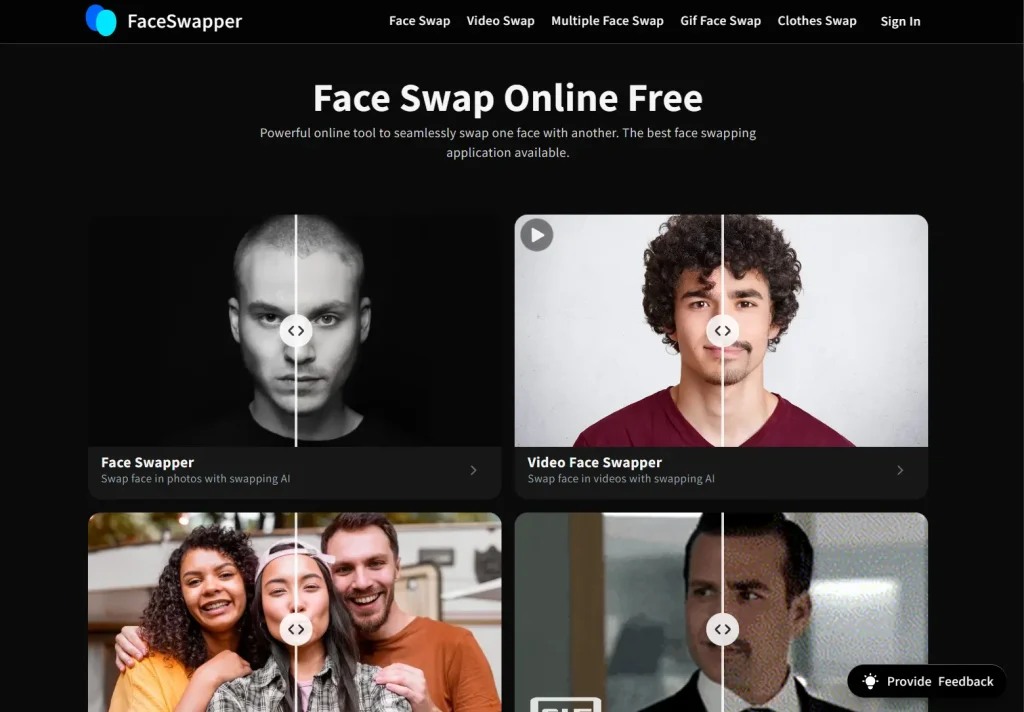
| FaceSwapper AI | Unlimited photo and video swaps, no signup | Photo, video, GIF, multi-face, batch | No |
| Pica AI | Free credits; no fixed public daily quota | Photo, video, multi-face | Yes |
| Remaker AI | Free photo swaps, no signup | Photo, video, GIF, multi-face, batch | No |
| Magic Hour | 5 photos/day; 3 video or GIF generations/day | Photo, video, GIF, multi-face | No on photos |
| DeepSwapper | Unlimited image swaps, no signup | Photo; video uses different limits | No on photos |
| BeArt AI | Free credits reset every Monday | Photo, video, GIF, multi-face | No |
| AirBrush AI | Free browser tool; no fixed public daily quota | Photo | No |
Top 10 Free AI Face Swap Tools
1. AI Face Swap. Best for High Free Photo Limits

Best for: Quick browser-based photo swaps with a large free allowance.
Overview: AI Face Swap handles photo, multiple-face, video, and GIF face swaps in the browser. Guest visitors can run up to 100 basic photo face swaps per day, and registered accounts get unlimited basic image swaps. The free image tool needs no login and produces watermark-free photo results.
Key Features:
- 100 basic photo face swaps per day for visitors.
- Unlimited basic image face swaps after registration.
- Photo, multiple-face, video, and GIF modes.
- Uploaded images are automatically cleared from the servers after one day.
Pros:
- Very high free photo allowance.
- No watermark on basic image swaps.
Cons:
- Longer video and advanced video features use credits or require VIP access.
- Batch face swap is a paid feature.
Website: https://aifaceswap.io/
2. VidMage AI Face Swap. Best for Photos, Short Videos, and GIFs

Best for: Recurring free use across several media formats.
Overview: VidMage has daily free allowances for web-based photo, video, and GIF face swaps. The free plan includes 15 photo swaps per day, 20 seconds of video per day, and 2 GIF swaps per day. Web exports are watermark-free, and the free daily quota does not require an account. A Mac app is also available for local processing.
Key Features:
- 15 free photo face swaps per day.
- 20 seconds of free video face swap per day.
- 2 free GIF face swaps per day.
- Web uploads are deleted within two hours after processing.
- Mac app can process files locally.
Pros:
- Daily free quota refreshes across photos, video, and GIFs.
- Watermark-free web exports.
Cons:
- The free video allowance is short.
- Mac live face swap uses its own free-plan limits.
Website: https://vidmage.ai/
3. Face Swapper Online. Best for Unlimited Free Photo Swaps

Best for: Unlimited browser-based photo swaps without registration.
Overview: Face Swapper Online remains one of the least restrictive options for photo face swapping. The site states that its browser tool is free with no signup and no usage limit. It also handles multiple faces in group photos and downloads results without a watermark.
Key Features:
- Unlimited photo face swaps.
- No account registration required.
- Multiple-face swapping for group photos.
- Watermark-free downloads.
- Uploads expire after use.
Pros:
- No daily credit system for photo swaps.
- No signup or watermark.
Cons:
- Photo-focused service with no full video editor.
- The free service relies on ads.
Website: https://faceswapper.online/
4. FaceSwapper AI. Best for High-Volume Photo Swaps
Best for: Repeated browser face swaps with no basic credit requirement.
Overview: FaceSwapper AI offers unlimited photo and video face swaps with no signup. Its site also lists multiple-face, GIF, and batch modes. Uploaded files are deleted after the result is generated and downloaded. My original photo test produced a watermark-free download.
Key Features:
- Unlimited photo face swaps with no credits.
- Unlimited video face swap is also available with no signup.
- Multiple-face, GIF, and batch modes are also available.
- Files are deleted after result generation and download.
Pros:
- No credit limit for photo or video face swaps.
- No signup for the main photo and video tools.
Cons:
- Free limits for multi-face, GIF, and batch modes are less explicit.
- Watermark rules are not published for every mode.
Website: https://faceswapper.ai/
5. Pica AI Face Swap. Best for Multi-Face Photos and Videos
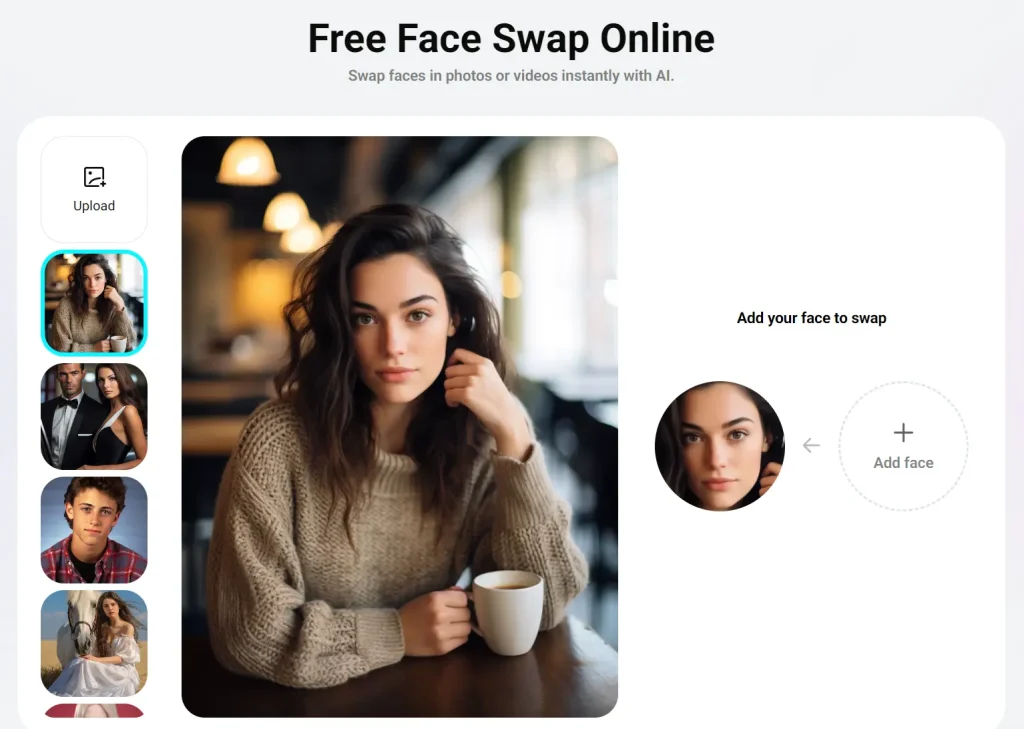
Best for: Group photos and videos that need several face replacements.
Overview: Pica AI accepts photos and videos and can swap up to three faces in one upload. My original test showed four daily credits after sign-in and a watermark on free output. The public face-swap page does not publish a fixed daily credit allowance.
Key Features:
- Single and multi-face swaps for photos and videos.
- Up to three faces can be swapped in one photo or video.
- Results are available as images, MP4 video, or GIF output.
- Uploaded media is deleted within 24 hours.
Pros:
- Useful multi-face option for group media.
- Photo and video swaps use one face-swap page.
Cons:
- Free output includes a watermark.
- The public page does not publish a fixed daily free-credit allowance.
Website: https://www.pica-ai.com/face-swap/
6. Remaker AI Face Swap. Best for a Larger Editing Suite
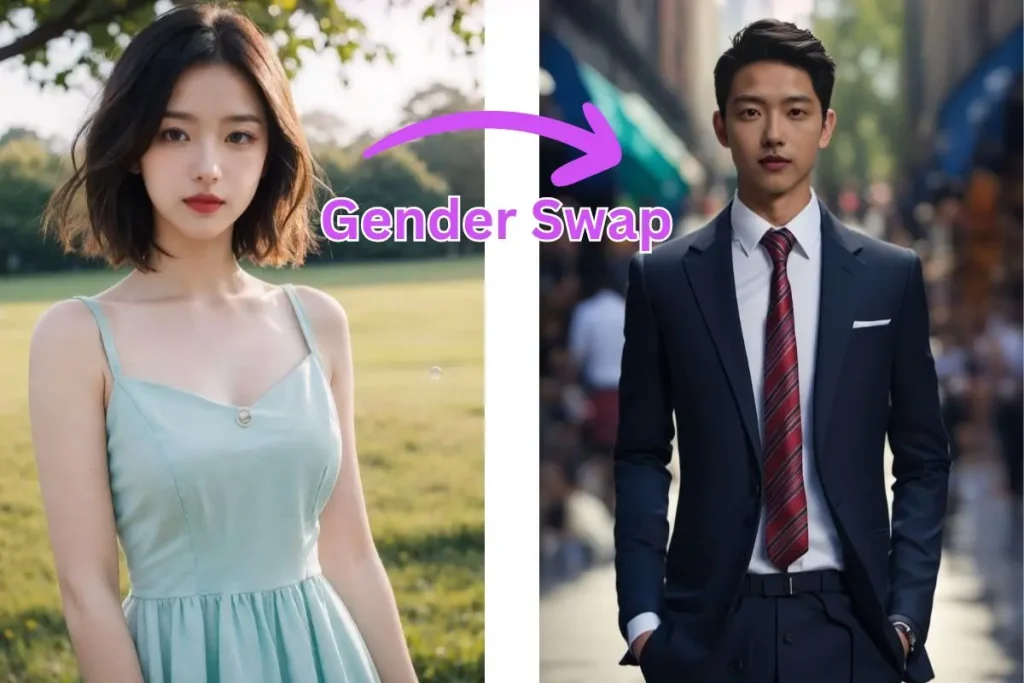
Best for: Free photo face swaps with access to related multi-face, video, GIF, and batch modes.
Overview: Remaker AI’s free photo face-swap page works without signup and does not place a watermark on free photo results. The site also has multiple-face, video, GIF, and batch swap modes. Access rules differ by mode. Free photo access does not apply to every Remaker feature.
Key Features:
- Free single-photo face swap without signup.
- No watermark on free photo swaps.
- Multiple-face, video, GIF, and batch swap modes.
- Mobile browser access.
Pros:
- No signup for free photo swaps.
- Photo, video, GIF, and batch modes.
Cons:
- Video, GIF, and batch modes use their own access requirements.
- The site does not present one simple free quota that applies to every mode.
Website: https://remaker.ai/face-swap-free/
7. Magic Hour Face Swap. Best for Daily Watermark-Free Photos
Best for: Watermark-free photo swaps without signup, plus limited video and GIF trials.
Overview: Magic Hour offers five free photo face swaps per day without signup. Photo results have no watermark. Its free video and GIF allowances share three generations per day, and those free video and GIF exports include a watermark. A free account is optional for saved projects and account-specific credits.
Key Features:
- 5 free photo face swaps per day without signup.
- No watermark on free photo results.
- 3 shared free video or GIF generations per day.
- Photo, video, GIF, and multiple-face modes.
Pros:
- No account required for the guest photo allowance.
- Published daily limits for photo, video, and GIF use.
Cons:
- Free video and GIF exports include a watermark.
- The guest photo allowance is limited to five swaps per day.
Website: https://magichour.ai/products/face-swap
8. DeepSwapper AI. Best for Unlimited Watermark-Free Images
Best for: Unlimited image face swaps without signup or visible watermarks.
Overview: DeepSwapper offers unlimited image face swaps with no credit limit, account requirement, or watermark. It can detect more than one face in an image and lets you choose the face to replace. Video options use different access rules.
Key Features:
- Unlimited image face swaps.
- No signup required for the basic image tool.
- No watermark on image results.
- Detects multiple faces and lets you select the face to replace.
Pros:
- Unlimited image swaps.
- No account required for image swaps.
- Watermark-free image results.
Cons:
- Unlimited use applies to image swaps.
- Video access uses different rules.
Website: https://www.deepswapper.com/
9. BeArt AI Face Swap. Best for Weekly Free Credits
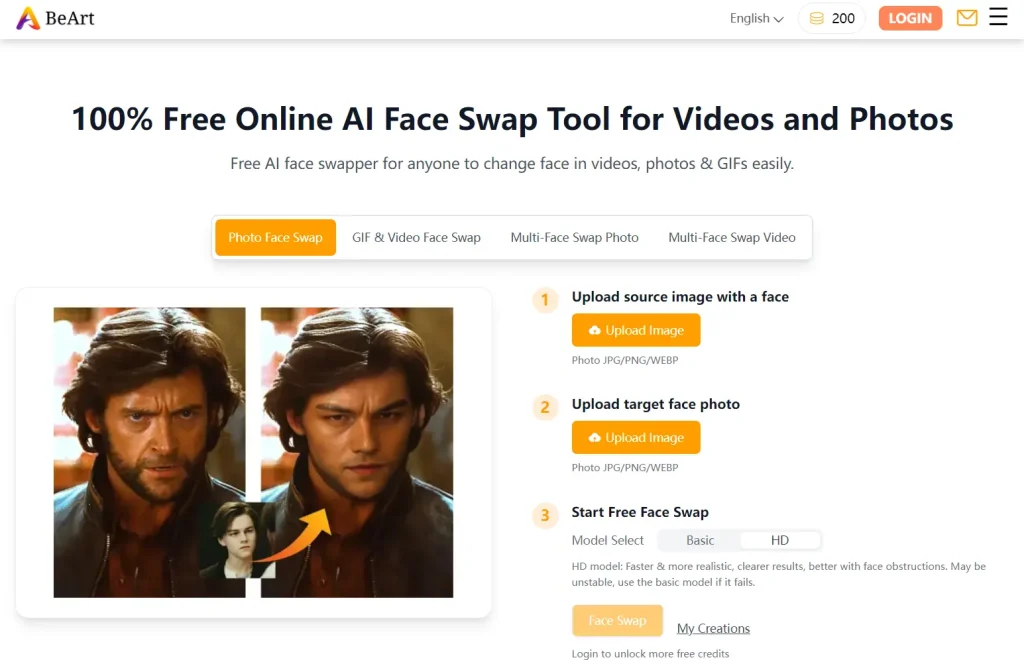
Best for: Photo, video, and GIF face swaps with recurring free credits.
Overview: BeArt no longer operates as a one-time trial-only entry. Its free face-swap credits reset every Monday, and results created with free credits do not carry watermarks. The tool handles photos, videos, GIFs, and multi-face video swaps.
Key Features:
- Free credits reset every Monday.
- Watermark-free output with free credits.
- Photo, video, GIF, and multiple-face modes.
- Video uploads can run up to five minutes per face-swap task.
Pros:
- Recurring weekly free credits.
- No watermark on free-credit results.
Cons:
- The amount of work available depends on the free-credit balance.
- Longer or repeated video jobs use more credits.
Website: https://beart.ai/face-swap/
10. AirBrush AI Face Swap. Best for Mobile Browser Photo Swaps
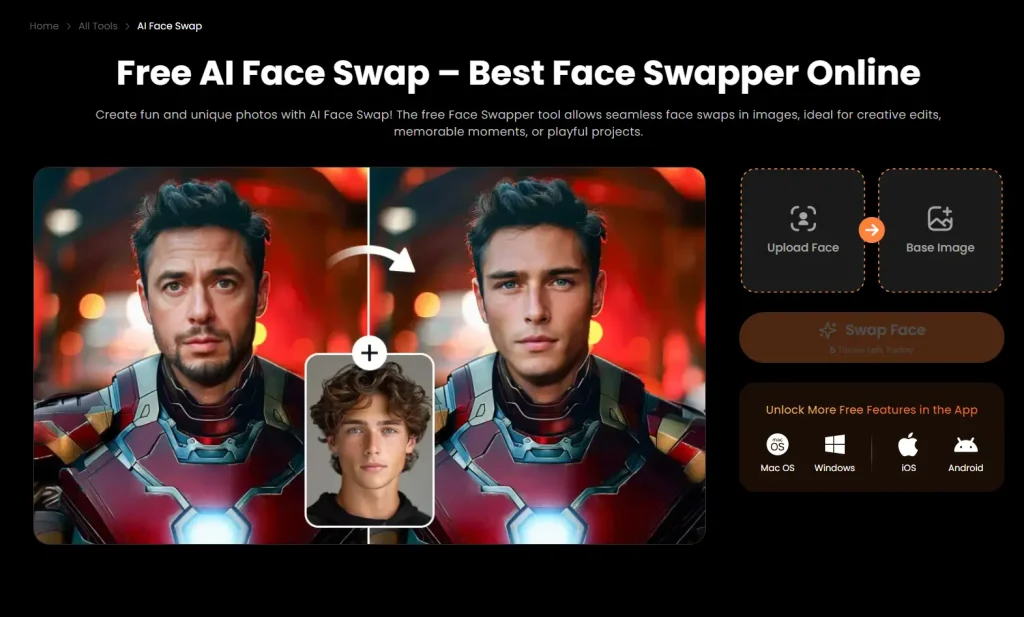
Best for: Quick photo face swaps on iPhone, Android, tablets, and desktop browsers.
Overview: AirBrush runs its free photo face swap in a web browser on phones, tablets, laptops, and desktops. My original test allowed five swaps per day and produced watermark-free results. The public page does not publish a fixed daily quota.
Key Features:
- Runs in mobile and desktop web browsers.
- Accepts your own source and target photos.
- Automatic facial landmark detection and blending.
- Works with portraits, selfies, group photos, and artwork.
Pros:
- Works on iPhone and Android browsers.
- Simple two-photo upload process.
Cons:
- The public page does not state a fixed daily free quota.
- Photo face swap only.
Website: https://airbrush.com/face-swap
How AI Face Swap Tools Work
AI face swap tools replace a face in a photo or video with a face from another image. They detect facial landmarks such as the eyes, nose, mouth, jawline, and head angle, align the replacement face with the target, then adjust expression, skin tone, lighting, and edges.
Clear faces with similar angles and lighting usually produce cleaner swaps. Low resolution, motion blur, hair covering the face, masks, and extreme head angles can create visible artifacts. Video face swaps also track the replacement across many frames, and many free plans limit clip length or daily video generations.
How to Choose a Free AI Face Swap Tool
Check the free rule for the exact format you plan to use. Photo, video, GIF, and multi-face modes can have different quotas within one service.
- For repeated photo swaps, compare unlimited access with daily or weekly reset limits.
- For video and GIFs, check clip length, resolution, watermarks, and credit use.
- For group media, confirm that multi-face swapping is included in free access.
- For sensitive photos, review upload retention and deletion rules before processing.
FAQs
Are free AI face swap tools safe to use?
Safety depends on how each service handles uploads and generated files. AI Face Swap says server images are cleared after one day, VidMage says web uploads are deleted within two hours, Pica AI states that uploads are deleted within 24 hours, and FaceSwapper says files are deleted after the result is generated and downloaded. Avoid uploading sensitive photos to a service whose retention policy you have not reviewed.
Do I need a powerful computer for these tools?
No. The browser-based tools process face swaps on their servers. A standard phone or computer is enough for normal use. Local desktop apps have their own hardware requirements. VidMage’s Mac app runs processing on compatible Apple hardware.
Can I use face swap images commercially?
Commercial-use terms differ by service and by plan. A free export does not automatically include commercial rights. Check the license or Terms of Service before using a generated face swap in ads, client work, paid media, product listings, or other commercial material.
Why do some face swap results look blurry or unnatural?
Low-resolution source photos, covered facial features, heavy shadows, large differences in head angle, and compressed video can reduce quality. Clear front-facing faces with similar lighting produce cleaner edges and more consistent facial detail.
Is it legal to swap faces?
Face-swap laws depend on the jurisdiction and how the result is used. Consent, privacy and publicity rights, fraud, impersonation, defamation, non-consensual sexual deepfakes, and election rules can apply. Use images you own or have permission to edit, and never use face swaps for deception or impersonation.
🔔 ScriptByAI promotes responsible use of generative AI. Do not use face swap tools to create non-consensual content, impersonate people for fraud, or spread misinformation.
Related Resources
- Find More Free AI Face Swap Tools on ScriptByAI
- 10 Best AI Image Editors to Edit Photos Fast
- 10 Best Free AI Background Removers Compared