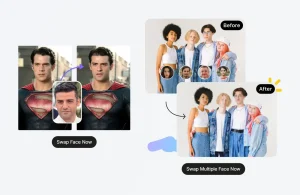
DeepSwapper AI is a free online face swap tool for replacing faces in photos. You can upload an original image, add a second face image, and generate a refaced result in the browser. It supports JPEG, PNG, and WEBP image uploads, and it does not add watermarks to finished image swaps.
The free AI face swap tool is ideal for quick photo edits, meme images, profile-picture experiments, and simple creative mockups. It works best when both images include clear, well-lit faces.
Features
- Swap faces in photos directly in your browser.
- Detect multiple faces in a photo and let you choose the face to change.
- Download image swap results without a watermark.
Use cases
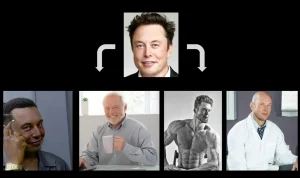
- Create meme images from two clear face photos.
- Preview a profile-photo idea before manual editing.
- Test character, cosplay, or poster concepts.
- Adjust group photos by selecting detected faces.
- Generate quick social media image drafts.
How to use it:
1. Open the Deepswapper website and drag and drop or select an image from your device. You can upload JPEG, PNG, or WEBP files.
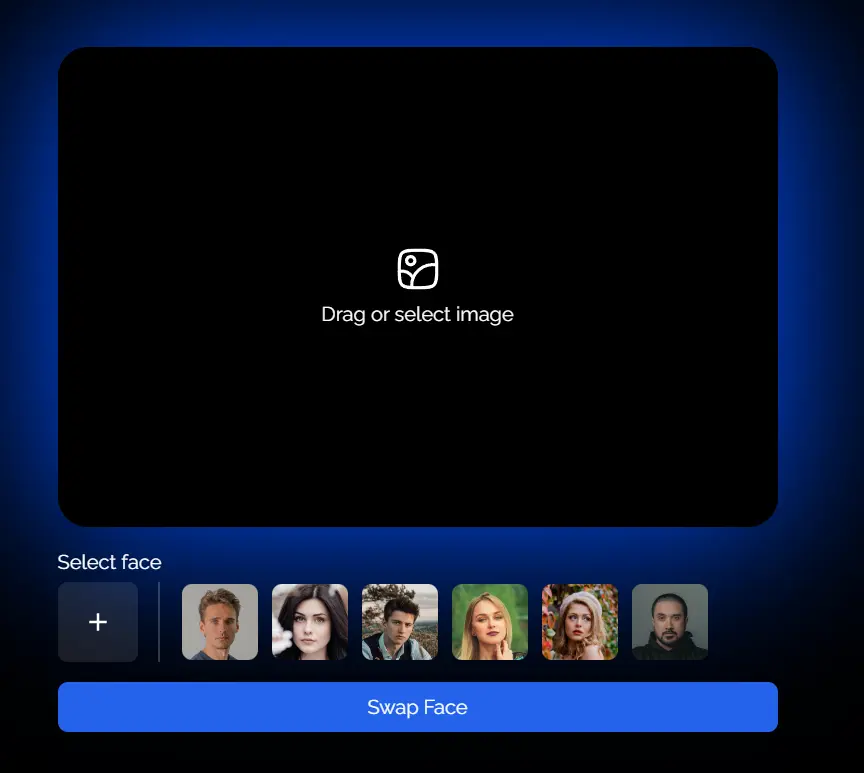
2. Add another image with the face you want to swap. Make sure both images have clearly visible faces for the best results.

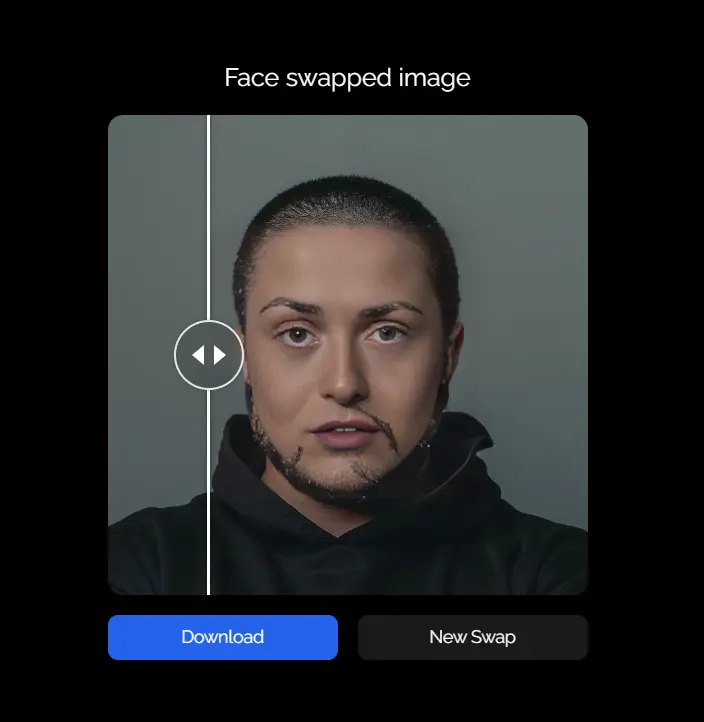
3. Click the “Swap Face” button to see the final result. Now you can share your creation with your friends and family!
Tips for better face swaps
- Use front-facing photos with clean lighting.
- Avoid strong shadows, covered faces, tilted heads, and blurry selfies.
- Match the face angle between the source image and the replacement face.
- Use higher-resolution photos when facial details matter.
- Get permission before editing another real person’s face.
Alternatives
- 10 Best Free AI Face Swap Tools
- Discover More Free AI Face Swap Tools
- Free AI Face Swap: Swap Faces Online Instantly
- Swap Faces With Ease Using AI – Face Swapper
Pros
- Free and unlimited usage.
- High-quality face swaps.
- No watermarks.
- User-friendly interface.
- Protects user privacy.
Cons
- Only supports 1-to-1 face swaps.
- Video Swap and Multi-Face Swap options redirect to a paid service.
FAQs
Q: Is DeepSwapper free?
A: The image face swap workflow is free to use in the browser. Check the current access terms before using video, GIF, batch, or API features.
Q: Does DeepSwapper add watermarks?
A: The image face swap tool supports watermark-free output, so finished image swaps can be downloaded without a visible watermark.
Q: Do I need an account to use DeepSwapper?
A: The basic image face swap does not require login. Account settings matter if you enable saved history or saved faces.
Q: What image formats does DeepSwapper support?
A: DeepSwapper supports JPEG, PNG, and WEBP image uploads for the image face swap tool.
Q: Can DeepSwapper swap multiple faces?
A: DeepSwapper can detect multiple faces in a photo and lets you choose which detected face to swap. It is still not a manual photo editor.
Q: Are uploaded photos stored?
A: Uploads are not stored unless Save History or Save Faces is enabled in the account page. Review those settings before using private photos.
Q: Can I use DeepSwapper results commercially?
A: DeepSwapper allows commercial use of generated images, but each image still needs consent, rights clearance, and lawful use.
Q: What photos work best for DeepSwapper?
A: Clear, bright, front-facing photos with visible facial features work best. Blurry, angled, shadowed, or covered faces reduce realism.