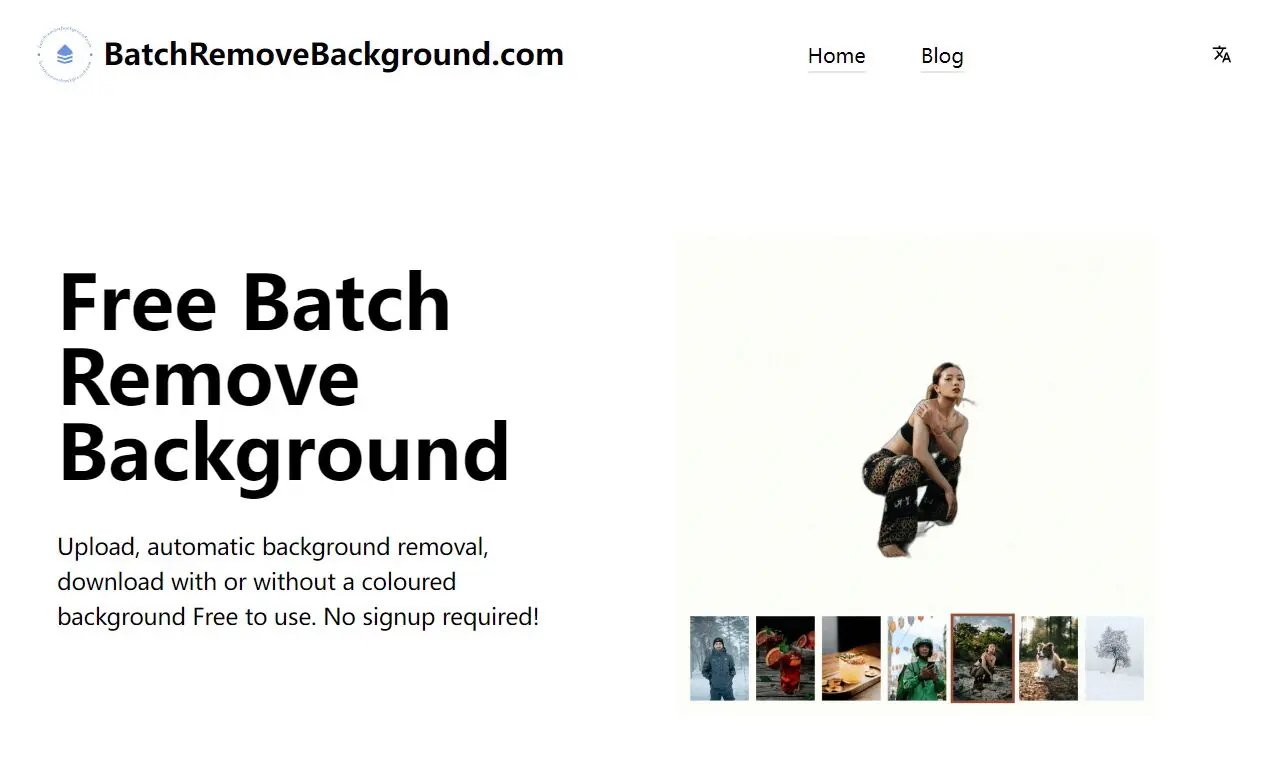
Ever need to remove backgrounds from tons of images at once? Say goodbye to repetitive tasks and hello to BatchRemoveBackground, a free AI tool that lets you easily remove backgrounds from up to 30 images at a time.
It’s simple, efficient, and completely free – no signup hassle! Helpful in preparing product images for eCommerce or optimizing photos for graphic design work.
How to use it:
1. Navigate to the BatchRemoveBackground website.
2. Upload up to 30 images to the platform. For best results, choose images with clear edges and no overlapping objects.

3. Hit the Process button and download the processed images as PNG files with transparent backgrounds.