In the last article, I introduced an AI tool called Bulk Image Face Blurring, which can identify faces in photos in batches and blur them. In this article, I will introduce another free AI tool from the company that owns Bulk Image Face Blurring: ‘Bulk Image Background Removal’.
This tool uses AI to automatically identify and pinpoint the key elements of your image—people, products, anything you want to emphasize—and automatically remove the background. Think of the time you’ll save compared to painstakingly cutting out images pixel by pixel in Photoshop.
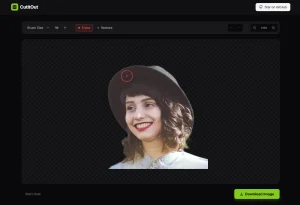
This AI tool excels in cleanly removing backgrounds, as shown in the example below. The processed image of the woman is isolated perfectly. You can now place this PNG onto any new background without a hint of the original scene.


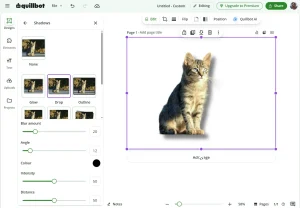
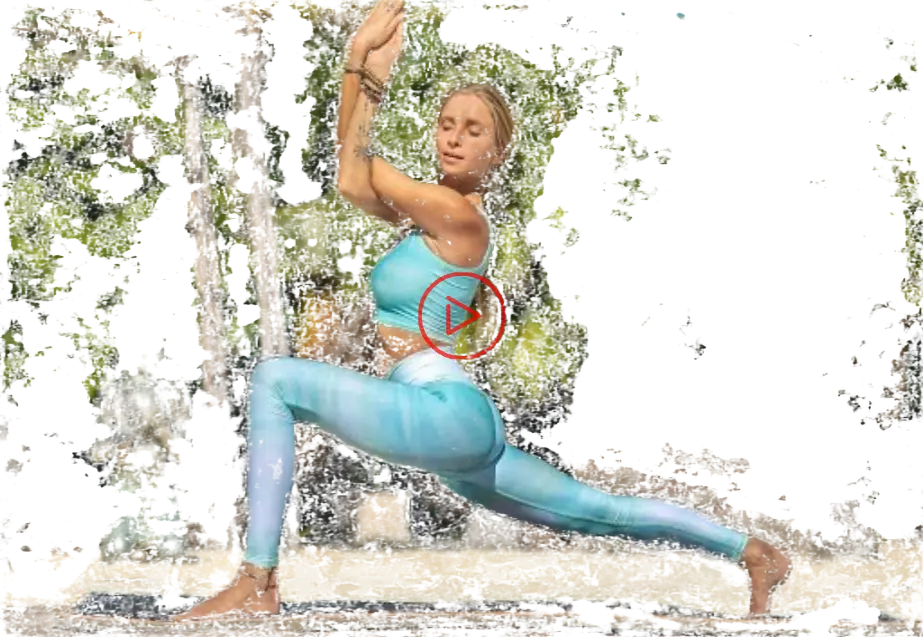
It’s important to note that even AI has limitations. If your image contains an object with a color very similar to the background, or the scene is overly complex with numerous colors, the results might not be ideal. The image below illustrates this point. For optimal results, use images with a simple, distinct background.
How to use it:
1. Go to the Bulk Image Background Removal website and upload your Images. You can either select files from your device or simply drag and drop them into the designated Image Upload Area.
2. Choose Your AI Model (Optional): This tool offers flexibility with different AI models to process your images. Options include Super Fast, Fast, Best, and Superior. Select the model that aligns best with your desired balance of speed and quality.
3. Once you’ve uploaded your images and chosen your preferred AI model, a “Start” button will become active. Click it to initiate the background removal process.
4. After processing, the tool will automatically download the images with removed backgrounds to your device. You can also find a downloadable link directly on the page if you prefer a manual download.
FAQs:
Q: What Is AI Image Background Remover?
A: An AI Image Background Remover uses artificial intelligence to automatically remove the background from your photos, leaving just the main subject or object. It’s perfect for e-commerce, marketing, and graphic design projects.
Q: How Does the AI Image Background Remover Work?
A: It analyzes your uploaded images and identifies the key elements, such as people, products, or other focal points. It then removes the background around these elements and generates a transparent PNG image that you can easily place into other designs or use on its own.