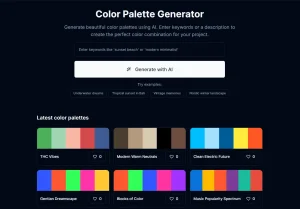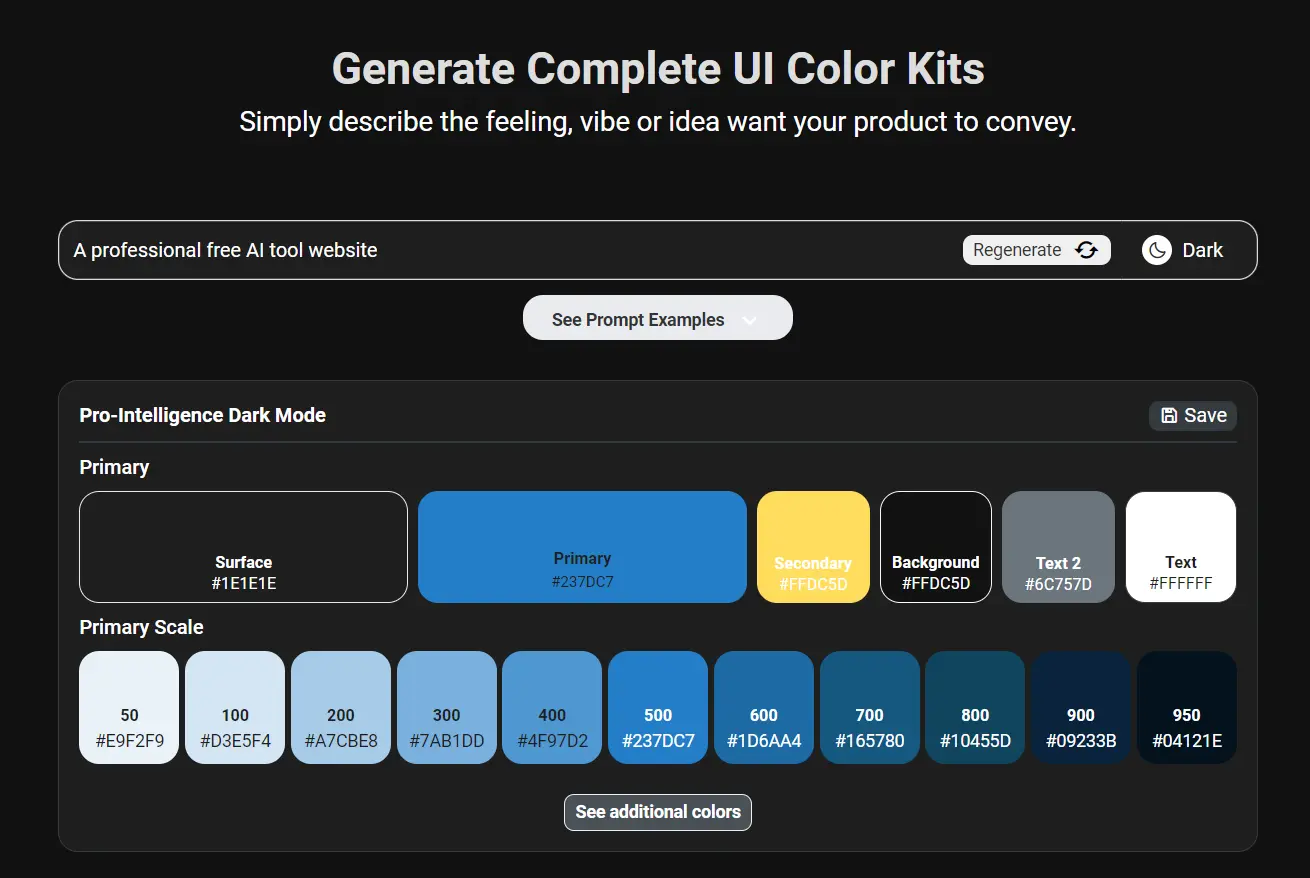
Aicolors is a free design tool that uses AI to create complete and professional color palettes for UI/UX design.
Enter your aesthetic or product requirements, and the AI will generate a complete UI color kit, including Primary, Secondary, Surface, Text, Background, Primary Scale, and Grey Scale colors.
How to use it:
1. Go to Aicolors and create a free account. Each account receives 5 credits, which allow you to generate 5 UI color palettes for your projects.
2. Use natural language to describe the mood or feeling you want your design to convey. For examples:
"Stone, smooth, natural"
"Energetic and trusted Gen Z payment App"
"Purple and lime green banking App"
3. Select either Dark mode or Light mode, depending on your design needs.
4. Click the Submit button. Aicolors will process your input and generate a set of colors for primary, secondary, surface, text, background elements, and more.

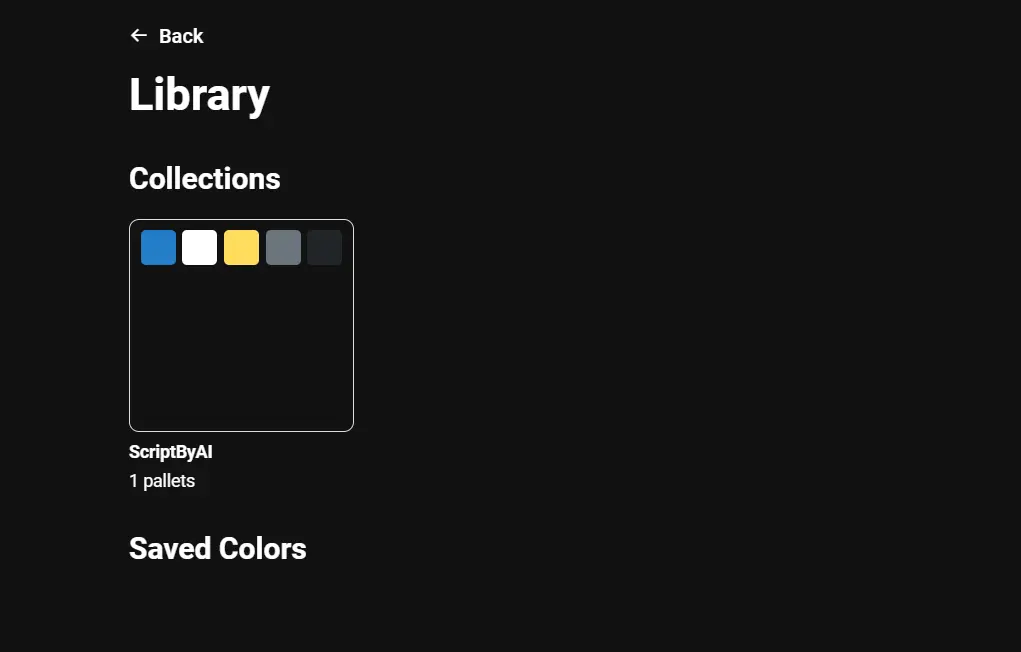
5. Copy the HEX codes directly from the palette or save the entire scheme to your Collections for easy access later.
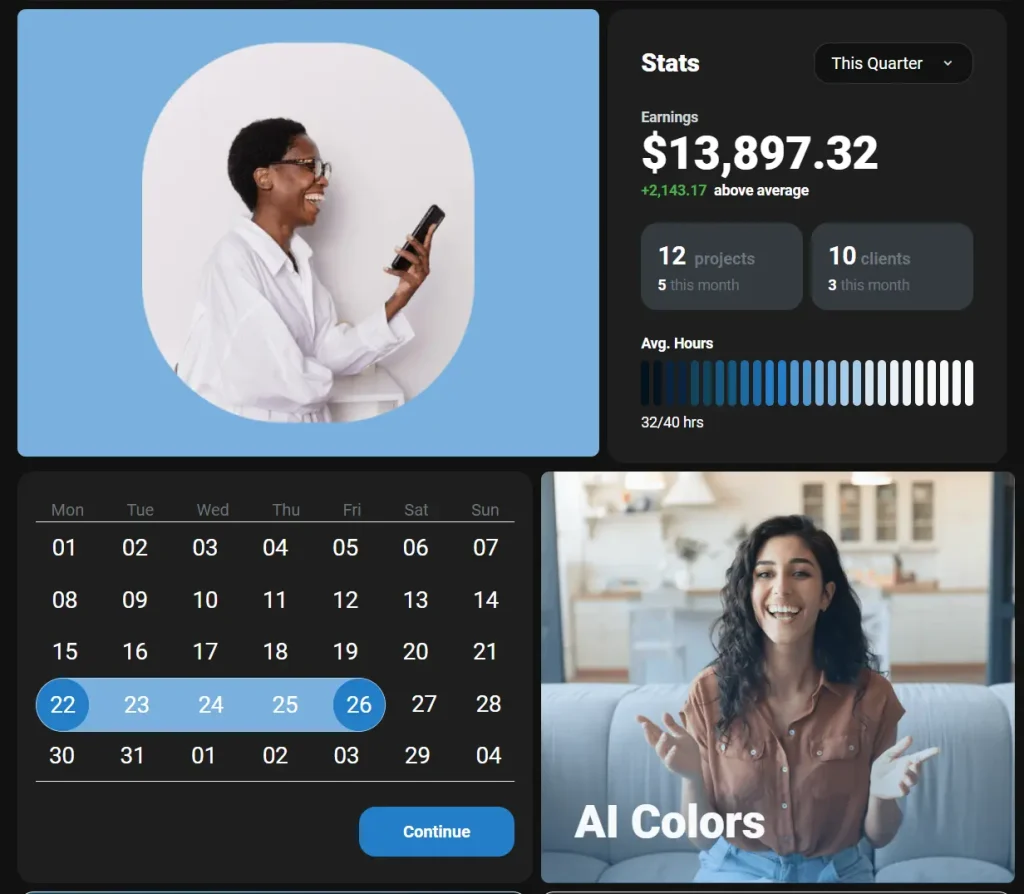
6. Scroll down to see how your AI-generated palette looks applied to various UI elements, such as calendars, cards, charts, images, form fields, and more.