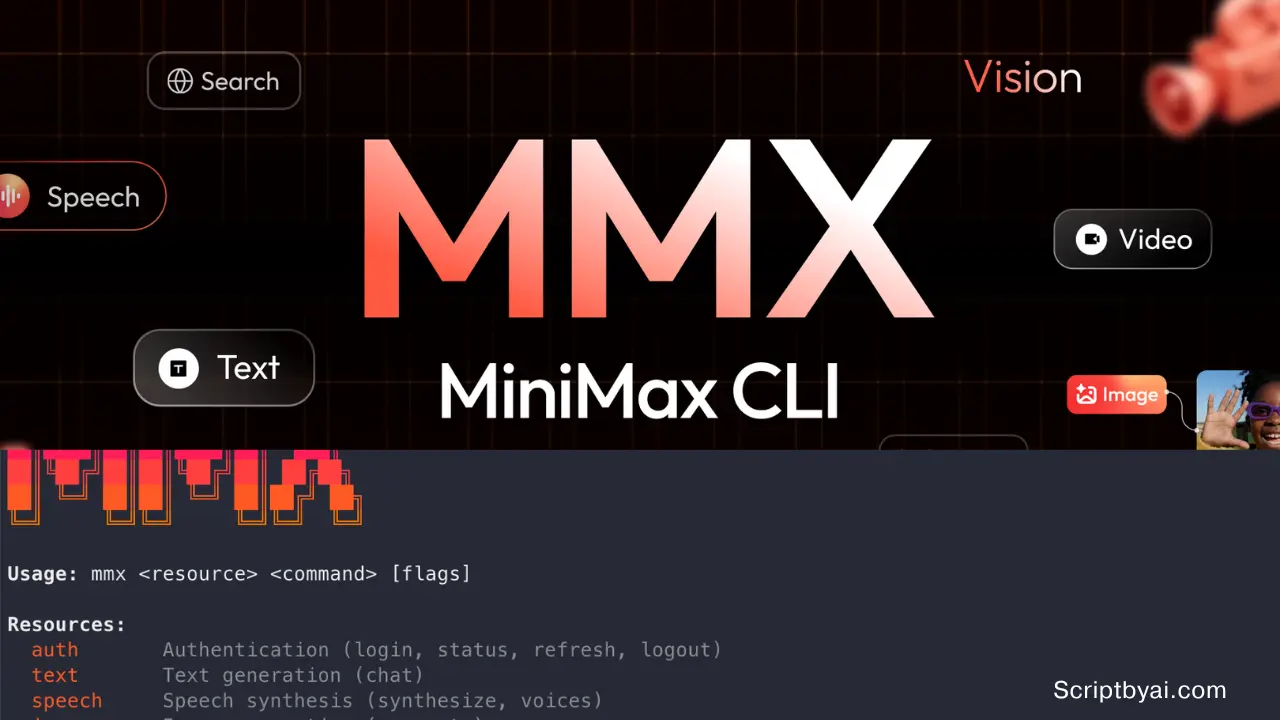
MiniMax CLI (mmx) is an open-source AI agent that allows you to access MiniMax’s multimodal generation platform from any terminal or coding environment. A single installation covers text, image, video, speech, music, vision analysis, and web search.
It’s designed for developers who build AI agent pipelines in environments like Cursor, Claude Code, or OpenClaw, and who need multimodal generation without writing custom API wrappers or setting up separate MCP servers.
The underlying models include MiniMax-M2.7 for text and reasoning, Hailuo 2.3 for video generation up to 1080p, speech models covering 40 languages and 30+ voices, and a music model that handles full lyric generation and audio cover production.
Features
- Generates text responses via multi-turn chat, with support for streaming, system prompts, and JSON output format.
- Produces images from text prompts with configurable aspect ratio, batch count, and output directory.
- Submits video generation jobs asynchronously and tracks progress by task ID.
- Synthesizes speech across 40 languages in 30+ voices, with speed control and streaming audio playback.
- Generates original music from text prompts with explicit lyrics, auto-generated lyrics, instrumental mode, or cover production from a reference audio file.
- Analyzes images and returns natural-language descriptions.
- Runs web searches through MiniMax’s search infrastructure and returns results in plain text or JSON.
- Supports both API key authentication and OAuth browser flow.
Use Cases
- Build a coding agent that can chat, inspect screenshots, search the web, and generate supporting media from one shell tool.
- Run a content workflow that starts with research, then creates images, voice audio, music, and short video clips inside scripts or terminal sessions.
- Generate narrated demos or product explainers by pairing
mmx speech,mmx music, andmmx videoin one pipeline. - Add machine-readable AI actions to CI jobs or agent frameworks through JSON output and non-interactive flags.
- Switch between standard text workloads and faster high-speed plans when response speed matters in coding tools.
How to Use It
Installation
For AI agent environments (OpenClaw, Cursor, Claude Code):
npx skills add MiniMax-AI/cli -y -gFor direct terminal use:
npm install -g mmx-cliAfter installation, authenticate with an API key:
A paid Token Plan is required for API access.
mmx auth login --api-key sk-xxxxxOAuth browser-based login is also supported:
mmx auth loginVerify the active session:
mmx auth statusAPI key credentials are stored in ~/.mmx/config.json. OAuth credentials are stored in ~/.mmx/credentials.json. Check remaining quota:
mmx quotaAvailable CLI Commands
Text
| Command / Flag | Purpose |
|---|---|
mmx text chat --message "..." | Single-turn chat |
--model MiniMax-M2.7-highspeed | Select model |
--stream | Enable streaming output |
--system "..." | Set a system prompt |
--message "user:Hi" --message "assistant:Hey!" | Build multi-turn history inline |
--messages-file - | Read conversation JSON from stdin |
--output json | Return structured JSON response |
Image
| Command / Flag | Purpose |
|---|---|
mmx image "prompt" | Shorthand image generation |
mmx image generate --prompt "..." | Full command form |
--n 3 | Generate multiple images |
--aspect-ratio 16:9 | Set output aspect ratio |
--out-dir ./out/ | Write all images to a directory |
Video
| Command / Flag | Purpose |
|---|---|
mmx video generate --prompt "..." | Submit a generation job |
--download filename.mp4 | Download result on completion |
--async | Return task ID without waiting |
mmx video task get --task-id ID | Poll job status |
mmx video download --file-id ID --out file.mp4 | Download by file ID |
Speech
| Command / Flag | Purpose |
|---|---|
mmx speech synthesize --text "..." | Basic TTS |
--out hello.mp3 | Write audio to file |
--stream | Stream audio to stdout |
--voice English_magnetic_voiced_man | Select a specific voice |
--speed 1.2 | Set playback speed (default: 1.0) |
--text-file - | Read text from stdin |
mmx speech voices | List all available voices |
Music
| Command / Flag | Purpose |
|---|---|
mmx music generate --prompt "..." | Generate music from text |
--lyrics "[verse] ..." | Provide explicit lyrics |
--lyrics-optimizer | Auto-generate lyrics from the prompt |
--instrumental | Generate music without vocals |
--out song.mp3 | Write output to file |
mmx music cover --audio-file original.mp3 | Generate a cover from a local file |
mmx music cover --audio URL | Generate a cover from a remote audio URL |
Vision
| Command / Flag | Purpose |
|---|---|
mmx vision photo.jpg | Describe a local image |
mmx vision describe --image URL | Describe an image by URL |
mmx vision describe --file-id ID | Describe by MiniMax file ID |
--prompt "What breed?" | Add a specific question to the analysis |
Search
| Command / Flag | Purpose |
|---|---|
mmx search "query" | Run a web search |
mmx search query --q "..." --output json | Return results as JSON |
Config and Maintenance
| Command | Purpose |
|---|---|
mmx config show | Display current configuration |
mmx config set --key region --value cn | Switch to CN region |
mmx config set --key default-text-model --value MiniMax-M2.7-highspeed | Set default text model |
mmx config export-schema | Export full config schema as JSON |
mmx update | Update the CLI to the latest version |
Pricing and quota snapshot
MiniMax CLI does not run on a permanent free plan for multimodal use. The current Token Plan tiers start at $10 per month for Starter, then move to Plus at $20, Max at $50, Plus Highspeed at $40, Max Highspeed at $80, and Ultra Highspeed at $150. Annual pricing starts at $100 for Starter and reaches $1,500 for Ultra Highspeed.
Standard plans cap M2.7 text requests at 1,500, 4,500, or 15,000 per five hours, and high-speed plans cap M2.7 highspeed requests at 4,500, 15,000, or 30,000 per five hours. Non-text quotas vary by plan tier, including speech character limits, image counts, short Hailuo video counts, and Music 2.6 daily song quotas.
AI LLM API Pricing 2026: GPT-5.4, Gemini 3.1, Claude 4.6, and More
Pros
- 7 AI modalities accessible through one CLI.
- Designed for both human terminal users and autonomous AI agents in coding environments.
- Supports streaming output for text and speech generation.
- Includes voice listing and model selection directly from the command line.
- Video generation includes asynchronous task tracking and direct download options.
- Music generation offers cover creation from reference audio files.
Cons
- No free tier exists for multimodal generation.
- Speech input has a 10,000 character limit per request.
Related Resources
- MiniMax Platform: Account management, API key generation, and usage dashboard.
- MiniMax Token Plans: Pricing comparison across Starter, Plus, Max, and Ultra tiers.
- MiniMax Company: Background on MiniMax’s model research and product portfolio.
- Best CLI AI Coding Agents: Discover more CLI AI coding agents.
FAQs
Q: Is MiniMax CLI free to use?
A: The CLI itself is free to install, but API access requires a paid Token Plan. Plans start at $100 per year for the Starter tier, which provides 1,500 model requests per 5-hour window. Higher tiers add access to image generation, speech, music, and video.
Q: Can AI agents use this CLI without human setup?
A: Agents running in environments like OpenClaw, Cursor, or Claude Code can install the CLI as a skill with a single npx skills add command. After authentication, the agent can invoke mmx commands directly within its workflow.
Q: Does the CLI support multi-turn conversations?
A: Yes. The mmx text chat command accepts multiple --message flags to build a conversation history inline, or reads a full message array from a JSON file via --messages-file.
Q: How does video generation work given it runs asynchronously?
A: Submitting a video generation request returns a task ID. You can poll the status with mmx video task get --task-id ID, or use the --download filename.mp4 flag to have the CLI wait and automatically download the file on completion.
Q: What happens when the quota runs out?
A: Text requests follow a rolling five hour reset window. Speech, image, video, and music quotas reset daily. You can wait for reset, upgrade the plan, or switch to pay as you go with a different API key.