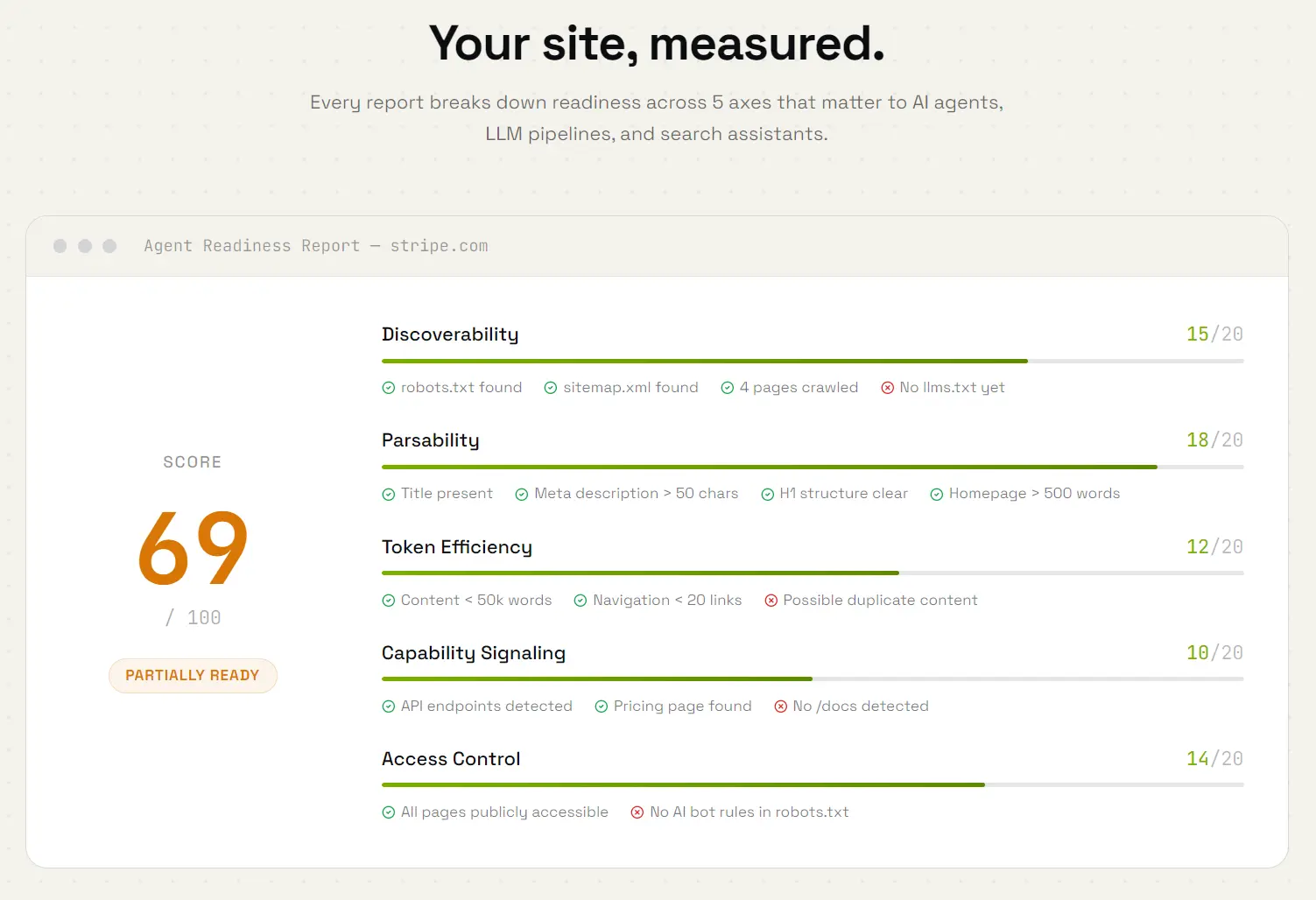
IndexedAI is a free web tool that scans your website and returns an Agent Readiness Score from 0 to 100 across 5 technical axes: discoverability, parsability, token efficiency, capability signaling, and access control.
It also generates two ready-to-deploy llms.txt files customized to the scanned site:
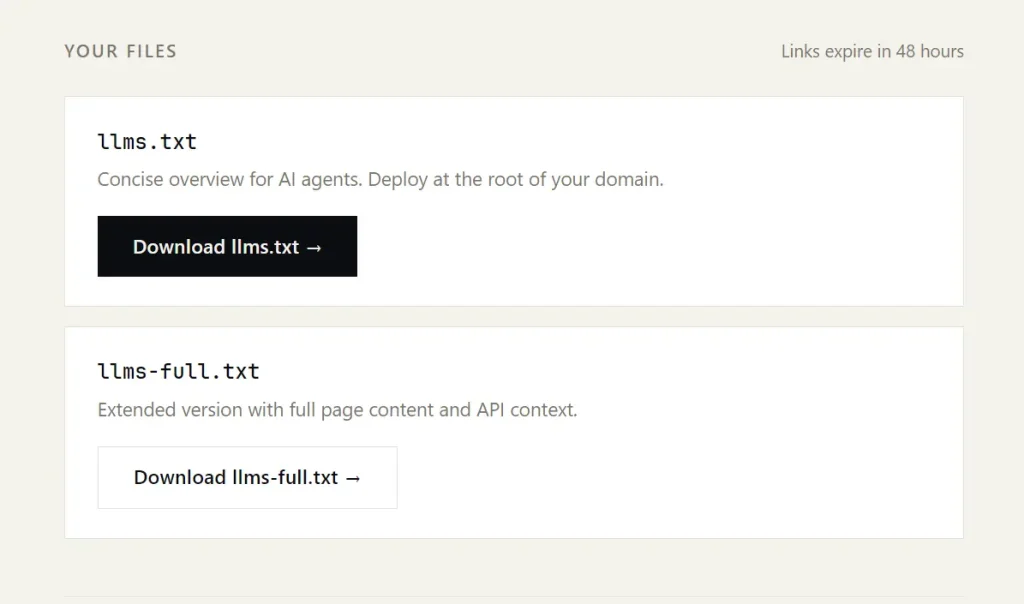
- llms.txt: Concise overview for AI agents. Deploy at the root of your domain.
- llms-full.txt: Extended version with full page content and API context.
This can be useful for website owners, SEO teams, developers, SaaS founders, and content publishers who want AI agents, LLM pipelines, and AI search engines to read their sites with less noise and clearer structure.
Features
- Scores any website you submit from 0 to 100.
- Measures agent readiness across five scoring axes.
- Generates a custom
llms.txtfile for the submitted website. - Generates an extended
llms-full.txtfile with richer page context. - Crawls up to 6 pages per submission and completes the full analysis in 30 to 90 seconds.
- No account or login required.
Use Cases
- Check whether AI agents can find and read a website.
- Generate an
llms.txtfile for a content site, SaaS site, or tool directory. - Find weak technical signals before publishing agent-facing documentation.
- Review token waste caused by noisy navigation, duplicate content, or large page structures.
- Improve access-control signals for AI crawlers and agents.
Example Results
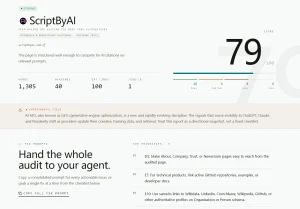
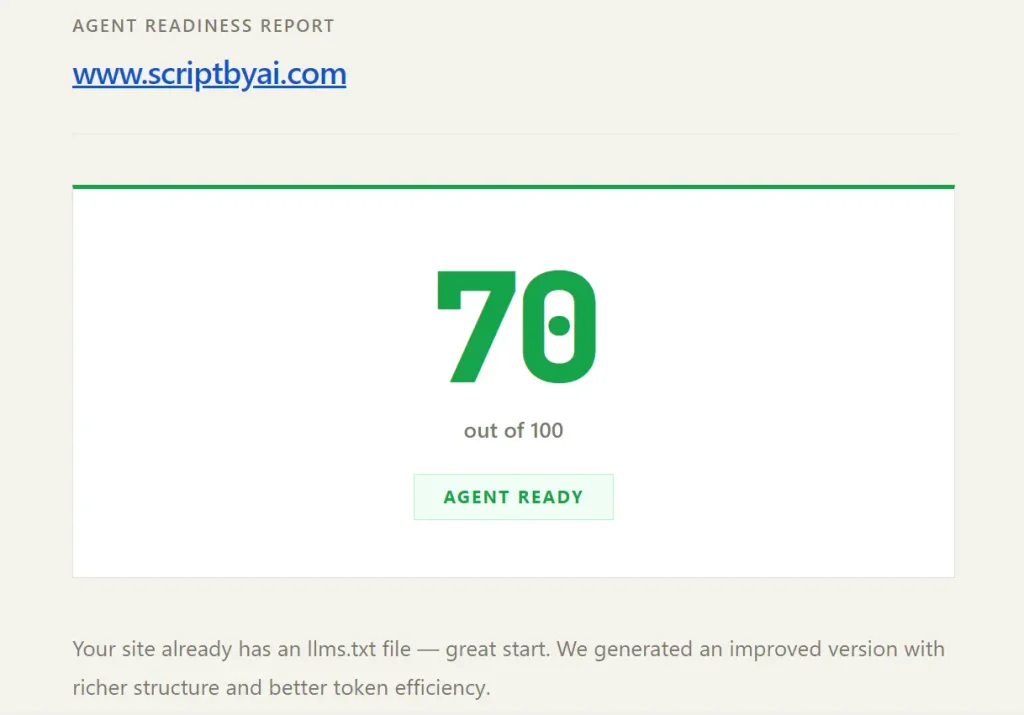
ScriptByAI.com scored 70 out of 100 on IndexedAI, rated as “Agent Ready.”
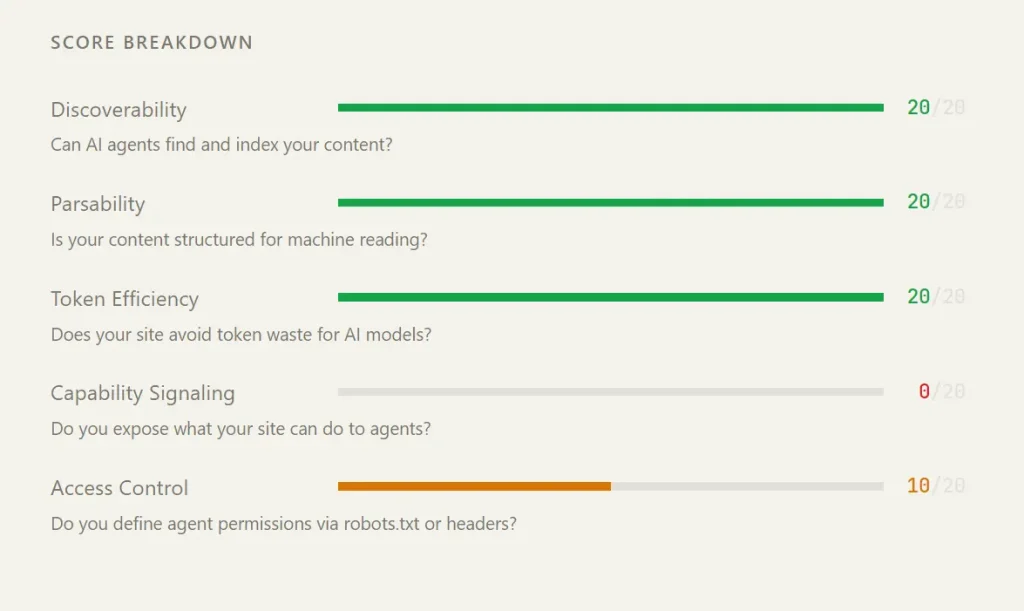
The score breakdown showed perfect marks on discoverability (20/20), parsability (20/20), and token efficiency (20/20). Capability signaling scored 0/20, and access control scored 10/20.
The tool noted that ScriptByAI.com already had an existing llms.txt file and generated an improved version with richer structure and better token efficiency.
Score Axes
| Axis | Max Score | What It Measures |
|---|---|---|
| Discoverability | 20 | Can AI agents find and index the site’s content? |
| Parsability | 20 | Is content structured for machine reading? |
| Token Efficiency | 20 | Does the site avoid token-wasting noise? |
| Capability Signaling | 20 | Does the site expose what it can do to agents? |
| Access Control | 20 | Are agent permissions defined via robots.txt or headers? |
How to Use IndexedAI
1. Visit IndexedAI and enter the website URL that needs an agent readiness scan.
2. Enter an email address for report delivery.
3. Click Analyze my site to start the scan.
4. Check your inbox linked to the submitted email address.
5. Review the Agent Readiness Score and the five category scores.
6. Download and open the generated llms.txt file and check whether the core pages, categories, and site purpose match the website.
7. Download and open the generated llms-full.txt file and review the extended page context.
8. Upload llms.txt to the root of the website domain.
9. Upload llms-full.txt to the root of the website domain if the extended file matches the site structure.
10. Review weak categories such as capability signaling and access control.
12. Update robots.txt, API documentation, docs pages, or structured metadata when the report identifies missing machine-readable signals.
13. Run another scan after the files and technical fixes go live.
Pros
- 100% free during beta. No account or signup.
- Delivers results in under 90 seconds.
- Generates two deployable llms.txt files automatically.
- Per-axis score breakdown pinpoints specific gaps.
Cons
- Crawls only up to 6 pages per submission.
- Results delivered by email only. No dashboard or history.
- No API access or bulk submission for large site portfolios.
Related Resources
- Boost Your Site’s AI Compatibility: Free llms.txt Generator
- Free AI SEO Auditor: Score Your AI Search Visibility
- Is Your Site Agent-Ready? Free Tool to Audit AI Agent Compatibility
- Check Your Website’s AI Agent Compatibility Score with Silicon Friendly
- Discover more free AI tools for SEO & GEO
FAQs
Q: What is llms.txt?
A: llms.txt is a plain-text file placed at the root of a website (e.g., yourdomain.com/llms.txt) that tells AI agents what the site is about, which pages matter, and how to navigate the content. It functions similarly to robots.txt, but targets LLMs and autonomous agents.
Q: How many pages does IndexedAI crawl?
A: The tool crawls up to 6 pages per submission. Sites with hundreds of pages will receive a score based on a representative sample.
Q: Do I need to sign up or create an account?
A: No account is required. The tool delivers results to the email address provided at submission. The email is used only for report delivery.
Q: What score do most sites get?
A: Most sites score below 50. Capability signaling is the axis that typically scores lowest because most sites do not expose machine-readable metadata about what actions agents can take on them.
Q: What should I do with the generated llms.txt file?
A: Upload llms.txt to the root directory of the domain so it appears at yourdomain.com/llms.txt. Deploy llms-full.txt in the same location for agents that require more complete page and API context.
Q: Does IndexedAI work on any website?
A: The tool works on any publicly accessible domain. Sites behind login walls, paywalls, or access restrictions will receive incomplete or lower scores because the crawler cannot reach protected pages.
Q: What is the difference between llms.txt and llms-full.txt?
A: llms.txt is a concise overview intended for agents that need a fast, structured entry point. llms-full.txt contains extended page content and API-level context for agents that perform deeper navigation or comparison tasks.