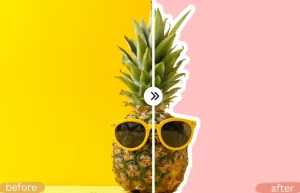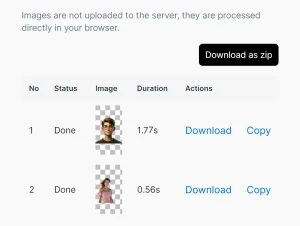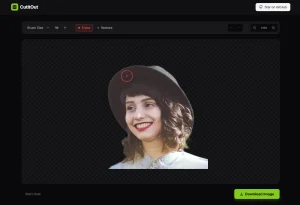
FeyNoBg is a blazing-fast and detailed image background removal tool that runs on a Hugging Face Space.
Upload a PNG, JPEG, WEBP, or HEIC file under 5 MB, and the tool cuts out the subject and returns a transparent PNG.
The tool runs on feyninc/FeyNobg, an open-weight SOTA model for background removal, released under an Apache 2.0 license.
The model starts from BiRefNet, the bilateral-reference segmentation architecture from Zheng et al., and grows its third feature-extraction stage from 18 blocks to 24, taking the model from 222 million to 263 million parameters.
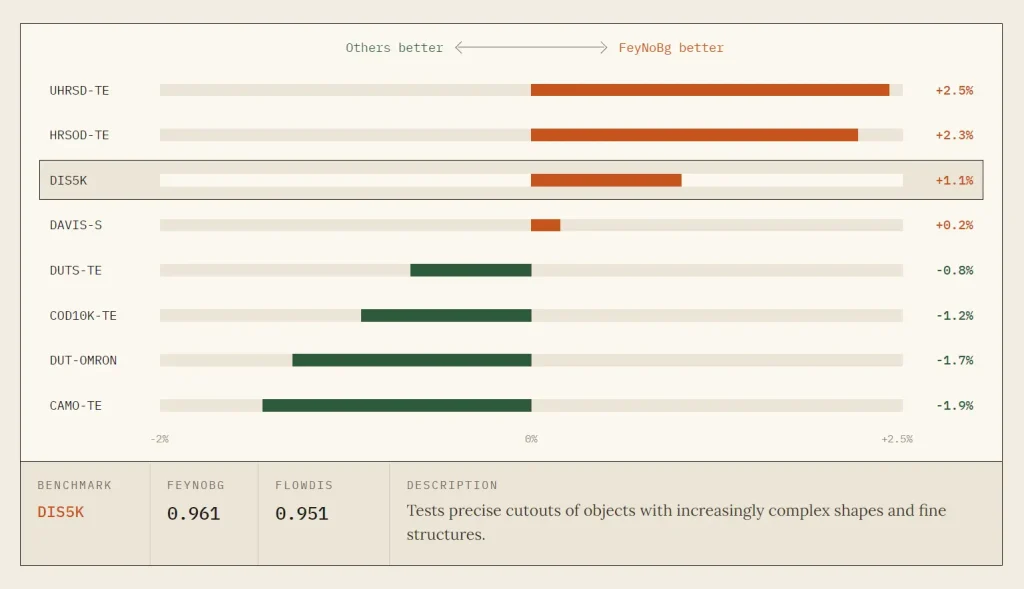
Its S-measure results lead UHRSD-TE, HRSOD-TE, DIS5K, and DAVIS-S. The model trails the leading result by less than 2% on DUTS-TE, COD10K-TE, DUT-OMRON, and CAMO-TE.
Hands-On Test
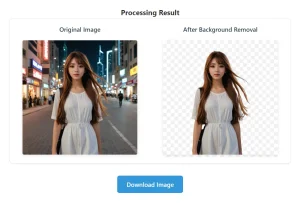
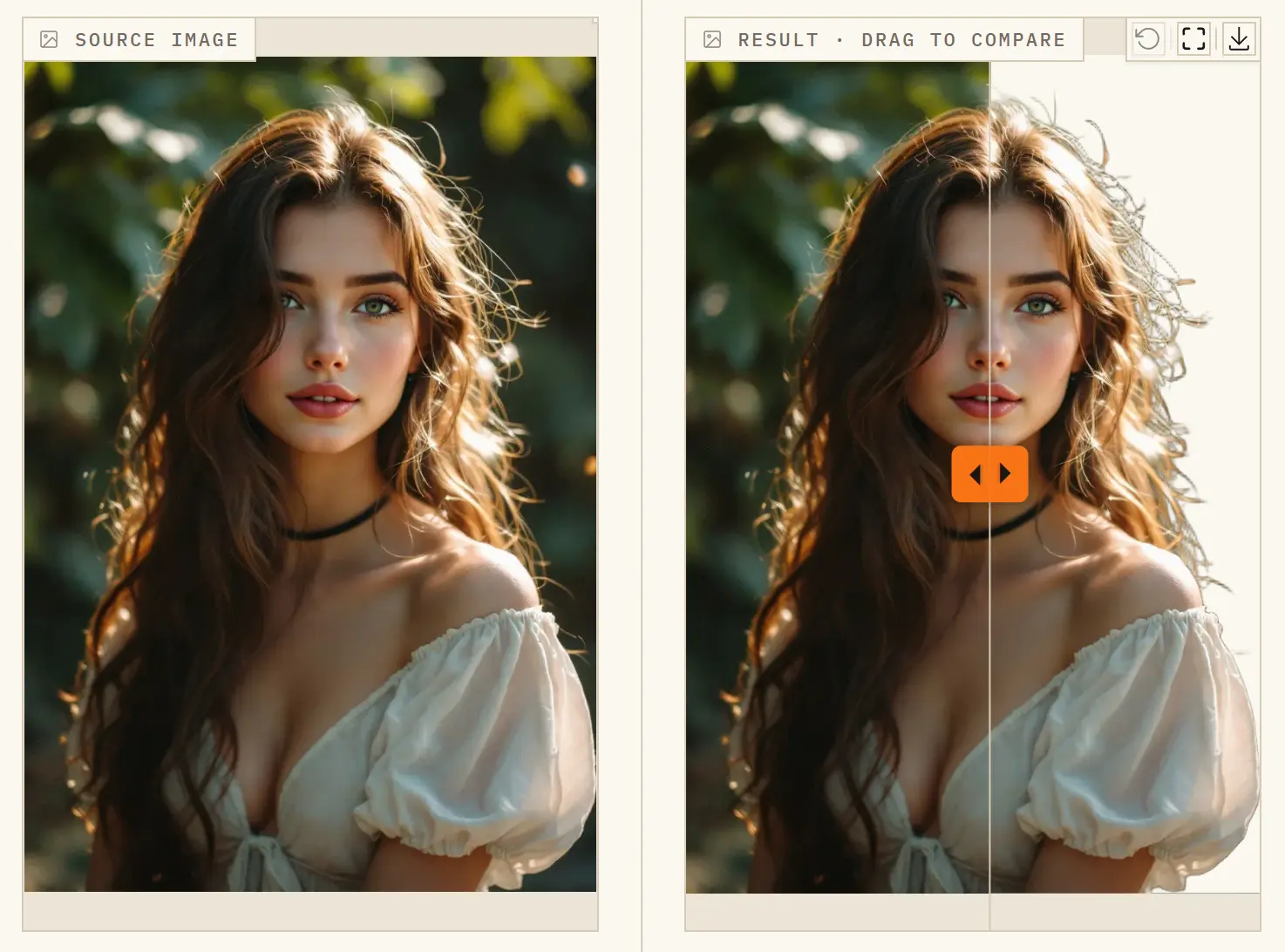
We uploaded a portrait with complex lighting and loose strands of hair around the subject. FeyNoBg removed the background in just over one second and produced a clean cutout with sharply defined hair edges.


Note that this result reflects one portrait test. Images with transparent objects, severe motion blur, very low resolution, or poorly separated subjects may produce different results.
Key Features
- Removes image backgrounds and returns an RGBA cutout.
- Preserves translucent boundary pixels through alpha matting.
- Accepts PNG, JPEG, WebP, and HEIC uploads.
- Limits hosted uploads to 5 MB per image.
- Displays an interactive before-and-after comparison slider.
- Downloads hosted results as transparent PNG files.
- Runs locally through the NoBg Python package.
- Processes image batches through one inference call.
- Supports CUDA execution and bfloat16 autocasting.
- Fine-tunes BiRefNet with image-and-mask datasets.
How to Use FeyNoBg
Hosted App
- Open the FeyNoBg Space on Hugging Face.
- Upload an image, paste one, or capture one with a camera. Files must be PNG, JPEG, WEBP, or HEIC and under 5 MB.
- Click Go. The app returns a transparent PNG with the background removed.
NoBg library
Install NoBg with either package manager:
uv add nobgpip install nobgRun a single-image cutout:
import torch
from loadimg import load_img
from nobg import AutoModel, AutoProcessor
model = AutoModel.from_pretrained("feyninc/FeyNobg").eval()
processor = AutoProcessor.from_pretrained("feyninc/FeyNobg")
image = load_img("input.jpg").convert("RGB")
inputs = processor(image, return_tensors="pt")
with torch.no_grad():
    outputs = model(pixel_values=inputs["pixel_values"])
alpha = processor.post_process_alpha_matting(
    outputs, target_sizes=[(image.height, image.width)]
)[0]
processor.cutout(image, alpha).save("output.png")
This writes output.png as a transparent cutout at the input image’s original resolution. GPU inference adds .to("cuda") on the model and inputs, plus the torch.autocast half-precision context shown above.
Hosted App, Local Model, and Privacy
| Area | Hosted Hugging Face Demo | Local NoBg Setup |
|---|---|---|
| Access | Web | Python package and model weights |
| Input | One image per run | Single images or batches |
| Formats | PNG, JPEG, WebP, HEIC | Images loaded through the Python pipeline |
| Upload limit | 5 MB | Controlled by local hardware and code |
| Output | Transparent PNG | Alpha matte, RGBA cutout, or custom composite |
| Processing location | Remote Feyn backend | User-controlled machine |
| Requirements | Web browser | Python 3.10+, PyTorch 2.0+ |
| Editing controls | Comparison and download | Custom processing in Python |
Pros
- Detailed alpha-matte output
- Hosted and local workflows
- Apache-2.0 model and library
- Batch inference through Python
- GPU and fine-tuning support
Cons
- 5MB hosted upload limit
- Hosted uploads reach a remote server
- No manual edge editor
- Local setup requires Python and PyTorch
Alternatives & Related Resources
- 10 Best & 100% Free AI Image Background Remove Tools
- Free High-accuracy AI Background Remover for Images & Videos – BEN2
- Privacy-First AI Background Removal Tool: Free, Local, and Open-Source
- QuillBot Background Remover: Free PNG Cutouts and New Backgrounds
FAQs
Q: Does FeyNoBg work offline?
A: The NoBg route runs inference on your own machine after the package, dependencies, and model weights are installed.
Q: Does FeyNoBg support batch or video background removal?
A: The hosted app processes one image per run. The Python library accepts image lists for batched inference. Video processing requires frame extraction, batch inference, and video reconstruction in a separate pipeline.
Q: What happens to images larger than 1024×1024?
A: The model trains at 1024×1024. post_process_alpha_matting scales the output matte back to each image’s original dimensions.
Q: How does FeyNoBg compare to remove.bg?
A: remove.bg is a commercial API with a web UI and integrations. It uses proprietary models and charges per image after a free tier. FeyNoBg gives you open model weights, a free no‑signup app, and the ability to run the same model locally without limits.