Design Sparks is a free web-based AI tool that enables you to generate creative ideas for your next design project.
It provides a quick and easy way to generate numerous potential ideas, known as “sparks,” based on your design problem description. This process is invaluable for generating new ideas for products or services and can significantly aid in developing sustainable, circular designs aimed at fostering eco-friendly economies.
The tool can be used individually or in groups. Designers can utilize it to quickly ideate, overcome creative blocks, and maintain a steady flow of ideas. Non-designers involved in design projects can use it to generate ideas independently, contribute during meetings, or participate more effectively in workshops.
How to use it:
1. Start by visiting the Design Sparks website and input your design challenge. This can be in text form, a PDF, or a link to a webpage.

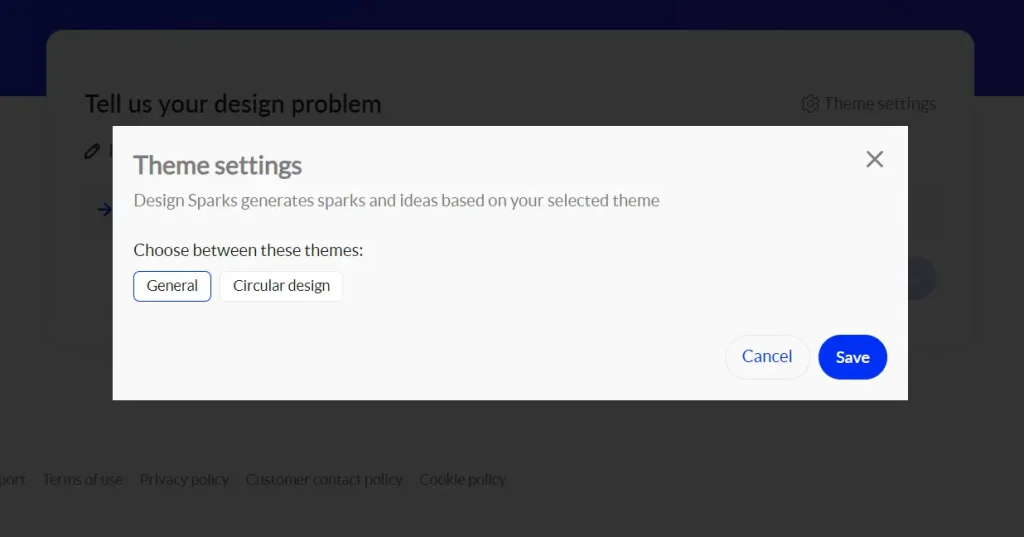
2. Select ‘Theme Settings’ to determine the focus of the generated ideas, choosing between General or Circular design.
3. Click ‘Generate Sparks’ to begin brainstorming.
4. Click ‘Extracted Topics’ to generate more relevant sparks.
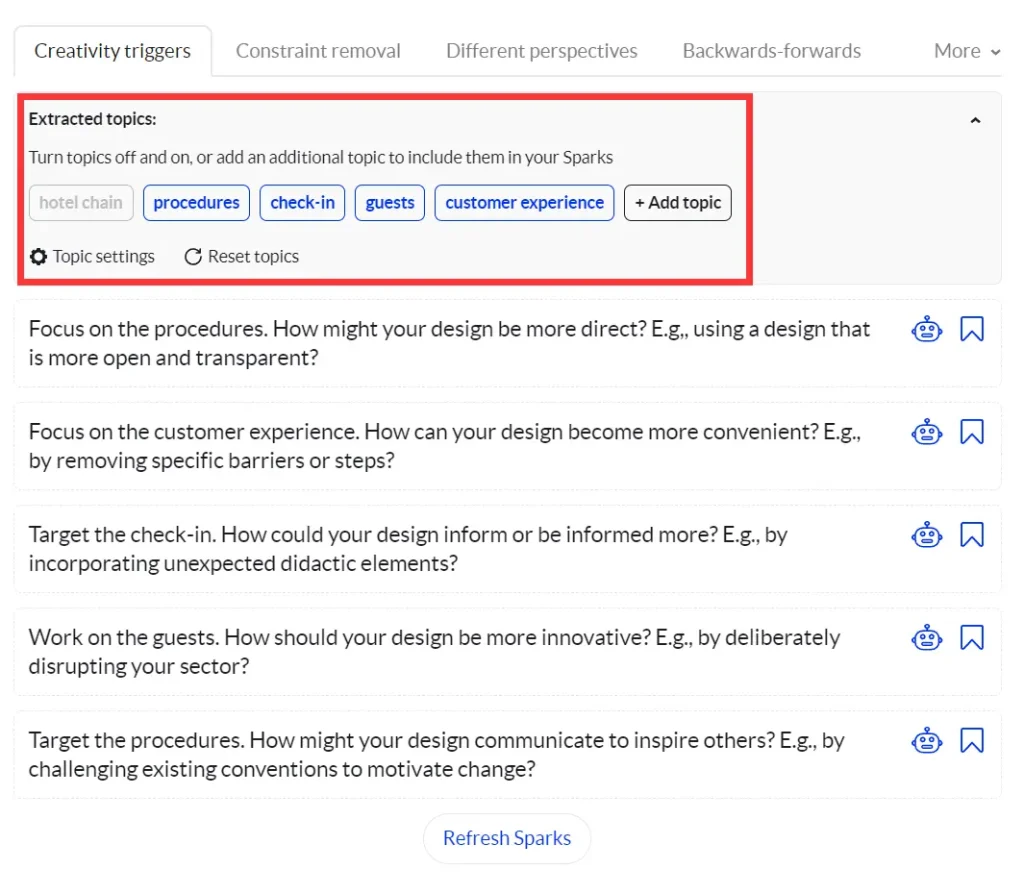
5. Adjust ‘Topic settings’ to include various types of topics in the Sparks generation and set the desired number of Sparks.

6. Click the Bot icon to access ideas from GPT.
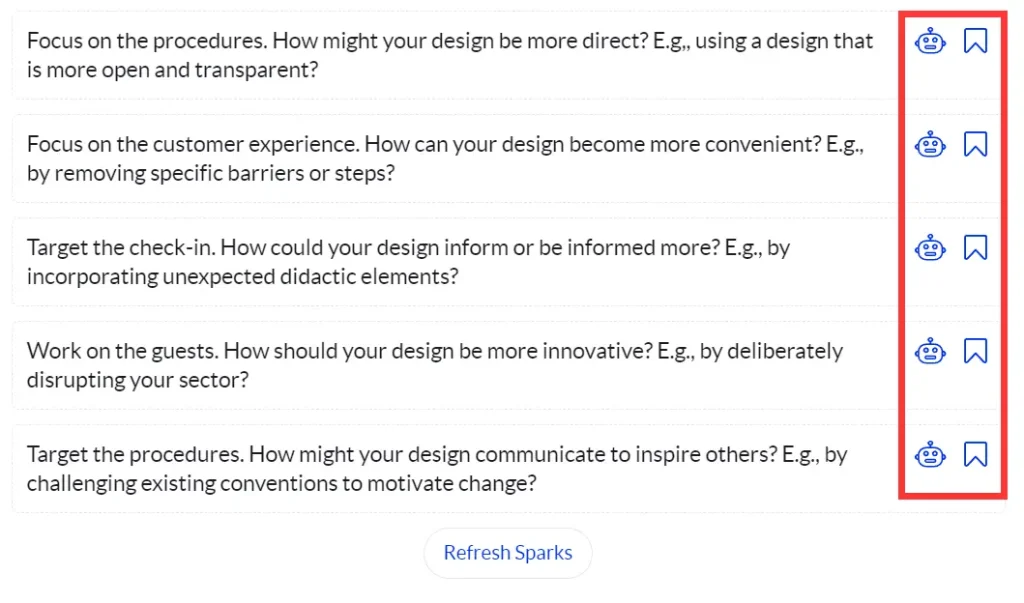
7. Save any Spark by clicking the bookmark icon next to it.
8. Hit ‘Refresh Sparks’ to receive additional sets of ideas.
9. Review your saved Sparks at any time for ongoing inspiration.