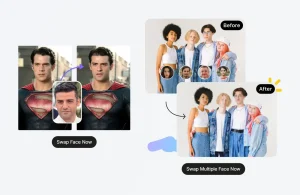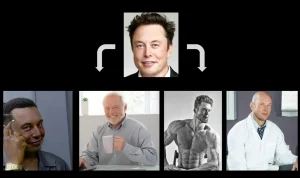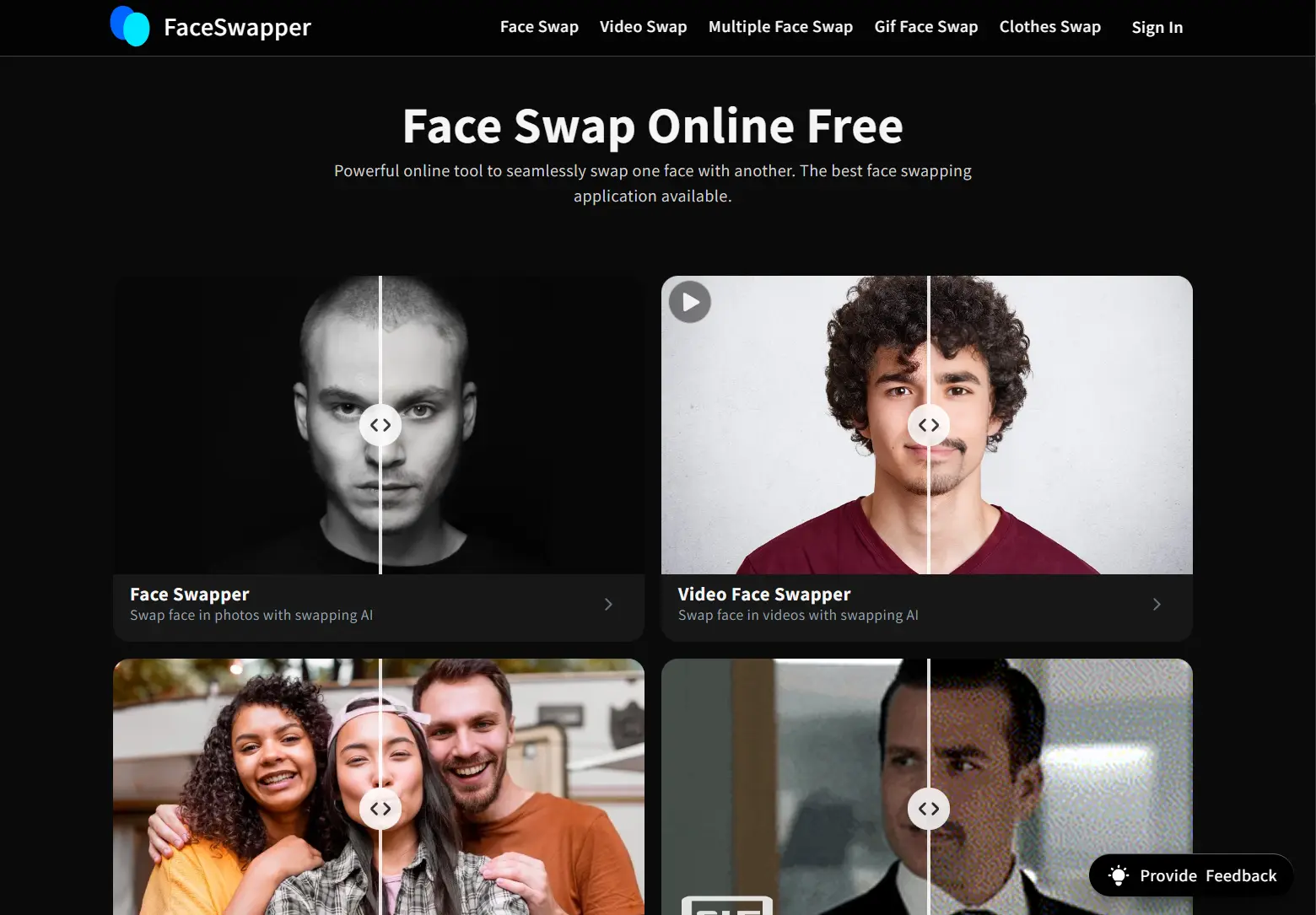
Face swapping used to be a trick reserved for Hollywood studios. Today, you can pull off the same effects directly in your browser. You no longer need technical skills or expensive software: just a good AI tool.
People use these applications for creating memes, testing creative concepts, and protecting privacy in social media posts. Many of these tools now operate entirely for free and run directly in web browsers. You can achieve high-quality results without installing bulky programs or subscribing to premium services.
This guide covers the top free AI face swap tools currently available. I tested each one to determine which actually deliver results, which require account creation, and which add watermarks to your output.
What Are AI Face Swap Tools?
AI face swap tools replace the face in a photo or video with a different person’s face. Unlike basic copy-paste editing, these tools use machine learning algorithms to analyze facial geometry, skin tone, lighting conditions, and expressions.
The tool creates a digital map of the target face and blends it onto the source body. This process aligns the new face with the original head angle and matches the scene’s lighting. The results are often realistic enough to fool the naked eye.
How These Tools Work
Most modern face swap tools rely on deep learning models, particularly Generative Adversarial Networks (GANs) or diffusion models. Behind the scenes, three things happen: the AI spots faces, matches angles and expressions, then blends everything to look natural.
The process starts with detection, where the AI maps facial landmarks like eyes and noses. Next, it aligns the source face to match the target’s angle. Finally, it blends skin tones and lighting to ensure the swap doesn’t look pasted on.
Quick Comparison: Top 10 Free AI Face Swap Tools
| Tool | Best For | Free Tier Limits | Watermark |
|---|---|---|---|
| AI Face Swap | Quick, No-Signup | Unlimited photos | No |
| VidMage | Privacy (Mac/Web) | 15 images/day | No (Web) |
| Face Swapper Online | Unlimited Use | Unlimited | No |
| FaceSwapper AI | High-Volume Photos | Unlimited (6h purge) | No |
| Pica AI | Multi-Face Support | 4 credits/day | Yes |
| Remaker AI | Video/Batch Swaps | Free trial credits | No |
| Deepswap AI | Long Video Swaps | Limited trial | Yes |
| SwapFace AI | Windows Desktop | Trial credits | No |
| BeArt AI | HD Results | Trial only | No |
| AirBrush AI | Mobile Users | 5 swaps/day | No |
Top 10 Free AI Face Swap Tools
Table Of Contents
- 1. AI Face Swap. Best for Quick, No-Signup Swaps
- 2. VidMage AI Face Swap. Best for Privacy and Mac Users
- 3. Face Swapper Online. Best for Unlimited Free Use
- 4. FaceSwapper AI. Best for High-Volume Photo Swaps
- 5. Pica AI Face Swap. Best for Multi-Face Support
- 6. Remaker AI Face Swap. Best for Creative Flexibility
- 7. Deepswap AI. Best for Long Video Swaps
- 8. SwapFace AI. Best for Small Businesses
- 9. BeArt AI Face Swap. Best for High-Definition Results
- 10. AirBrush AI Face Swap. Best for Mobile
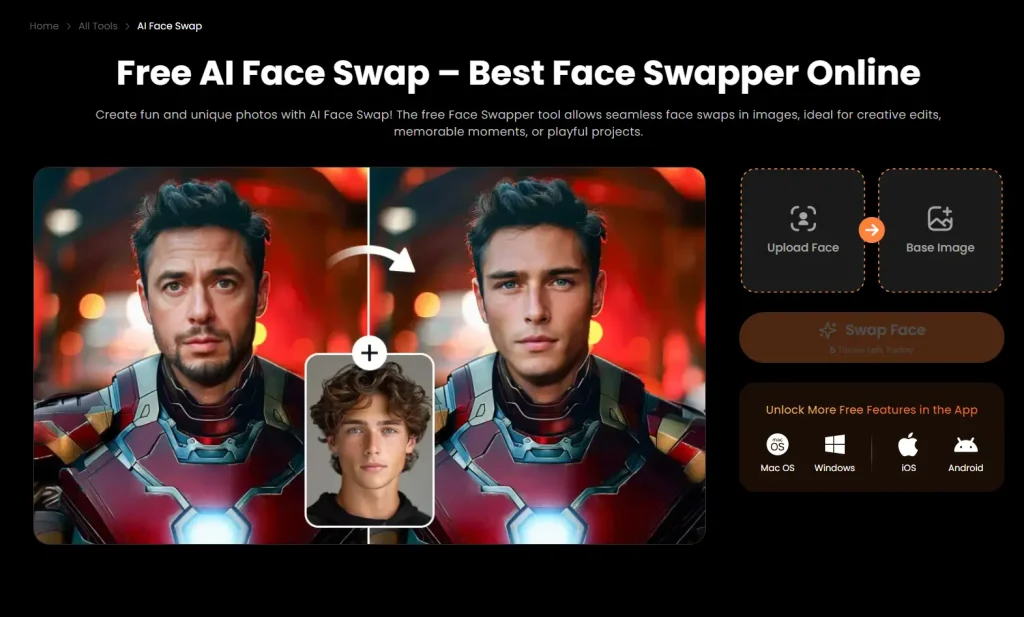
1. AI Face Swap. Best for Quick, No-Signup Swaps

Best for: Casual users and meme creators who want instant results.
Overview: AI Face Swap is a web-based tool that swaps faces in photos, GIFs, and videos without requiring an account. It lets anyone upload images and receive results in seconds. Supports face swaps in both static images and short video clips.
Key Features:
- Supports Photo, GIF, and Video files.
- No account registration required for basic use.
- Automatic deletion of uploaded photos for privacy.
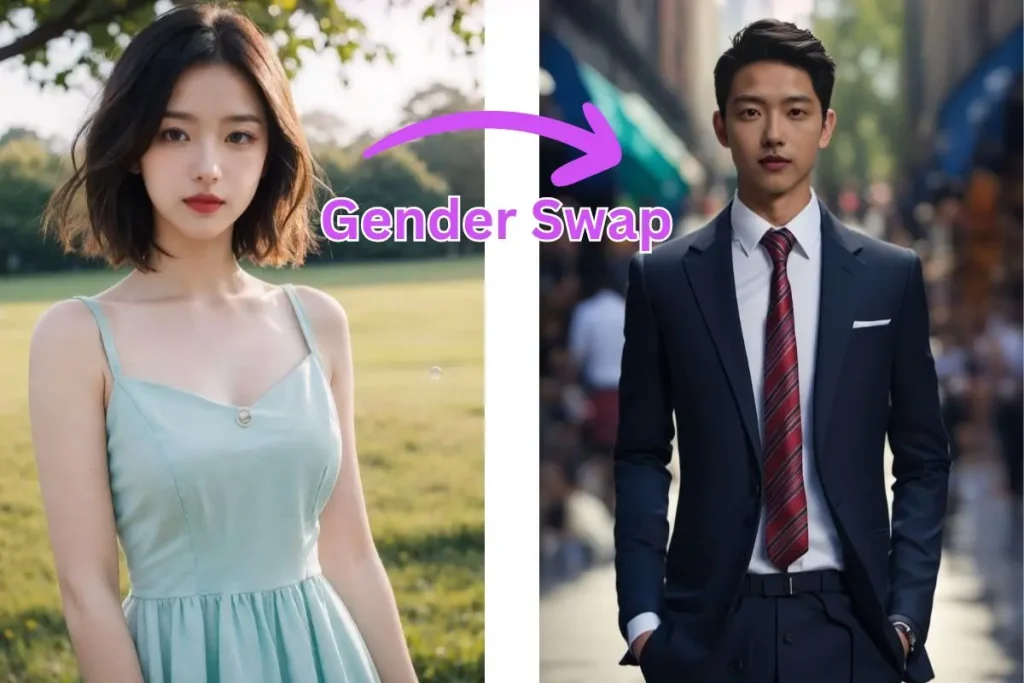
- Includes an AI Attractiveness Test and Gender Swap.
Pros:
- Completely free with no watermarks on image outputs
- Fast processing speed with no login barrier
Cons:
- Video features are limited compared to premium tools
- Advanced batch processing requires a paid upgrade
Website: https://aifaceswap.io/
2. VidMage AI Face Swap. Best for Privacy and Mac Users

Best for: Users who prioritize privacy and watermark-free results.
Overview: VidMage offers both a web version for quick tasks and a Mac desktop app for local processing. The web tool provides a generous free quota without adding watermarks to your images. It preserves the original resolution of your uploads, which addresses a common limitation in other free tools.
Key Features:
- Web and Mac desktop versions available.
- No storage of face data on the desktop version.
- Supports photos, videos, and GIFs.
- Preserves original image resolution.
Pros:
- No watermark on web output even in the free trial.
- Excellent privacy with local processing options for Mac users.
Cons:
- Web version uses cloud processing (though data is deleted).
- Mac live swap feature has a watermark in the free tier.
Website: https://vidmage.ai/
3. Face Swapper Online. Best for Unlimited Free Use

Best for: Users who want a completely free tool and don’t mind ads.
Overview: Face Swapper Online is an ad-supported platform that promises unlimited free face swaps. It’s one of the few tools that explicitly states it remains “free forever” with no hidden credit systems. The tool processes images quickly and deletes them immediately after the swap generates.
Key Features:
- Unlimited retries and usage.
- Zero watermarks on exported images.
- Immediate deletion of uploaded files.
- No personal account required.
Pros:
- Completely free with no usage limits.
- Strong privacy policy with instant file deletion.
Cons:
- Supported by ads which can be distracting.
- Limited to photos (no video support).
Website: https://faceswapper.online/
4. FaceSwapper AI. Best for High-Volume Photo Swaps
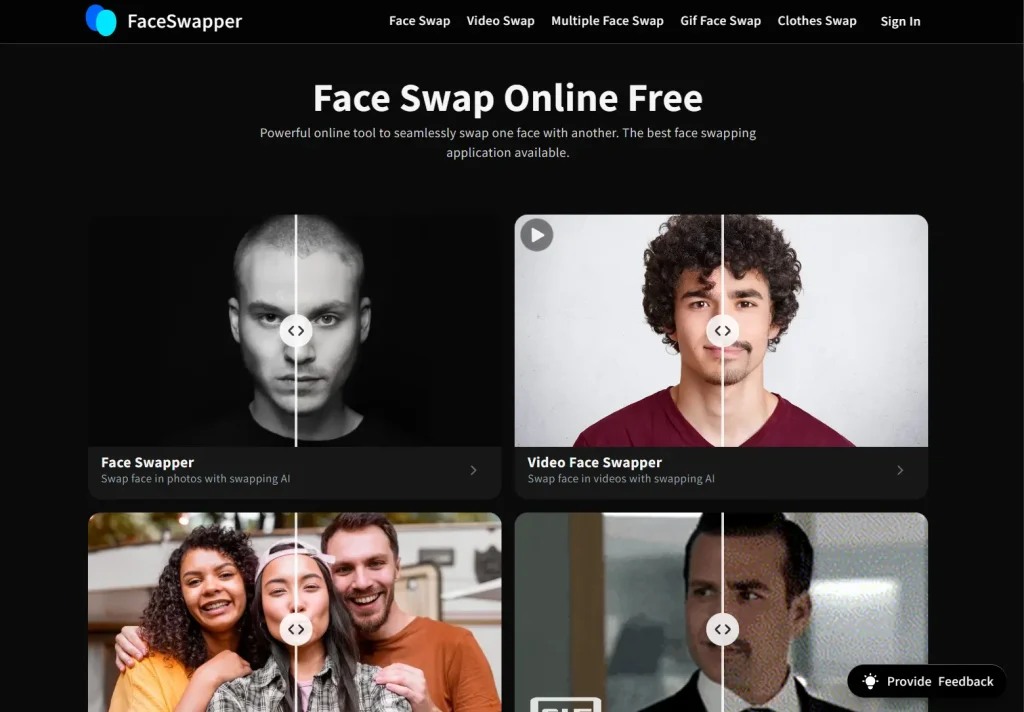
Best for: Users needing a reliable, unlimited tool for photos.
Overview: FaceSwapper AI provides an unlimited free experience for swapping faces in photos. It distinguishes itself with a strict privacy policy where files are purged every six hours. The tool handles high volumes of swaps without forcing users to buy credit packs. Ideal for testing multiple images.
Key Features:
- Unlimited photo face swaps.
- Files purged every 6 hours.
- Supports multiple faces in a single image.
- Simple drag-and-drop interface.
Pros:
- No credit system for basic photo swapping.
- No sign-up required to start swapping.
Cons:
- Lack of clear information on premium features.
- Server load limits may apply during peak times.
Website: https://faceswapper.ai/
5. Pica AI Face Swap. Best for Multi-Face Support
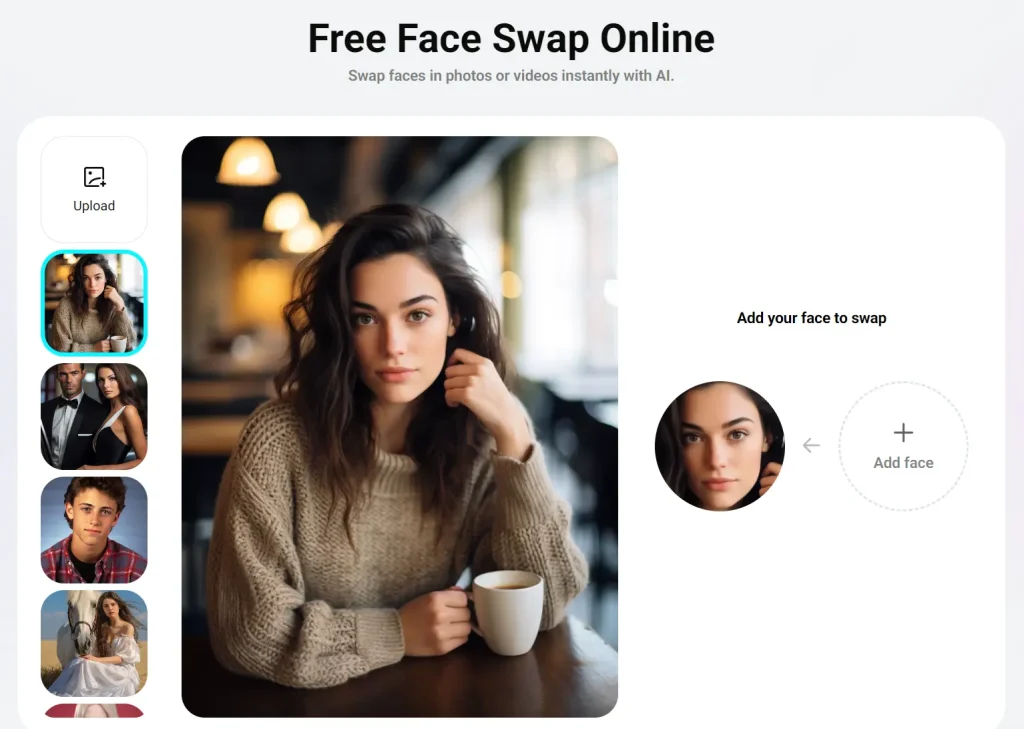
Best for: Users working with group photos or videos.
Overview: Pica AI lets you swap multiple faces in a single image or video, a feature often locked behind paywalls in other tools. It operates on a credit system, but the daily free credits let you test the multi-face capability. It supports high-resolution output, making the final images look sharp.
Key Features:
- Multi-face swap for group photos and videos.
- Daily free credits replenished every 24 hours.
- High-resolution output support.
- Preset templates for quick edits.
Pros:
- Excellent handling of group photos.
- Transparent credit system.
Cons:
- Free tier has a low daily limit (4 credits).
- Free outputs may have resolution limits compared to paid plans.
Website: https://www.pica-ai.com/face-swap/
6. Remaker AI Face Swap. Best for Creative Flexibility
Best for: Users who need video and batch processing.
Overview: Remaker AI isn’t just a face swapper. It’s a full creative suite. This tool supports batch processing that allows you to swap faces in multiple images at a time. The credit system includes “free to try” credits that let you experiment with video and batch swaps that other free tools restrict.
Key Features:
- Batch face swap for efficiency.
- Video, GIF, and gender face swap support.
- Credit-based system with permanent credit validity.
- History saves generated results for 7 days.
Pros:
- Supports advanced features like batch and video swapping.
- Credits do not expire (if purchased), and free trial is available.
Cons:
- Requires login to use credits.
- Privacy policy is less specific about immediate deletion than others.
Website: https://remaker.ai/face-swap
7. Deepswap AI. Best for Long Video Swaps

Best for: Content creators working with longer video clips.
Overview: Deepswap is a more professional-grade tool focused on video. It leans heavily toward a paid model, but its capabilities for handling longer videos (up to 30 minutes for premium) are unmatched. The free trial or entry-level access lets you see the quality difference, particularly for video content where frame consistency matters.
Key Features:
- Handles long video files better than most competitors.
- High-definition output.
- Fast processing speed for video.
- Stores created content for 7 days.
Pros:
- Superior quality for video face swapping.
- Can process GIFs and photos as well.
Cons:
- Free access is very limited and acts mostly as a demo.
- Heavily pushes toward a subscription.
Website: https://www.deepswap.ai/
8. SwapFace AI. Best for Small Businesses

Best for: Content Creators & Social Media Enthusiasts.
Overview: SwapFaces.ai balances ease of use with professional features. It allows you to swap faces in photos, videos, and GIFs with a high degree of realism. It is designed for both casual entertainment and creative professionals, featuring an intuitive interface and a freemium model.
Key Features:
- Photo and Video Face Swapping.
- Multiple Face Support.
- High-Resolution Outputs.
Pros:
- Great performance for heavy video workloads.
- Files deleted from servers within 24 hours.
Cons:
- Processing can be slow for longer, high-resolution videos.
- Confusing credit limits for free trial users.
Website: https://www.swapfaces.ai/
9. BeArt AI Face Swap. Best for High-Definition Results
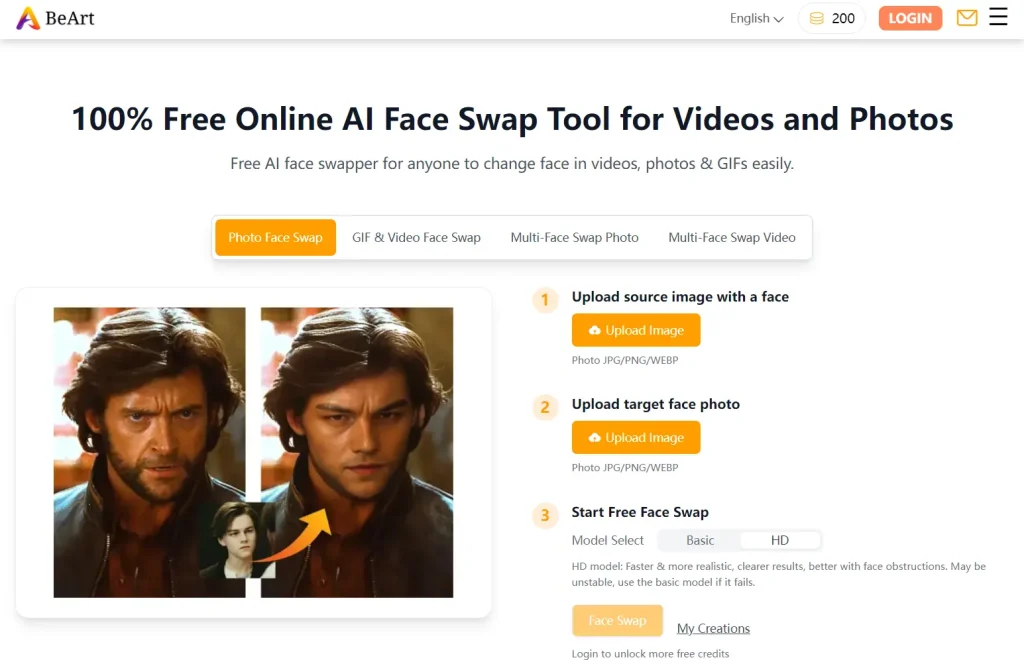
Best for: Users needing one-off high-quality images.
Overview: BeArt focuses on quality over quantity. It uses an HD model to produce very realistic results. The tool operates on a “free trial” model but provides high-quality, watermark-free outputs during the trial period. It’s excellent for users who need a professional-looking result for a single project without a subscription.
Key Features:
- HD model for realistic texture and lighting.
- No watermarks on trial outputs.
- Supports multi-face swapping.
- Works on photos, videos, and GIFs.
Pros:
- Output quality is often higher than fully free competitors.
- No watermark lets you use the image immediately.
Cons:
- Strictly for non-commercial use in the free version.
- “Free trial” means it will require payment eventually.
Website: https://beart.ai/face-swap/
10. AirBrush AI Face Swap. Best for Mobile
Best for: Users who edit primarily on their phones.
Overview: AirBrush is famous for its mobile app, but its web-based face swap tool is a handy utility. It gives you a few free swaps per day. The quality is consistent with their popular app, known for good skin smoothing and natural blending. It’s a great choice if you want to test the feature before downloading their app.
Key Features:
- Integration with AirBrush mobile ecosystem.
- Natural skin tone blending.
- 5 free face swaps per day
Pros:
- High-quality aesthetic typical of AirBrush tools.
- Very easy to use for beginners.
Cons:
- Strict daily limit of 5 swaps.
- Requires login to utilize the free credits fully.
Website: https://airbrush.com/ai-face-swap
Which Face Swapper Should You Pick?
Finding the right tool depends on what you’re trying to create. If you just want a quick laugh for a group chat, AI Face Swap or Face Swapper Online are your best bets for instant, watermark-free results. For those needing higher resolution or privacy protection for sensitive projects, VidMage and BeArt AI offer the professional edge you need.
Remember, while these tools are free and fun, they rely on powerful technology. Always use them ethically and respect the privacy of others when creating content.
FAQs
Are free AI face swap tools safe to use?
Most reputable tools delete your uploaded images within 24 to 48 hours. Tools like Face Swapper Online and VidMage purge files even faster. Check the privacy policy to confirm your photos aren’t used to train AI models without your consent.
Do I need a powerful computer for these tools?
No. Most tools on this list are cloud-based. The processing happens on their servers, so you can use them on a Chromebook, an old laptop, or a smartphone without issues.
Can I use face swap images commercially?
This varies by platform. Some free tools restrict usage to personal purposes only. If you plan to use the images for ads or commercial content, check the Terms of Service. SwapFace AI, for example, has specific provisions for commercial use.
Why do some results look blurry?
Free tiers often limit the resolution of the output image to save server costs. For crisp, high-definition results (4K), you need to use a tool that offers a “High Quality” or “HD” setting, or upgrade to a paid plan.
Is it legal to swap faces?
Swapping faces for parody, satire, or personal fun is generally legal. Using someone’s likeness for commercial gain without permission, or creating non-consensual deepfake content, is illegal and unethical. Use these tools responsibly.
Explore More AI Tools
- Best AI Image Editors: Find the perfect AI Image Editing Tool for you in our top 20 list.
- Best AI Image Generators: Transform text/images into art with the 10 best AI image generation tools.
- Free AI Face Swap Tools: Explore more free AI face swap tools to create face swaps that look unbelievably real.
🔔 ScriptByAI promotes the responsible use of generative AI. The face swap tools featured here should never be used to create non-consensual content, impersonate individuals for fraud, or spread misinformation. Users are solely responsible for how they use these tools.