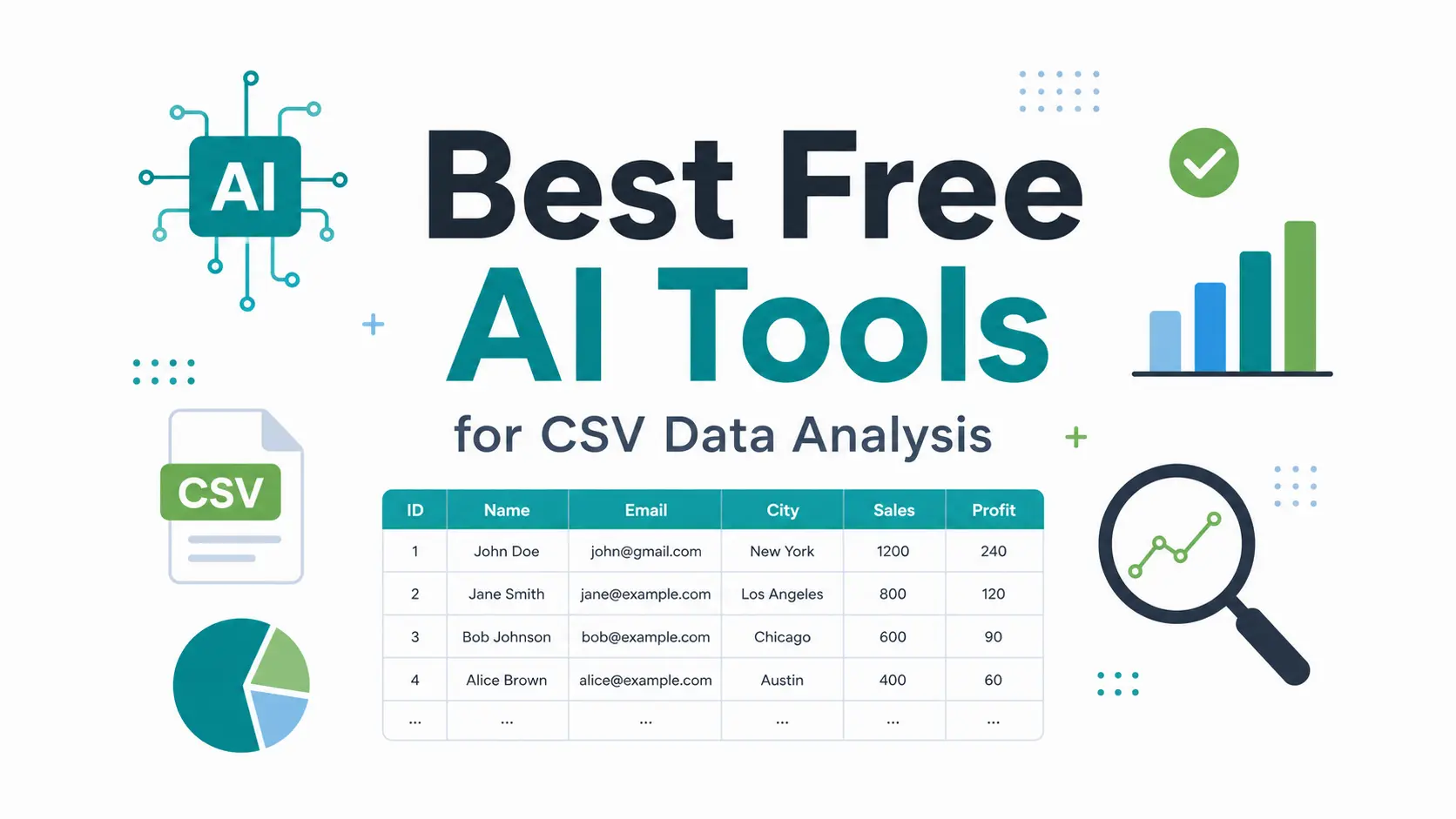
CSV exports are easy to download and hard to turn into decisions.
Sales files, ad reports, survey responses, product catalogs, and CRM exports usually need cleanup before they can answer a useful question. Names may be inconsistent. Dates may use mixed formats. Large files may break spreadsheet workflows. Some AI tools help, but many free plans are too limited for real analysis.
This guide focuses on seven free tools that still provide practical value. Some analyze CSV files with AI directly. Others, such as OpenRefine, solve the cleanup step that makes AI analysis more reliable.
The goal is simple: find tools that help with CSV upload, plain-language questions, data cleaning, charts, outlier detection, formulas, SQL, or usable exports without relying on short trials or one-time credits.
Quick Comparison Table
| Tool | Best For | Free Plan Reality |
|---|---|---|
| OpenRefine | Local CSV cleaning and clustering. | 100% free and open-source. |
| ChatGPT Free | General CSV analysis, Python charts, and file cleanup. | Useful, but daily upload and message limits apply. |
| ChatExcel | Small spreadsheet files and formula-style questions. | 30 queries per day, with a 5MB file limit. |
| Quadratic | Spreadsheet users who need Python, SQL, and large-file work. | Free plan exists, but AI usage limits are not fully clear. |
| Claude Free | CSV interpretation, written summaries, and presentation-style insights. | Strong reasoning, but message caps can interrupt deep sessions. |
| Anomaly AI | Large files, anomaly checks, and dashboard-style analysis. | 30 analysis units per month. |
| Querri | Small business reporting and automated list cleanup. | 15-30 monthly queries, with 7-day file storage. |
7 Best Free AI Tools for CSV Data Analysis
OpenRefine: The Best Free Tool for Cleaning Messy CSV Data
Best for: Cleaning messy CSVs, deduplicating exports, and fixing inconsistent text values.
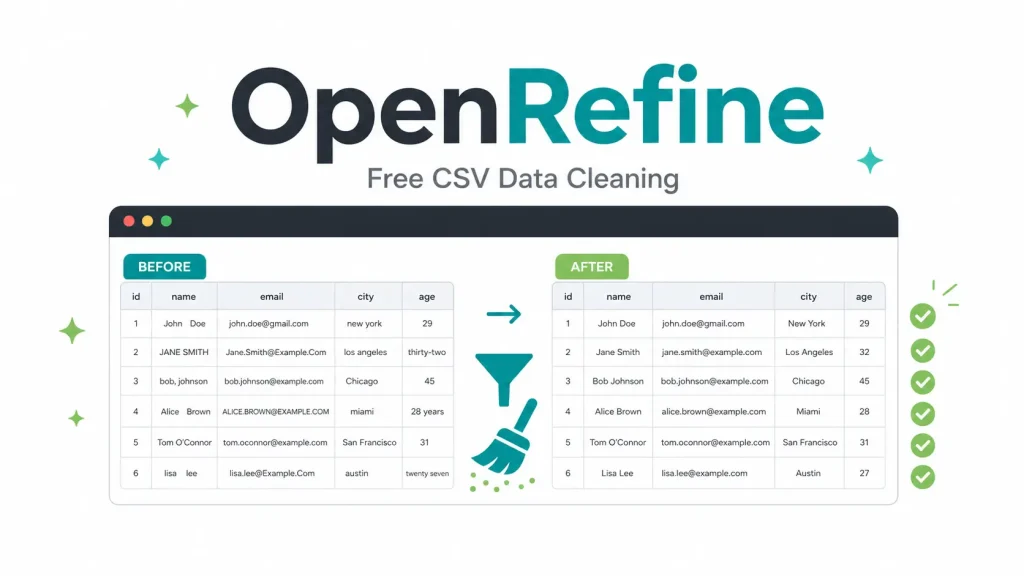
OpenRefine is not a chat-based AI analyst. It is a free, open-source desktop application for cleaning messy tabular data before analysis begins. That distinction matters because many CSV problems come from inconsistent values, not weak charting.
Its clustering tools find near-duplicate text values, such as different spellings of the same company, city, product, or category. You can merge values, filter rows, transform columns, and export the cleaned file for later use in ChatGPT, Claude, Excel, a database, or a BI tool.
OpenRefine also has a privacy advantage. It runs locally, so customer records, financial exports, healthcare CSVs, or internal lists do not need to leave your machine. The main tradeoff is setup: you install a Java-based desktop tool instead of opening a simple web chat.
Free plan:
- 100% free and BSD-licensed.
- No usage caps beyond local machine resources.
- CSV, HTML, Excel, and SQL export.
Pros:
- Local file processing.
- Strong inconsistent-value cleanup.
- Reversible cleanup workflow.
Cons:
- No native chat interface.
- Local installation required.
Website: https://openrefine.org/.
ChatGPT Free: The Most Flexible General CSV Analyst
Best for: General CSV analysis, Python-based charts, cleanup steps, and quick troubleshooting.
ChatGPT Free is the broadest option on this list. You can upload a CSV or Excel file, ask for summaries, request charts, identify outliers, generate Python code, or clean rows and download the revised file.
It works best when you ask focused questions. For example, you can ask it to compare monthly revenue by region, find rows with suspicious values, generate a box plot, or explain which columns matter most. Since ChatGPT can run code in supported data-analysis sessions, it is stronger than a chatbot that only guesses from pasted text.
The free plan is still limited. Daily message and file-upload caps can interrupt longer analysis sessions. Files also go to OpenAI’s servers, so sensitive datasets need careful handling before upload.
Free plan:
- CSV and Excel uploads.
- Daily usage and upload limits.
- Downloadable processed files.
Pros:
- Python-based analysis.
- Charts and cleanup in one session.
- Easy for most users to try.
Cons:
- Daily limits can stop long sessions.
- Cloud upload is required.
Website: https://chatgpt.com/.
ChatExcel: A Practical Free Tool for Small Spreadsheet Files
Best for: Formula help, small CSV files, and everyday spreadsheet questions.
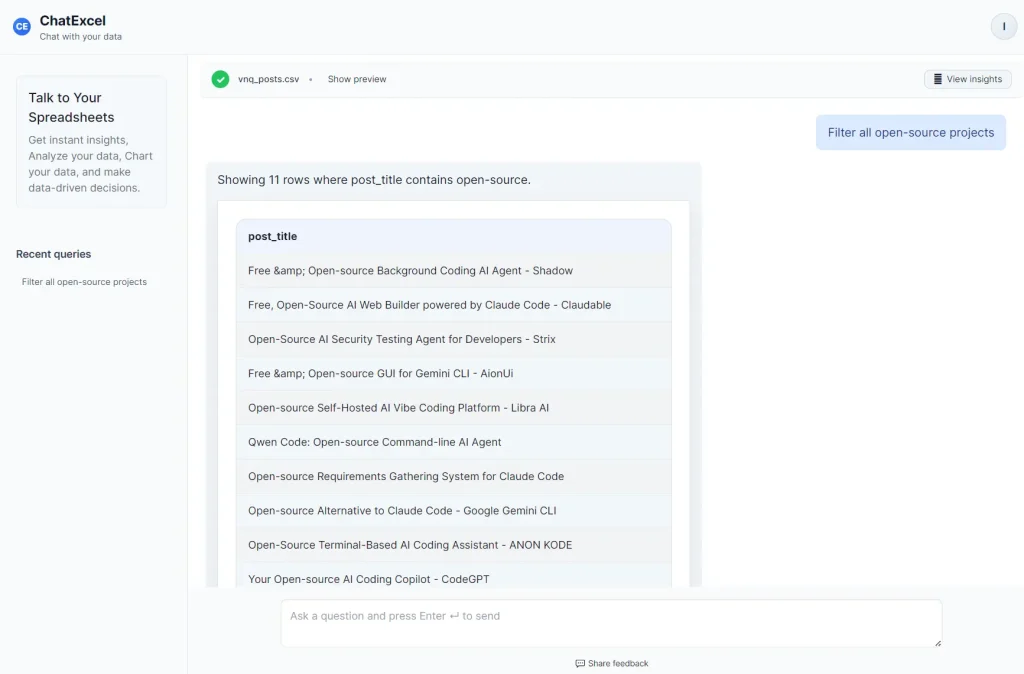
ChatExcel is built for people who work in spreadsheets but do not want to build every formula manually. Upload a CSV or Excel file and ask questions such as “What is the average spend per region?” or “Create a lookup formula for these order IDs.”
The free plan gives 30 queries per day, which is useful for recurring office work. The catch is the 5MB file-size limit. That cap rules out large transaction logs, full product catalogs, and long historical exports.
For normal business spreadsheets, ChatExcel is a good fit. It is less suitable for complex statistical work, but it is fast for spreadsheet Q&A, formula generation, and small-file summaries.
Free plan:
- 30 queries per day.
- 5MB upload limit.
- Modified spreadsheet downloads.
Pros:
- Useful daily query allowance.
- Plain-English formula generation.
- Good fit for office spreadsheets.
Cons:
- 5MB cap blocks larger files.
- Not a deep analytics tool.
Website: https://chatexcel.io/.
Quadratic: A Spreadsheet for CSV Users Who Need Python and SQL
Best for: Large CSV files, code-in-cell analysis, and technical spreadsheet workflows.
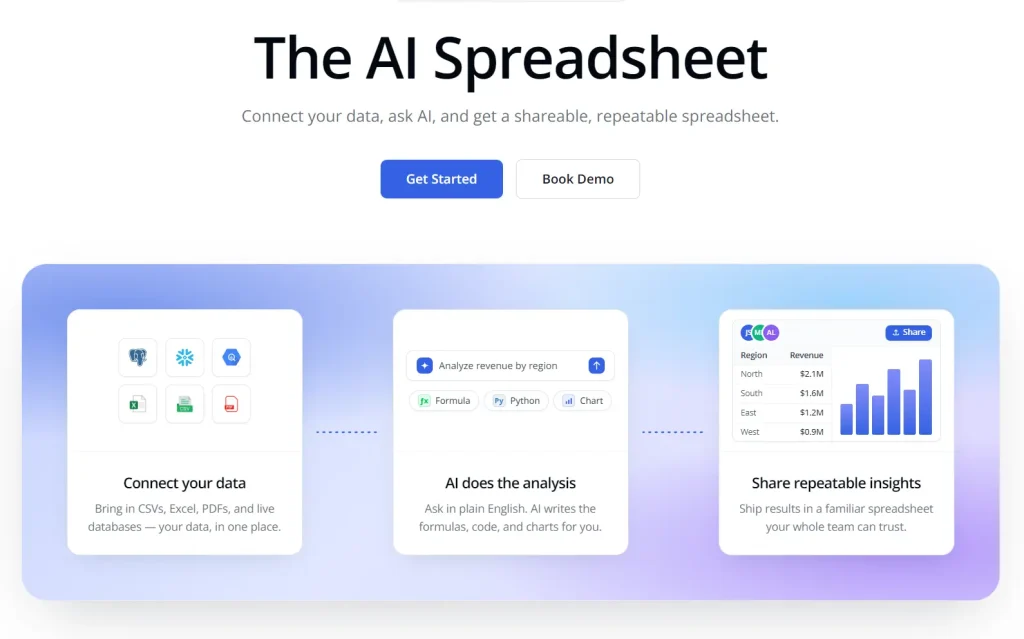
Quadratic combines a spreadsheet grid with Python, SQL, JavaScript, formulas, and charts. Users can drag and drop CSV files, work in cells, and ask the AI assistant to generate formulas or code.
This is the right kind of tool for analysts who still like spreadsheets but need more power than Excel-style formulas provide. It is useful for larger CSVs, mixed data sources, Python calculations, SQL-style questions, and repeatable analysis.
The free plan is useful, but its AI usage limits are not fully transparent. That makes Quadratic easier to recommend for technical users who can still work with formulas and code after the AI quota runs low.
Free plan:
- Recurring AI usage.
- Sheets and data connections.
- Free access for students and researchers.
Pros:
- Python and SQL in cells.
- Large CSV analysis workflows.
- Spreadsheet context stays visible.
Cons:
- Unclear free AI limit.
- Learning curve.
- Cloud processing is involved.
Website: https://www.quadratichq.com/.
Claude Free: Strong CSV Interpretation for Smaller Files
Best for: Written summaries, trend explanations, and presentation-ready data narratives.
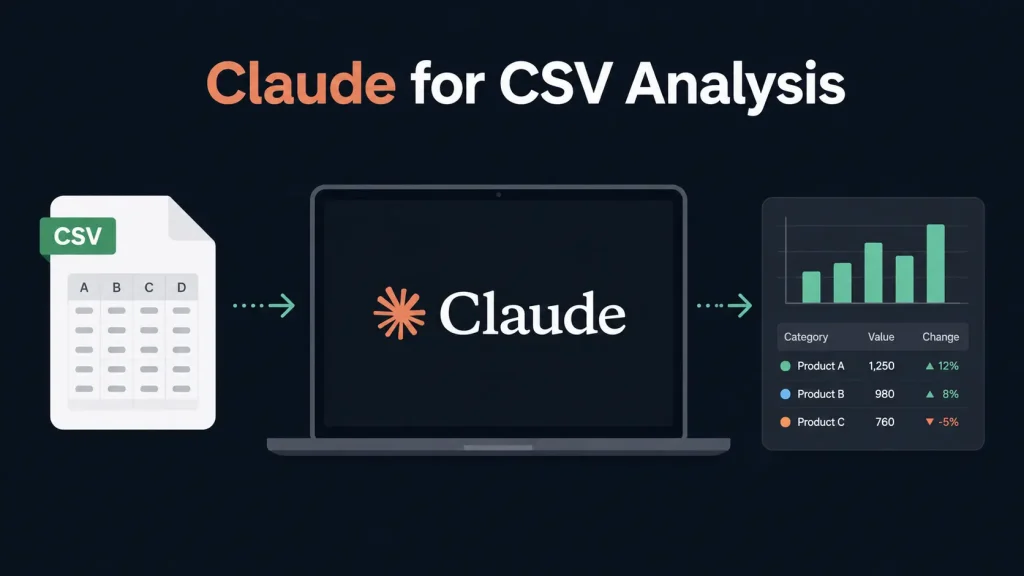
Claude Free accepts CSV uploads up to 30MB per file, with up to 20 files per conversation. It is best when the output needs explanation, not just a chart or a cleaned file.
Claude is useful for survey results, content performance data, customer feedback, and business reports where you need a clear narrative. It can identify trends, summarize outliers, and turn raw findings into language that fits a stakeholder update.
The Artifacts feature can create interactive charts and interface-style outputs in a side panel. The limitation is the message cap. A complex CSV session can run into usage limits before the analysis feels complete.
Free plan:
- Variable daily message limits.
- Files up to 30MB.
- Up to 20 files per chat.
Pros:
- Clear data summaries.
- Interactive artifacts.
- Multi-file conversations.
Cons:
- Message caps can interrupt analysis.
- Cleaned-file export is not native.
Website: https://claude.ai/.
Anomaly AI: Free CSV Analysis for Outliers and Dashboards
Best for: Large CSV files, anomaly detection, and lightweight dashboard creation.
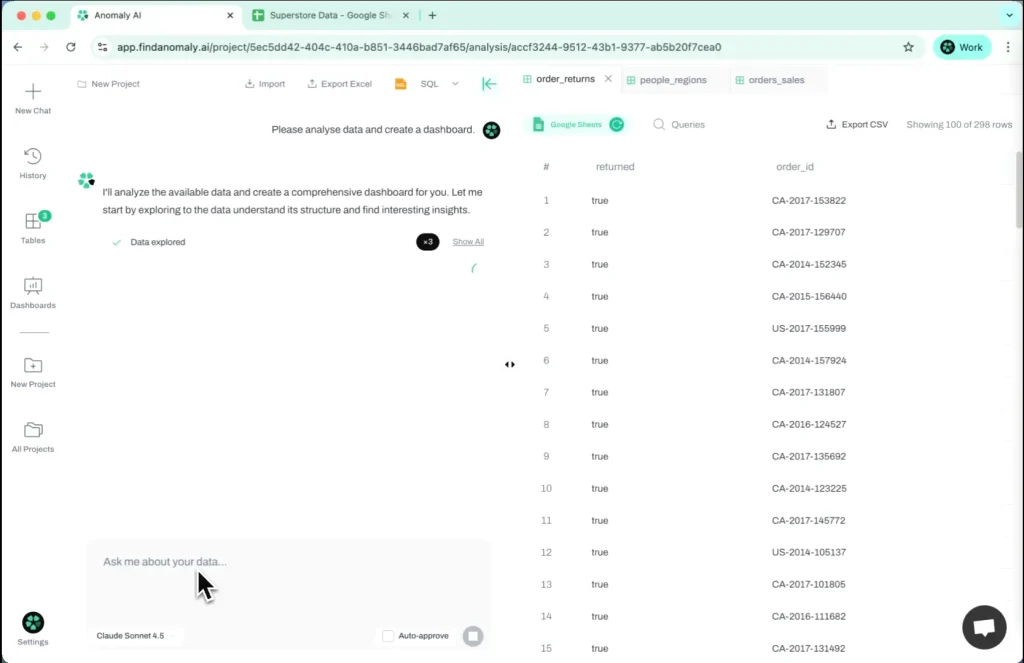
Anomaly AI is closer to a data-analysis workspace than a general chatbot. It accepts files up to 200MB, scans for quality issues, checks for missing values and duplicates, detects statistical outliers, and builds interactive dashboards from uploaded data.
This makes it useful for marketing exports, finance files, operations reports, and other CSVs where patterns across multiple metrics matter. Instead of giving only a chat reply, it creates a visual workspace that can support deeper review.
The free plan provides 30 analysis units per month. That is enough for periodic large-file analysis, but not enough for daily dashboard work. External dashboard sharing also requires a paid plan.
Free plan:
- 30 analysis units per month.
- CSV and Excel files up to 200MB.
- Dashboard sharing requires a paid upgrade.
Pros:
- Larger files than most chat tools.
- Anomaly checks during analysis.
- Persistent dashboard views.
Cons:
- Monthly units limit recurring use.
- Dashboard sharing needs a paid plan.
- Longer learning curve than chat tools.
Website: https://www.findanomaly.ai/.
Querri: Business-Focused CSV Q&A and Data Cleaning
Best for: Small business reporting, customer-list cleanup, and marketing data summaries.
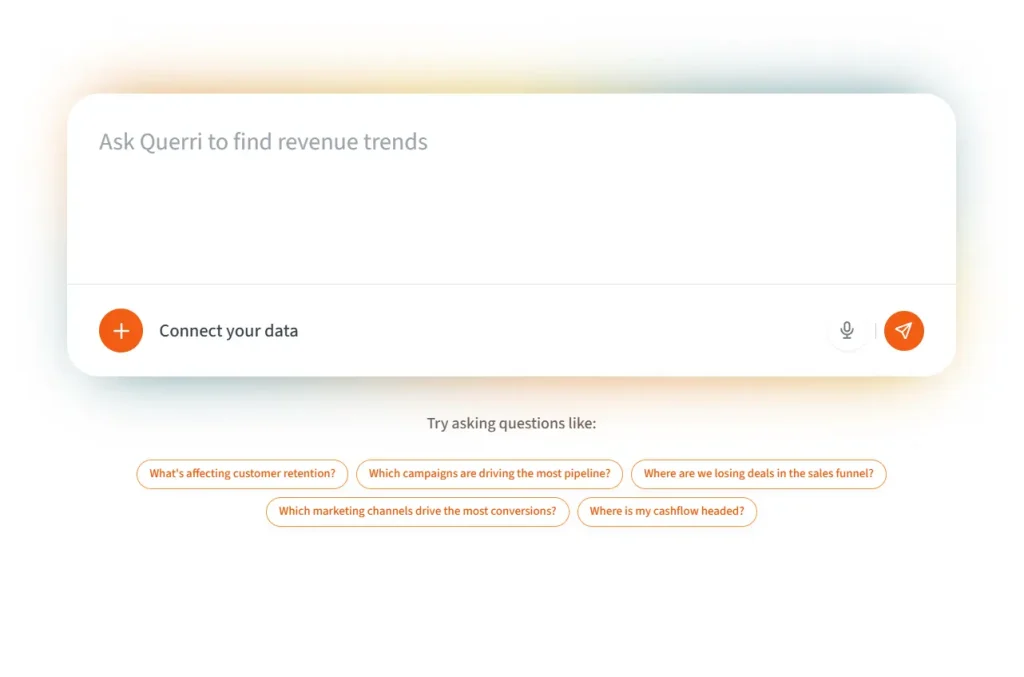
Querri targets business users who want answers from CSV files without configuring a BI tool. It handles automated data cleansing on upload and accepts plain-language questions about sales trends, churn rates, ROI, segments, and customer lists.
The free plan supports files up to 50MB, which covers many standard business exports. The monthly query limit is tight: 15 queries for personal email accounts and 30 queries for business email accounts. Files are stored for only 7 days on the free plan.
Querri is a good fit for light monthly reporting, not constant analysis. Its business framing and security posture make it easier to evaluate for teams that need clearer data handling than a casual chatbot provides.
Free plan:
- 15-30 queries per month.
- Files up to 50MB.
- 7-day file storage.
Pros:
- Business-question focus.
- Data cleaning during upload.
- Clear free-plan limits.
Cons:
- Tight monthly query limit.
- Files expire after 7 days.
- Dashboard sharing requires a paid plan.
Website: https://querri.com/.
Best Free AI Tools for CSV Data Analysis by Use Case
Best for chat with CSV files: ChatGPT Free for broad analysis, and Claude Free for written interpretation.
Best for quick spreadsheet questions: ChatExcel works best for files under 5MB.
Best for data cleaning: OpenRefine is the best choice for serious cleanup, and Querri is useful for business-list cleanup.
Best for charts and dashboards: Anomaly AI is the strongest dashboard-first option, and Claude Free helps with presentation-style chart artifacts.
Best for spreadsheet users: ChatExcel helps with formulas, while Quadratic suits users ready to add Python or SQL.
Best for local or open-source use: OpenRefine is the only tool here that processes data entirely on your machine.
Best for the strongest free plan: OpenRefine wins because it is free, open-source, and not capped by credits.
FAQs
Q: What is the best free AI tool for CSV data analysis?
A: For most users, ChatGPT Free and OpenRefine cover the widest range of work. ChatGPT is better for analysis, charts, and code. OpenRefine is better for cleaning messy data before analysis.
Q: Are free AI CSV analysis tools good enough for real reports?
A: Yes, if the file size and usage limits fit the task. ChatGPT, Claude Free, and Anomaly AI can produce summaries, charts, and dashboard-style outputs that work for real reports. Larger or repeated workflows may require a paid plan.
Q: What is the difference between an AI CSV analyzer and a spreadsheet app?
A: A spreadsheet app expects the user to build formulas and analysis steps manually. An AI CSV analyzer accepts uploaded files and responds to plain-language questions, generates code, produces summaries, or builds charts.
Q: Which free AI tool is best for cleaning CSV files?
A: OpenRefine is the strongest free option for data cleaning. It handles clustering, transformations, filtering, and reversible edits without sending files to a cloud service.
Q: Which free AI tool is best for charts and dashboards from CSV files?
A: Anomaly AI is the best fit for dashboards because it builds persistent visual workspaces and handles files up to 200MB. ChatGPT and Claude Free are better for one-session charts and presentation visuals.
Q: Which free AI CSV analysis tool is best for private or local data?
A: OpenRefine is the safest choice for private CSV work because it runs locally. Cloud tools can still be useful, but sensitive files should be anonymized before upload.
Related Resources
- Hugging Face Spreadsheets – A free tool for working with AI models inside spreadsheet-style workflows.
- HOPX MCP – An MCP server for data analysis, Python execution, and visualization workflows.
- Workflow Efficiency Analyzer – A free AI tool for analyzing workflow bottlenecks and improving operational processes.