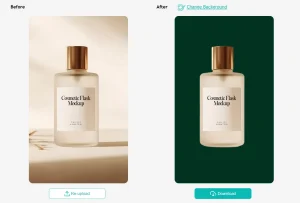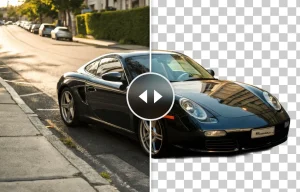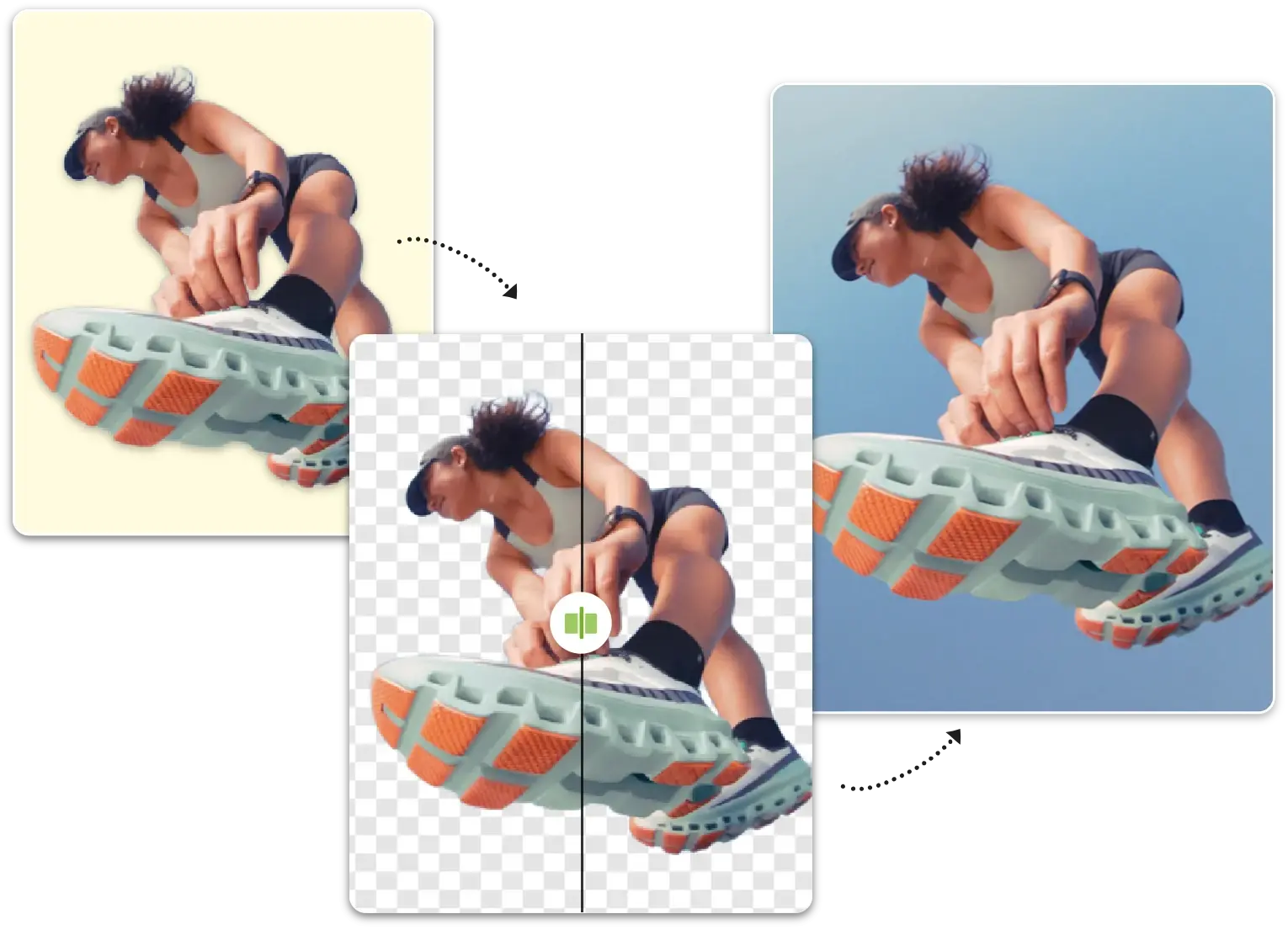
Remover AI is a free, fast, AI-powered background removal tool that automatically separates subjects from backgrounds in seconds.
The tool automatically handles portraits, product photos, pets, and complex objects without requiring manual selection or photo editing skills.
Upload an image, the AI processes it instantly, and you download a clean result with preserved edges and fine details.
Features
- Manual Refinement Tools: An erase brush lets you clean up edges or remove unwanted elements after the AI processes your image.
- Transparent PNG Export: Downloaded images come with transparent backgrounds at high resolution.
- Multi-Subject Support: The AI detects and preserves subjects across different image types.
- Automatic Edge Detection: The system identifies subject boundaries and separates them from backgrounds without manual masking.
- Secure Processing: Images processed through secure channels. The platform maintains privacy during uploads and doesn’t store your files permanently on its servers.
Showcase


Use Cases
- E-commerce Product Photography: Create consistent white-background product images.
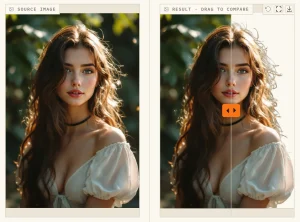
- Professional Headshots: Extract portrait subjects while preserving hair detail and facial contours.
- Design Asset Extraction: Pull objects from existing images to repurpose them in new compositions.
- Social Media Content: Remove busy backgrounds from photos before posting.
How to Use It
1. Click the upload button or drag your image file directly onto the page.
2. The AI automatically analyzes the image once the upload finishes. It detects the subject and removes the background without any further input. This process usually takes a few seconds.
3. Review the result on the preview screen. Select the “Erase” tool if the AI missed a spot or left a stray artifact. Brush over the areas you want to remove manually to clean up the cutout.
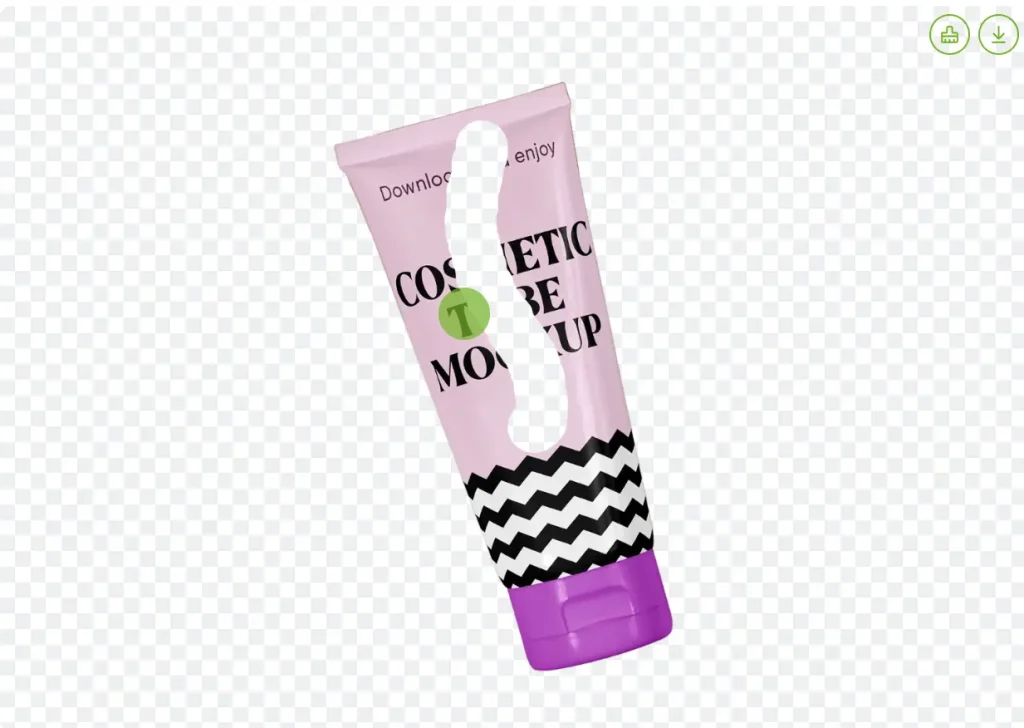
4. Click the download button to save the final image. The file will save to your device as a high-quality PNG with a transparent background.
Pros
- Zero Cost: The tool is free to use for standard background removal tasks.
- Manual Control: The inclusion of an erase tool allows for corrections when the AI isn’t 100% perfect.
- Fast Workflow: The entire process from upload to download takes less than a minute.
Cons
- Single Image Processing: The tool processes one image at a time.
- Internet Dependency: Users must have an active internet connection to process images.
FAQs
Q: How does the AI identify which parts of the image to keep?
A: The AI uses computer vision models trained on millions of images to recognize common subjects like people, products, and animals. It analyzes edge contrast, color patterns, and shape characteristics to distinguish foreground subjects from backgrounds.
Q: Can I use the tool on an iPhone or Android device?
A: Yes. The tool runs in mobile web browsers on both iOS and Android devices. You open your mobile browser, navigate to the Remover AI website, and upload images directly from your photo library or camera.
Q: Are the images I upload stored on Remover AI servers?
A: Images are processed through their servers but are not permanently stored. The platform processes your image, delivers the result, and removes files from their systems.
Q: Can I remove backgrounds from images for commercial purposes?
A: Yes. Images processed through Remover AI can be used for commercial applications like e-commerce product listings, marketing materials, client projects, or business presentations. You retain rights to your original images and the edited versions you create through the tool.
Q: Does the tool work with drawings, illustrations, or graphic designs?
A: The AI works with any image format, including digital artwork, scanned drawings, and graphic designs. Performance varies based on how clearly the subject is defined against the background.
Q: How does this compare to background removal in Photoshop or other professional tools?
A: Remover AI trades advanced control for speed and simplicity. Professional tools like Photoshop offer manual selection refinement, layer masks, edge feathering, and non-destructive editing.