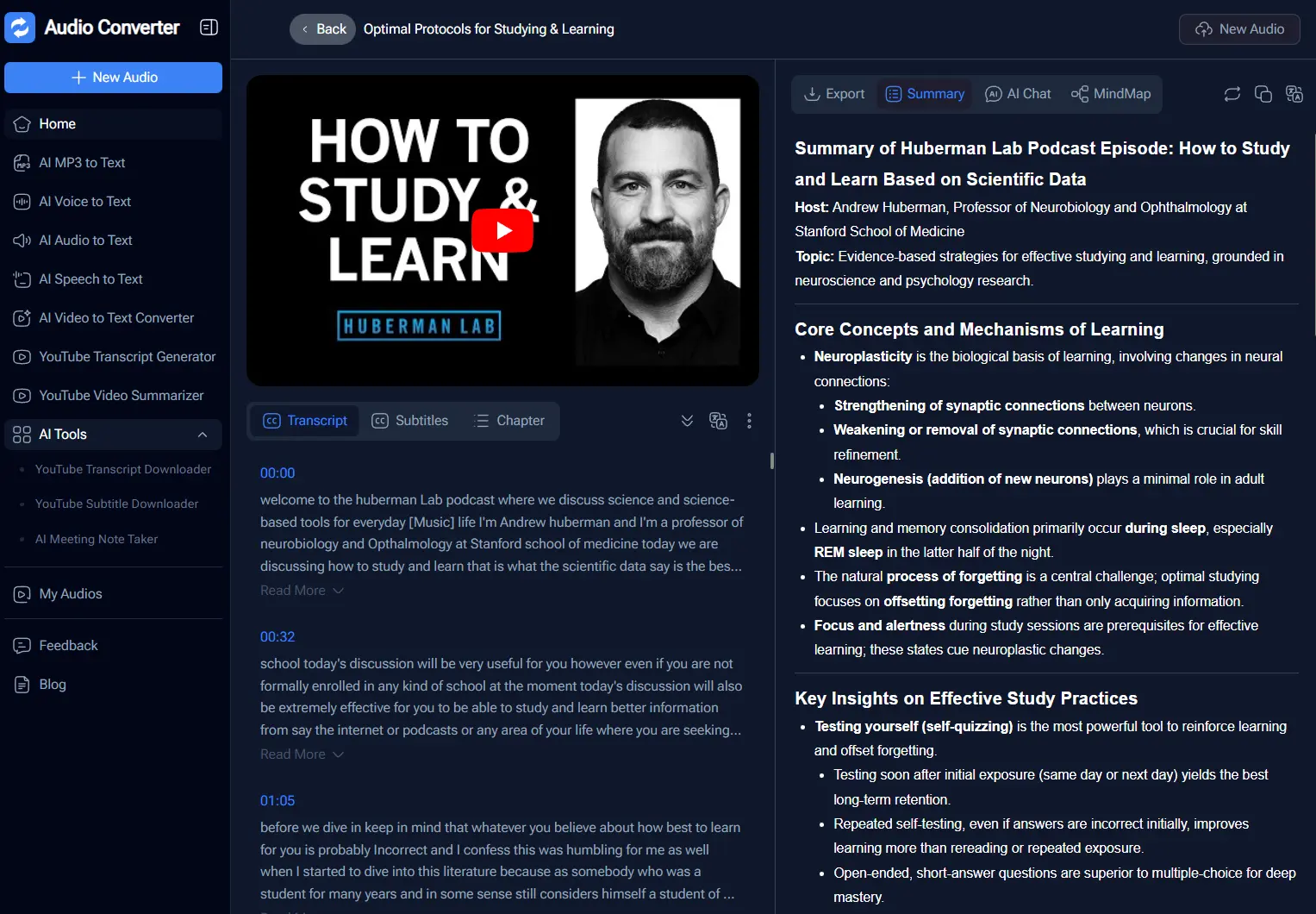
Audio Converter is a free AI-powered transcription tool that turns audio, video, and podcast files and recordings into accurate text transcripts.
The platform handles files up to 1GB and supports over 98 languages with automatic speaker identification and timestamping.
You can upload MP3/MP4 files, paste YouTube URLs, or record directly in the browser to get transcripts that export to TXT, SRT, DOCX, and PDF formats.
Features
- AI Transcription Engine: Uses advanced AI models to deliver 99.8% accuracy across 98+ languages.
- Speaker Identification: Automatically detects and labels different speakers in conversations.
- Built-In Translation: After transcribing, you can translate the text directly within the interface.
- Smart Summaries & Notes: Generates concise summaries from your transcripts.
- Direct Recording: Click the “Start Recording” button to capture audio through your microphone.
- Multiple Export Formats: Each format maintains the timestamp structure and speaker labels.
- AI Chatbox: After transcribing, you can ask the AI questions about your content.
- Mindmap Generator: Creates visual mindmaps from your transcripts.
Use Cases
- YouTube Content Repurposing: Paste a video link to get an instant transcript. You can then use the “Smart Summaries” feature to turn the video script into a blog post or social media caption.
- Meeting Documentation: Record team syncs directly on the page. The speaker identification feature separates the dialogue, and the AI generates a list of action items for the team.
- Academic Research: Students can upload long lecture recordings. The Mindmap Generator helps visual learners grasp complex topics by organizing the lecture points into a structured diagram.
- Subtitle Creation: Video editors can upload raw footage to generate an SRT file.
How to Use It
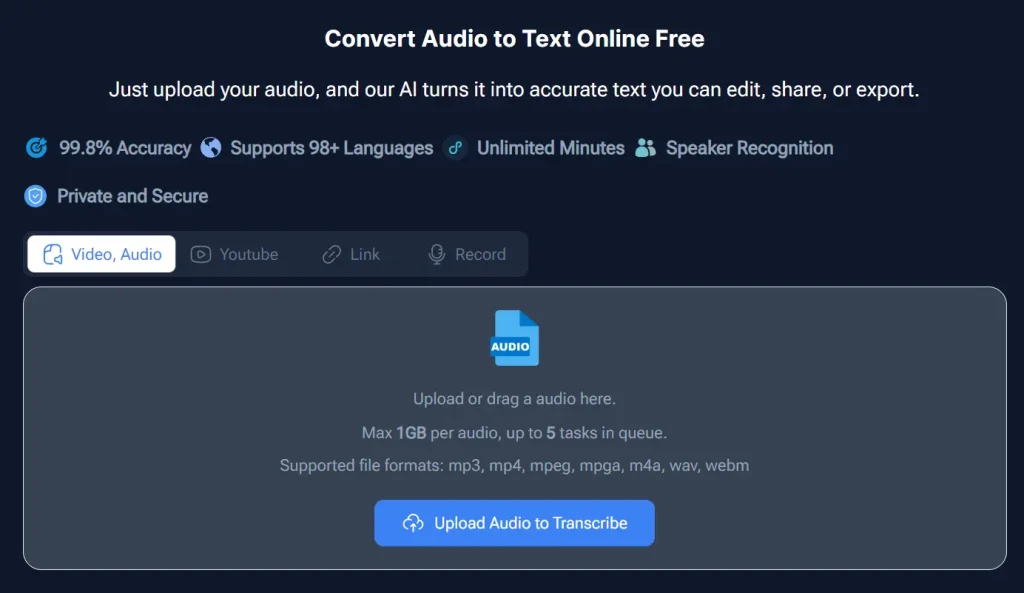
1. Upload audio or video files directly from your device. The platform accepts MP3, WAV, M4A, MP4, and more. You can also paste YouTube video URLs if the content is publicly accessible. Another option is to click “Start Recording” to capture audio through your microphone in real time.
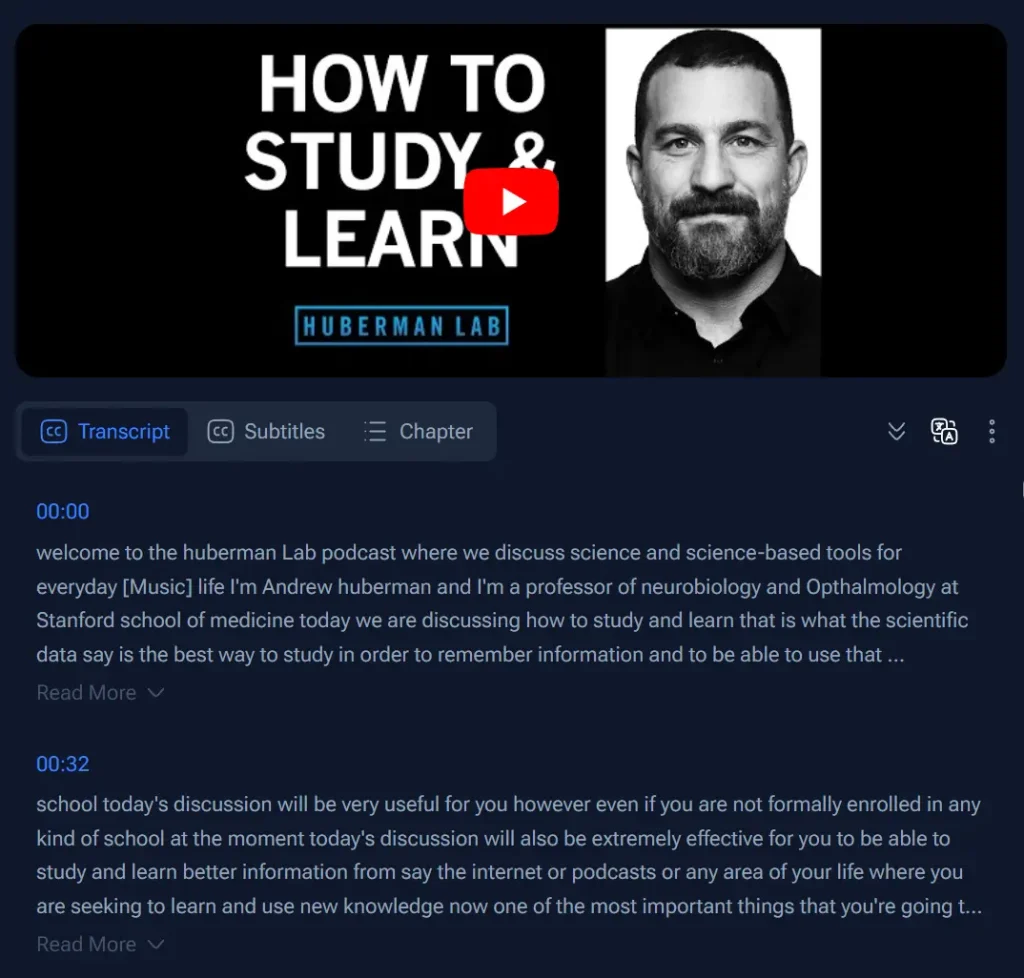
2. The AI processes your file and generates a transcript broken into timestamped sections. You can read the text paragraph by paragraph. Each timestamp links to that specific moment in the audio. The speaker identification feature labels who is speaking in conversations. You can click any paragraph to copy it, or use the built-in translation to convert text to another language.
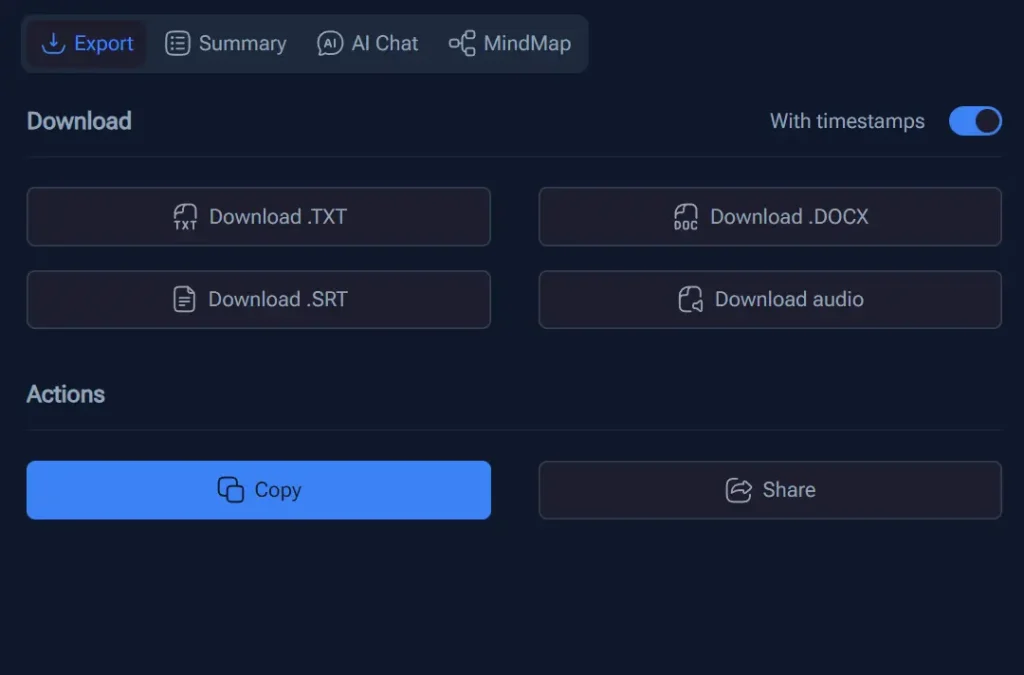
3. Download your transcript by selecting your preferred format. TXT gives you plain text. SRT creates subtitle files for video editors. DOCX lets you edit in Word. PDF provides a shareable document. Each export maintains timestamps and speaker labels.
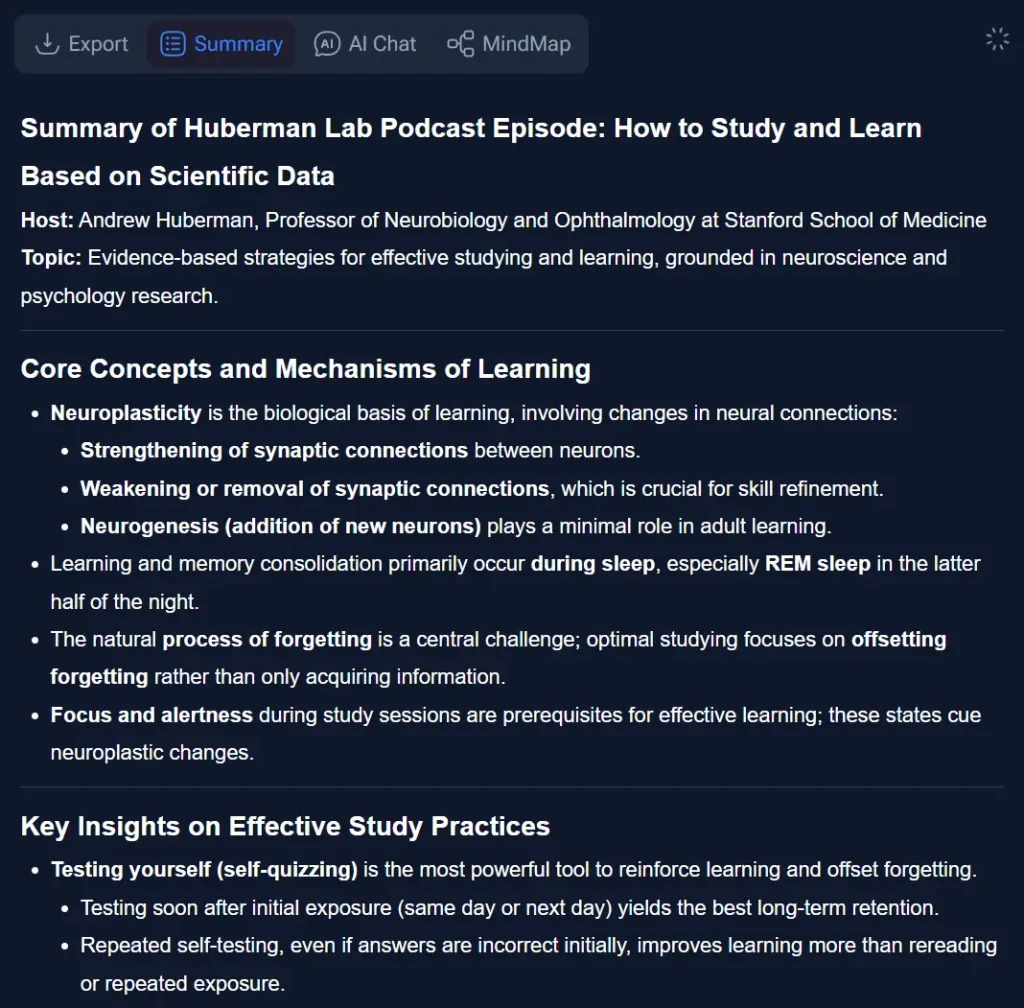
4. Click the “Summary” tab to generate an AI summary of your transcript. The tool extracts main points, key takeaways, and action items. This gives you a condensed version without reading the full text.
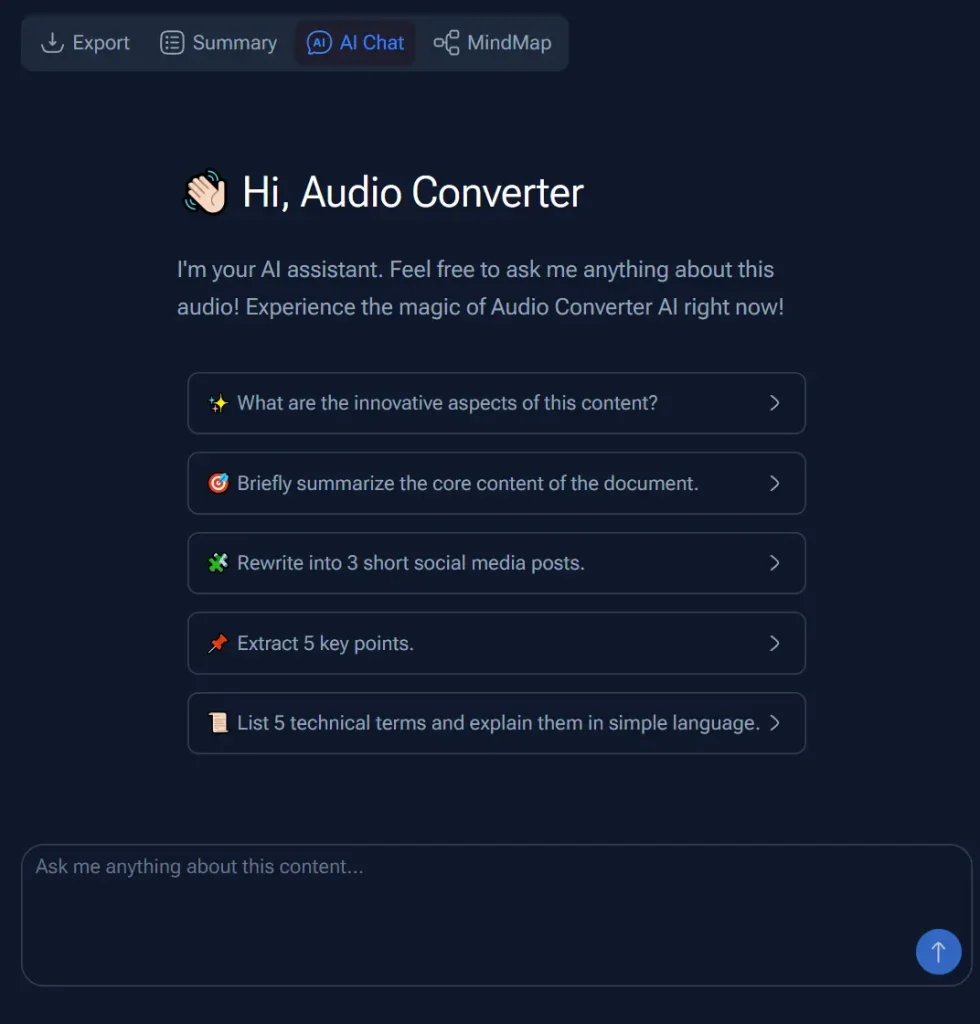
5. Click the “AI Chat” tab to ask questions about your content. Type queries like “What did the speaker say about marketing strategy?” or “Summarize the discussion about budget.” The AI references your transcript to answer.
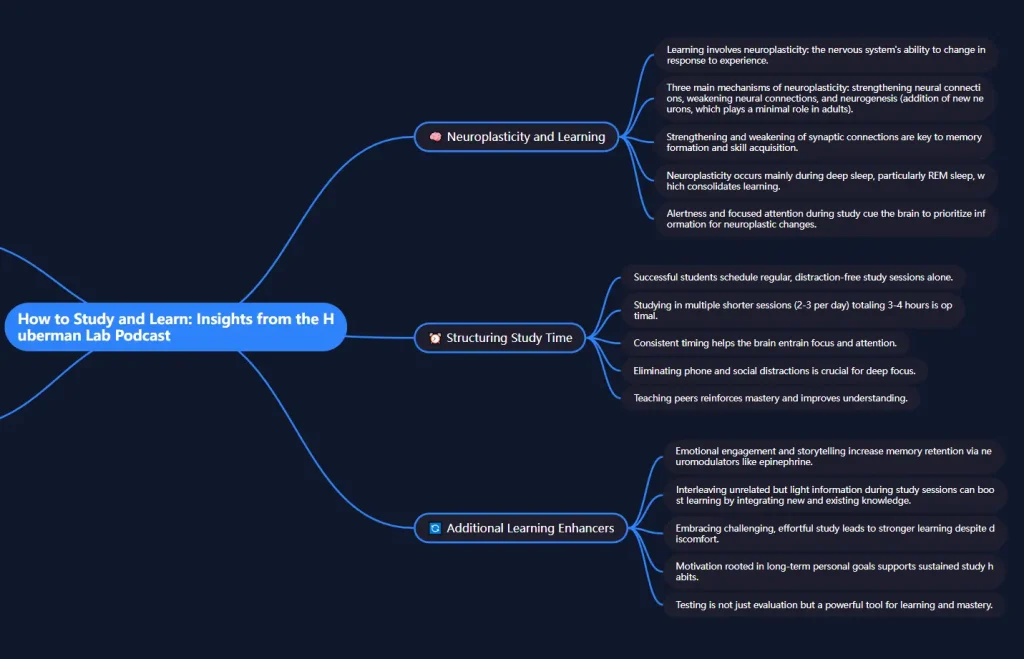
6. Click the “Mindmap” tab to create a visual diagram from your transcript. The AI identifies topics and relationships to build a hierarchical structure. This helps with understanding complex information or creating presentation outlines.
Pros
- Zero Cost: The tool offers unlimited minutes and full features for free.
- Large File Support: The 1GB upload limit accommodates long recordings and high-quality video files.
- Built-In Translation: You can translate entire transcripts or individual sections without leaving the platform.
Cons
- Internet Reliance: You must have a stable internet connection to process files.
- Privacy Considerations: Sensitive data uploads to a public web server.
- Accuracy Variance: Background noise or low-quality microphones can impact the 98% accuracy claim.
FAQs
Q: Can I transcribe YouTube videos without downloading them?
A: Yes. Paste the YouTube URL directly into Audio Converter. The tool extracts the audio and transcribes it without requiring you to download the video file first.
Q: What happens if my audio has multiple languages?
A: The AI transcribes the dominant language in your audio. If speakers switch between languages frequently, you might get mixed results. For better accuracy with multilingual content, split your audio into language-specific segments before uploading. Then use the translation feature to convert sections as needed.
Q: Can I use it to transcribe live meetings?
A: Not directly for live, remote meetings like Zoom calls. Its “Start recording” feature captures audio from your microphone directly in the browser, which you could use for in-person conversations or recording your computer’s system audio.