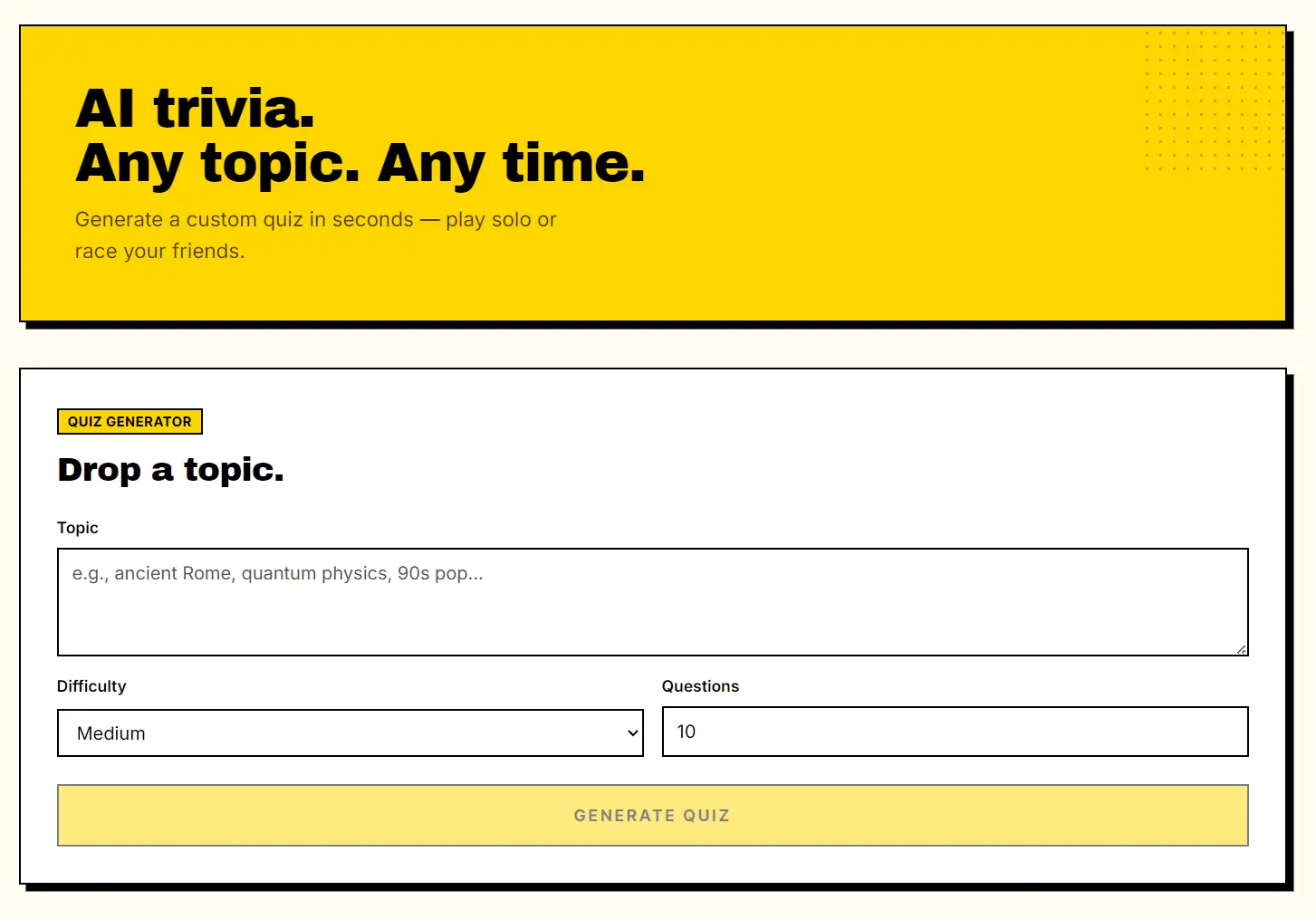
TriviaPixel is a free AI-powered quiz generator that creates custom quizzes from any topic you enter in seconds. Type a topic, pick a difficulty level and question count, and the AI generates a ready-to-play set of questions.
The tool currently comes with two modes: solo play and real-time multiplayer competitions. You can run through a quiz on your own to test your knowledge, or you can create a competition room, share a join code with friends, and race against each other.
Features
- Creates a complete set of trivia questions from any topic you enter.
- Choose Easy, Medium, or Hard to match the intended audience.
- Sets the quiz length anywhere from 3 to 20 questions.
- You can tweak, add, or remove any question.
- Runs you through the quiz immediately after generation.
- Creates a shareable room where friends join and compete simultaneously.
- Saves your quizzes to a personal library when you are signed in.
Use Cases
- Teachers generate custom quizzes based on specific lesson plans to test student knowledge.
- Managers create company specific trivia games for remote team meetings.
- Hosts generate highly specific pop culture quizzes for social gatherings.
- Students convert their study notes into interactive quizzes for exam preparation.
Case Studies
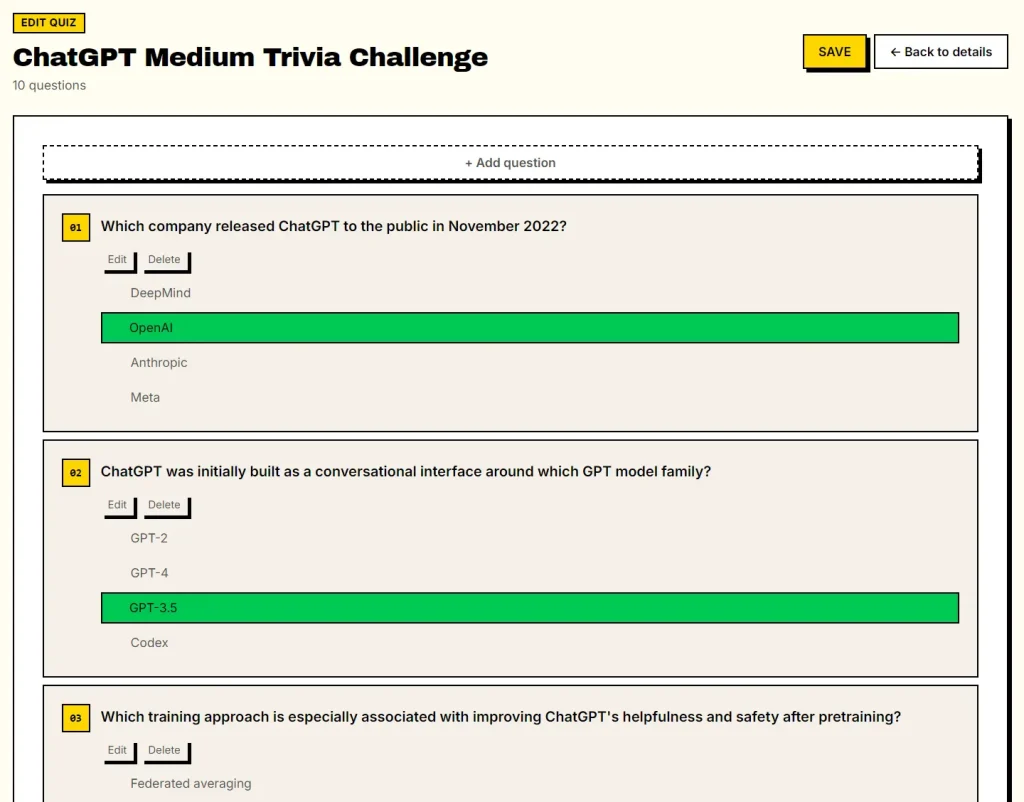
I recently tested TriviaPixel to build a quiz about ChatGPT. I entered “ChatGPT” as the topic.
I selected the “Medium” difficulty setting, and the AI generated a highly accurate set of questions covering OpenAI release timelines, model architecture, and training methodologies.
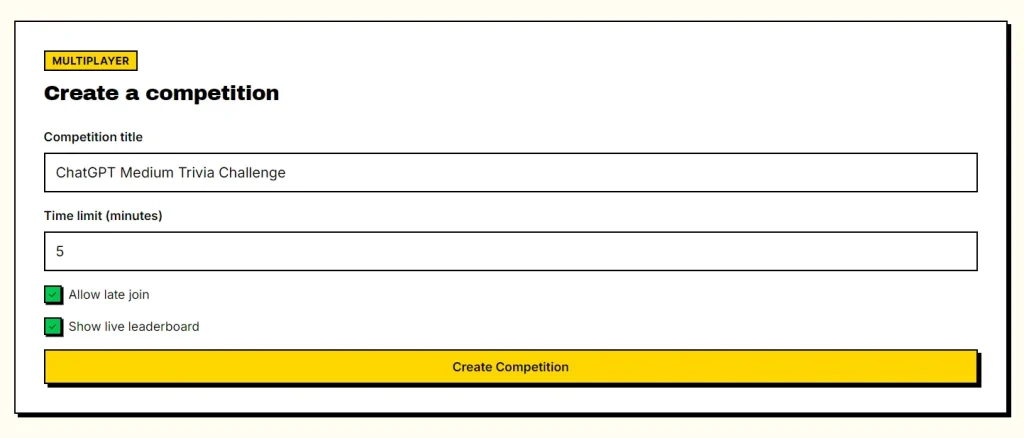
I then clicked “Create a competition” to generate a share link. I sent the link (https://www.triviapixel.com/competition/EB5TN7) to my colleagues. We played a live match. The entire process took less than two minutes.
How To Use It
1. Go to TriviaPixel and enter the topic you want questions about.
2. Select difficulty (Easy, Medium, or Hard) and choose how many questions you want (3 to 20). Click Generate Quiz.
3. The AI processes your topic and returns a complete quiz.
4. Click Edit Questions to open the editing panel. From here you can:
- Remove questions that are off-topic or too similar.
- Rewrite any question or answer.
- Add new questions manually.
5. Click Play Now to start the quiz immediately in solo mode.
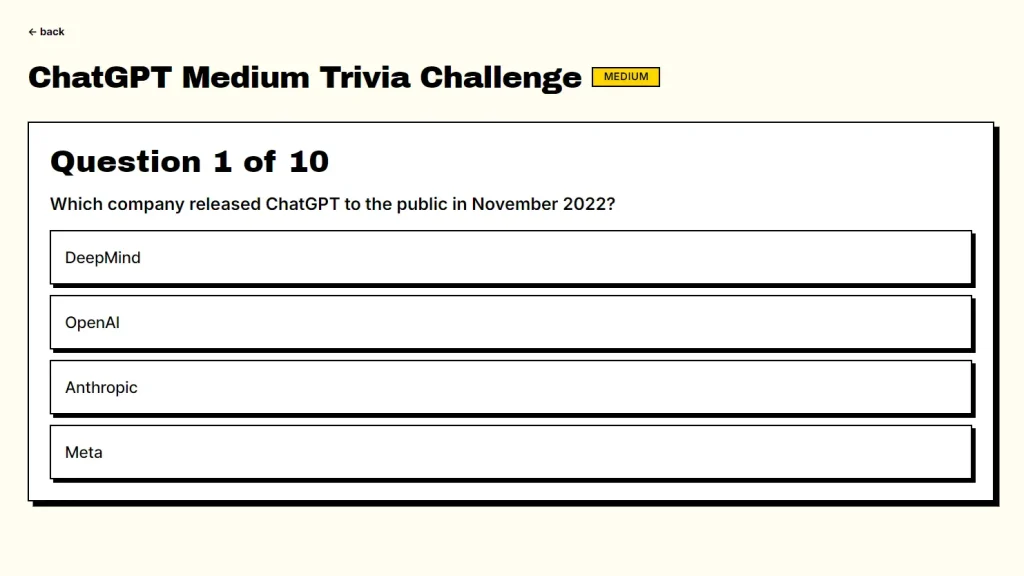
6. Click Create a Competition from the quiz page. TriviaPixel generates a shareable join link and a room code. Share the link with your friends or group. Everyone joins the same session and competes in real time. Here is an example live quiz room: triviapixel.com/competition/EB5TN7.
7. OPTIONAL. Sign in with an account to save the quiz to your personal library for future use.
Pros
- The AI creates complete quizzes in seconds.
- You can generate questions for extremely niche topics.
- The platform charges no fees for generation or gameplay.
- The competition mode supports real-time matches.
Cons
- The platform caps generation at 20 questions per quiz.
- You must create an account to store quizzes long-term.
Related Resources
- OpenTDB (Open Trivia Database): A free, community-contributed trivia question database with API access for developers who want to build trivia apps.
- Kahoot: A browser-based quiz platform popular in education and corporate training that supports live audience engagement.
- Google Forms: A free form builder that can replicate basic quiz formats with auto-grading, useful for self-paced assessments.
FAQs
Q: Do I need to create an account to use TriviaPixel?
A: No. You can generate and play quizzes as a guest with no signup. An account is only needed if you want to save quizzes to a personal library or host a reusable competition room.
Q: Can I edit the AI-generated questions?
A: Yes. After generation, the Edit Questions panel lets you rewrite, add, or delete any question. This is useful if you need accurate, polished questions for a hosted event.
Q: How does the multiplayer competition work?
A: After generating a quiz, click Create a Competition. TriviaPixel gives you a shareable link and room code. Friends join through the link and race through the questions in real time against each other.
Q: Does TriviaPixel store or sell personal data?
A: No. According to the platform, it does not track or sell user data.