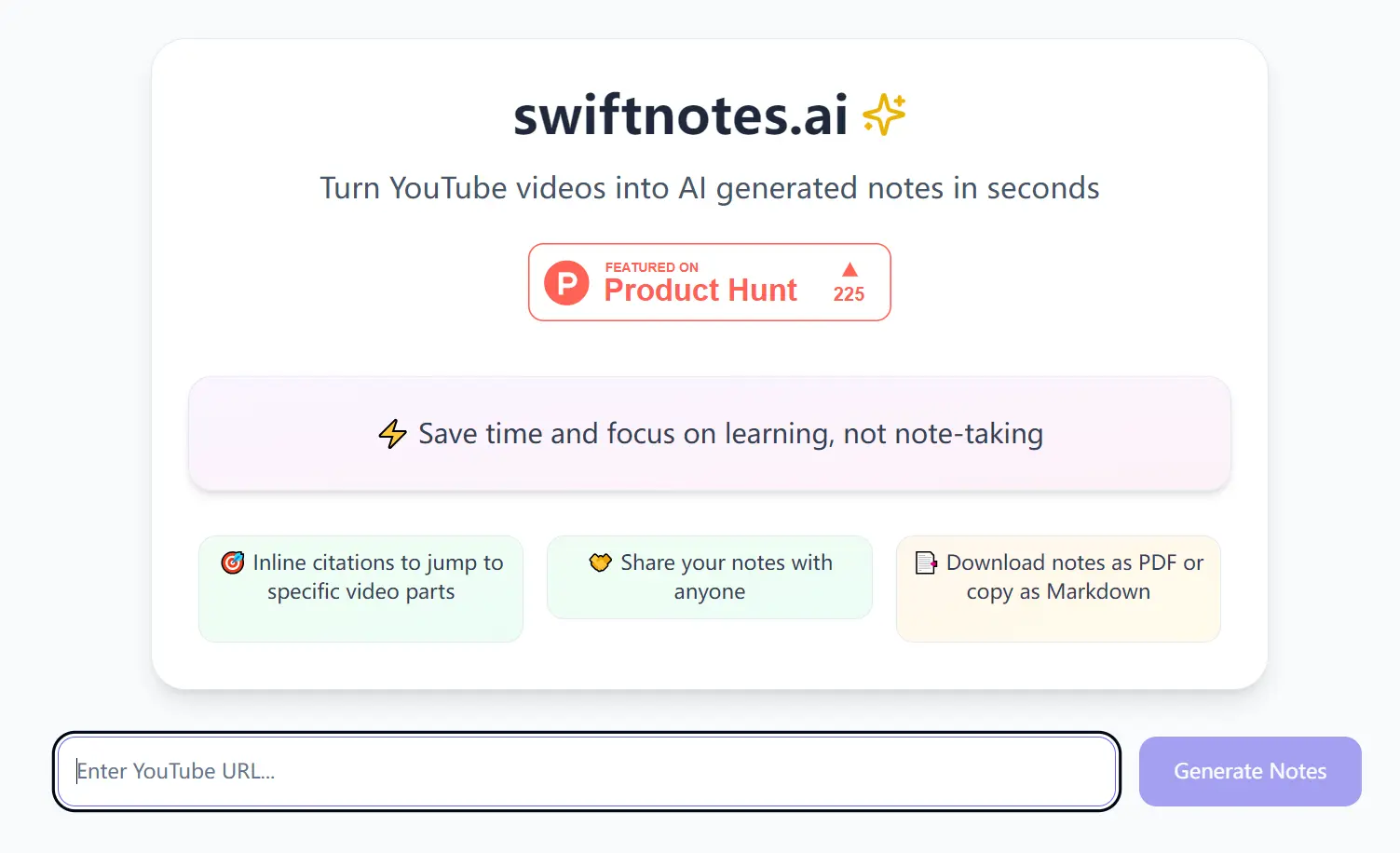
Tired of pausing, rewinding, and frantically scribbling notes while watching YouTube tutorials or lectures? Do you wish you could focus solely on absorbing the information without the distraction of manual note-taking?
Swiftnotes.ai offers a solution. This free AI-powered tool transforms any YouTube video into comprehensive AI-generated notes within seconds, letting you focus on learning rather than note-taking.
It analyzes video transcripts and produces structured notes with inline citations linking to specific video timestamps. You can quickly review key concepts, share notes with others, and test your understanding through auto-generated quizzes.
Case Studies
During my exploration of AI learning resources, I came across Google’s AI Course for Beginners on YouTube. Intrigued, I decided to test Swiftnotes.ai with the video URL. I pasted the link into Swiftnotes.ai and clicked ‘Generate Notes.’ In moments, the tool presented a structured, detailed summary of the 10-minute video, titled “Demystifying AI: A Beginner’s Guide to Machine Learning, Deep Learning, and LLMs.”
The generated notes were remarkably comprehensive, breaking down complex AI concepts into digestible points with timestamps linking back to the exact moments in the video. For instance, the notes clearly differentiated between AI, Machine Learning, Deep Learning, Generative AI, and LLMs, mirroring the video’s structure and key takeaways. The inline citations were particularly useful; clicking on ’33s’ instantly took me back to the video section explaining the broad field of AI.

Furthermore, Swiftnotes.ai’s capability extends beyond short clips. To test its limits, I processed a 9-hour long video, Brian Tracy’s ‘Phoenix Seminar.’ Even with this extensive duration, Swiftnotes.ai quickly generated organized notes, proving its ability to handle videos of any length.

Features
- AI-powered note generation from any YouTube video transcript
- Inline timestamp citations to reference specific video sections
- PDF export and Markdown formatting options
- Auto-generated quizzes to test comprehension
- Notes sharing capabilities
- Support for multiple languages including English, Spanish, French, German, Italian, Portuguese, Russian, Chinese, and Hindi
Use Cases
- Student Lecture Notes: Students can use Swiftnotes.ai to quickly generate notes from online lectures and educational videos.
- Professional Training & Development: Professionals can efficiently extract key information from training videos, webinars, and industry talks, creating readily accessible summaries for review and knowledge retention.
- Research & Information Gathering: Researchers can expedite literature reviews by quickly summarizing relevant YouTube videos, extracting key arguments, and identifying crucial data points from interviews, presentations, and documentaries.
- Language Learning: Language learners can utilize notes alongside video lessons to reinforce vocabulary, grammar points, and cultural insights.
- Meeting & Conference Summaries: After virtual meetings or online conferences recorded on YouTube, Swiftnotes.ai can generate summaries of key discussions and decisions.
How To Use it
1. Navigate to swiftnotes.ai website and enter/paste the URL of the YouTube video you want to summarize.
2. Click the ‘Generate Notes’ button. Swiftnotes.ai will process the video and display the AI-generated notes within seconds.
3. Review the notes, utilize inline citations to jump to specific video segments, share the notes via the provided link, download as a PDF or copy as Markdown, or click ‘Quiz Me’ to generate a quiz.
Pros
- Instant note generation saves time
- Precise video timestamps for easy reference
- Multi-language support
- Quiz generation tests comprehension
- Free to use
- Export and sharing options
Cons
- Requires clear video transcriptions
- Limited to YouTube platform
- Generated notes may need manual refinement
- Language support currently limited to 9 options
FAQs
Q: What are the benefits of using Swiftnotes.ai?
A: Swiftnotes.ai saves time, enhances focus, makes notes easy to share and export, offers quizzes for knowledge testing, and supports multiple languages, all for free.
Q: Can I edit the generated notes?
A: While the notes can’t be edited directly in SwiftNotes, you can export them as Markdown or PDF for further customization.
Ready to stop manual note-taking and start learning smarter? Visit swiftnotes.ai today and experience the ease of AI-powered video summarization. Share this tool with your network and let us know about your experience in the comments below!