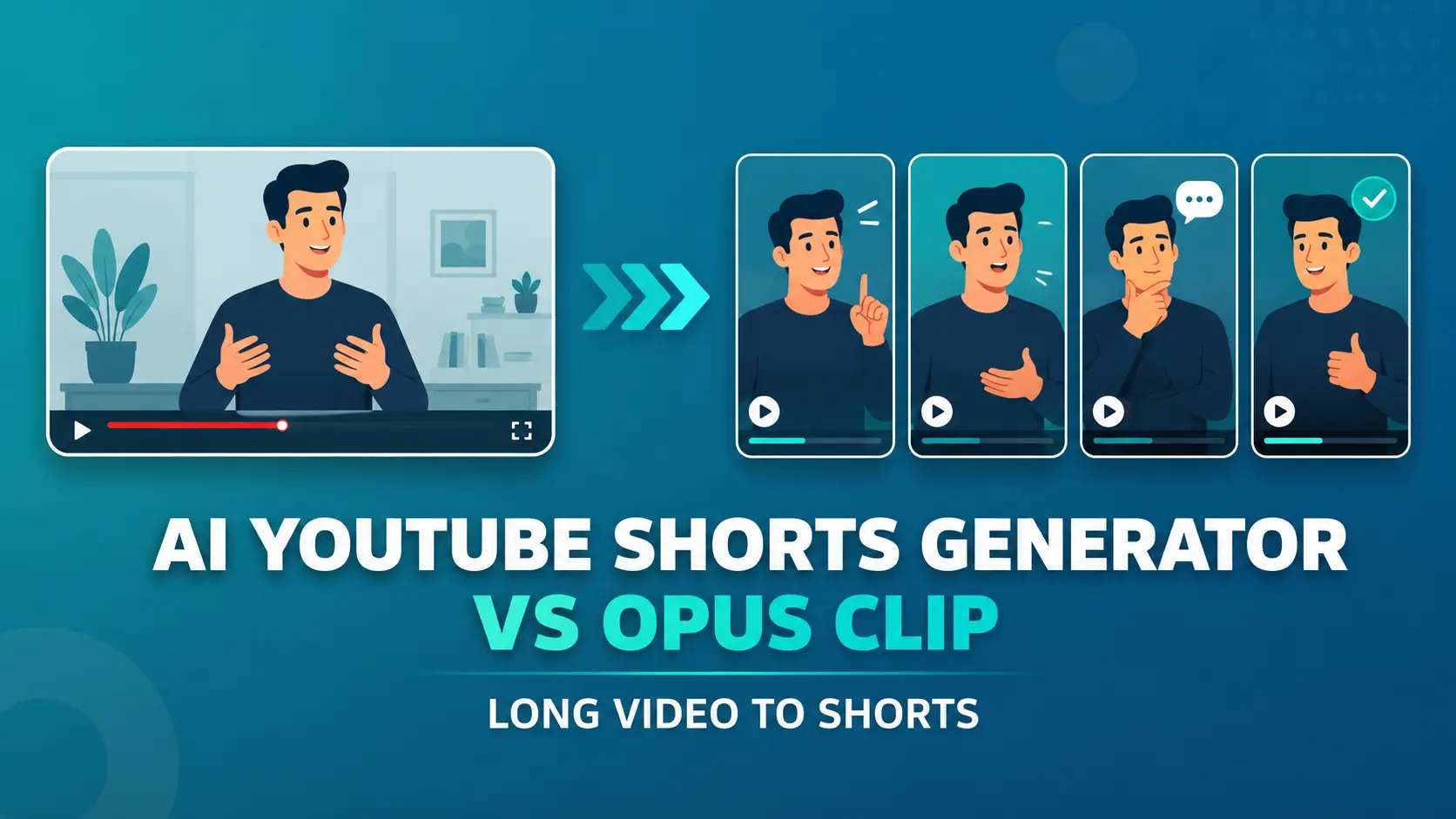
AI YouTube Shorts Generator is an open-source tool that takes any YouTube URL and outputs ranked vertical 9:16 short clips ready for TikTok, Instagram Reels, and YouTube Shorts.
It uses GPT or Gemini models to score highlights by virality potential and OpenAI Whisper transcription to align clips to spoken content.
Long videos often hide the best short-form moments inside interviews, podcasts, webinars, tutorials, and commentary videos.
Manual clipping takes time because you must find the hook, cut the segment, reframe the video, and prepare it for TikTok, Instagram Reels, or YouTube Shorts.
Paid tools like Opus Clip, Vidyo.ai, Klap, and SubMagic solve the same clipping problem but charge $20 to $300 per month, cap monthly processing minutes, and lock the highlight algorithm behind a black box.
This tool runs the same pipeline on your device or server, exposes the virality scoring criteria as editable code, and processes as many videos as you want with no per-clip limits.
AI YouTube Shorts Generator vs Opus Clip
AI YouTube Shorts Generator and Opus Clip solve the same core problem: they turn long-form videos into short vertical clips for YouTube Shorts, TikTok, and Instagram Reels. The difference is control.
Opus Clip provides a hosted web product with automatic clipping, captions, reframing, editing tools, and publishing features. AI YouTube Shorts Generator gives creators an open-source pipeline that they can run, modify, batch, and connect to their own workflows.
Choose Opus Clip when you want a polished browser-based editing experience and you do not want to manage Python, ffmpeg, API keys, or local files.
Choose AI YouTube Shorts Generator when you want no watermark restrictions inside the project, no built-in clip credit system, editable highlight logic, local file support, JSON output, and self-hosted automation.
| AI YouTube Shorts Generator | Opus Clip | |
|---|---|---|
| Best fit | Developers, agencies, technical creators, automation workflows. | Creators, marketers, podcasters, and social teams. |
| Access model | Free open-source. | Hosted SaaS platform. |
| Setup | Requires Python setup and API keys. | Runs in the browser. |
| Free use | No project-level clip credits or watermark system. | Free plan includes credits and watermark limits. |
| Watermark | No watermark system. | Free plan includes a watermark. |
| Editing interface | CLI and Python workflow. | Web editor with creator-facing controls. |
| Highlight selection | Editable virality framework. | Managed AI clipping workflow. |
| Captions | Transcript-based workflow through Whisper. | Built-in AI captions and caption styling tools. |
| Auto reframe | MuAPI auto-crop or local OpenCV crop. | Built-in auto reframe. |
| Batch processing | Works through shell commands and scripts. | Better for manual browser-based workflows. |
| Local files | Supported in local mode. | Built for hosted upload and link workflows. |
| JSON output | Built in through --output-json. | Advanced data workflows depend on plan and product features. |
| Self-hosting | Supported. | Not self-hosted. |
| White-label use | MIT license supports custom products. | SaaS branding and plan terms control usage. |
Features
- Accepts YouTube URLs and local video files.
- Generates vertical 9:16 MP4 shorts from long-form videos.
- Supports API mode through MuAPI for download, transcription, highlight ranking, and clipping.
- OpenAI or Gemini for local highlight ranking.
- Ranks clips through hooks, emotional peaks, conflict, revelations, quotable lines, story peaks, and practical value.
- Adds a score, hook sentence, title, and reason to every selected clip.
- Uses Whisper transcription through MuAPI or local
faster-whisper. - Splits videos longer than 30 minutes into overlapping chunks.
- Removes overlapping highlight candidates through score-based dedupe.
- Supports custom aspect ratios such as 9:16 and 1:1.
- Exports full transcript, highlights candidates, and clips data.
- Works as a CLI tool or Python library.
- Supports batch processing.
- MIT license for self-hosted and embeddable workflows.
Use Cases
- Convert long podcast episodes or interview recordings into multiple short clips for social distribution.
- Process a backlog of YouTube videos in bulk without paying per-minute platform fees.
- Build a content repurposing pipeline by importing
generate_shortsinto a Python automation script. - Run clip extraction on private or internal video files using the local file path mode.
Example Output
AI YouTube Shorts Generator returns ranked clip candidates and final short outputs. The console output shows the number of highlights found, the number kept, each score, the time range, the clip title, the hook sentence, and the final clip path or hosted URL.
========================================================================
Highlights:    7 candidates → kept top 3
========================================================================
#1  score=92  124.3s → 187.6s
     title:  The one mistake that cost me $50K
     hook:   "Nobody talks about this, but it killed my first startup..."
     clip:   https://.../short_1.mp4
#2  score=88  ...
The JSON output works better for automation. It includes the source video URL, transcript duration, transcript segments, highlight candidates, and final shorts.
{
  "source_video_url": "...",
  "transcript": {
    "duration": 1873.4,
    "segments": []
  },
  "highlights": [],
  "shorts": [
    {
      "title": "...",
      "start_time": 124.3,
      "end_time": 187.6,
      "score": 92,
      "hook_sentence": "...",
      "virality_reason": "...",
      "clip_url": "https://.../short_1.mp4"
    }
  ]
}
How to use it
Prerequisites
You need Python 3.10 or higher. API mode requires a MuAPI key. Local mode requires ffmpeg on your PATH and either an OpenAI or Gemini API key for the highlight ranking step.
Installation
Clone the repository and set up a virtual environment:
git clone https://github.com/SamurAIGPT/AI-Youtube-Shorts-Generator.git
cd AI-Youtube-Shorts-Generator
python3.10 -m venv venv
source venv/bin/activate
pip install -r requirements.txt
For local mode, install the additional dependencies:
pip install -r requirements-local.txtEnvironment Variables
Create a .env file in the project root. For API mode:
MUAPI_API_KEY=your_muapi_key_hereFor local mode:
LLM_PROVIDER=openai
OPENAI_API_KEY=your_openai_key_here
OPENAI_MODEL=gpt-4o-mini
GEMINI_API_KEY=your_gemini_key_here
GEMINI_MODEL=gemini-2.5-flash
LOCAL_WHISPER_MODEL=base
LOCAL_WHISPER_DEVICE=auto
LOCAL_OUTPUT_DIR=output
Running the Tool
Single video in API mode:
python main.py "https://www.youtube.com/watch?v=VIDEO_ID"Single video in local mode:
python main.py "https://www.youtube.com/watch?v=VIDEO_ID" --mode localWith options to set clip count, aspect ratio, and JSON output:
python main.py "https://www.youtube.com/watch?v=VIDEO_ID" \
    --mode api \
    --num-clips 5 \
    --aspect-ratio 9:16 \
    --output-json result.json
Local file input in local mode:
python main.py "/path/to/video.mp4" --mode localBatch processing from a URL list file:
xargs -a urls.txt -I{} python main.py "{}"Python library usage:
from shorts_generator import generate_shorts
result = generate_shorts(
    "/path/to/video.mp4",
    num_clips=5,
    aspect_ratio="9:16",
    mode="local",
)
for short in result["shorts"]:
    print(short["score"], short["title"], short["clip_url"])
CLI Flags
| Flag | Default | Description |
|---|---|---|
--mode | api | api for MuAPI pipeline; local for on-machine processing |
--num-clips | 3 | Number of shorts to render |
--aspect-ratio | 9:16 | Output aspect ratio; 9:16 for TikTok/Reels, 1:1 for square |
--format | 720 | Download resolution: 360, 480, 720, or 1080 |
--language | auto | Whisper language code, e.g. en |
--output-json | none | Path to write full result JSON |
API Mode vs. Local Mode
| Step | API Mode | Local Mode |
|---|---|---|
| Download | MuAPI /youtube-download | yt-dlp or local file path |
| Transcription | MuAPI /openai-whisper | faster-whisper (CPU or CUDA) |
| Highlight LLM | MuAPI gpt-5-mini | OpenAI gpt-4o-mini or Gemini gemini-2.5-flash |
| Vertical crop | MuAPI /autocrop | ffmpeg + OpenCV face tracking |
| Output | Hosted URLs | Local mp4 paths |
| Required keys | MUAPI_API_KEY | OPENAI_API_KEY or GEMINI_API_KEY |
Configurable Parameters
Edit shorts_generator/highlights.py to change:
VIRALITY_CRITERIA: the ranked signal list the LLM optimizes againstHIGHLIGHT_SYSTEM_PROMPT: duration rules, hook constraints, JSON schemaCHUNK_SIZE_SECONDS: default 1200 seconds per chunkLONG_VIDEO_THRESHOLD: default 1800 seconds; videos longer than this get chunkedCHUNK_OVERLAP_SECONDS: default 60 seconds overlap between chunks
Edit shorts_generator/config.py or set env vars to change:
MUAPI_POLL_INTERVAL: seconds between API job-status polls, default 5MUAPI_POLL_TIMEOUT: max wait time in seconds before giving up, default 1800
JSON Output Schema
The --output-json flag writes a file with this structure:
{
  "source_video_url": "...",
  "transcript": { "duration": 1873.4, "segments": [...] },
  "highlights": [ {...}, {...} ],
  "shorts": [
    {
      "title": "...",
      "start_time": 124.3,
      "end_time": 187.6,
      "score": 92,
      "hook_sentence": "...",
      "virality_reason": "...",
      "clip_url": "https://.../short_1.mp4"
    }
  ]
}
Limitations
API mode routes video through MuAPI servers for download, transcription, and cropping. Source video leaves your machine in this mode. Choose local mode for private or confidential footage.
Local mode requires ffmpeg, Python 3.10+, and an active OpenAI or Gemini API key for the highlight ranking step. The LLM call is the only remote step, but it sends transcript text to the API provider. The tool does not support full offline operation.
Whisper transcription can fail or return no segments when the video has no detectable speech or when the language falls outside Whisper’s strong support range. Pass --language en or the correct ISO-639-1 code to improve accuracy.
The virality scoring framework is an LLM judgment call. Results vary by video type, model quality, and how well the prompt in highlights.py matches your content category.
The tool has no GUI. Every workflow runs from the command line or a Python script. Non-technical users should look at the no-code alternatives listed below.
Alternatives and Related Resources
- MuAPI AI Clipping API: The same pipeline used in API mode, available as a single HTTP call for developers building clipping tools.
- MuAPI Auto-Crop API: Vertical reframing only, for builds that handle clip selection separately.
- Vadoo.tv YouTube Clip Tool: A no-code YouTube Shorts generator for non-technical users.
- Opus Clip: Paid SaaS alternative with a GUI and managed pipeline.
- Vidyo.ai: Paid alternative with a no-code browser interface.
- Free AI Video Generator with No Watermarks or Subscriptions: Compare another free video generation tool for no-watermark workflows.
- Nobinge: Generate YouTube transcripts before summarizing or repurposing a video.
Pros
- Free open-source.
- No watermark.
- No clip credit system.
- Editable highlight logic.
- Batch processing support.
- Local file support.
- JSON export included.
Cons
- API keys are still required.
- No GUI. Setup requires Python knowledge.
- Local mode needs ffmpeg.
- Quality depends on transcripts.
FAQs
Q: Is AI YouTube Shorts Generator free?
A: AI YouTube Shorts Generator is free and open source, but API usage can still cost money. API mode needs a MuAPI key, and local mode needs an OpenAI or Gemini API key for highlight ranking.
Q: Does AI YouTube Shorts Generator add watermarks?
A: AI YouTube Shorts Generator does not use a watermark system inside the open-source project. The final output depends on the render mode and any external API service used in the workflow.
Q: Is this a good Opus Clip alternative?
A: AI YouTube Shorts Generator is a great Opus Clip alternative for technical users who want open-source control, batch processing, editable highlight logic, and JSON output. Opus Clip remains easier for creators who need a browser-based editing experience.
Q: Can it run fully offline?
A: Local mode runs download, transcription, and cropping on your machine, but the highlight ranking step sends transcript text to OpenAI or Gemini. The tool does not support true fully offline operation.
Q: Can I use it for batch clipping?
A: You can use the CLI and xargs workflow to process a list of YouTube URLs. The JSON output also helps agencies build review queues, dashboards, or publishing automation.