Text-Guided Image Colorization is a free online tool to colorize images using text prompts.
Powered by Stability AI’s Stable Diffusion XL model and Salesforce’s BLIP image captioning, this tool offers users precise control over the final output.
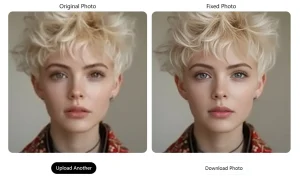
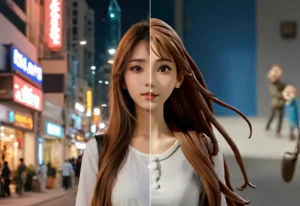
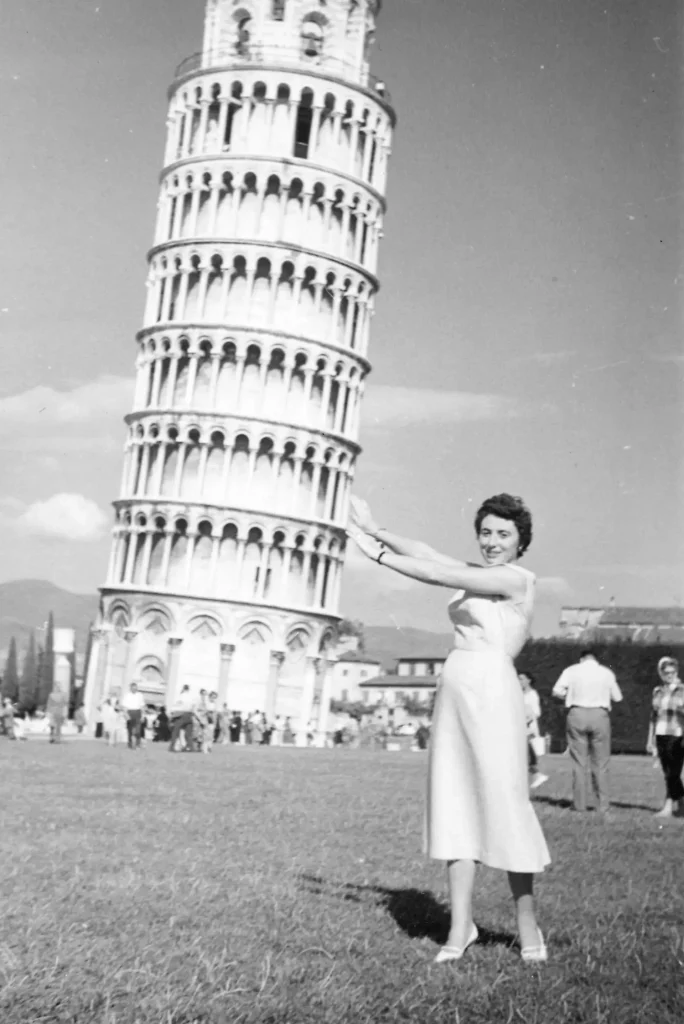
Below, I will show a set of before and after colorization comparison pictures. The left side is the original picture, and the right side is the picture after AI colorization guided by a prompt.



You can try this tool directly on this page or clone the Hugging Face Space to create your own Text-Guided Image Colorization tool.
Use Cases
- Photo Restoration: Bring old, faded black and white family photos back to life with realistic colors. Specify details like clothing colors or time-of-day lighting in your prompts to achieve accurate restorations.
- Creative Colorization: Experiment with different color palettes and moods to transform black and white images into artistic pieces. Use prompts to give your photos a vintage, futuristic, or surreal look.
- Content Enhancement: Improve the visual appeal of historical images or create engaging visuals for social media and blog posts. For example, colorize a historical cityscape photo using a prompt that specifies a bright, sunny day for a positive feel.
- Design Mockups: Quickly visualize color schemes for design projects by colorizing black and white sketches or wireframes. Use prompts that align with your brand’s color palette to easily translate concepts into visuals.
- Educational Materials: Colorize historical documents and images to make educational content more engaging and accessible for students. Prompts can ensure accuracy in depicting historical settings and objects.
How To Use It
1. Select and upload a black-and-white image you want to colorize.
2. Select preferred AI models:
- ControlNet Model:
sdxl_light_caption_outputorsdxl_light_custom_caption_output - Image Captioning Model:
blip-image-captioning-largeorblip-image-captioning-base.
3. Define the desired style with a positive prompt (e.g., “vivid autumn colors”) and refine it using a negative prompt (e.g., “no blue hues”).
4. Customize settings like seed, inference steps, mixed precision, base model, VAE model, variant, revision, and checkpoint.
5. Hit the Submit button and wait for the AI to process your image. Results are ready within a minute.
Pros
- Free to Use: Access powerful AI colorization without any cost.
- Prompt-Based Control: Customize colorization results with detailed text prompts.
- Multiple Models: Choose from different models for optimal performance and results.
- Advanced Customization: Fine-tune the colorization process with advanced settings.
- Fast Processing: Obtain colorized images within a minute.
Cons
- Learning Curve: Understanding prompts and advanced settings may require some experimentation.
- Prompt Dependency: The quality of the result heavily depends on the clarity and accuracy of the prompts.
- Server Load: As a free tool, processing times may vary depending on server load.
Related Resources
- Stable Diffusion XL: Learn more about the underlying model powering the colorization tool.
- BLIP Image Captioning: Explore the image captioning model used to understand image content.