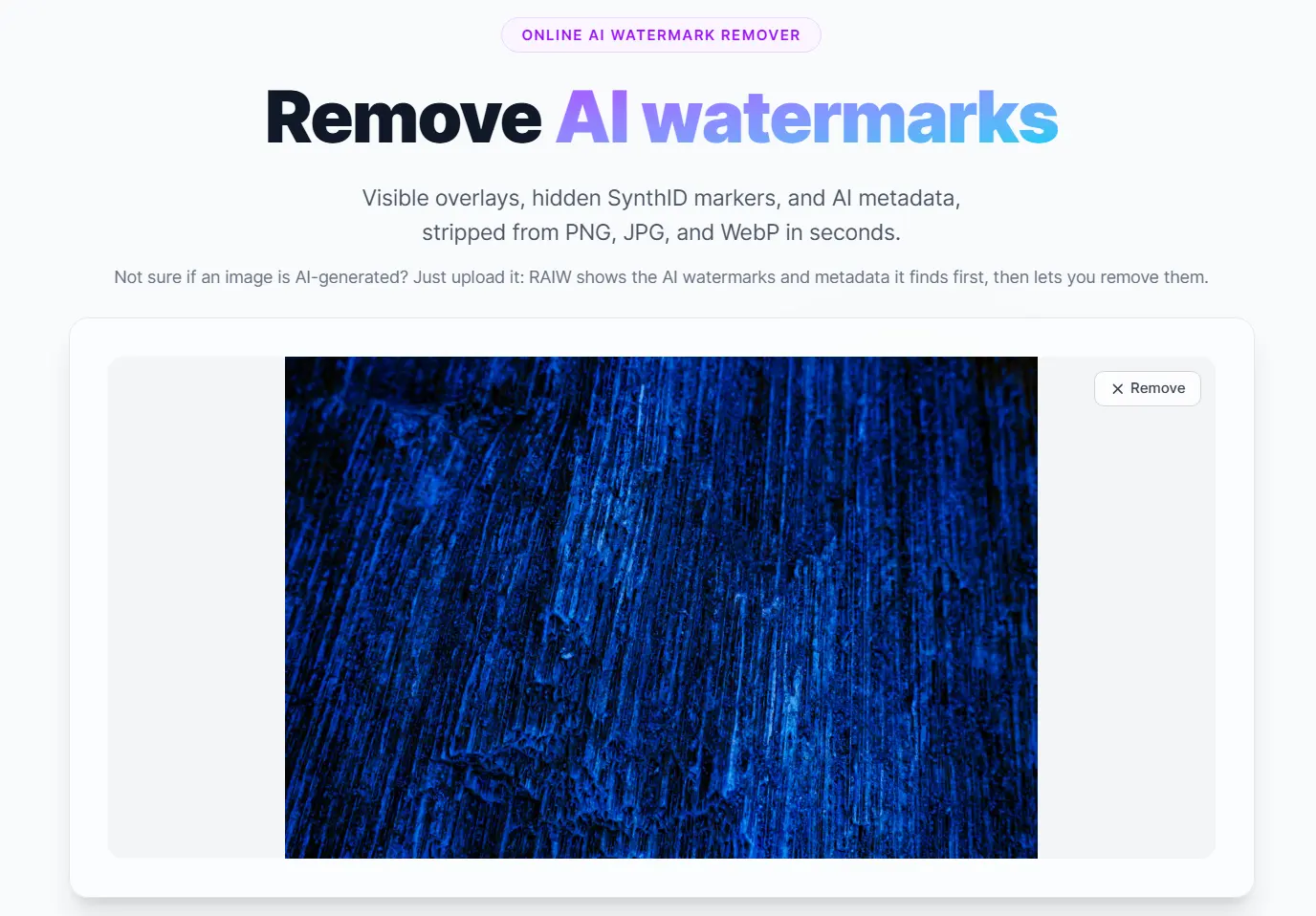
RAIW is a free & open-source AI watermark remover that removes AI watermarks from AI images generated by ChatGPT Images, Google Gemini (Nanobanana), Stable Diffusion, Adobe Firefly, Midjourney, xAI Grok, and other AI image models.
The tool currently handles three signal layers: visible overlays like the Gemini sparkle logo, invisible pixel watermarks like SynthID, and embedded provenance metadata like C2PA Content Credentials, EXIF AI tags, and XMP DigitalSourceType fields.
You can use it to clean those signals directly in your browser using CPU, GPU, or local models. Its cloud-hosted version supports images up to 15 MB, requires no signup, and keeps visible watermark removal and metadata cleanup free.
Features
- Removes visible Gemini and Nano Banana sparkle overlays from AI-generated images.
- Strips C2PA Content Credentials, EXIF AI tags, XMP AI labels, and PNG text chunks.
- Handles “Made with AI” metadata that can trigger labels on social platforms.
- Provides GPU processing for hidden SynthID and other invisible watermark patterns.
- Checks uploaded images for AI watermark and provenance signals before cleanup.
- Provides an open-source Python CLI for local and batch workflows.
- Supports manual region erasing through CLI coordinates.
- Protects faces during diffusion-based regeneration through face extraction and blending.
Example Result From a ChatGPT Image 2.0 Product Image
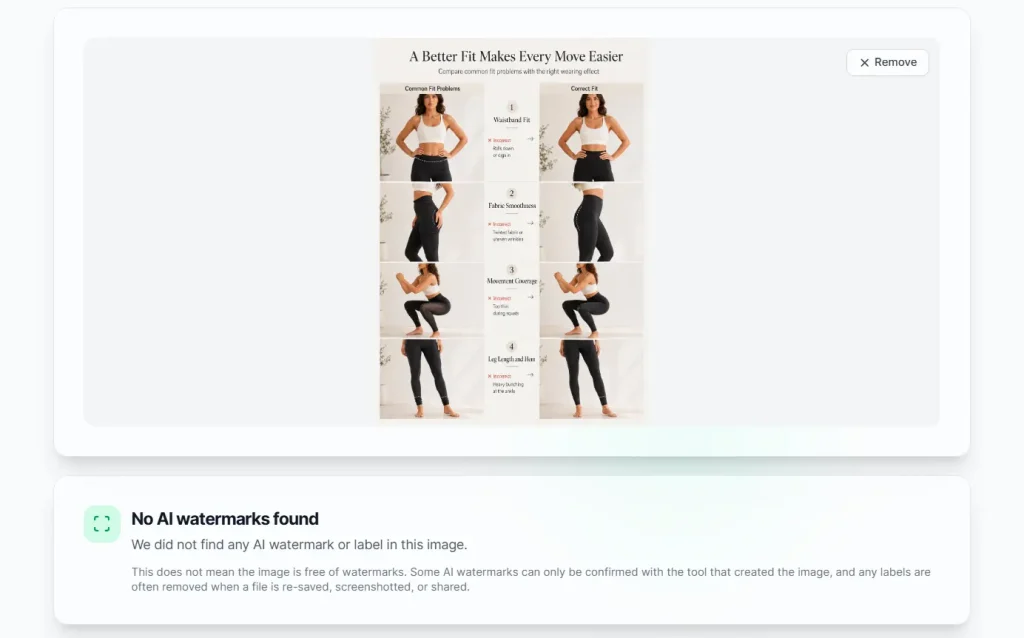
I uploaded a product detail image generated by ChatGPT Image 2. The checker reported that the image looked AI-generated and found signed C2PA Content Credentials, Google SynthID, and a likely OpenAI source signal tied to ChatGPT, gpt-image, DALL-E, or Sora.

I then removed the watermark with RAIW and uploaded the cleaned image again. The second check returned “No AI watermarks found.” That result was useful because the tool changed the detector verdict from a clear AI provenance match to no visible AI watermark signal.
Supported Signals
| AI | Visible Mark | Invisible Mark | Metadata |
|---|---|---|---|
| Google Gemini and Nano Banana | ✅ | SynthID v1 and v2 | C2PA and EXIF |
| OpenAI DALL-E | ❌ | ❌ | C2PA manifest |
| ChatGPT Images 2.0 | ❌ | SynthID and pixel watermark | C2PA manifest |
| Stable Diffusion and SDXL | ❌ | DWT-DCT watermark | PNG text chunks |
| FLUX | ❌ | DWT-DCT watermark | C2PA on FLUX.2 Pro |
| Adobe Firefly | ❌ | ❌ | Content Credentials |
| Stability AI | ❌ | ❌ | C2PA |
| Microsoft Designer | ❌ | SynthID through DALL-E backend | C2PA |
| xAI Grok | ❌ | ❌ | EXIF signature |
| Midjourney | ❌ | ❌ | EXIF and XMP |
| Meta AI | ❌ | ❌ | IPTC “Made with AI” |
| Doubao | ✅ | ❌ | TC260 AIGC label |
| StableSignature | ❌ | In-model watermark | None listed |
| TreeRing | ❌ | Latent-space watermark | None listed |
How to Use RAIW Online
1. Open RAIW and upload a PNG, JPG, or WebP image.
2. Review the watermark and metadata signals that RAIW detects before cleanup.
3. Select a processing mode that matches the problem.
| Mode | Best Use | Cost |
|---|---|---|
| Visible watermark removal | Gemini or Nano Banana sparkle overlays | Free |
| Metadata cleanup | C2PA, EXIF, XMP, PNG text chunks, and “Made with AI” labels | Free |
| Invisible watermark removal | SynthID, gpt-image-2, StableSignature, and similar hidden signals | $1.00 per image |
| All-in-one | Visible overlays, metadata, and hidden signals in one workflow | $1.00 per image |
4. Click the process button and download the cleaned image.
Use A Local CLI
Install the CLI with pipx
pipx install git+https://github.com/wiltodelta/remove-ai-watermarks.gitInstall the CLI with uv
uv tool install git+https://github.com/wiltodelta/remove-ai-watermarks.gitUpgrade an existing pipx install
pipx upgrade remove-ai-watermarksUpgrade an existing uv install
uv tool upgrade remove-ai-watermarksInstall from the Repository
git clone https://github.com/wiltodelta/remove-ai-watermarks.git
cd remove-ai-watermarks
pip install -e .
Install from the Repository with uv
git clone https://github.com/wiltodelta/remove-ai-watermarks.git
cd remove-ai-watermarks
uv pip install -e .
Install GPU Support
pip install -e ".[gpu]"Install Detection Support
pip install -e ".[detect]"Install Adobe TrustMark Detection Support
pip install -e ".[trustmark]"Set a Hugging Face Token
cp .env.example .envSet HF_TOKEN=hf_your_token_here inside the .env file when a model requires gated or private access.
Install Developer Dependencies
pip install -e ".[dev]"Run Tests
pytestRun Linters
./maintain.shRemove All Watermark Layers From One Image
remove-ai-watermarks all image.png -o clean.pngProcess a Folder
remove-ai-watermarks batch ./images/ --mode allIdentify Provenance and Watermark Signals
remove-ai-watermarks identify image.pngAdd --json when you need machine-readable output.
Remove a Visible Watermark
remove-ai-watermarks visible image.png -o clean.pngThe --mark auto setting selects between Gemini sparkle and Doubao text strip detection.
remove-ai-watermarks visible image.png --mark gemini -o clean.pngremove-ai-watermarks visible image.png --mark doubao -o clean.pngErase a Manual Region
remove-ai-watermarks erase image.png --region 1640,1930,400,100 -o clean.pngUse --backend lama when the optional LaMA backend suits textured areas better than the default cv2 inpainting.
remove-ai-watermarks erase image.png --region 1640,1930,400,100 --backend lama -o clean.pngRemove an Invisible Watermark
remove-ai-watermarks invisible image.png -o clean.png --humanize 4.0Use --max-resolution 2048 when a very large image exceeds GPU or MPS memory.
remove-ai-watermarks invisible image.png -o clean.png --max-resolution 2048Use --device cuda, --device mps, or --device cpu when you need to force a processing device.
remove-ai-watermarks invisible image.png -o clean.png --device cudaCheck AI Metadata
remove-ai-watermarks metadata image.png --checkRemove AI Metadata
remove-ai-watermarks metadata image.png --removeBatch With a Specific Mode
remove-ai-watermarks batch ./images/ --mode visiblePython API for Gemini Sparkle Detection and Removal
from remove_ai_watermarks.gemini_engine import GeminiEngine
import cv2
engine = GeminiEngine()
image = cv2.imread("watermarked.png")
result = engine.detect_watermark(image)
print(f"Detected: {result.detected} (confidence: {result.confidence:.1%})")
clean = engine.remove_watermark(image)
cv2.imwrite("clean.png", clean)
Python API for Metadata Cleanup
from remove_ai_watermarks.metadata import has_ai_metadata, remove_ai_metadata
from pathlib import Path
if has_ai_metadata(Path("image.png")):
    remove_ai_metadata(Path("image.png"), Path("clean.png"))
Troubleshooting SSL Certificate Errors
pip install certifimacOS users can run the Python certificate installer when the local Python installation has certificate problems.
/Applications/Python\ 3.*/Install\ Certificates.commandPros
- No signup required.
- Free metadata cleanup.
- Free visible mark removal.
- Supports SynthID cleanup.
- Open-source CLI available.
- Batch image processing.
- Local setup available.
Cons
- GPU mode costs money.
- Web tool is image-only.
- Invisible cleanup changes pixels.
- No guaranteed forensic invisibility.
Alternatives and Related Tools
- The Official Remove-AI-Watermarks on GitHub
- Discover More Free AI Image Watermark Remover Tools
- 10 Best & 100% Free AI Image Background Remove Tools
- Clean PicGo: Use a local AI watermark remover for private browser-based cleanup.
- WatermarkRemover-AI: Try an open-source watermark detection and removal workflow.
- LogoRemover AI: Remove logos and watermarks from images and videos.
- FLUX Erase: Remove text, objects, and watermarks from masked image areas.
- DeepfakeScam: Check whether an image shows AI-generated signals before cleanup.
FAQs
Q: Is RAIW free to use?
A: Visible watermark removal and metadata stripping are free with no account required. Invisible watermark removal (SynthID disruption) costs $1.00 per image and uses cloud GPUs. The web interface supports both modes. The CLI handles visible removal and metadata stripping offline at no cost.
Q: What happens to images uploaded to RAIW?
A: RAIW automatically and permanently deletes all uploaded files as soon as processing finishes. The service does not retain or use your images.
Q: Does RAIW remove SynthID from ChatGPT Images 2.0?
A: Yes, in All-in-one mode. ChatGPT Images 2.0 (gpt-image-2) embeds a C2PA manifest (stripped free in Quick clean) and a SynthID pixel watermark. All-in-one mode disrupts the SynthID watermark via diffusion regeneration for $1.00.
Q: Can RAIW remove “Made with AI” labels on Instagram, Facebook, and X?
A: Yes. RAIW strips the XMP DigitalSourceType field and C2PA Content Credentials that these platforms read to display “Made with AI” labels. The free Quick clean mode covers this. No GPU processing is needed.