Prepair is a free AI tool designed for job seekers aiming to succeed in technical interviews at technology companies. It offers an advanced AI mock interview that allows you to test your skills against other software engineers.
If you’re tired of Leetcode and looking for a fresh way to prepare, Prepair provides a fun and practical alternative.
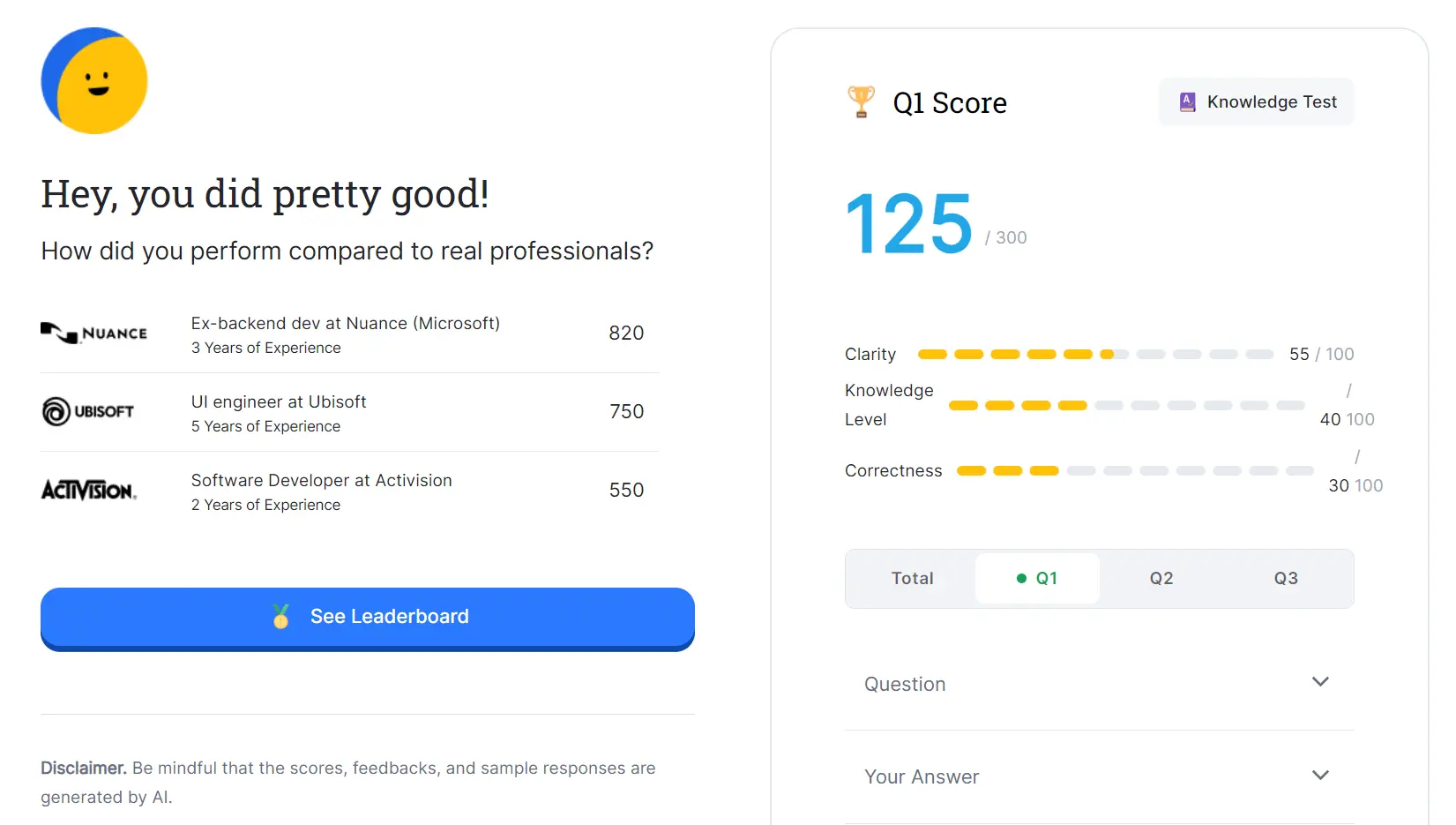
Users can select between technical coding challenges or knowledge tests. The AI then evaluates three key areas based on their answers: clarity, knowledge level, and correctness.
This comprehensive approach helps users understand their strengths and areas for improvement. It is especially suitable for upper-year students seeking internships or junior-level professionals.
How to use it:
1. Go to the Prepair website and click “Accept Challenge” to start your mock interview.
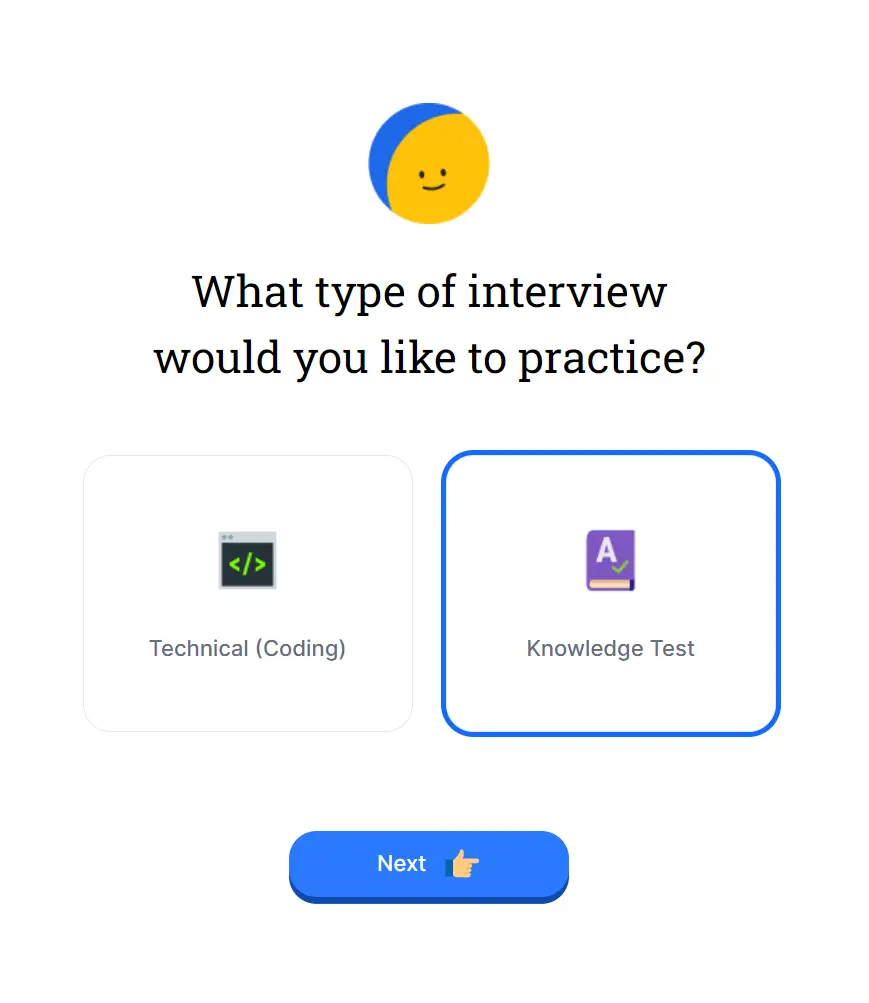
2. Choose the type of interview you would like to practice: “Technical (Coding)” or “Knowledge Test.”
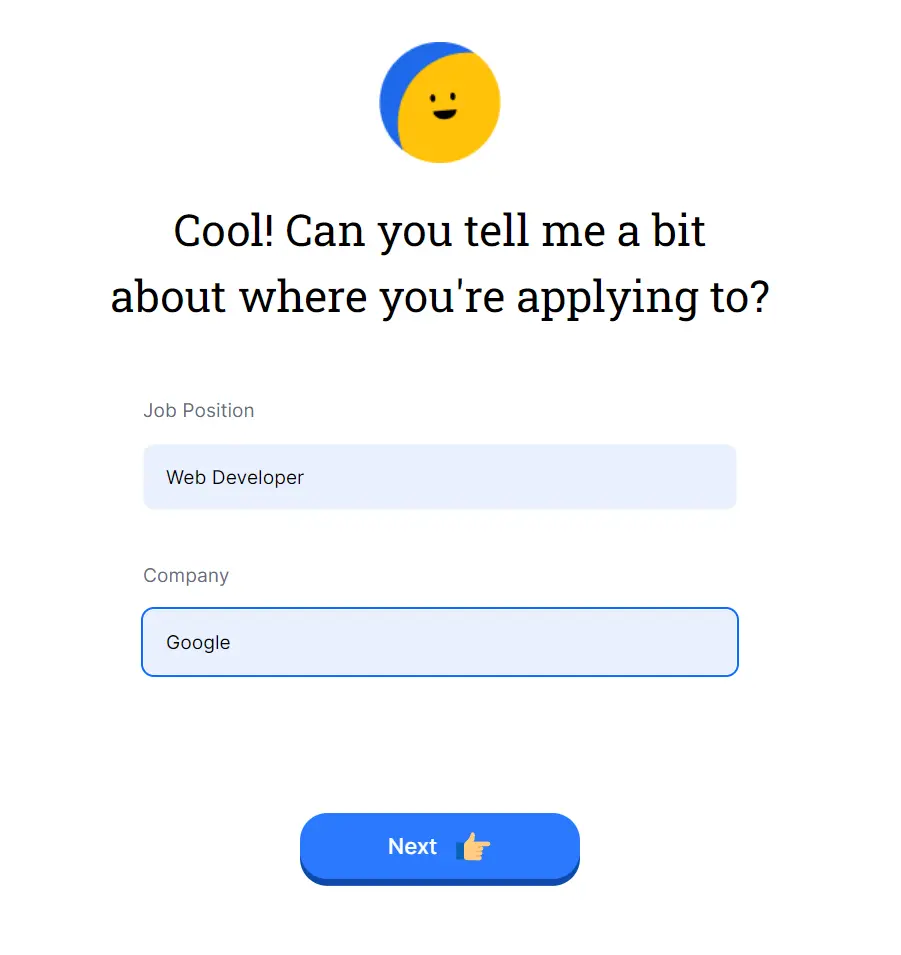
3. Tell the AI about your desired job position and company to personalize the questions.
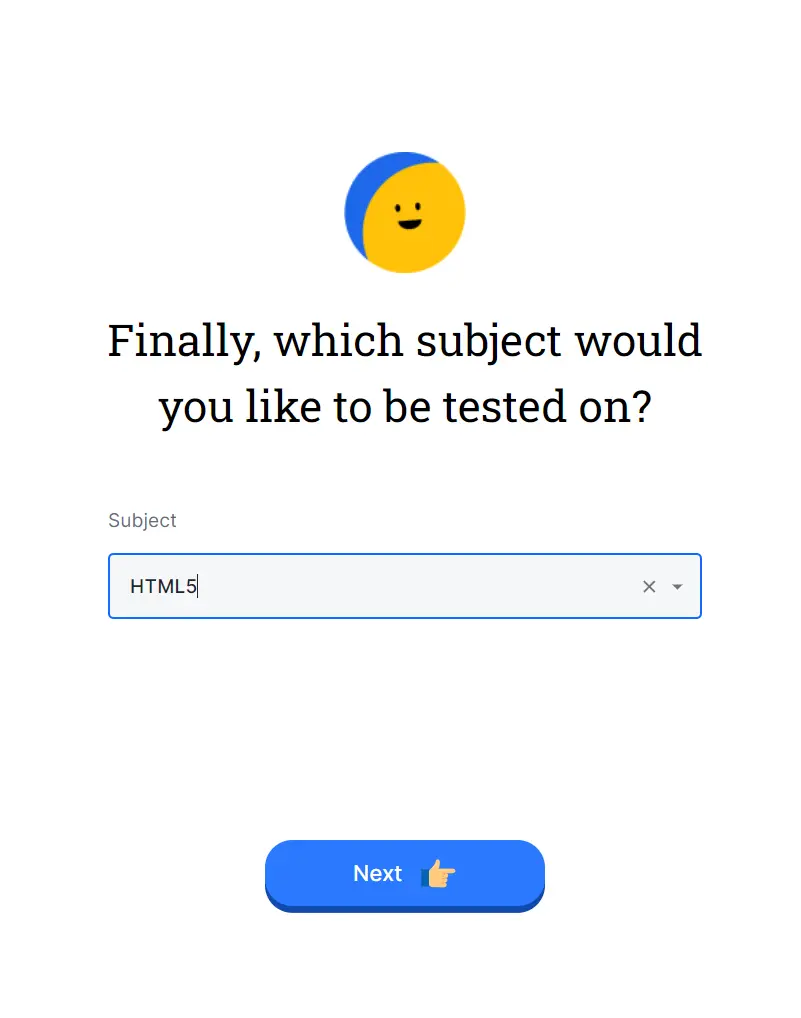
4. Select the programming language you wish to practice. As a web developer, I chose the simplest option, HTML5, for my mock interview.
5. Click “Next” and wait for the AI to set up your interview. The AI will generate three questions that evaluate your clarity, knowledge level, and correctness:
- Clarity: How well can you express your thoughts
- Knowledge Lvl: How well do you know your stuff
- Correctness: All in all, did you get the answer correct
6. After carefully answering the three questions, click the “See Score” button, and you will be presented with your overall score. In the example image below, I scored 485 out of 900 in the HTML5 knowledge area. Below the total score, you’ll find the individual scores for the three evaluated aspects.

7. Click on each question tab to review your answer, the AI’s feedback on your response, and an example of a great answer.

8. Curious about how you fare against others? Visit the Leaderboard section to see how your score stacks up against other Prepair users.