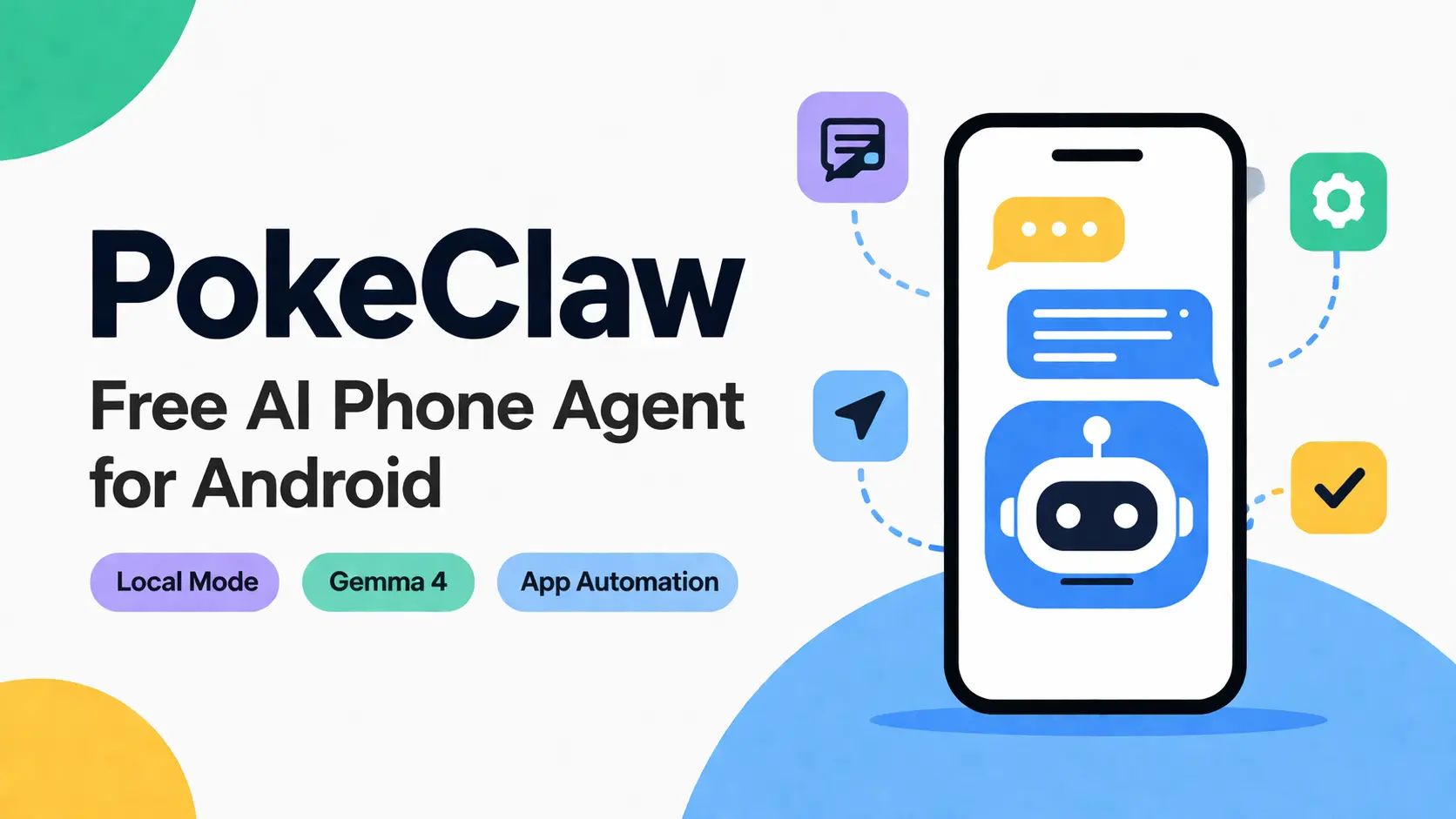
PokeClaw is a free, open-source Android AI phone agent that uses a local large language model to operate your phone through the Accessibility Service. It can read what is on your screen and then execute taps, swipes, and text input to complete tasks across any installed application.
The app runs Google’s latest Gemma open model directly on your Android device. This keeps all command execution and screen data local when operating in the default mode.
It also supports optional cloud models for users who need ultra reasoning capabilities for complex multi-step workflows.
Features
- Runs Gemma 4 E2B on-device through the LiteRT-LM runtime with native tool calling.
- Reads the live Android accessibility tree to identify tappable elements, text fields, and current screen state.
- Executes taps, swipes, long presses, and typed input across any app with no per-app configuration.
- Monitors a specified contact’s messages and generates context-aware replies using the on-device LLM, with the full visible conversation read before each reply.
- Accepts any OpenAI-compatible cloud API, including GPT-4o, Claude, and Gemini, for multi-step tasks beyond the local model’s capacity.
- Switches between local and cloud models mid-conversation with full session history retained.
- Runs quick-task cards for clipboard analysis, notification summaries, battery checks, storage reports, and installed-app listings.
- Accepts multi-language input, including Cantonese, Mandarin, and misspelled English, and returns responses in the input language.
- Tracks live token count and running API cost in the chat header during cloud sessions.
- Includes a Skills system of reusable workflows that chain generic tools into repeatable task sequences.
Use cases
- Auto-reply to incoming WhatsApp messages from a specific contact while the phone runs in background mode, with the LLM reading the full visible conversation before each reply.
- Draft and send an email with a plain-English instruction, such as “Write an email saying I’ll be late today.”
- Search inside any installed app by describing the query in plain text: PokeClaw opens the app, locates the search field, types the query, and submits it.
- Install or open apps from the Play Store, check trending content on X, or copy an email subject and search it in Chrome through a single text command.
- Read and summarize all visible notifications, report storage usage, or check battery level and installed apps.
How to use it
Requirements
| Minimum | Recommended | |
|---|---|---|
| Android | 9+ | 12+ |
| Architecture | arm64 | arm64 |
| RAM | 8 GB | 12 GB+ |
| Storage | 3 GB free | 5 GB+ |
| GPU | Not required (CPU works) | Tensor G3/G4, Snapdragon 8 Gen 2+, Dimensity 9200+ |
| Root | Not required | Not required |
Setup
1. Download the APK from the GitHub Releases page and install it.
2. Grant Accessibility permission when the prompt appears on first launch.
3. Grant Notification Access if you plan to use background monitoring or auto-reply.
4. On the first Local mode launch, the app downloads the Gemma 4 E2B model (approximately 2.6 GB). Keep the app open during the download.
5. Switch to Chat or Task mode and type a command in natural language.
Switching to cloud mode
Open Settings and go to LLM Config. Select a provider: OpenAI, Anthropic, Google, or any OpenAI-compatible endpoint.
Enter the API key for that provider. Each provider stores its key separately. Tap any provider tab to switch active models at any time, including mid-conversation.
Available Agent Tools
| Tool | What it does |
|---|---|
tap / swipe / long_press | Touch the screen at a target element |
input_text | Type into any text field |
open_app | Launch any installed app by name |
send_message | Full messaging flow: open app, find contact, type, send |
auto_reply | Monitor a contact and reply automatically using the LLM |
get_screen_info | Read the current UI accessibility tree |
take_screenshot | Capture the current screen state |
finish | Signal task completion |
Pros
- Local mode runs fully offline after the one-time model download.
- Reads actual UI elements on any app.
- Cloud QA on a physical Pixel 8 Pro showed 18 out of 20 complex tasks passing across repeated trials. The email-composing task hit 10 out of 10.
Cons
- Local mode still asks for recent arm64 hardware and large RAM headroom.
- First local model load can feel slow on weaker phones.
Related resources
FAQs
Q: Does PokeClaw send data to any server in Local mode?
A: All model execution stays on-device in Local mode. No network requests going out during local tasks.
Q: How does the auto-reply feature work?
A: PokeClaw monitors notifications from a specified contact. When a message arrives, the app opens the conversation, reads all visible messages on screen for context, generates a reply using the local or cloud LLM, and sends it.
Q: Samsung shows a security warning when I try to install. Is PokeClaw safe?
A: That warning is standard sideloading behavior for APKs installed outside the Play Store.
Q: Can this app interact with banking or secure payment apps?
A: No. Most financial apps employ FLAG_SECURE or similar protections that block the Accessibility Service from reading the screen content.