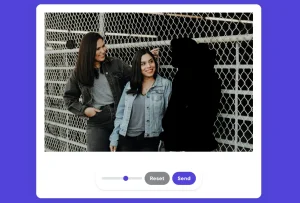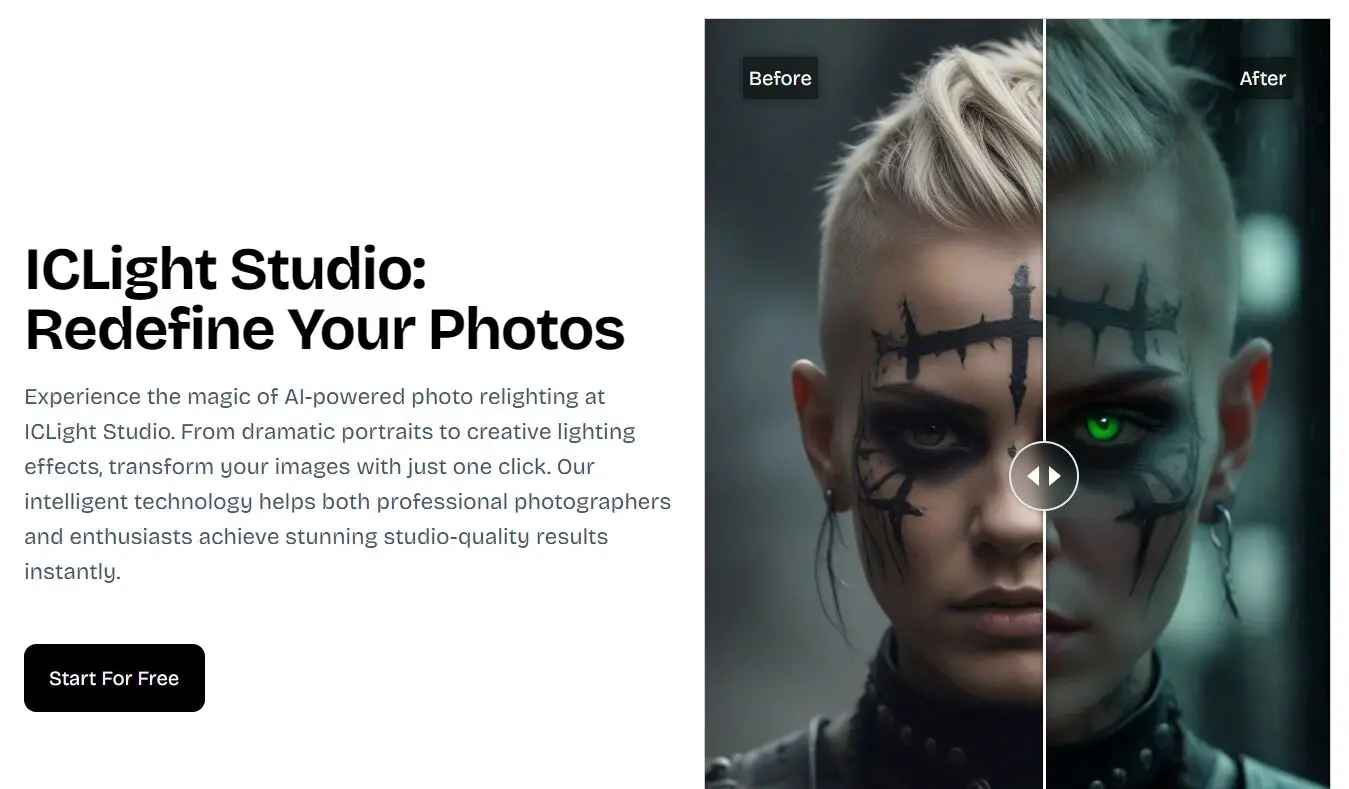
ICLight Studio is a free AI-powered photo relighting tool that transforms your photos into professionally lit images using text descriptions.
Instead of spending hours adjusting exposure and shadows in complex photo editing software, you can describe your desired lighting effect in natural language and watch the AI implement it instantly.
Features
- Text-to-Image Enhancement: You type in how you want the lighting to look – say, “soft morning light” or “dramatic side lighting” – and the AI adjusts your photo.
- Advanced Portrait Enhancement: The tool has specific algorithms for portraits. It analyzes facial features to apply lighting that aims to be flattering and natural-looking.
- Multiple light source options: Choose from right light, left light, top light, or bottom light positioning.
- Format flexibility: Export in WebP, JPG, or PNG formats with customizable dimensions
Use Cases
- Portrait Retouching: You’ve got a portrait that’s pretty good, but the lighting is flat. You could use ICLight Studio to add a key light from a specific direction, create a subtle rim light to make the subject pop, or soften shadows for a more even look. For instance, typing “gentle light from the left, slight fill from the right” could quickly improve a basic headshot.
- Product Photography Enhancement: If you’re selling items online, good lighting is non-negotiable. If your initial shots of a product look a bit dull, you could use this tool to add brighter, more focused light, or perhaps a softbox effect to reduce harsh reflections. “Bright, even lighting, emphasize texture” is a useful prompt.
- Creative Effects for Social Media: Content creators often need eye-catching images. You could experiment with more artistic lighting like “neon glow from below” or “cinematic moody lighting” to give your photos a unique style without complex setups.
- Improving Casual Snaps: Even photos from your phone can benefit. A backlit photo where the subject is too dark could potentially be salvaged by prompting for “brighter light on the main subject, reduce background brightness.”
- Wedding Photography Post-Processing: For wedding photographers, time is often of the essence. ICLight Studio could help quickly adjust lighting in a batch of photos, for example, adding a warm golden hour glow to outdoor shots or ensuring consistent lighting for indoor group photos.
How To Use It
1. Go to the ICLight Studio website and upload the photo you want to work on.
2. Describe Your Vision and Enter Negative Prompt. This is where you use natural language. Type in what kind of lighting you’re aiming for (e.g., “warm sunset glow,” “studio portrait lighting,” “remove harsh shadows on face”). You can also specify what you don’t want in the negative prompt section, which can help refine the result.
3. Configure Settings (Optional):
- Width/Height: Adjust the output dimensions if needed.
- Light Source: You can specify a general direction like Right Light, Left Light, Top Light, or Bottom Light as a starting point or to reinforce your text prompt.
- Output Format: Choose between webp, jpg, or png.
4. Click ‘Start Generate’. The AI processes the image and applies the lighting effects. You can then download the result.
Pros
- Completely Free Access: No subscription fees, watermarks, or usage limits on core features
- Beginner-Friendly Interface: No technical knowledge required—if you can describe what you want, the AI can create it
- Speed and Efficiency: Transform photos in seconds rather than spending hours learning complex editing software
- Natural Language Control: Skip technical terms like “fill light ratio” and just say “brighter face lighting”
- Professional Quality Output: Results rival expensive studio equipment when used correctly
Cons
- Limited Fine-Tuning: While text prompts are flexible, you can’t make precise numerical adjustments like in Photoshop
- Text Interpretation Variability: The AI sometimes interprets prompts differently than intended, requiring multiple attempts
- No Batch Processing: Each photo must be processed individually, which slows down workflow for large projects
FAQs
Q: What makes ICLight’s AI relighting technology special?
A: ICLight uses a combination of AI and text-guided relighting. This means it tries to understand your plain language descriptions to change lighting, aiming for results that can range from natural daylight to studio setups. The goal is to make this complex process quick and intuitive.
Q: How specific should my text prompts be?
A: Generally, more specific prompts yield more predictable results. Instead of just “make it brighter,” try “soft, even light across the face, reduce shadows under the eyes.”
Q: Can ICLight Studio fix severely underexposed or overexposed photos?
A: The tool works best with reasonably exposed starting images. While it can brighten dark areas and add contrast, it can’t recover detail that wasn’t captured in the original photo. Think of it as lighting enhancement rather than exposure correction.