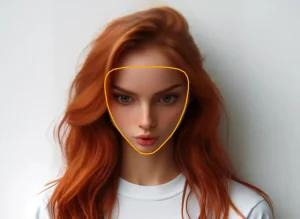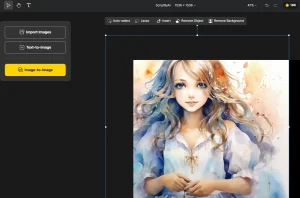
AIvory is a free, offline AI photo editor for macOS that supports object removal, background removal, photo restoration, image upscaling, colorization, and manual adjustments.
All processing happens on-device. You download the app, and it works. No cloud uploads, no subscriptions, no watermarks.
Features
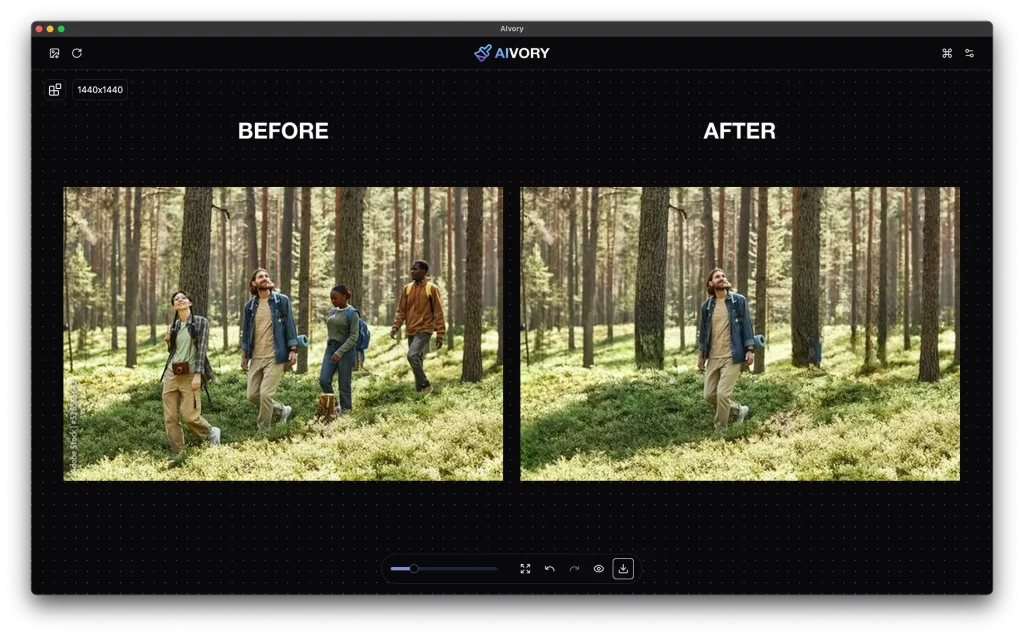
- Intelligent Object Removal: Analyzes the surrounding context and reconstructs the background after removing a selected element.
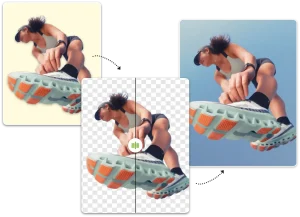
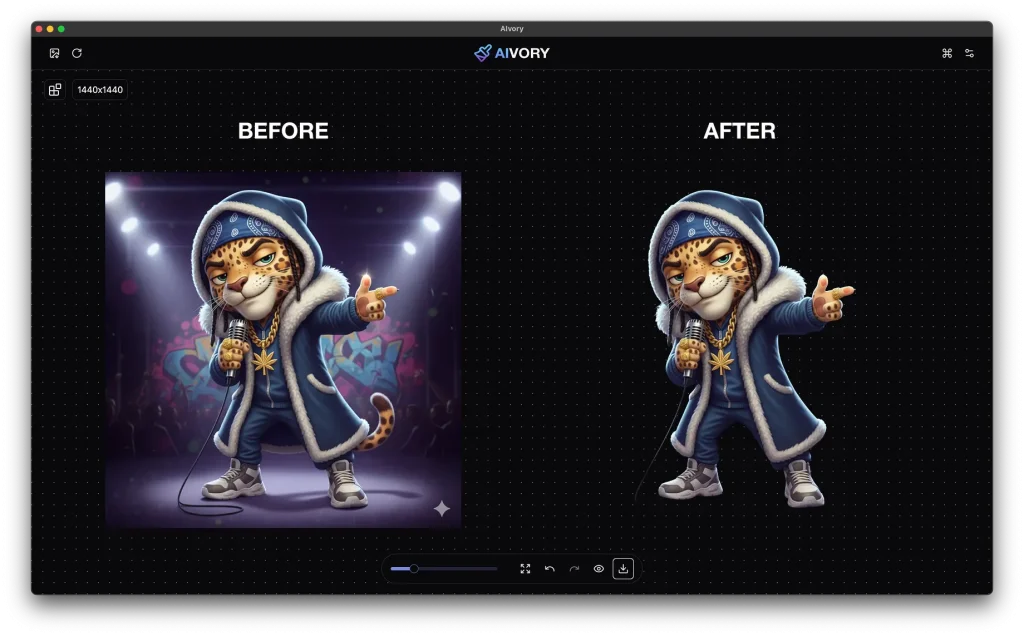
- Background Removal: Detects edges around subjects at portrait and product quality to isolate the foreground.
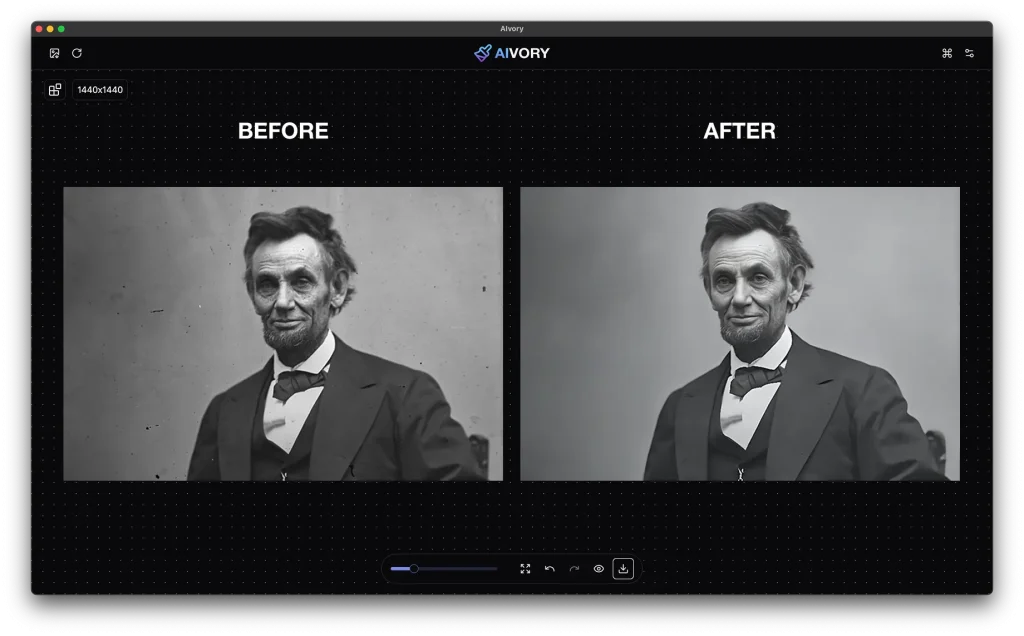
- Photo Restoration: Scans for scratches, tears, and age-related deterioration in old photos and removes them.
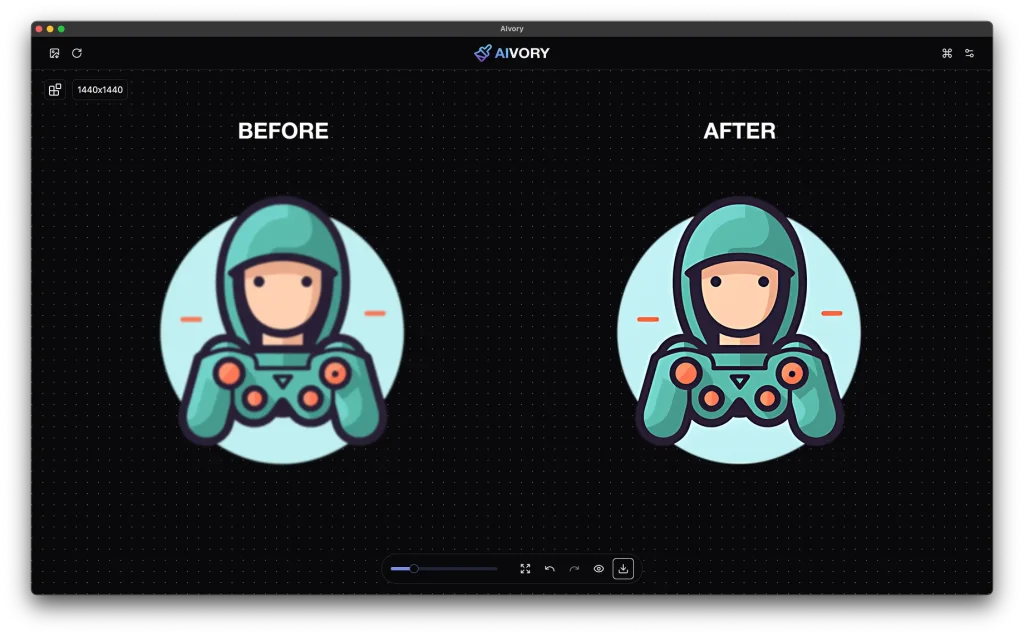
- Super Resolution: Upscales images up to 4x using machine learning to synthesize detail in the enlarged areas.
- Image Optimization: Compresses file sizes without visible degradation to the output image.
- Professional Adjustments: Provides manual controls for exposure, contrast, saturation, and color temperature.
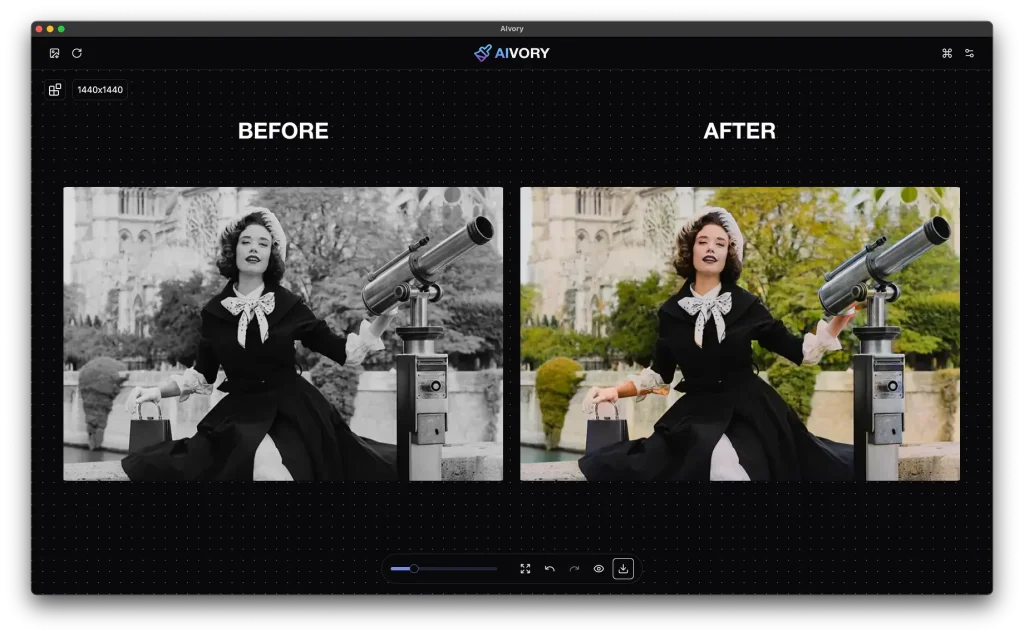
- AI Colorization: Converts black-and-white photos to color by inferring contextually appropriate hues.
See It In Action
Use Cases
- E-commerce Product Prep: Sellers can strip backgrounds from product photos in seconds to meet marketplace requirements.
- Family Archive Restoration: You can fix ripped or faded physical photos after scanning them into a digital format.
- Travel Photo Cleanup: Photographers can delete tourists or distracting signs from landscape shots to improve composition.
- Social media creators: Upscaling a low-resolution image 4x before exporting it for a high-DPI screen.
How to Use It
You must follow a specific installation process because AIvory is from an unverified developer. This is a standard macOS security hurdle for independent software.
1. Download the version matching your processor (Apple Silicon or Intel).
2. Drag the app into your Applications folder.
3. Open the app and click “OK” on the security warning dialog.
4. Open System Settings and navigate to Privacy & Security.
5. Scroll down to the “Security” section and click Open Anyway next to the AIvory block notice.
6. Enter your admin password to confirm the exception.
7. On the first run, it downloads the AI models it needs. Models range from roughly 100MB to 6GB and cache locally after download.
8. Start editing your images.
Pros
- Local Processing: Your data stays on your machine.
- Zero Cost: Has no subscriptions, watermarks, or hidden limits.
- Native Performance: Supports both Apple Silicon and Intel Macs.
- High Resolution: You can export images up to 8K resolution.
Cons
- Hardware Intensive: You need at least 8GB of RAM, though 16GB is much better for SDXL models.
- Mac Only: Windows and Linux users cannot run this software.
Related Resources
- LaMa: Resolution-robust Large Mask Inpainting (GitHub): The Samsung AI Research repository for the primary inpainting model AIvory uses for object removal.
- Stable Diffusion: Documentation for the diffusion model architecture behind AIvory’s creative inpainting features.
- Apple Metal Documentation: Reference for the GPU framework AIvory uses for hardware-accelerated inference on Apple Silicon.
FAQs
Q: Is AIvory actually free, or does it have a paid tier?
A: AIvory is free with no paid tier, no trial period, and no credit card required. The full feature set is available from the first download with no usage caps and no watermarks on exported images.
Q: Does AIvory send photos to the cloud?
A: No. All AI processing happens locally on your Mac. After the initial model downloads complete, the app functions entirely offline. Your images do not touch any external server at any point during editing or export.
Q: What Mac hardware does AIvory require?
A: AIvory requires macOS 11.0 Big Sur or later. It runs on both Apple Silicon (M1 or newer) and Intel Macs (x86_64). The minimum RAM requirement is 8GB, with 16GB recommended for heavier operations. You need 2GB of free storage for the app.
Q: Why is the first launch taking so long?
A: The app downloads and caches the necessary neural network models during the first run. This process depends on your internet speed and is a one-time requirement.
Q: Why does macOS block the app on first launch?
A: AIvory is distributed outside the Mac App Store and is not notarized through Apple’s developer program. macOS Gatekeeper blocks unsigned or unnotarized apps by default. The workaround is a one-time process through System Settings → Privacy & Security that takes under a minute and does not repeat on subsequent launches.