The FAQ Generator is a time-saving AI tool that helps digital marketers and SEOers create high-quality FAQs for their articles, posts, or landing pages.
You provide the URL of your webpage, and the AI scans and analyzes the content to generate comprehensive and relevant FAQs that enhance user experience and improve engagement.
You can then easily copy the AI-generated FAQs in your preferred format—HTML, JSON, or Markdown—and add them to your site.
How to use it:
1. Visit the FAQ Generator website and enter your webpage URL.
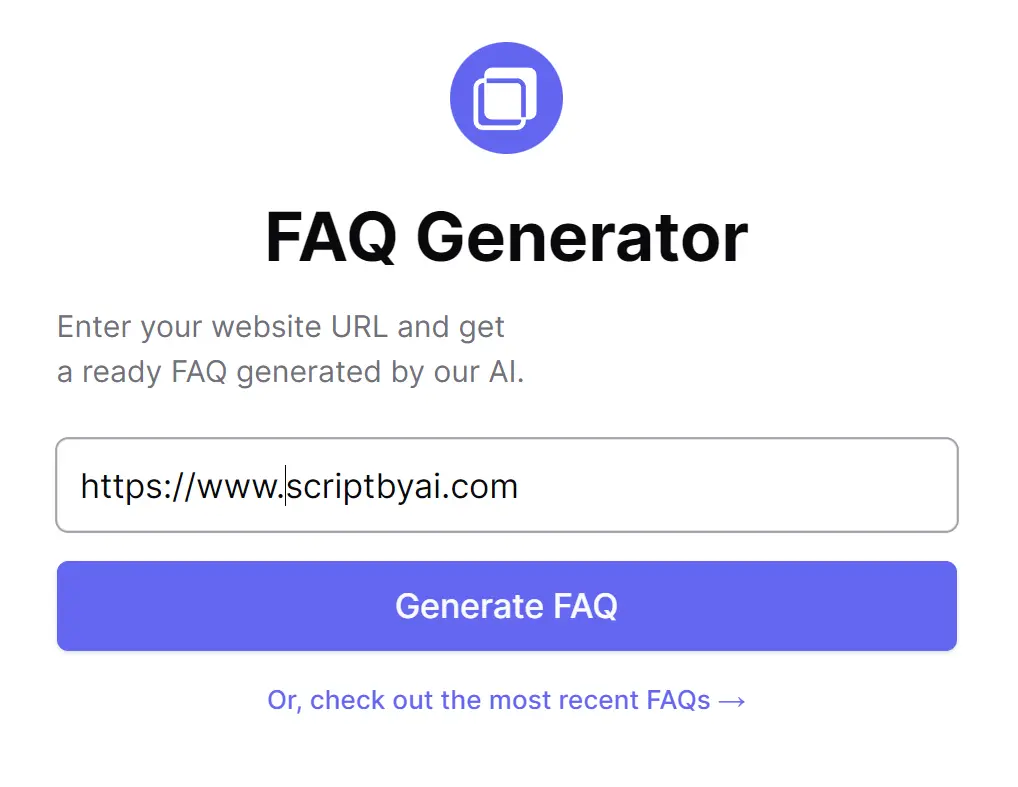
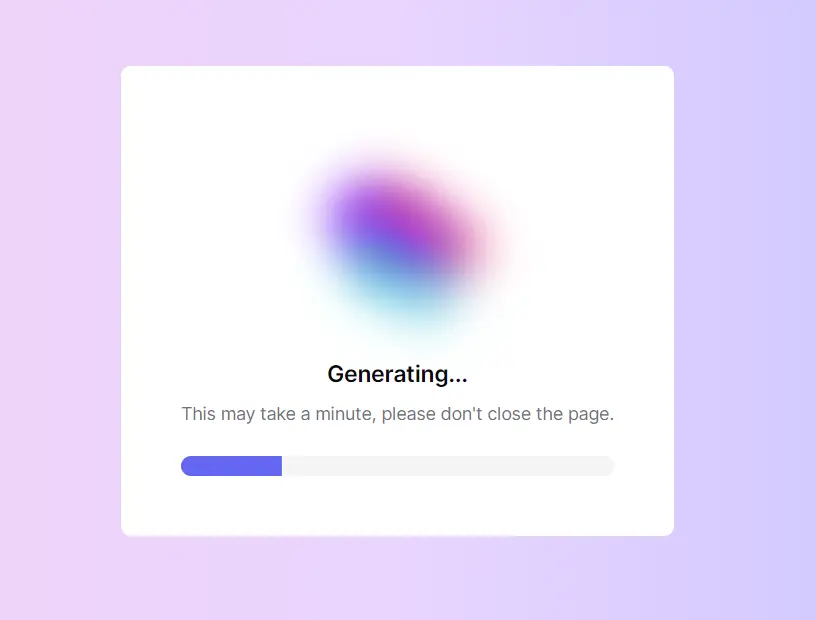
2. Clicking on the ‘Generate FAQ’ button, the AI will meticulously scan the content of the webpage, extract key information, and formulate questions that visitors are likely to ask.
3. Select the output format (HTML, JSON, or Markdown) and copy the generated FAQs into your clipboard.
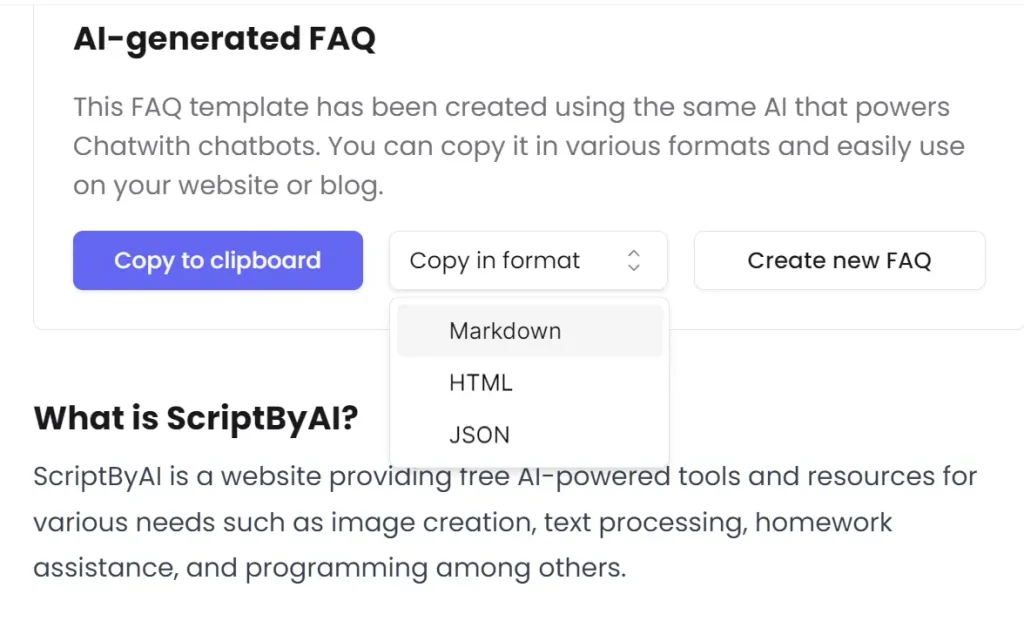
4. For instance, when I used this tool for my website (scriptbyai.com), it generated 10 highly relevant FAQs based on the content, including questions like “What is ScriptByAI?” and other information showcased on the homepage. This means that the tool generates FAQs specifically for the single webpage URL provided, rather than scanning an entire website. This limitation makes it useful for individual articles, posts, or landing pages, where focused and targeted information is paramount.