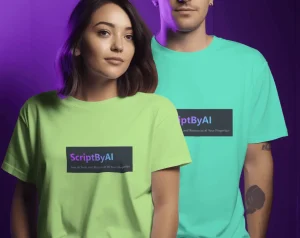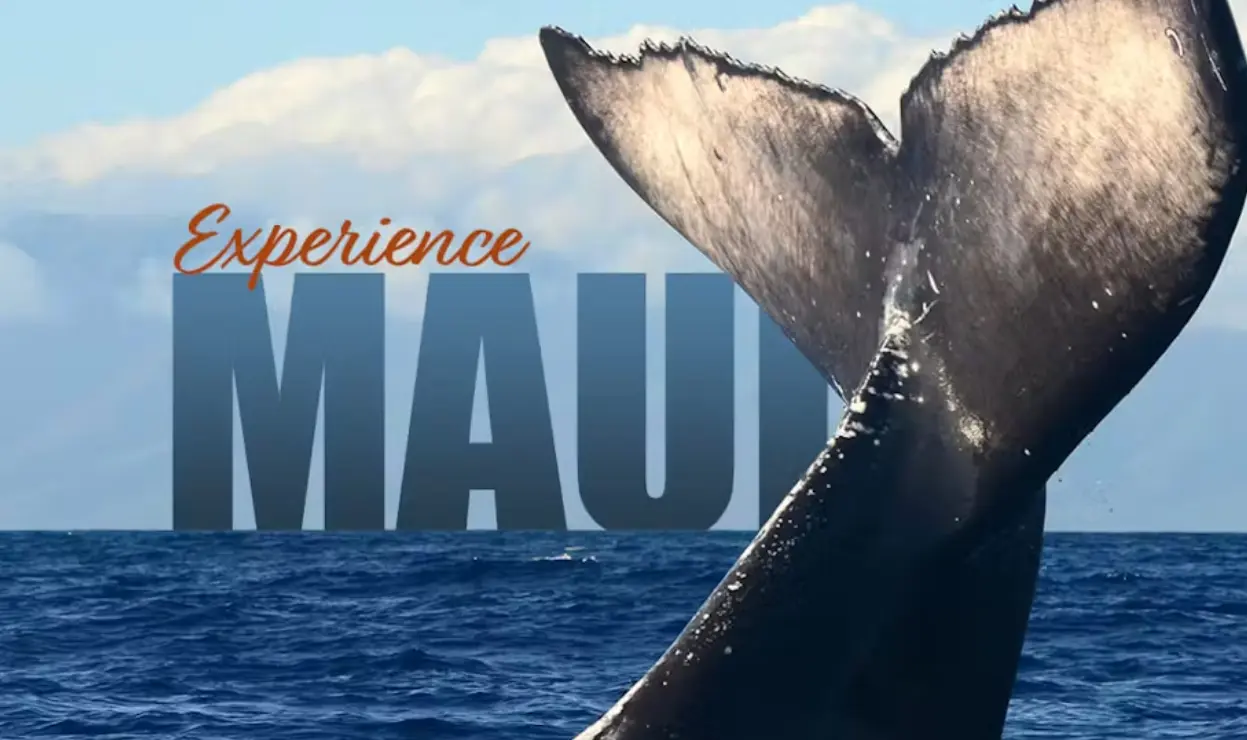
Text-Behind-Image is a free AI tool that lets you place custom text behind the main object in your photos with just a few clicks. 100% FREE and no signup required.
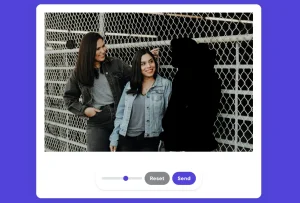
The tool automatically detects the main subject in your image and places your text behind it. This creates a depth effect that makes your images more engaging.
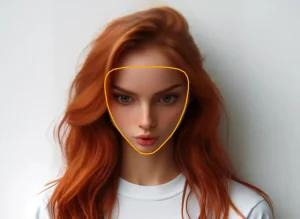
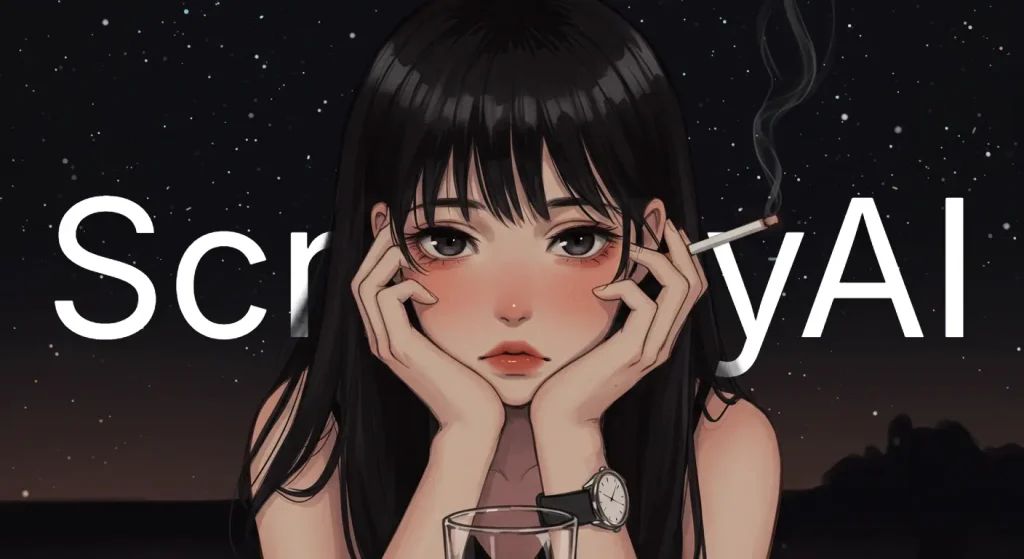
I tested Text-Behind-Image with an anime character image I generated on CIVITAI. I wanted to add my brand name “ScriptByAI” behind the character to create a professional-looking thumbnail for my content.
After uploading the anime girl image, I typed “ScriptByAI” in the text field and adjusted the font size and color to complement the image. The AI automatically detected the character outlines and placed my text behind the figure. I fine-tuned the horizontal position to ensure the text was perfectly placed and downloaded the final result in high-quality PNG format.
The entire process took less than a minute, and the result looked professional—as if I had spent hours carefully masking in Photoshop. This kind of depth effect would typically require significant time and skill with traditional design software, but Text-Behind-Image handled it automatically.
Features
- 100% Free Forever: No hidden costs, subscription fees, or premium tiers
- No Registration Required: Upload, edit, and download without creating an account
- Unlimited Exports: Create as many designs as you need without restrictions
- High-Quality PNG Downloads: Export your finished designs in professional quality
- AI-Enhanced Results: Automatic subject detection for precise text positioning
- Custom Text Options: Adjust font style, size, color, rotation, and opacity
- Text Position Control: Fine-tune horizontal and vertical text placement
- Image Adjustments: Modify brightness, contrast, and rotation of your original image
- Aspect Ratio Settings: Customize the dimensions to fit different platform requirements
- Instant Processing: Get results in seconds without lengthy wait times
Use Cases
- YouTube Thumbnails: Layer text behind focal points (e.g., faces, products) to highlight titles without clutter.
- Social Media Posts: Create branded visuals for Instagram or Twitter in under a minute.
- Promotional Materials: Design flyers or ads with overlapping text effects.
- Blog Graphics: Add captions directly behind images for minimalist layouts.
How To Use It
1. Go to the Text-Behind-Image website using any modern web browser.
2. Click the upload button and select the image you want to enhance with behind-object text. The tool accepts common image formats like JPG and PNG.
3. Add your desired text to the image. You can customize various aspects:
- Font family
- Font size
- Text color
- Text alignment
- Rotation control
- Opacity
- And more
4. Use the horizontal and vertical position sliders to place your text exactly where you want it in relation to your image subject.
5. Adjust Your Image (Optional): Click the “Image” tab to modify:
- Image rotation
- Brightness levels
- Contrast settings
6. Change Aspect Ratio (Optional): Under the “Settings” tab, select from common aspect ratios to optimize your design for specific platforms.
7. Click the “Download Image” button to save your finished design as a high-quality PNG file directly to your device.
Pros
- Completely free to use.
- No registration is necessary.
- Unlimited image downloads.
- Provides high-quality PNG output.
- AI automatically enhances results.
Cons
- Limited to adding text behind images; no other editing features.
- Only supports PNG format.
FAQs
Q: Will my images be stored on the Text-Behind-Image servers?
A: The tool processes your images in your browser and doesn’t permanently store your uploads or creations on their servers.
Q: Can I use Text-Behind-Image for commercial projects?
A: Yes, you can use designs created with Text-Behind-Image for both personal and commercial purposes without restrictions or attribution requirements.
Q: Does Text-Behind-Image work with all types of images?
A: The tool works best with images that have a clear subject against a simpler background. Complex backgrounds or images with multiple subjects might produce less precise results.
Q: Can I save my work and edit it later?
A: Currently, the tool doesn’t offer project saving functionality. It’s recommended to save your source images and notes about your settings if you might need to recreate a design later.