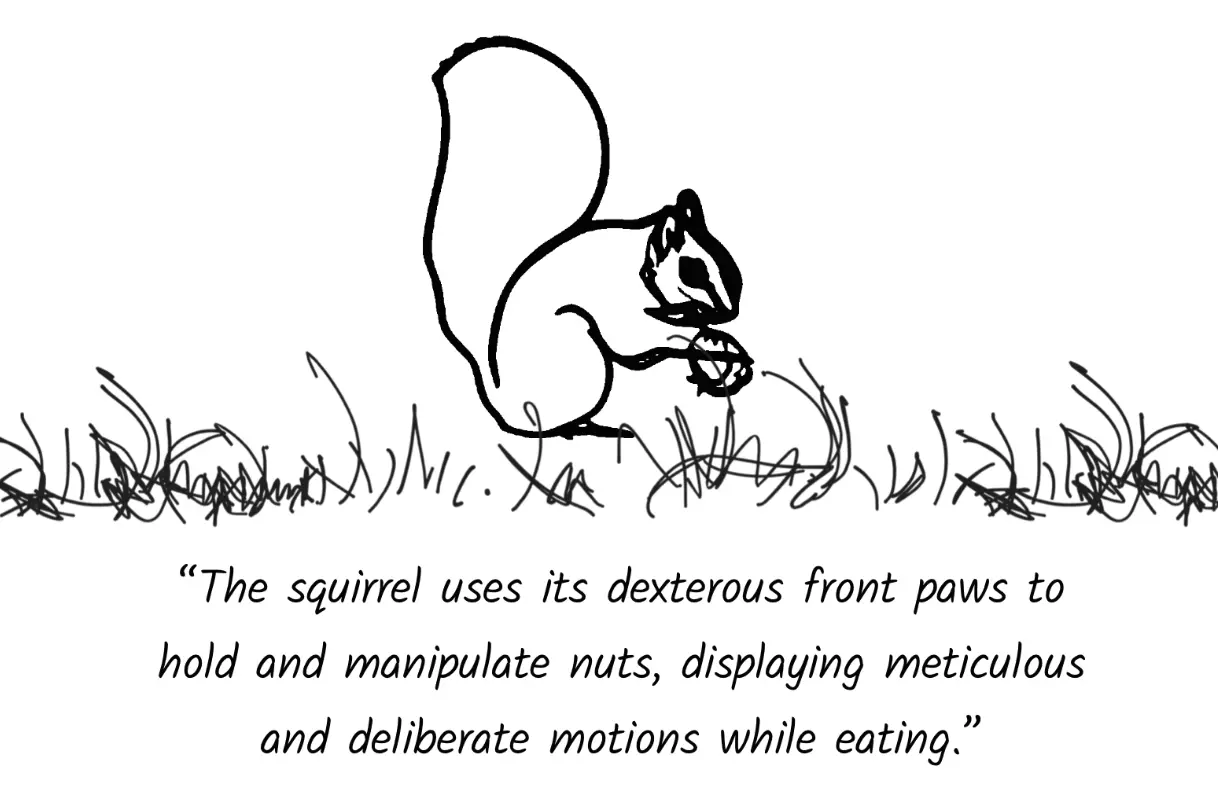
FlipSketch is a free & open-source AI tool & model that allows you to transform simple hand-drawn sketches into dynamic animations. using text prompts.
This tool addresses the pain points of traditional animation, which often requires extensive artistic effort and precise motion paths. It is great for content creators, designers, and developers who want to bring their sketches to life without the need for advanced animation skills.
Features
- Sketch-Style Frame Generation: FlipSketch fine-tunes text-to-video diffusion models to generate frames that maintain a consistent sketch aesthetic.
- Reference Frame Mechanism: This feature preserves the visual integrity of the input sketch. It uses noise refinement to ensure each frame aligns with the original drawing.
- Dual-Attention Composition: FlipSketch uses this method to create fluid motion in animations. It generates smooth transitions between frames without sacrificing visual consistency.
- Dynamic Sketch Transformations: Unlike vector animations, FlipSketch supports raster frames. These frames allow for more expressive and dynamic transformations in sketch animations.
- Text-Guided Animation: You provide text prompts to describe the desired motion. The AI then generates an animation that matches the description.
Case Studies
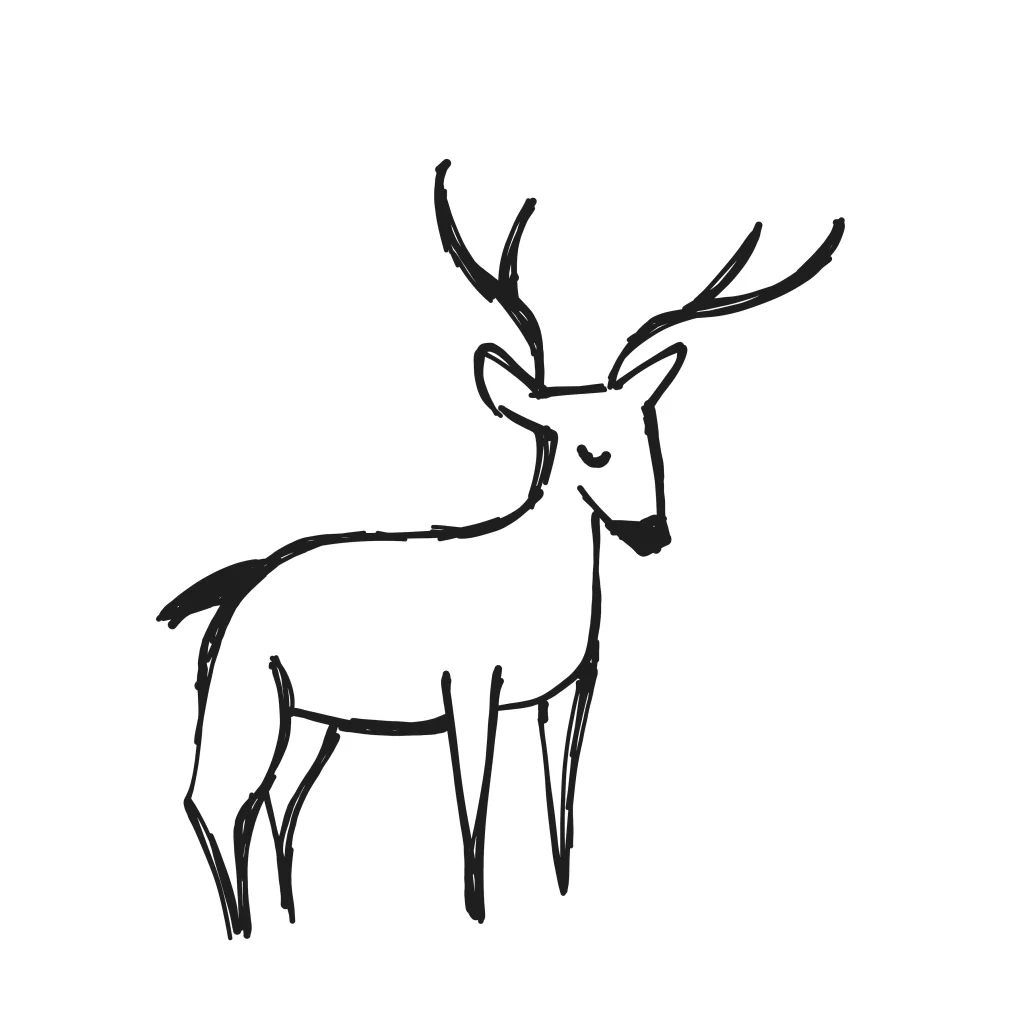
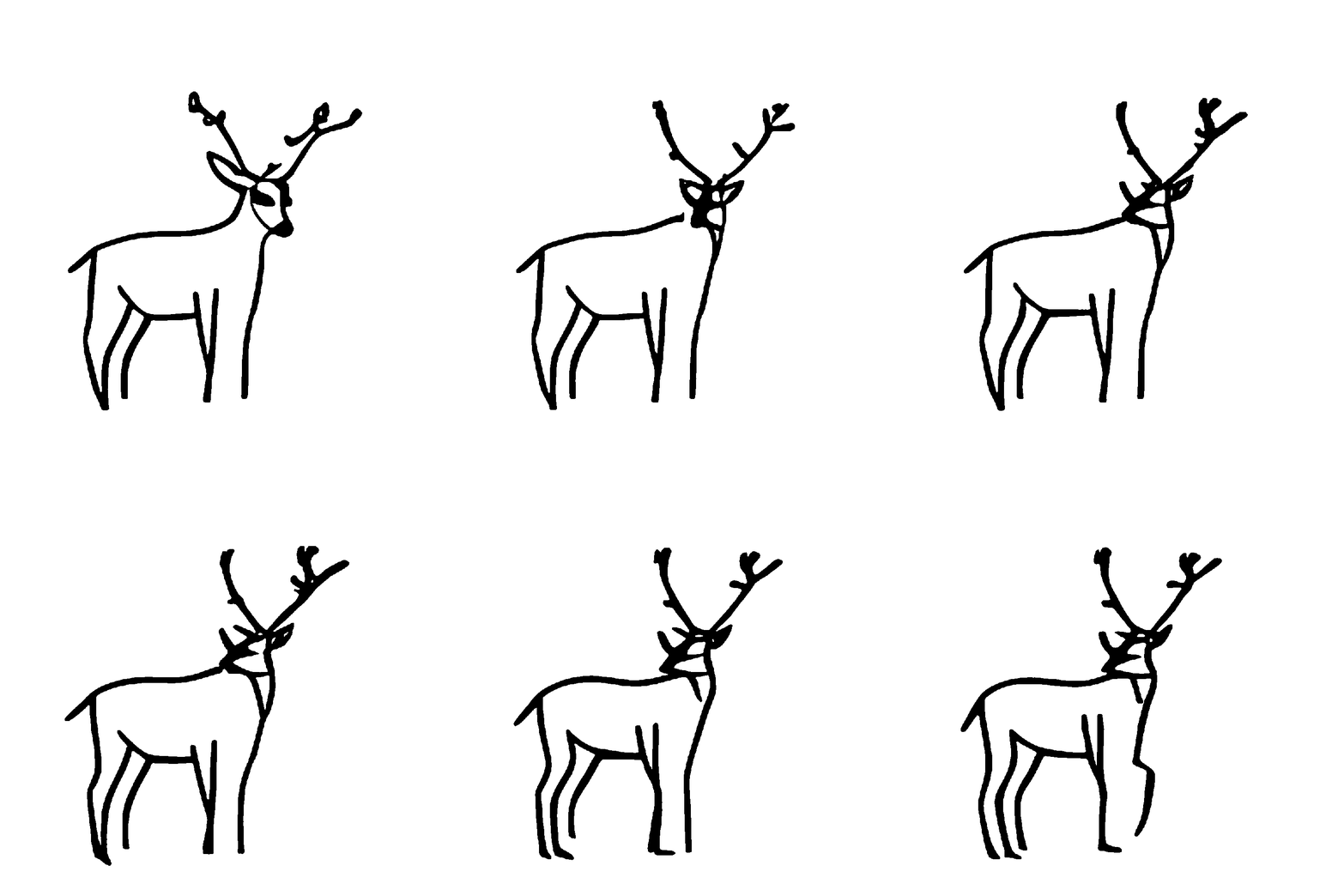
Here, I want to share some examples of animations I created with FlipSketch. First, I used a sketch of an elk. I described the motion as “The reindeer looks around.” FlipSketch produced an animation where the elk turned its head, looking in different directions.
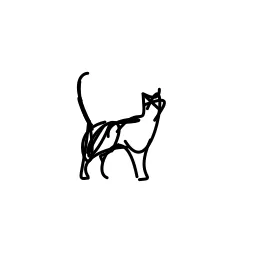
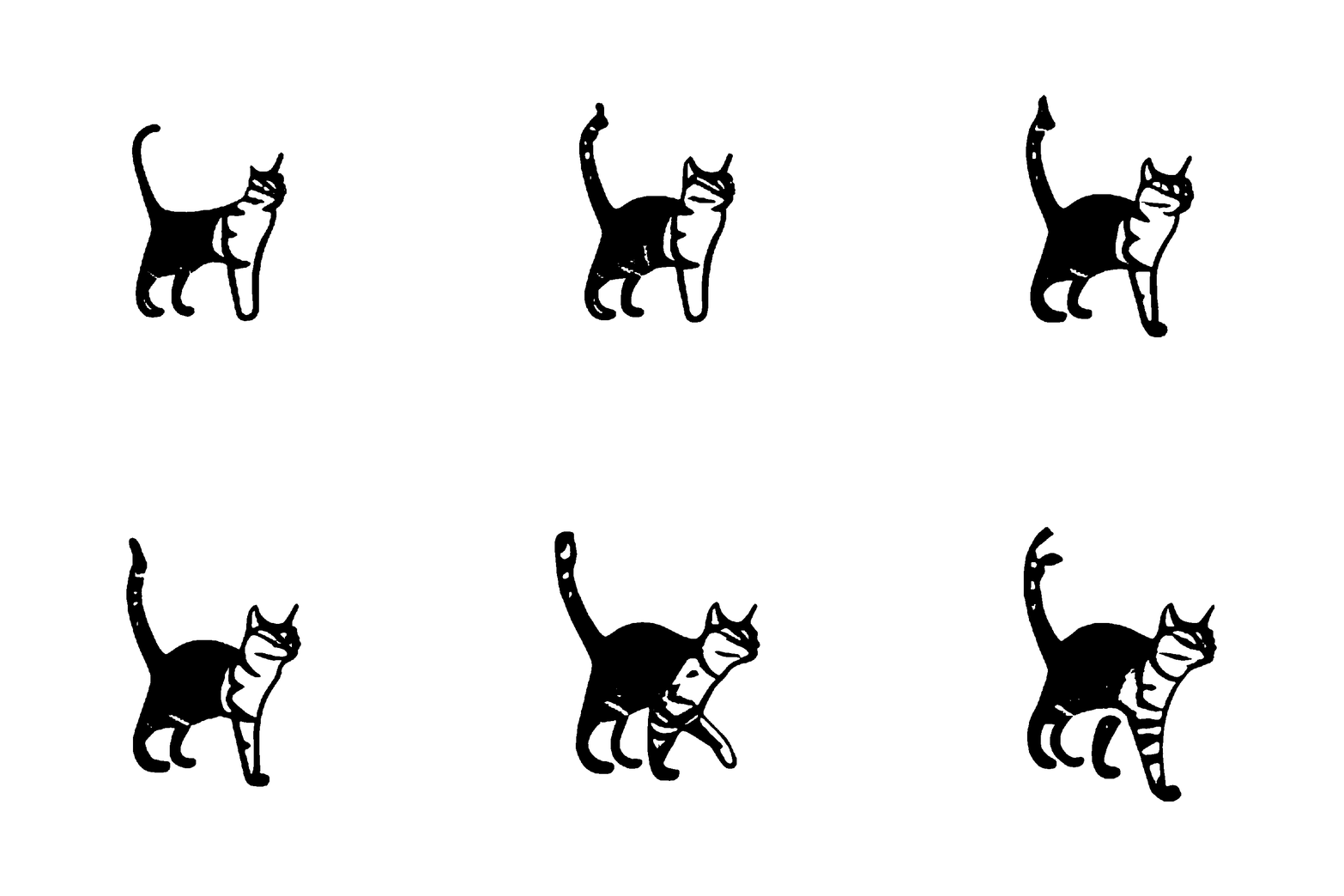
Next, I used a sketch of a cat and described its motion as “The cat walks forward.” FlipSketch generated an animation of the cat moving across the screen. These examples show how FlipSketch can bring simple sketches to life with minimal effort. You can see how this tool simplifies the animation process and makes it accessible to everyone.
Playground
Use Cases
- Educational Content: Teachers can create animated lessons from simple sketches. For example, a teacher might sketch a diagram of the water cycle and animate it to show each step.
- Marketing Materials: Marketers can animate logos or product sketches for use in advertisements. An animated logo on a website can draw more attention than a static image.
- Storyboarding: Filmmakers can use FlipSketch to quickly visualize scenes. Animating a storyboard can help directors plan shots and pacing before filming.
- Social Media Content: Content creators can generate engaging animations for platforms like Instagram or TikTok. A simple sketch can be turned into an eye-catching animated post.
- Prototyping: Designers can animate user interface elements to demonstrate interactions. This can be useful for presenting design concepts to stakeholders.
How To Use It
- Visit the FlipSketch’s Hugging Face space or use the embedded playground on this page.
- Choose a sketch from the preset options or upload your own.
- Enter a text prompt describing the motion you want.
- Adjust the seed and motion strength settings as needed.
- Click the “Generate Animation” button and wait about one minute for your animation to be created.
Deploy FlipSketch Locally
- Install Conda Environment: Create a Conda environment specifically for FlipSketch. Use the following command in your terminal:
conda env create -f flipsketch.ymlThis command sets up the necessary environment with all the required dependencies. - Download the T2V LoRA Model: Next, you need to download the Text-to-Video (T2V) LoRA model from Hugging Face. Make sure you first have
git lfsinstalled:git lfs installThen, clone the model repository:git clone https://huggingface.co/Hmrishav/t2v_sketch-loraThis will download the necessary model files to your local machine. - Place the LoRA Checkpoint: After downloading, move the LoRA checkpoint to the root folder of your FlipSketch directory. Use this command:
mv t2v_sketch-lora/checkpoint-2500 ./checkpoint-2500/This places the checkpoint file in the correct location for the application to access it. - Run the Application: Start the FlipSketch application by running:
python app.py
Pros
- User-Friendly: Create animations with simple text prompts.
- Free to Use: Access the tool without any cost.
- No Special Skills Needed: You need no advanced drawing or animation skills.
Cons
- Limited by Text Prompts: The quality of the animation depends on the clarity of the text prompt.
Related Resources
- Official Website: FlipSketch Web
- Code: FlipSketch GitHub
- Paper: FlipSketch Paper
FAQs
Q: What types of sketches work best with FlipSketch?
A: Simple, clear sketches with distinct outlines tend to produce the best results.
Q: How long does it take to generate an animation?
A: Animations are typically generated in about one minute.
Q: Can I use FlipSketch for commercial projects?
A: Yes, FlipSketch can be used for both personal and commercial projects.
Q: What if I’m not satisfied with the generated animation?
A: You can adjust the text prompt, seed, and motion strength to refine the animation.
Q: Do I need any special software to use FlipSketch?
A: No, you can access FlipSketch directly through its website.