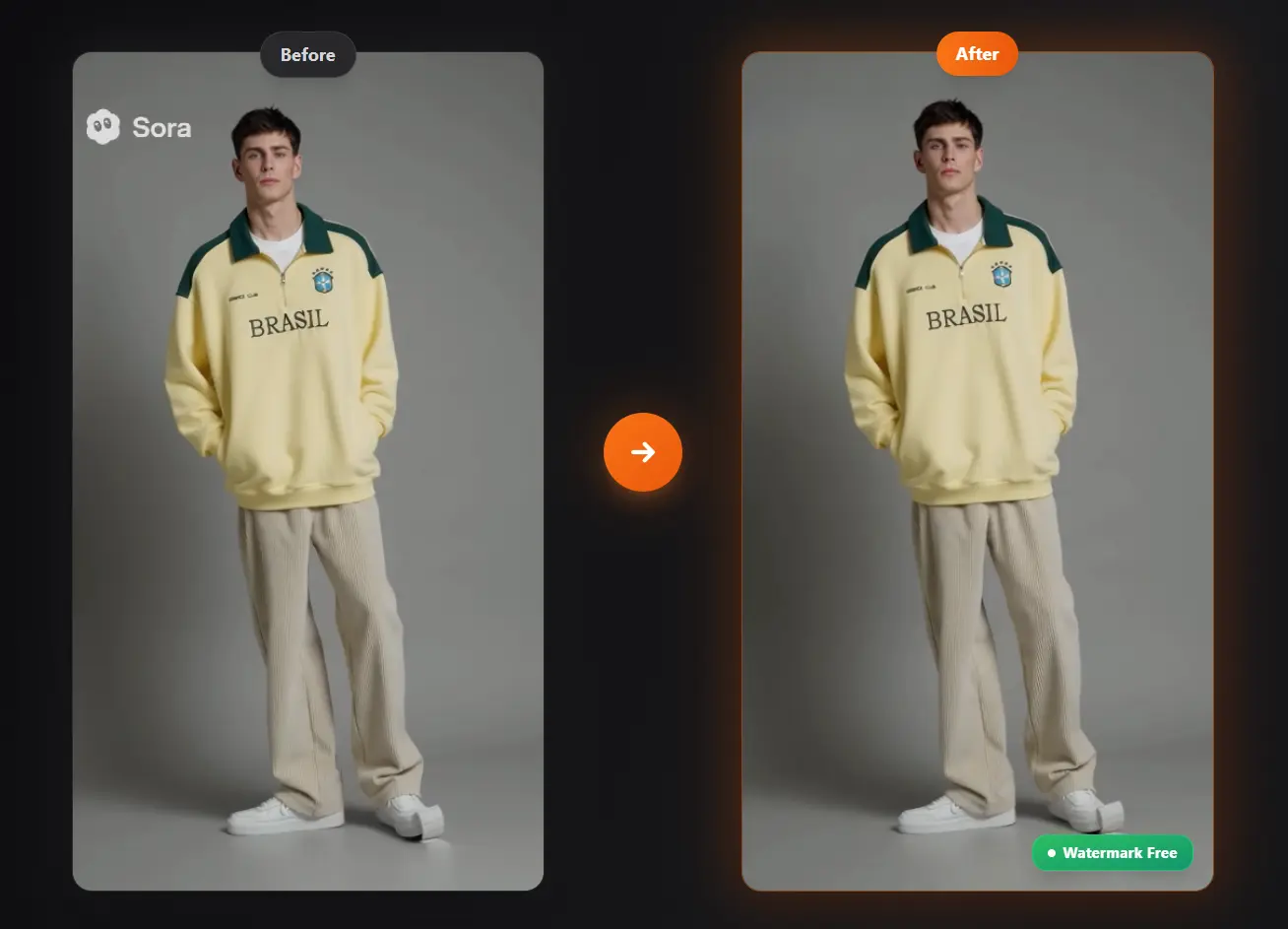
Free Sora Watermark Remover by TopYappers is a free, AI-powered tool that removes the official Sora watermark from videos.
It’s designed for creators who use OpenAI’s Sora 2 video generator and want a clean version of their work for portfolios, social media, or client projects.
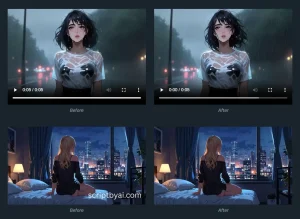
The tool uses intelligent inpainting algorithms to automatically detect and remove Sora watermarks while maintaining original video quality and frame consistency.
Features
- 100% Automatic Detection: The AI scans your entire video and identifies Sora watermarks without manual input.
- Browser-Based Processing: Everything runs directly in your web browser, with no software installation required.
- HD Quality Preservation: Advanced AI inpainting techniques maintain your original video resolution and quality. The processed output matches the source material without compression artifacts or blurring.
- Audio Preservation: Your video’s soundtrack, dialogue, and sound effects remain untouched during watermark removal.
- Multiple Format Support: Handles both landscape and portrait video orientations, plus works with standard Sora export formats (MP4 and MOV).
- Privacy Protection: Videos are automatically deleted from servers after 24 hours.
- Free Processing Tier: Guest and registered users get 5 videos per 24 hours at no cost, using standard CPU-based removal.
- Premium GPU Option: Subscribers receive priority processing with advanced GPU acceleration for faster speeds and more accurate watermark removal (100 videos per 24 hours).
Use Cases
- Social Media Content: Creators can remove watermarks to maintain a consistent and professional look on platforms like TikTok and Instagram.
- Marketing Campaigns: Businesses can use the tool to generate clean video ads and promotional materials for a more polished brand image.
- Client Projects: Freelancers and agencies can deliver unbranded, high-quality videos to clients.
- Educational Content: Educators can present clear, focused video examples in lectures or presentations without distracting logos.
How To Use It
1. Visit the Free SoraWatermark Remover website and upload your Sora-generated video file.
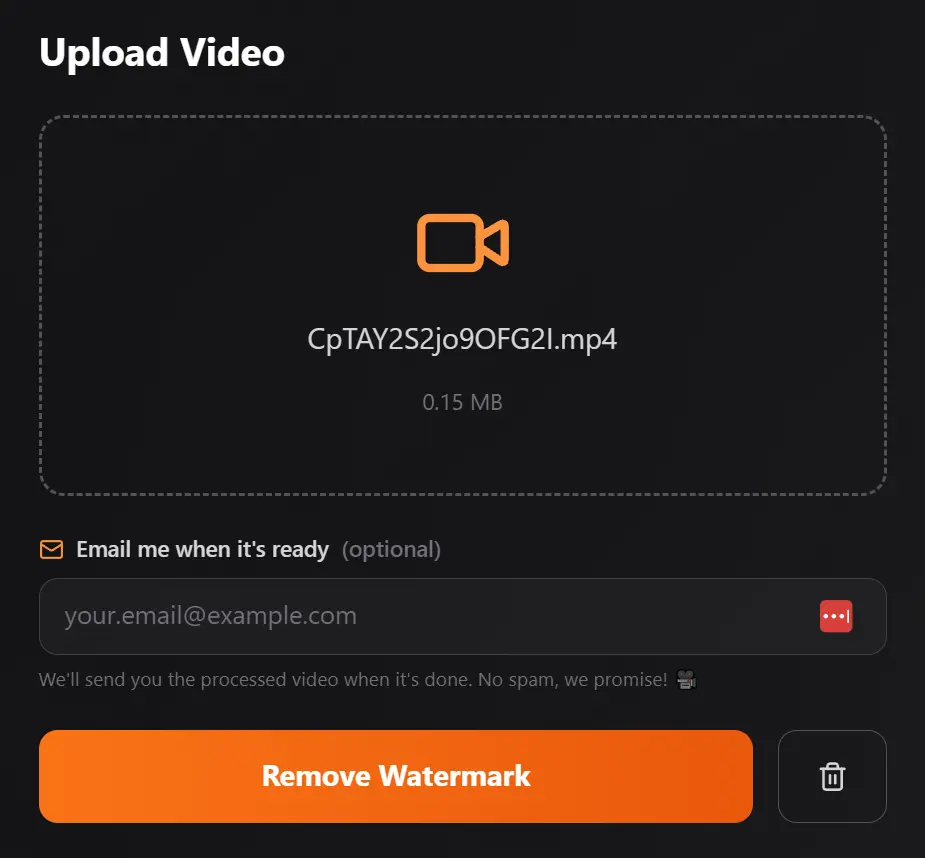
2. You’ll see an option to enter your email address for notification when processing completes. This is actually useful if you’re working with longer videos that might take a few minutes, though I usually skip it for shorter clips.
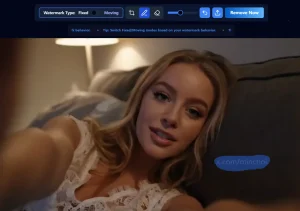
3. Click the “Remove Watermark” button to start processing. The AI immediately begins analyzing your video to detect the Sora watermark location and characteristics.
Processing time depends on several factors. During my test, a 10-second clip took roughly one minute to complete. Longer videos or those with complex motion require more processing time (typically 30 seconds to 2 minutes for most standard videos). Premium GPU users get faster speeds.
4. When processing finishes, the download button appears. Click it to save your watermark-free video to your device. The file maintains your original resolution and quality settings.
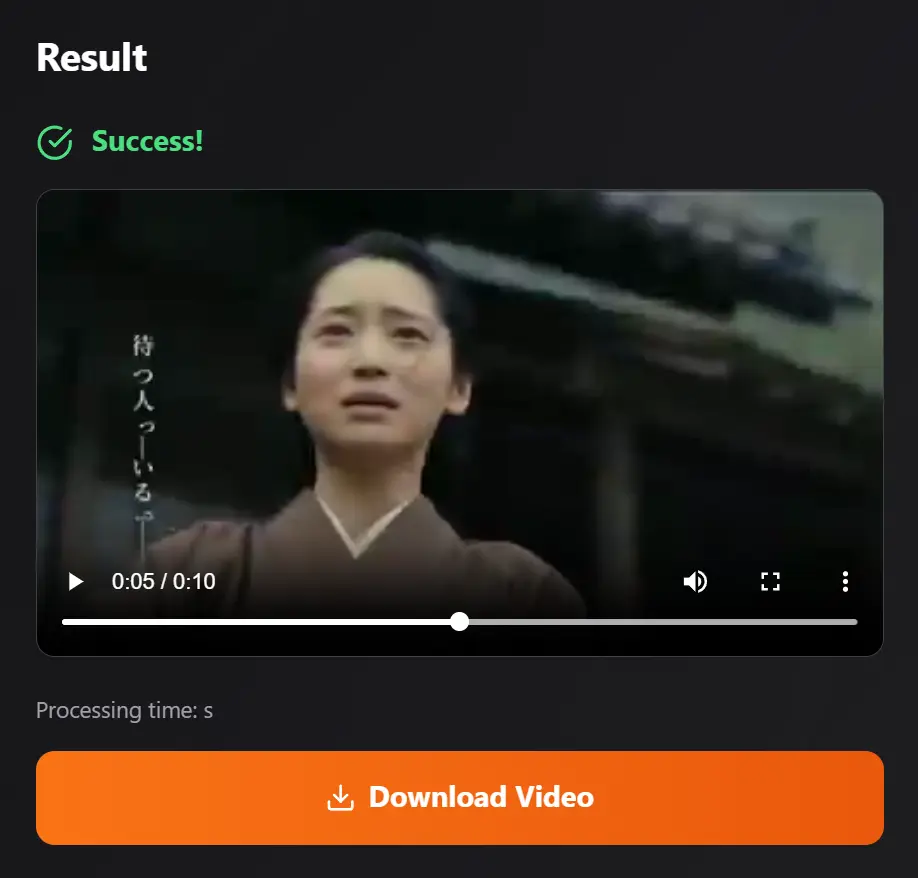
5. After downloading, you can use other video editing tools to adjust brightness, hue, or metadata if you’re preparing content for specific platforms. Some creators combine this with color grading or minor edits to further personalize their AI-generated videos.
Pros
- Completely Free: The core service doesn’t cost anything for guests and registered users.
- Good for Quick Edits: The automatic detection saves a lot of time compared to manual removal in video editing software.
- Privacy-Focused: The 24-hour automatic deletion of files is a good feature for anyone concerned about their content.
Cons
- Potential for Artifacts: Like many AI removal tools, it can sometimes leave slight blurring or artifacts where the watermark used to be, especially against complex backgrounds.
- Usage Limits: Free and registered users are limited to 5 videos per day.
- CPU vs. GPU Processing: The best results are reserved for premium users. Free users might see less precise removal since they are on standard CPUs.
Related Resources
- OpenAI Sora Official Documentation: Learn about Sora 2’s safety features, watermarking policies, and responsible use guidelines directly from OpenAI. Understanding the platform’s intended use cases helps you work within their terms of service.
- C2PA Metadata Standards: Explore the Content Authenticity Initiative’s technical specifications for embedded media provenance. Sora videos include this invisible metadata, and understanding it helps you make informed decisions about content transparency.
- CapCut Video Editor: A free video editing tool for adding finishing touches after watermark removal. Useful for adjusting brightness, color grading, or adding your own branding to processed videos.
- Free AI Video Generators: Discover more free AI video generators to generate videos with no watermark.
FAQs
Q: Will removing the watermark affect my video quality?
A: No, the AI inpainting technology reconstructs the areas where watermarks appeared without degrading your overall video quality. The processed video maintains the same resolution, frame rate, and bitrate as your original Sora export. You won’t see blurring, pixelation, or artifacts in the watermark region. The AI fills those areas by analyzing surrounding frames and context.
Q: Can I use the processed videos commercially?
A: The watermark removal itself doesn’t change the underlying copyright or usage rights of your Sora-generated video. You should review OpenAI’s terms of service for Sora to understand what commercial uses are permitted with your subscription tier.
Q: Why do I see a “spongy block” or artifact where the watermark was?
A: If you notice texture issues or unnatural areas where the watermark appeared, this typically indicates the AI had difficulty reconstructing that region. Complex backgrounds, rapid motion, or semi-transparent watermarks can challenge the inpainting algorithm.
Q: Is there a maximum video length for processing?
A: Free users can process videos up to 2 minutes long. This covers most Sora 2 outputs, which typically generate shorter clips. Premium subscribers may have higher limits, though very long videos will always take proportionally longer to process regardless of your tier.