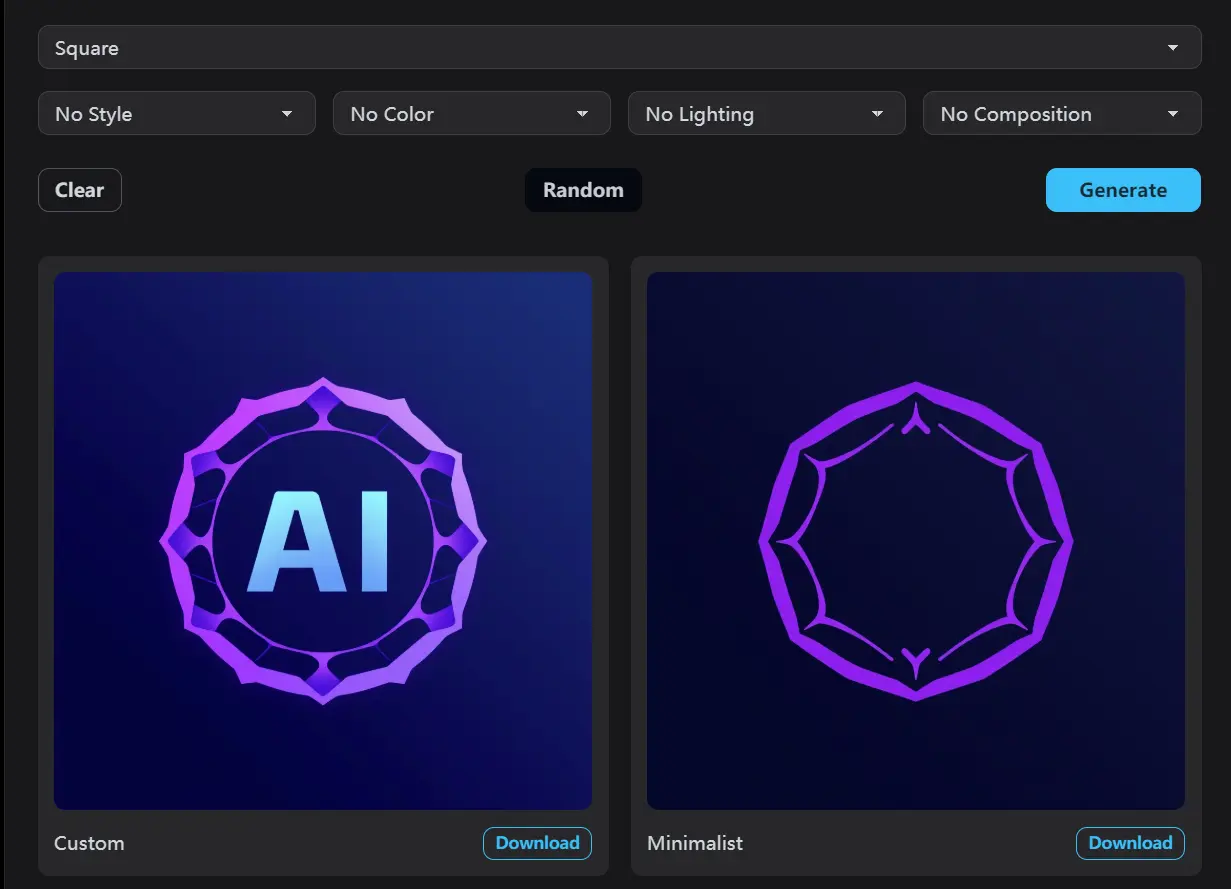
MonetGen is a free, unlimited AI logo generator built on the latest FLUX model, a well-known text-to-image model developed by Black Forest Labs.
It allows you to quickly generate four distinct logo styles simultaneously: Custom, Minimalist, Vintage, and 3D Futuristic—all from a single prompt.
Case Study
I wanted to see how MonetGen handled a relatively specific request. I used the prompt: “modern tech logo with violet gradient for an AI company.” I didn’t use a negative prompt this time, just to see what the default output would be.
The results were pretty good, especially considering it took mere seconds. I got four variations: Custom, Minimalist, Vintage, and 3D Futuristic. The “Custom” and “Minimalist” versions were the closest to what I had in mind. The “Vintage” one was a bit unexpected, but still a usable design. The “3D Futuristic” option was the least relevant to my prompt, but it might be perfect for a different project.

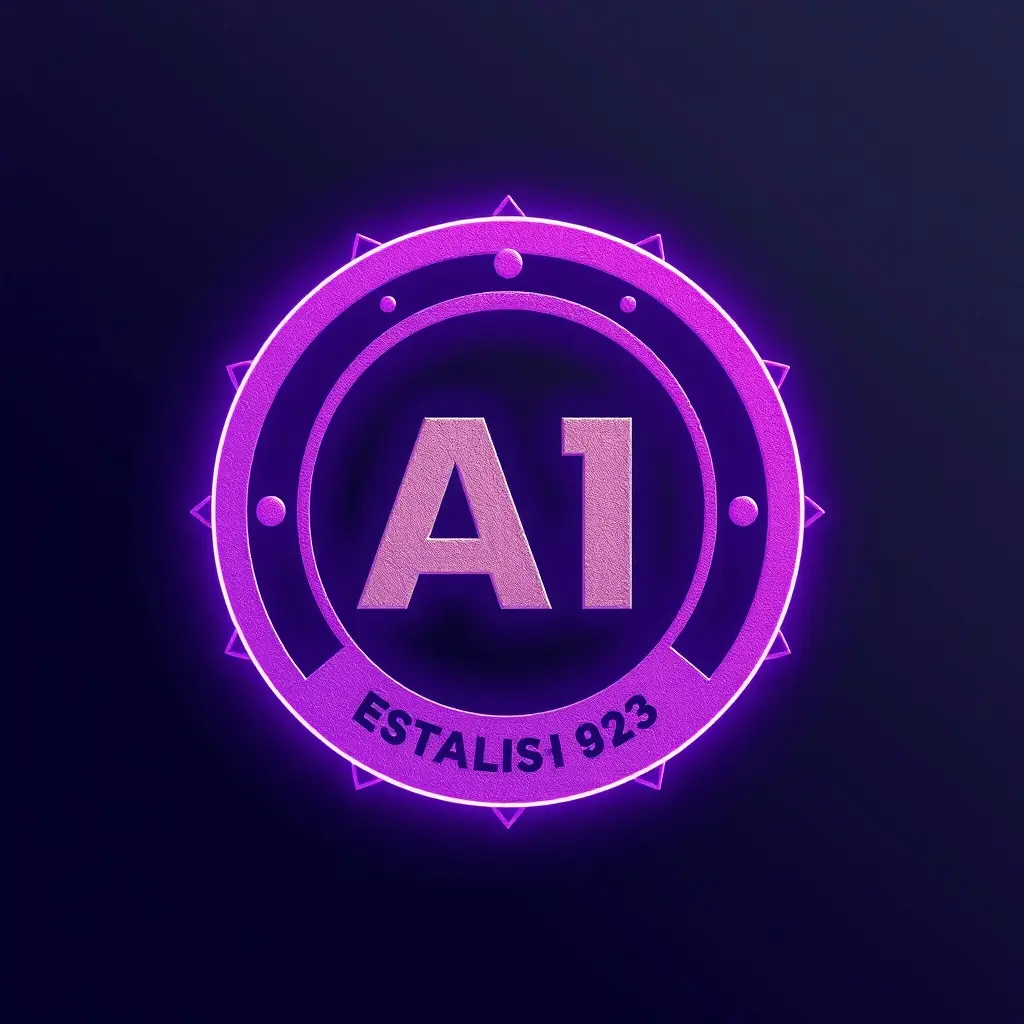


The interesting part was the speed. I’ve used other AI image generators, and they can sometimes be slow or require multiple iterations to get a decent result. MonetGen was fast and the first set of results were largely usable. It showed me that AI Logo Generators don’t need to take too long to generate different styles.
One minor thing I noticed: the “violet gradient” wasn’t perfectly consistent across all four logos. Some had more of a solid violet color. This is something you might want to refine using the negative prompt or by adjusting the color settings.
MonetGen Key Features
- Completely Free & Unlimited: Generate as many logos as you need, no restrictions.
- No Login Required: Just visit the site and start creating.
- Four Style Variations: Generates Custom, Minimalist, Vintage, and 3D Futuristic logos from a single prompt.
- Prompt & Negative Prompt: Describe your desired logo and exclude unwanted elements.
- Aspect Ratio Control: Choose from various aspect ratios like Landscape 16:9, Square, Portrait 4:3, etc.
- Style Customization: Fine-tune styles (Minimal, Modern, Vintage, Abstract), color, lighting, and composition.
- Random Parameter Set: You can click the ‘Random’ button to let the AI pick a random parameter.
- One-Click Download: Easily save the generated logos.
Use Cases
- Placeholder Logos: If you’re building a website or app and need a temporary logo, MonetGen is perfect. It’s better than a generic placeholder and can be easily replaced later.
- Social Media Profile Pictures: Create a consistent brand identity across different platforms by generating logos in various aspect ratios.
- Inspiration for Designers: Even experienced designers can use MonetGen to spark new ideas. The “Random” feature can be surprisingly helpful for breaking out of creative ruts.
- Small Business Branding: For solopreneurs or small businesses on a tight budget, MonetGen offers a viable alternative to hiring a designer, at least for the initial logo.
How to Use MonetGen
1. Go to the MonetGen website and type a description of your desired logo. Be as specific or as general as you like.
2. Add a Negative Prompt (Optional). If there are elements you don’t want in your logo (e.g., “complex elements,” “red color”), add them here.
3. Select the aspect ratio that best suits your needs (e.g., Square for a profile picture, Landscape 16:9 for a website header).
4. Adjust additional parameters or hit the “Random” button to let the AI choose.
- Style: Minimal, Modern, Vintage, or Abstract
- Color: Blue, Green, Red, or Purple
- Lighting: Soft, Dramatic, or Studio
- Composition: Centered, Asymmetric, or Dynamic
5. Click “Generate”. Wait a few seconds, and you’ll see four logo variations.
6. Click the download button below each logo to save it.
PROS
- Zero barriers: Truly free, no hidden paywalls
- Style range: From flat designs to dimensional
- Commercial rights: Legally clear for business use
- Speed: <15 sec per batch on mid-tier hardware
CONS
- Limited font control: Can’t specify typefaces
- Color precision: Hex codes sometimes ignored
- No editing: Can’t tweak individual elements post-generation
- Brand consistency: No way to save style guides
FAQs
Q: How does MonetGen compare to paid logo generators?
A: MonetGen offers surprisingly good quality for a free tool. Paid options typically provide more customization, editable vector files, and guaranteed commercial rights. However, for quick concepts or non-commercial use, MonetGen is competitive.
Q: Can I request specific text in my logo?
A: Yes, you can include text requirements in your prompt. However, I found the text rendering to be hit-or-miss, with some results having readability issues.
Q: What makes MonetGen different from other AI logo generators?
A: The key differentiators are the completely free access, no registration requirement, and the simultaneous generation of four style variations. Most competitors offer only one style at a time or require payment for multiple options.
Q: Can I edit the generated logos afterward?
A: MonetGen doesn’t include editing capabilities. You’ll need to download your preferred logo and use separate graphic design software for any modifications.