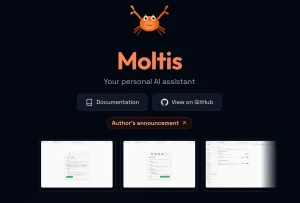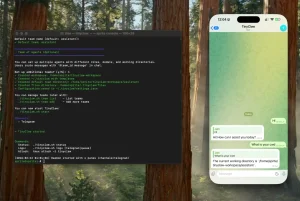
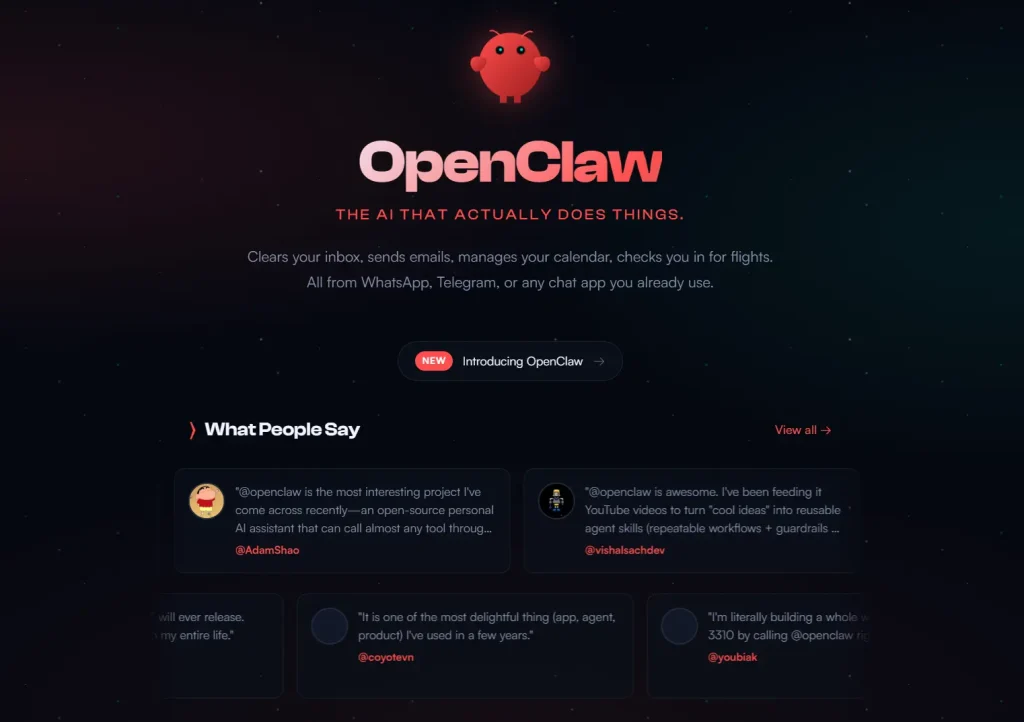
OpenClaw is an open-source personal AI agent that routes instructions from messaging apps to an AI model running on local hardware. It gained significant developer attention in early 2026 when its GitHub star count crossed 150,000 in just a few days.
The project, created by PSPDFKit founder Peter Steinberger under earlier names Clawdbot and Moltbot, became one of the fastest-growing repositories in open-source history before Steinberger announced he would be joining OpenAI and transferring the project to a foundation.
OpenClaw connects messaging platforms like WhatsApp, Telegram, and Discord to an AI model that can run shell commands, browse the web, manage local files, and call external services.
That level of integration makes it genuinely useful for personal automation. It also explains why security researchers and enterprise teams quickly raised concerns about the default permission model and the risks that follow from giving an AI agent broad access to a local system.
Developers and security-conscious users are now looking for OpenClaw alternatives that prioritize isolation. The market has shifted toward tools that offer similar agentic capabilities but enforce stricter permission boundaries, use lower-level languages like Rust for performance, or run inside dedicated containers.
This article introduces seven of the best open-source OpenClaw alternatives available on GitHub. Some projects work as direct refactors of the original codebase. Others deliver similar functionality with a focus on safety, speed, and lightweight performance. Use this comparison to select the personal AI agent that fits your specific needs.
Quick Comparison Table
| Tool | Language | Permission Control | Best For |
|---|---|---|---|
| ZeroClaw | Rust | Strict (Deny-by-default, Sandbox) | High security & Low resource hardware |
| nanoclaw | TypeScript | OS-level Isolation (Docker/Container) | Security-conscious developers |
| nullclaw | Zig | Strict (Pairing + Multi-layer Sandbox) | Ultra-low resource hardware & Edge deployment |
| nanobot | Python | Docker Sandbox available | Researchers & Modders |
| TinyClaw | TypeScript | Workspace Isolation | Multi-agent ChatOps (Discord/WhatsApp) |
| OpenWork | TypeScript & Rust | Human-in-the-loop (Allow/Deny UI) | Teams & Productized workflows |
| AionUi | Electron/Web Tech | Local Storage (SQLite) | GUI users & File management |
Best OpenClaw Alternatives
Table Of Contents
- ZeroClaw: Full-Stack Rust Agent Runtime with Security-First Architecture
- nanoclaw: Minimal Claude Assistant with Container Isolation
- nanobot: Ultra-Lightweight Personal AI Assistant
- TinyClaw: Multi-Agent Multi-Channel Assistant with Isolated Workspaces
- nullclaw: Sub-Millisecond AI Agent for Edge Hardware
- AionUi: Cross-Platform GUI for CLI AI Tools
- OpenWork: Auditable Workflow Automation with Permission Surfaces
ZeroClaw: Full-Stack Rust Agent Runtime with Security-First Architecture
Best for: Security-conscious developers, edge hardware users, and teams who need a production-grade local agent with strict permission controls.
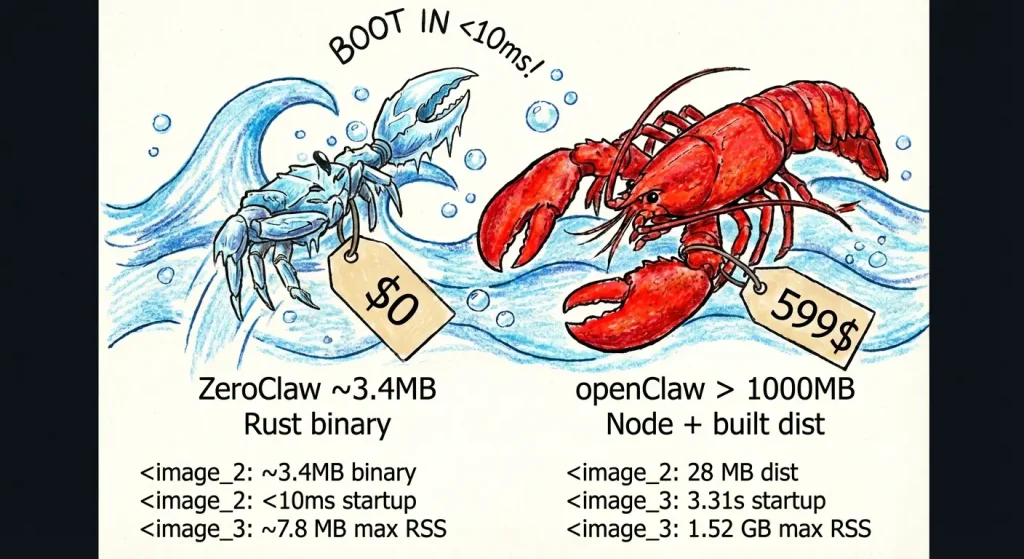
ZeroClaw is written entirely in Rust and targets low-resource environments, including ARM single-board computers. The project was built by students and contributors affiliated with Harvard, MIT, and Sundai.Club.
It replicates OpenClaw’s core feature set, like multi-channel messaging, scheduled tasks, tool invocation, and persistent memory, while building security controls into the architecture rather than as optional configuration.
Features:
- Trait-driven architecture lets users swap providers, channels, tools, memory backends, and tunnel providers without code changes.
- Docker sandboxed runtime option runs shell commands in an isolated container with configurable memory limits, read-only root filesystem, and network isolation.
- Channel allowlists use a deny-by-default policy: an empty allowlist blocks all inbound messages.
- Gateway binds to
127.0.0.1by default and refuses public binding without an active tunnel. - One-time pairing codes protect the webhook endpoint.
- Filesystem scoping restricts agent operations to a defined workspace; 14 system directories and sensitive dotfiles are blocked by default.
Deployment & Requirements:
- Rust toolchain (stable) required for source builds; pre-built binaries available via the bootstrap script.
- Runs on macOS, Linux, and Windows (via WSL2).
- Supports local Ollama endpoints, OpenAI-compatible APIs, and OpenRouter.
- Docker required only for the sandboxed runtime option; native runtime works without it.
Safety & Permission Model: ZeroClaw publishes a security checklist with four primary items: local-only gateway binding, required pairing, workspace-scoped filesystem access, and tunnel-only external exposure. The autonomy.level config option supports readonly, supervised, and full modes. The supervised default requires approval for higher-risk actions.
Pros:
- Binary runs under 5MB with sub-10ms cold start; suitable for Raspberry Pi and similar hardware.
- Deny-by-default channel policies reduce accidental exposure.
- Docker runtime option provides OS-level isolation for shell execution.
Cons:
- Rust build toolchain adds setup friction for non-Rust developers.
- Some subsystems listed in the architecture (WASM runtime, certain channels) are planned but not yet implemented.
Repository: https://github.com/zeroclaw-labs/zeroclaw
nanoclaw: Minimal Claude Assistant with Container Isolation
Best for: Users who want a personal assistant with the same core functionality as OpenClaw but in a codebase small enough to read and audit in one sitting.
The nanoclaw author explicitly cites OpenClaw’s 52 modules, 45+ dependencies, and application-level security model as the reasons for building an alternative. nanoclaw delivers WhatsApp messaging, scheduled tasks, per-group memory, and web access in a single Node.js process with a handful of source files. Agents run inside Linux containers rather than behind permission allowlists.
Features:
- Agents execute inside Apple Container (macOS) or Docker, with only explicitly mounted directories visible to the agent.
- Per-group isolated filesystems: each WhatsApp group gets its own container sandbox and
CLAUDE.mdmemory file. - No configuration files: behavior changes go directly into code, which the author argues keeps the system auditable.
- Skills-over-features philosophy: new capabilities come from skill files contributed to the repository, not from expanding the base codebase.
Deployment & Requirements:
- macOS or Linux required.
- Node.js 20+ and Claude Code CLI required.
- Apple Container (macOS) or Docker for agent sandboxing.
- WhatsApp via Baileys library; no third-party API key required for the messaging layer.
Safety & Permission Model: Container isolation is the primary security boundary. Agent commands run inside a container that can only see explicitly mounted directories. The main channel (self-chat) serves as the admin control surface; other groups are fully isolated from each other.
Pros:
- Container-based isolation provides OS-level security rather than application-level checks.
- Codebase is intentionally small; the author claims an 8-minute read time.
- No configuration sprawl: the code is the configuration.
Cons:
- Single-user design; not suitable for shared or team deployments.
- WhatsApp-only out of the box; other channels require skill contributions.
- Requires Claude Code CLI, which ties the tool to Anthropic’s subscription.
Repository: https://github.com/gavrielc/nanoclaw
nanobot: Ultra-Lightweight Personal AI Assistant
Best for: Developers and researchers who want an OpenClaw-equivalent agent at roughly 4,000 lines of Python code, with support for local language models.
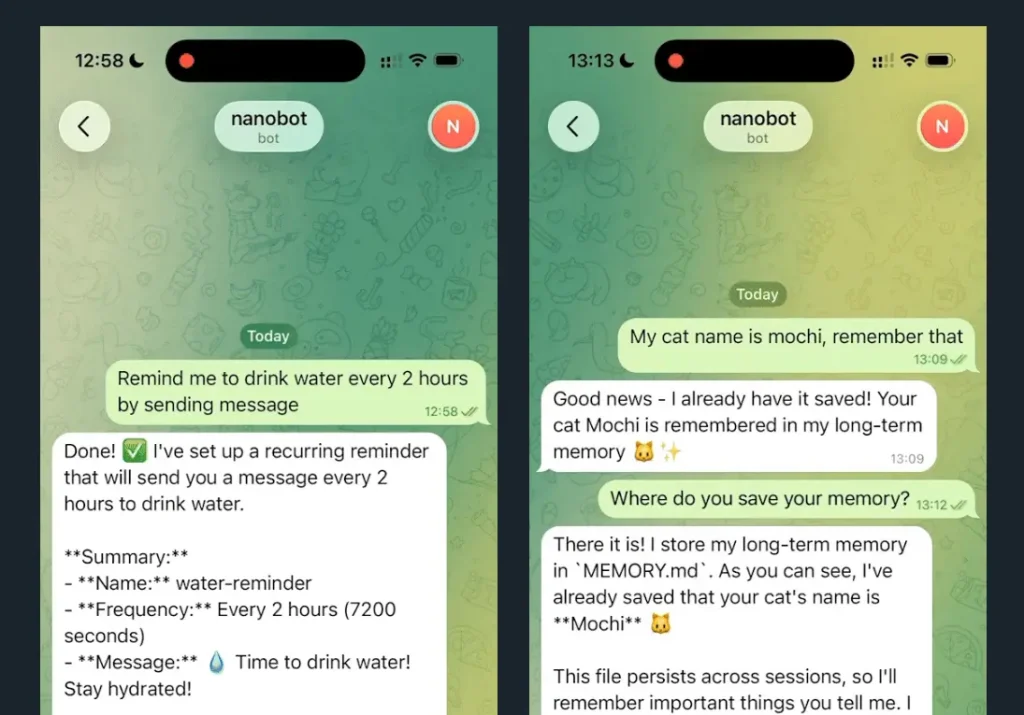
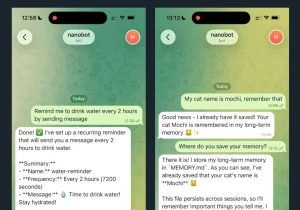
nanobot was developed by the HKUDS lab and is explicitly described as an alternative to Clawdbot (OpenClaw). At approximately 4,000 lines, it claims 99% smaller code footprint than OpenClaw. It covers real-time web search, software engineering tasks, scheduled tasks, and persistent memory. The lightweight architecture makes it practical for code review and research into agent design.
Features:
- Supports local model deployment via vLLM or any OpenAI-compatible server, including Ollama and LM Studio.
- Telegram and WhatsApp channel support with configurable
allowFromlists. - Docker deployment option for persistent configuration across container restarts.
- Cron-style scheduled tasks via CLI commands.
Deployment & Requirements:
- Python 3.11+ required.
- Install from PyPI (
pip install nanobot-ai), viauv, or from source. - API key from OpenRouter, Anthropic, OpenAI, or a local server.
- Docker optional but recommended for production deployments.
Safety & Permission Model: Channel access uses allowFrom lists that restrict which phone numbers or user IDs can interact with the agent. Local model support means the language model inference can stay fully on-premises with no data sent to external APIs.
Pros:
- Very small, readable codebase suited for audit and research.
- Full local model support reduces data exposure to external services.
- Active roadmap with community contributions.
Cons:
- Fewer built-in integrations than OpenClaw.
- Memory and multi-step reasoning features are still on the roadmap.
- Limited OS-level sandboxing; relies on configuration-based access controls.
Repository: https://github.com/HKUDS/nanobot
TinyClaw: Multi-Agent Multi-Channel Assistant with Isolated Workspaces
Best for: Users who need to run multiple specialized agents simultaneously, each with isolated context and workspace.
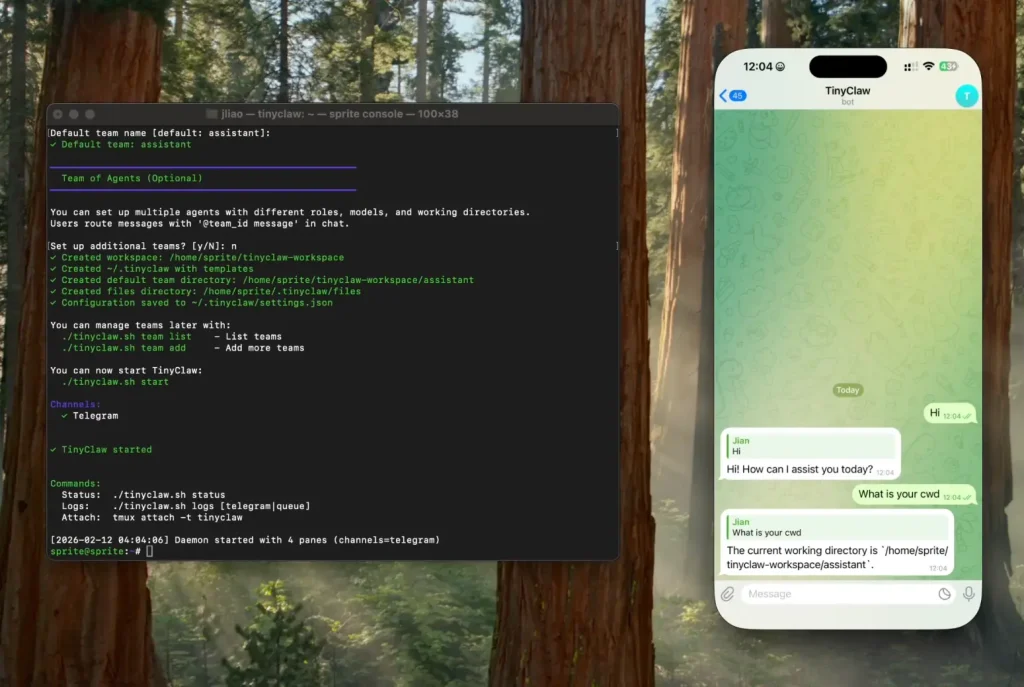
TinyClaw runs multiple AI agents in parallel, each operating in a separate workspace directory with independent conversation history. Messages route to specific agents using @agent_id syntax across Discord, WhatsApp, and Telegram. A file-based message queue provides atomic operations without race conditions.
Features:
- Each agent gets its own workspace directory, conversation history, and custom configuration.
- Supports both Anthropic Claude and OpenAI providers, with model selection per agent.
- Tmux-based process management for 24/7 operation.
- Heartbeat system triggers periodic agent check-ins even without user input.
Deployment & Requirements:
- macOS or Linux required.
- Node.js v14+ and tmux.
- Claude Code CLI or Codex CLI depending on provider selection.
- WhatsApp, Discord, or Telegram tokens for channel configuration.
Safety & Permission Model: Agent isolation is the primary safety mechanism: each agent can only access its own workspace directory and conversation history. Agents cannot access each other’s data or files. The file-based queue prevents concurrent write conflicts.
Pros:
- Per-agent workspace isolation prevents cross-contamination between agent contexts.
- Supports multiple AI providers, reducing single-vendor dependency.
- Active community and quick-start tooling.
Cons:
- No OS-level container isolation; workspace separation is filesystem-level only.
- Relies on Claude Code or Codex CLI, which carry their own permission scopes.
- Limited documentation on filesystem permission boundaries.
Repository: https://github.com/jlia0/tinyclaw
nullclaw: Sub-Millisecond AI Agent for Edge Hardware
Best for: Developers deploying on extremely resource-constrained hardware, edge devices, or anyone who needs the absolute smallest footprint and fastest cold start.
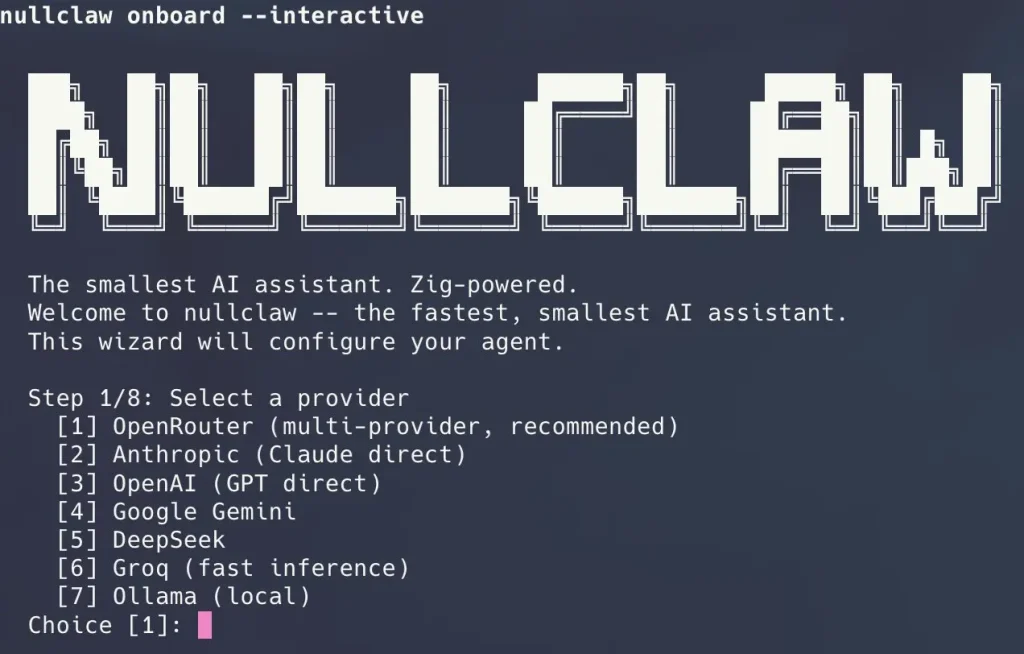
nullclaw is written entirely in Zig and compiles to a 678 KB static binary that boots in under 2 milliseconds on Apple Silicon. The project runs comfortably on hardware that costs less than five dollars, including ARM single-board computers and microcontrollers with under 1 MB of peak memory usage. Despite the minimal footprint, nullclaw ships with 22+ AI providers, 18 messaging channels, hybrid vector and keyword search memory, and multi-layer sandboxing.
Features:
- 678 KB static binary with zero runtime dependencies beyond libc.
- Peak memory usage around 1 MB, suitable for the cheapest ARM boards.
- Cold start under 2 ms on modern hardware, under 8 ms on 0.8 GHz edge cores.
- Pluggable architecture with vtable interfaces for every subsystem.
- Hybrid memory system using SQLite with FTS5 keyword search and vector cosine similarity.
- Multi-layer sandbox support including Landlock, Firejail, Bubblewrap, and Docker.
Deployment & Requirements:
- Zig 0.15.2 is required for building from source.
- Supports 22+ AI providers through OpenAI-compatible interfaces, including OpenRouter, Anthropic, OpenAI, Ollama, Groq, and local endpoints.
- Runs on macOS, Linux, and Windows via WSL2.
Safety & Permission Model: nullclaw enforces security at every layer. The gateway binds to 127.0.0.1 by default and refuses public binding without an active tunnel. Pairing requires a six-digit one-time code exchanged for a bearer token. Filesystem access is workspace-scoped by default with symlink escape detection and null byte injection blocking. API keys are encrypted with ChaCha20-Poly1305 using a local key file. The system auto-detects the best available sandbox backend and supports configurable resource limits for memory, CPU, and disk.
Pros:
- Focused scope reduces the attack surface compared to a full agent runtime.
- Self-hosted deployment keeps memory data on-premises.
- Apache 2.0 license provides patent protection alongside open-source access.
Cons:
- Not a standalone agent; requires integration with an existing agent framework.
- Python 3.13+ requirement may conflict with existing environments.
- Cloud API option at memu.so shares data with the service provider.
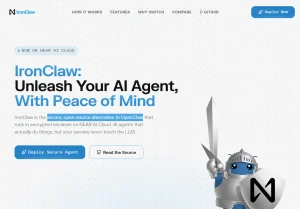
Repository: https://github.com/nearai/ironclaw
AionUi: Cross-Platform GUI for CLI AI Tools
Best for: Non-technical users and teams who want a graphical interface for managing CLI-based AI agents (Claude Code, Gemini CLI, Codex) without command-line interaction.
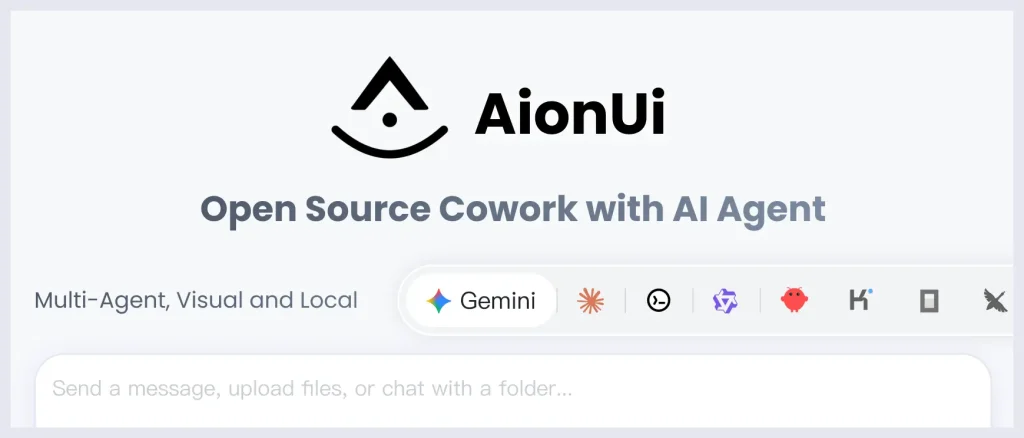
AionUi is a desktop application that wraps existing CLI AI tools in a unified graphical interface. It auto-detects installed CLI tools, stores all conversations in a local SQLite database, and adds features like multi-session management, file preview, scheduled tasks, and remote WebUI access via browser. It positions itself as a cross-platform alternative to Anthropic’s Claude Cowork, which is macOS-only.
Features:
- Supports Claude Code, Gemini CLI, Codex, Qwen Code, Goose CLI, and Augment Code from a single interface.
- All conversations and files stored locally in SQLite; data does not leave the device.
- Remote WebUI access via LAN or cross-network for access from phone or tablet.
- Scheduled task automation with natural language task specification.
- Preview panel supports PDF, Word, Excel, PPT, Markdown, HTML, code, and images.
Deployment & Requirements:
- macOS 10.15+, Windows 10+, or Linux (Ubuntu 18.04+/Debian 10+/Fedora 32+).
- 4GB RAM recommended; 500MB storage minimum.
- Requires at least one supported CLI AI tool or API key.
- Available via Homebrew (
brew install aionui) on macOS.
Safety & Permission Model: AionUi inherits the permission model of the underlying CLI tool it wraps. Its own data handling keeps conversations in a local SQLite database with no cloud upload. Remote WebUI access can be secured with QR code login or account password. The tool does not add independent sandboxing for agent execution.
Pros:
- Local data storage with no cloud dependency for conversation data.
- Cross-platform support including Windows, where some competitors are macOS-only.
- Broad model support reduces dependency on any single AI provider.
Cons:
- Agent execution safety depends entirely on the underlying CLI tool’s permission model.
- No container isolation for agent commands.
- Image generation features require additional API keys with external data transfer.
Repository: https://github.com/iOfficeAI/AionUi
OpenWork: Auditable Workflow Automation with Permission Surfaces
Best for: Developers and small teams who want to build repeatable, auditable agentic workflows on top of OpenCode with explicit permission handling.
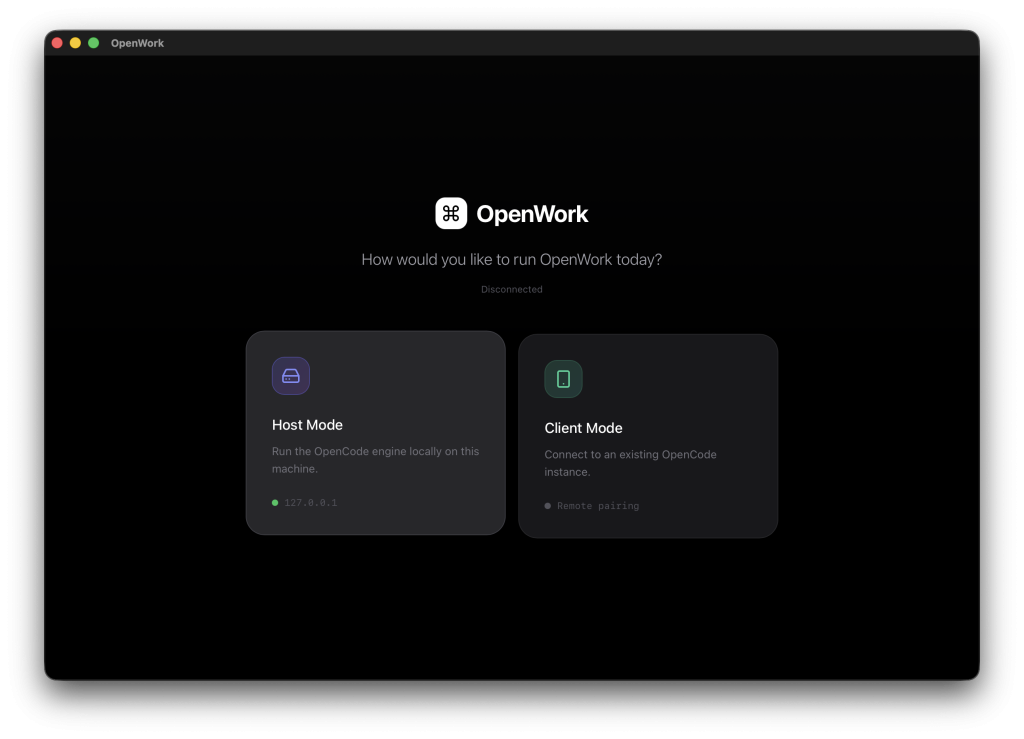
OpenWork is a native desktop application that runs OpenCode under a guided workflow interface. It surfaces permission requests explicitly, renders execution plans as a timeline, and supports skill installation through a package manager. The project describes itself as an extensible open-source alternative to Claude Cowork, with support for both local and remote server deployments.
Features:
- Permission request surfaces let users allow once, always, or deny specific actions.
- Execution plan rendering shows what the agent intends to do before it acts.
- Skills manager supports installable skill modules via the OpenPackage system.
- Host mode binds the OpenCode server to
127.0.0.1by default. - Client mode connects to a remote OpenCode server by URL.
- Owpenbot provides an optional WhatsApp bridge for mobile access.
Deployment & Requirements:
- Node.js and pnpm required.
- Rust toolchain and Tauri CLI required for the desktop shell.
- OpenCode CLI installed and available on PATH.
- Linux users on Wayland may need environment flags to work around WebKitGTK rendering issues.
Safety & Permission Model: The gateway binds to localhost only. The interface hides model reasoning and sensitive tool metadata by default. Permission requests surface to the user at runtime rather than requiring pre-configuration of allowlists. The tool does not add OS-level container isolation for agent command execution.
Pros:
- One binary runs on everything from a Raspberry Pi to an AWS Graviton instance.
- Sandboxing, encrypted secrets, and deny-by-allowslists aren’t optional extras.
- You can switch from OpenAI to Ollama to a custom endpoint by changing one config line.
- Uses OpenClaw’s config format and memory structure.
Cons:
- You must use exactly Zig version 0.15.2 to build the project.
- You must configure the system entirely through the command line and JSON files.
Repository: https://github.com/different-ai/openwork
What Makes a Good OpenClaw Alternative?
Choosing an OpenClaw alternative means balancing what you need it to do against how much you trust it with system access. Look for these features when comparing options:
- Strict Isolation: The ability to run the agent in a container or sandbox where it cannot access the host system’s critical files.
- Auditability: A smaller codebase that a single developer can review to understand exactly what the software is doing.
- Resource Efficiency: OpenClaw is heavy. Alternatives should run effectively on standard hardware or edge devices.
- Transparent Permissions: Clear, granular control over what tools the agent can access (e.g., read-only access to specific folders).
- Local Deployment: The ability to run entirely offline or with local LLMs to prevent data leakage.
Best OpenClaw Alternatives by Use Case
Best for local-first usage: nullclaw and ZeroClaw both implement comprehensive security checklists. nullclaw provides encrypted secrets with ChaCha20-Poly1305, multi-layer sandbox auto-detection, and workspace scoping with escape prevention. ZeroClaw offers deny-by-default channel policies, workspace-scoped filesystem access, pairing-protected gateway, and optional Docker sandboxing for shell execution.
Best for strict permission control: nanoclaw and ZeroClaw both provide OS-level container isolation. nanoclaw is simpler to understand; ZeroClaw provides more configuration options and broader platform support.
Best for developers: nanobot provides a clean, small Python codebase built for research and customization, with straightforward local model integration and active contributor roadmap.
Best for advanced automation: TinyClaw handles multi-agent parallel workflows with per-agent workspace isolation, making it practical for users running specialized agents simultaneously across multiple channels.
Best for security-conscious users: nullclaw and ZeroClaw both implement comprehensive security checklists. nullclaw provides encrypted secrets with ChaCha20-Poly1305, multi-layer sandbox auto-detection, and workspace scoping with escape prevention. ZeroClaw offers deny-by-default channel policies, workspace-scoped filesystem access, pairing-protected gateway, and optional Docker sandboxing for shell execution.
Why Safety Matters for AI Agents Like OpenClaw
AI agents with high system permissions present real-world risks that differ from traditional software. Recent research and security advisories have highlighted several concerns:
- Remote Code Execution Vulnerabilities: In early 2026, a critical flaw (CVE-2026-25253) allowed attackers to hijack OpenClaw instances by tricking users into visiting malicious websites. The attack exploited token leakage to gain full control of the gateway host.
- Exposed Instances: Security scans identified over 40,000 OpenClaw deployments exposed to the public internet. Many of these ran with default configurations, binding to all network interfaces without authentication.
- Malicious Skills: The ClawHub skills marketplace has been a vector for malware. Analysis of approximately 3,000 skills found a 10.8 percent infection rate, with plugins designed to steal cryptocurrency wallets and cloud service tokens. Another report found 7.1 percent of 3,984 skills contained severe security defects .
- Indirect Prompt Injection: Attackers can embed hidden instructions in web pages that AI agents read. When an agent processes such content, it may unknowingly execute commands that compromise the system.
- Plaintext Credential Storage: OpenClaw stores API keys and tokens in JSON files without encryption. Infostealer malware can harvest these credentials, giving attackers persistent access to connected services.
These issues have led developers and security-conscious users to seek alternatives with stronger isolation, clearer permission models, and more predictable execution behavior.
Final Thoughts
OpenClaw proved that people want AI agents that live in their messaging apps and actually get things done. Its rapid growth shows that agentic AI has moved from a research concept to a practical tool.
The security problems that showed up don’t mean we should give up on AI agents. They mean developers need to build safety in from the start, not add it later. The alternatives covered here each address safety through different means: ZeroClaw through Rust’s memory safety and container isolation, nanoclaw through minimal code and OS containers.
For users who need OpenClaw’s skill ecosystem and platform support, the original remains a valid choice when configured with security in mind: use the latest version, enable Docker sandboxing, and keep the gateway off the public internet.
For those who prioritize security over ecosystem size, the alternatives offer architectures built with safety as the starting point rather than an afterthought. The trend toward smaller, more auditable codebases and stronger isolation mechanisms reflects a maturing understanding of what agent safety requires.
FAQs
Q: Is OpenClaw safe to use?
A: OpenClaw can be used safely with proper configuration, but default settings have led to widespread exposures. Security researchers have identified multiple critical vulnerabilities in early 2026, though patches were released quickly. Users should run the latest version, avoid exposing the gateway to the internet, use container sandboxing, and carefully vet any installed skills.
Q: Is OpenClaw fully open source?
A: Yes, OpenClaw is open source and available on GitHub. It recently transitioned to the OpenClaw Foundation with support from OpenAI.
Q: Can OpenClaw alternatives run locally?
A: All seven alternatives listed run locally or can be self-hosted. ZeroClaw and nanobot are designed specifically for local deployment with minimal dependencies. AionUi and OpenWork also store data locally by default.
Q: Do safer AI agents limit functionality?
A: Safety features can restrict some capabilities. Containerized agents may have limited filesystem access. Rule-based systems like SafeClaw cannot handle free-form creative tasks. However, for many automation use cases, such as file organization, news summarization, and scheduled tasks, these limitations don’t reduce practical utility.
Q: Are open-source AI agents suitable for production use?
A: Several of these tools are used in production environments. ZeroClaw’s trait-based architecture and memory system are designed for reliability. TinyClaw’s file-based queue prevents race conditions in multi-agent setups. OpenWork includes permission approval flows suitable for team use.
Q: What is the difference between permission control and sandboxing?
A: Permission control uses software checks to decide whether an action is allowed. Sandboxing uses OS-level isolation (containers, virtual machines) to limit what an action can affect, even if allowed.