Free AI writing tools can help draft articles, rewrite paragraphs, fix grammar, and research unfamiliar topics. ChatGPT, Claude, Gemini, Grammarly, and other writing assistants provide free access, although their model choices and usage allowances differ.
For regular writing, the useful details are the available tasks and the limits on free accounts. ChatGPT and Claude now include access to newer models, while specialized writing apps often limit prompts, characters, or editing features. The options here address drafting, research, paraphrasing, proofreading, and short-form content.
TL;DR – Quick Picks
If you only need one free AI writing tool, start with ChatGPT. It covers the widest range of writing tasks and offers the most flexible free access.
For long-form or creative content, Claude is useful for drafting and revision. Its free allowance resets every five hours, and available messages vary with conversation length and model usage.
For research-led writing, Perplexity provides source-linked answers. Gemini supports drafting and research in its own app, with separate subscription rules for Gemini in Docs and Gmail.
For rewriting and polishing existing text, Quillbot and Grammarly remain the most practical free tools, each with clear usage limits.
For marketing copy, Rytr has a clearly defined 10,000-character monthly free allowance. Copy.ai focuses on business copy, though its current free signup terms are less clear.
For technical documentation and code explanations, DeepSeek is another free option with a dedicated thinking mode.
Quick Comparison Table
| Tool | Writing Focus | Best For |
|---|---|---|
| ChatGPT | General writing, brainstorming | General users, students, creators |
| Claude | Creative writing, analysis | Writers, researchers |
| Gemini | Research, Google integration | Google Workspace users |
| Grammarly | Grammar, spelling, clarity | Everyone writing in English |
| Quillbot | Paraphrasing, summarizing | Students, academics |
| Perplexity | Research-based writing | Researchers, journalists |
| DeepSeek | Technical writing, coding | Developers, technical writers |
| Copy.ai | Marketing copy | Marketers, business owners |
| Rytr | Short-form content | Bloggers, social media users |
| Microsoft Copilot | General productivity | Microsoft users |
Top 10 Free AI Writing Tools in 2026
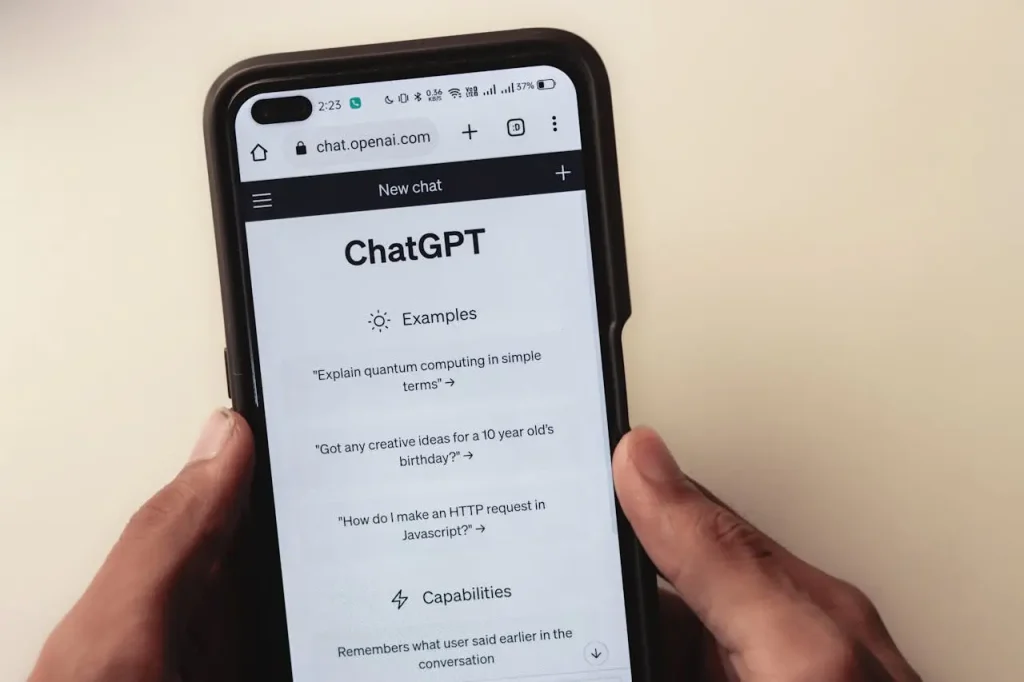
1. ChatGPT – The Most Versatile Free AI Writer
Best for: General writing tasks, brainstorming, and content drafting
Overview: ChatGPT helps draft blog posts, write emails, rewrite paragraphs, summarize documents, and brainstorm ideas. Follow-up prompts let you refine structure, tone, and length. GPT-6 Luna begins rolling out to Free accounts on October 7, 2026.
Key Features:
- Multi-modal input and output (text, images, voice)
- Custom GPTs for specialized tasks
- Conversation memory for context retention
Free Plan Limitations: Unlimited everyday text chats under abuse-prevention safeguards. GPT-6 Luna is rolling out to Free accounts, and separate limits apply to uploads, images, research, and other advanced features.
Pros:
- Handles diverse writing tasks with one tool
- Generous free-tier access to capable models
Cons:
- Outputs can be generic without specific prompting
Website: chatgpt.com
2. Claude – Best for Creative and Long-Form Writing

Best for: Creative writing, detailed analysis, nuanced content
Overview: Claude from Anthropic produces human-like text with strong coherence. Its high-context window handles long documents and extended conversations. The Artifacts feature provides live previews of generated content, useful for reviewing longer pieces.
Key Features:
- Large context window for lengthy content
- Artifacts for previewing generated text
- Strong instruction-following capability
Free Plan Limitations: Free accounts can use Claude Haiku 5.5 and eligible Sonnet models. The session allowance refreshes every five hours, with no fixed message count. Opus access requires an eligible paid plan.
Pros:
- Produces coherent, natural-sounding prose
- Excellent at following complex instructions
Cons:
- Five-hour usage allowance can interrupt long drafting sessions
Website: claude.ai
3. Gemini – Best for Google Workspace Users
Best for: Research, content drafts, Google account workflows
Overview: Gemini helps draft text, summarize files, plan articles, and research topics in the Gemini app. Writing assistance inside Google Docs and Gmail depends on the relevant Google Workspace or Google AI subscription and account eligibility.
Key Features:
- Drafting, rewriting, and summarizing in Gemini
- Real-time web access for current information
- Multi-modal capabilities
Free Plan Limitations: Personal accounts without a Google AI plan can access Gemini 3 Flash-Lite, Flash, and Pro under compute-based limits. Usage refreshes every five hours until the weekly limit is reached. Paid plans increase allowances and unlock additional features.
Pros:
- Useful for drafting and summarizing with a Google account
- Pulls current information from the web
Cons:
- Can be overly cautious with creative content
Website: gemini.google.com
4. Grammarly – Best for Grammar and Spelling Correction
Best for: Proofreading, error correction, basic style improvement
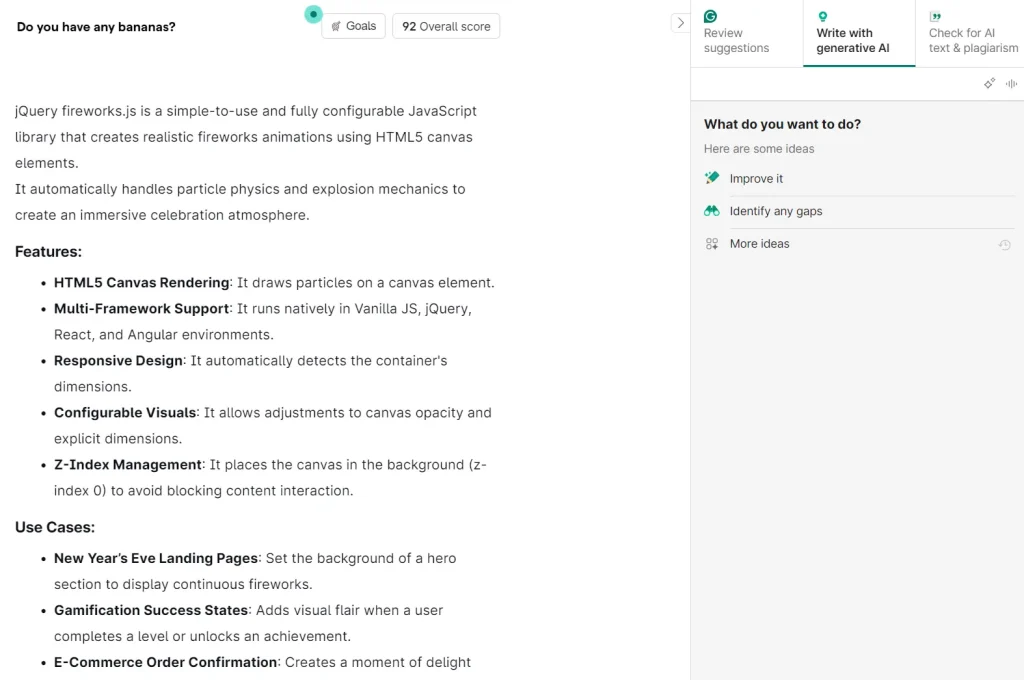
Overview: Grammarly checks grammar, spelling, and punctuation in real time. It works across browsers, desktop apps, and mobile keyboards. The free tier includes AI-powered rewriting prompts for quick fixes.
Key Features:
- Real-time grammar and spelling checks
- Browser extensions and desktop integration
- 100 AI prompts per month
Free Plan Limitations: Free accounts receive 100 generative AI prompts per month, along with spelling, grammar, and basic tone feedback. Full-sentence rewriting and advanced editing features require Grammarly Pro.
Pros:
- Industry-standard grammar correction
- Works across most writing platforms
Cons:
- Advanced style and tone features locked behind paywall
Website: grammarly.com
5. Quillbot – Best for Paraphrasing and Summarizing

Best for: Academic writing, rephrasing content, condensing text
Overview: Quillbot specializes in rewriting and summarizing. Paste your text, and the tool provides alternative phrasing or a condensed version. Students and content creators use it to rephrase sentences and avoid repetition.
Key Features:
- Paraphraser with multiple modes
- Summarizer for condensing long text
- Citation generator for academic work
Free Plan Limitations: The free paraphraser handles only 125 words at a time. The summarizer processes up to 1,200 words. Only Standard and Fluency modes are available—other paraphrasing modes require payment.
Pros:
- Focused tool that does paraphrasing well
- Useful citation generator for students
Cons:
- 125-word limit makes long-form rewriting tedious
Website: quillbot.com
6. Perplexity – Best for Research-Based Writing
Best for: Fact-checking, research, source-cited content
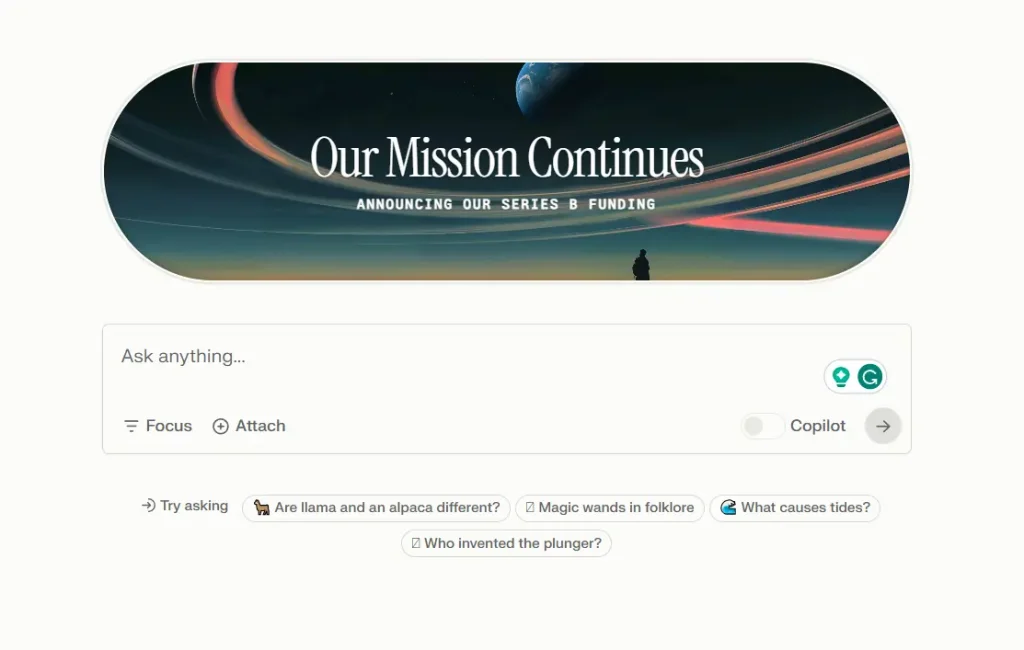
Overview: Perplexity is useful for research-led writing and checking source material. Its answers link to web sources, and follow-up questions help investigate a topic before drafting an article.
Key Features:
- Source citations for every answer
- Follow-up research questions
- Conversational follow-up questions
Free Plan Limitations: Basic searches are practically unlimited. The Free plan includes three Pro Searches per day and one Research query per month. Advanced model selection requires a paid subscription.
Pros:
- Every claim includes a verifiable source
- Excellent for building research-backed content
Cons:
- Not a writing editor—you must draft content elsewhere
Website: perplexity.ai
7. DeepSeek – Best for Technical Writing
Best for: Technical documentation, coding, logic-heavy content
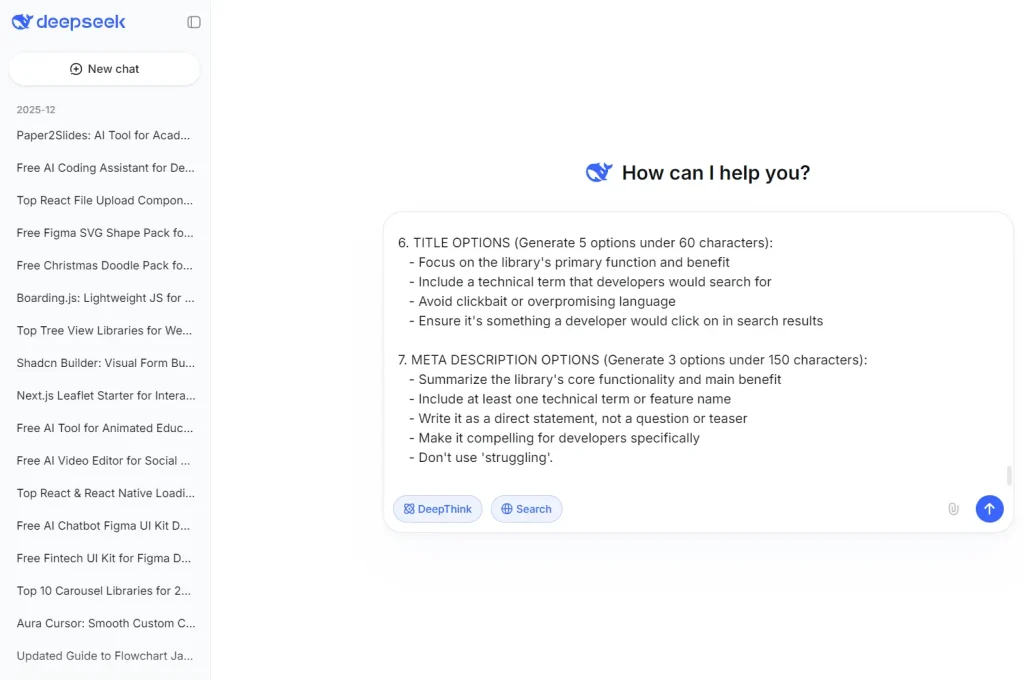
Overview: DeepSeek handles technical explanations, structured drafts, and code-related writing. Its web app includes a thinking mode for more involved requests. The official web app and API moved to DeepSeek-V3.2 after the earlier V3 and R1 releases.
Key Features:
- DeepSeek-V3.2 for chat and technical drafting
- Thinking mode for step-by-step reasoning
- Strong code generation capabilities
Free Plan Limitations: The web and mobile apps provide free chat access. Usage can be limited during periods of demand. API usage is billed separately.
Pros:
- High performance on technical tasks at no cost
- Reasoning mode useful for complex explanations
Cons:
- Less suited for creative or emotionally nuanced writing
Website: deepseek.com
8. Copy.ai – Best for Marketing Copy
Best for: Ad copy, social media content, product descriptions
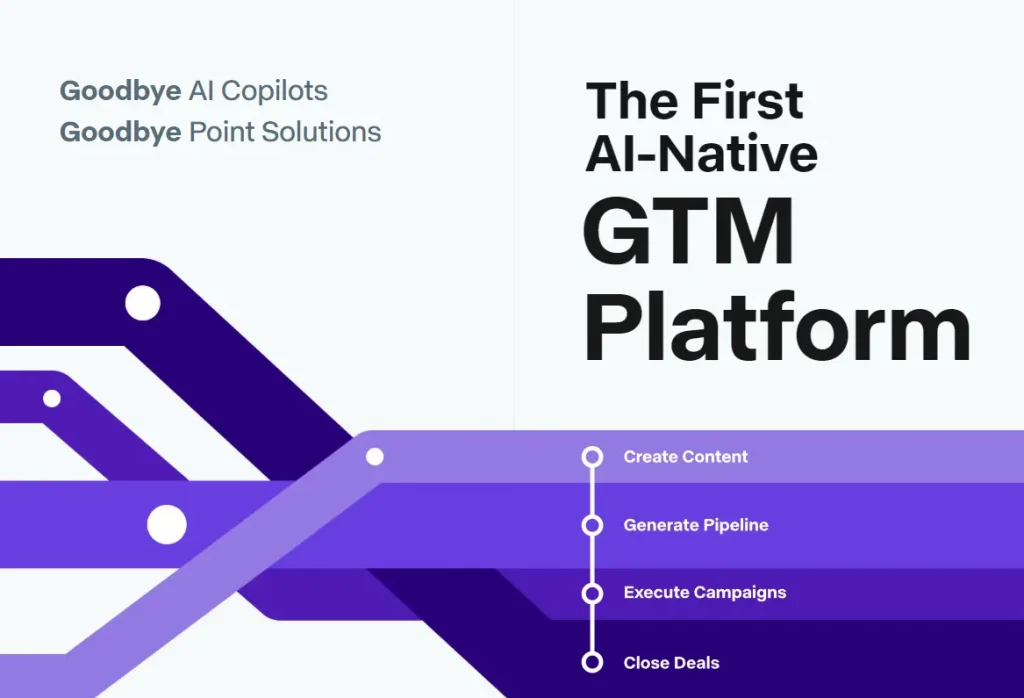
Overview: Copy.ai focuses on marketing and business content. Its template library covers ad headlines, email campaigns, product descriptions, and social captions. The Brand Voice feature helps maintain consistent tone across outputs.
Key Features:
- Extensive marketing template library
- Brand Voice for tone consistency
- Workflow automation features
Free Plan Limitations: Copy.ai advertises a free signup with a 2,000-word monthly allowance, although its current plan comparison focuses on paid Chat and workflow subscriptions. The exact free allowance is not clearly specified for new accounts.
Pros:
- Purpose-built templates for marketing tasks
- Brand Voice keeps outputs consistent
Cons:
- Ongoing free-plan allowance is unclear on the current pricing page
Website: copy.ai
9. Rytr – Best for Quick Short-Form Content
Best for: Emails, social posts, ad headlines, blog intros
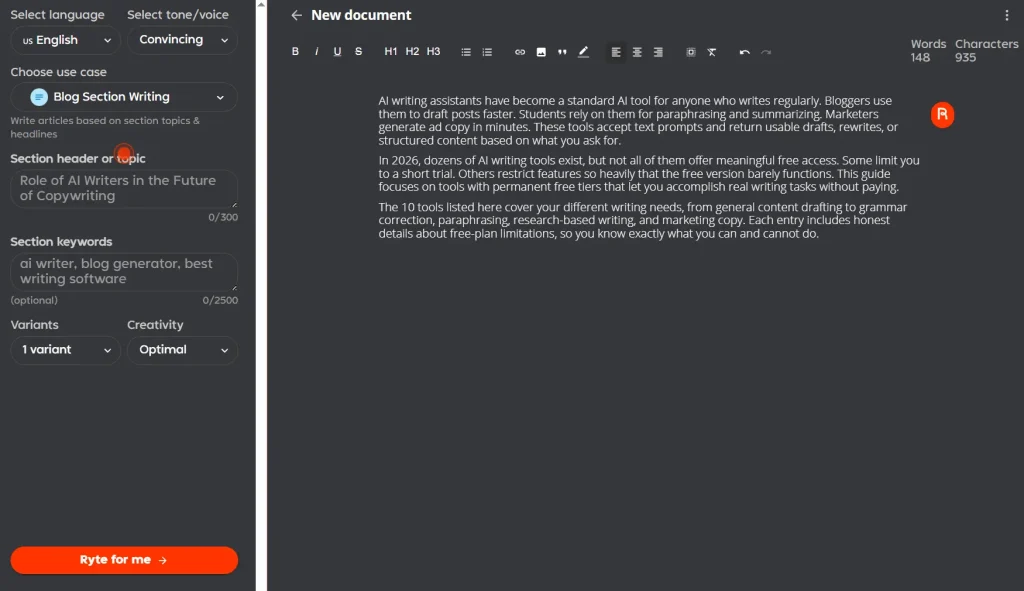
Overview: Rytr generates emails, social posts, ad headlines, and other short copy with preset writing tones and 40+ use cases. The free plan is limited to one language, with expanded language access on Premium.
Key Features:
- 30+ use cases and language options
- Multiple tone settings
- Preset writing tones and short-form templates
Free Plan Limitations: The Free plan includes 10,000 generated characters per month and one language. Plagiarism checks and Tone Match are paid features.
Pros:
- Wide variety of use cases and languages
- Simple interface for fast content generation
Cons:
- Character limit runs out quickly with regular use
Website: rytr.me
10. Microsoft Copilot – Best for General Productivity

Best for: Quick drafts, summaries, image generation, research
Overview: Microsoft Copilot can draft text, summarize topics, answer questions, and create images. The free consumer service is available on the web and through Windows, Edge, and mobile apps. Its available models are not guaranteed by a particular GPT version on the free plan.
Key Features:
- Writing, rewriting, and summarization
- Image generation from text prompts
- Web search integration
Free Plan Limitations: Core text chat is available at no cost. Sign-in is not required for basic use, although a personal account unlocks chat history, image creation, and longer conversations. Some capabilities vary with service demand.
Pros:
- Free writing assistance and image creation with sign-in
- Convenient Windows and Edge integration
Cons:
- Interface feels less focused than dedicated writing tools
Website: copilot.microsoft.com
What Are AI Writing Tools?
AI writing tools can help you generate, edit, or rewrite text. You provide a prompt, topic, or existing text, and the tool returns a draft, summary, rephrased version, or structured content.
These tools handle different types of writing tasks:
- Content generation: Blog posts, articles, emails, social media captions
- Rewriting and paraphrasing: Rewording sentences or paragraphs for clarity or originality
- Summarization: Condensing long documents into shorter versions
- Grammar and style correction: Fixing errors and improving readability
- Research assistance: Gathering information and providing source citations
Bloggers use AI writing tools to overcome blank-page syndrome and produce first drafts quickly. Students use them for paraphrasing and citation help. Marketers rely on them for ad headlines and product descriptions. General users turn to them for emails, reports, and everyday communication.
How AI Writing Tools Work
All AI writing tools run on large language models (LLMs) trained on massive text datasets. When you enter a prompt, the model predicts and generates text that fits your request.
The typical workflow looks like this:
- Input a prompt or paste existing text. You describe what you want or provide content to edit.
- The model processes your request. It analyzes context, tone, and structure.
- Output appears. You receive a draft, rewrite, or structured response.
Some tools offer additional controls:
Editing modes: Paraphrasing, summarizing, expanding, or correcting grammar
Templates: Pre-built formats for emails, blog posts, ads, or social content
Tone settings: Options to adjust formality, friendliness, or professionalism
Length controls: Settings to specify short, medium, or long outputs
How to Use AI Writing Tools Effectively
Getting good results from AI writing tools requires some practice. Here are practical tips:
Write clear, specific prompts. Vague requests produce vague outputs. Include details about format, length, tone, and audience.
Edit every output. AI drafts need human review. Check for accuracy, adjust tone, and add your perspective.
Combine tools when needed. Use Perplexity for research, ChatGPT for drafting, and Grammarly for polishing.
Iterate through follow-up prompts. If the first output misses the mark, refine your request rather than starting over.
Treat AI as a starting point. These tools accelerate your process, but the final product should reflect your voice and judgment.
FAQs
Q: Which free AI writing tool is the best overall in 2026?
A: For most users, ChatGPT remains the best all-around free AI writing tool. It supports a wide range of writing tasks, accepts detailed prompts, and offers flexible free access. If you only plan to use one tool, ChatGPT is the safest starting point.
Q: Which free AI writing tool has the fewest restrictions?
A: ChatGPT provides unlimited everyday text chats on the standard Free experience. DeepSeek has free access for technical writing, and Gemini Free uses a five-hour and weekly compute allowance. Advanced features have their own limits.
Q: Are free AI writing tools good enough for professional use?
A: Free plans work well for drafting, rewriting, research, and editing. However, professionals who write daily often reach message, word, or feature limits. At that point, upgrading usually saves time rather than improving raw output quality.
Q: Which free AI writing tools are best for students?
A: QuillBot can paraphrase up to 125 words per request and summarize up to 1,200 words on Free. Grammarly includes 100 AI prompts per month, and Perplexity helps check research against cited sources.
Q: Which free AI writing tool is best for blogging and SEO content?
A: ChatGPT is useful for outlining, drafting, and revising blog posts. Gemini can help research and summarize material. Check factual claims, search intent, and citations before publishing either draft.
Q: When does upgrading from a free plan make sense?
A: Upgrading makes sense when free limits interrupt your workflow. Common signs include daily message caps, low monthly word limits, missing tone or brand controls, and restricted long-form output.
Q: Can I use multiple free AI writing tools together?
A: Yes. Perplexity helps collect source-linked research, ChatGPT or Claude can draft and revise text, and Grammarly can check grammar before publication.
Q: Are AI-generated texts original and safe to publish?
A: Generated text can resemble existing sources or contain unsupported claims. Review important facts, quotations, originality, copyright permissions, and tone before publishing.
Final Thoughts
Free AI writing tools in 2026 cover a wide range of needs, from grammar correction to full content drafts. Students, bloggers, marketers, and general users can all find tools that fit their workflow without paying for a subscription.
The key is matching the tool to your task. Use Quillbot for paraphrasing. Use Perplexity for research. Use ChatGPT or Claude for drafting. Use Grammarly for polishing. Each tool has strengths and limitations, and knowing them helps you get the most from your free access.
Free access is useful for trying writing tasks before paying for extra prompts or features. Availability and signup requirements differ by product.
Related Resources
- 7 Best AI Content Detectors
- 10 Best AI Image Generators
- Discover More Free AI Writing & Text Generation Tools
Last Updated Oct 07, 2026